
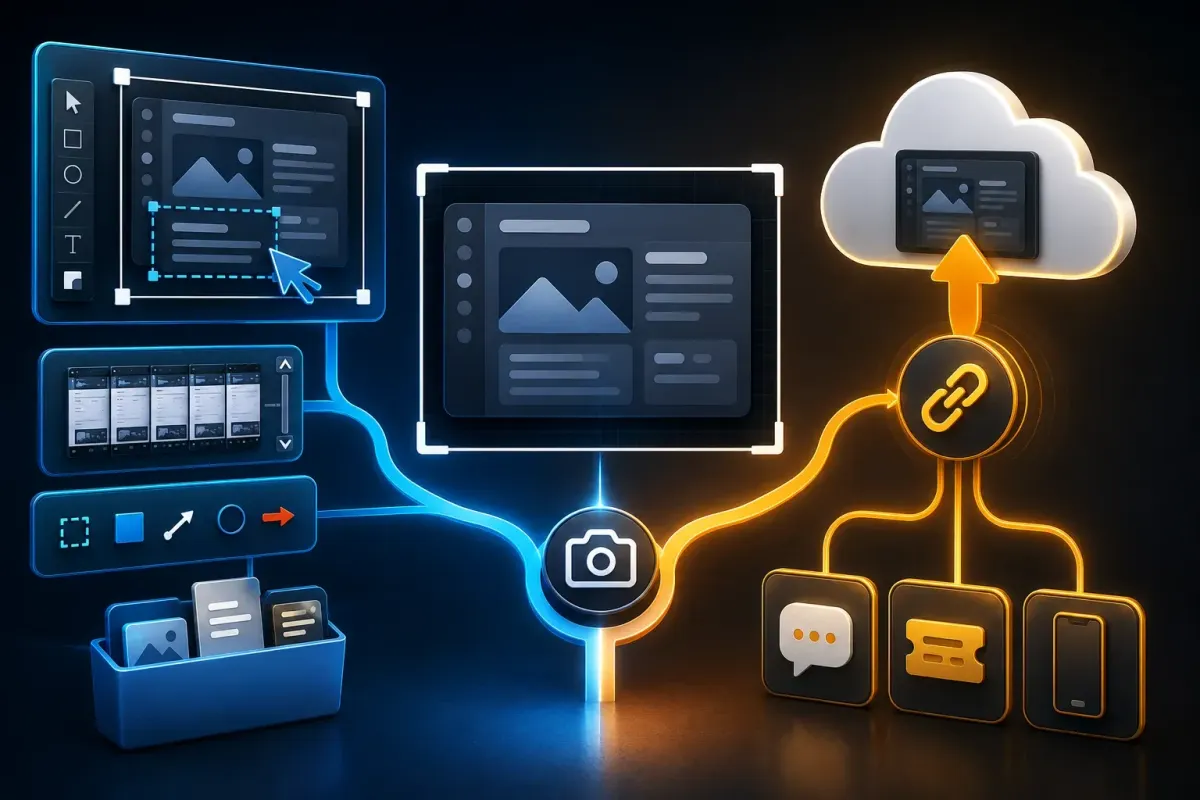
Choose Droplr if you want screenshots, recordings and uploaded files in one cloud dashboard, ready to send by link. Choose Snagit if you need detailed image edits, scrolling capture and editable sources for documentation. Snagit also creates cloud links, so quick sharing alone is not a reason to rule it out.
Both tools suit a support reply. The difference becomes clearer when you correct the image, control access to the shared copy and update it later. Compare those jobs on the platform you use: Snagit is a Windows and Mac desktop app; Droplr also offers a Chrome extension.
This comparison rests on official product and support documentation, which I checked on September 19, 2026. It doesn't benchmark speed or security. Pricing and help pages sometimes disagree, so the relevant conflicts are identified below.
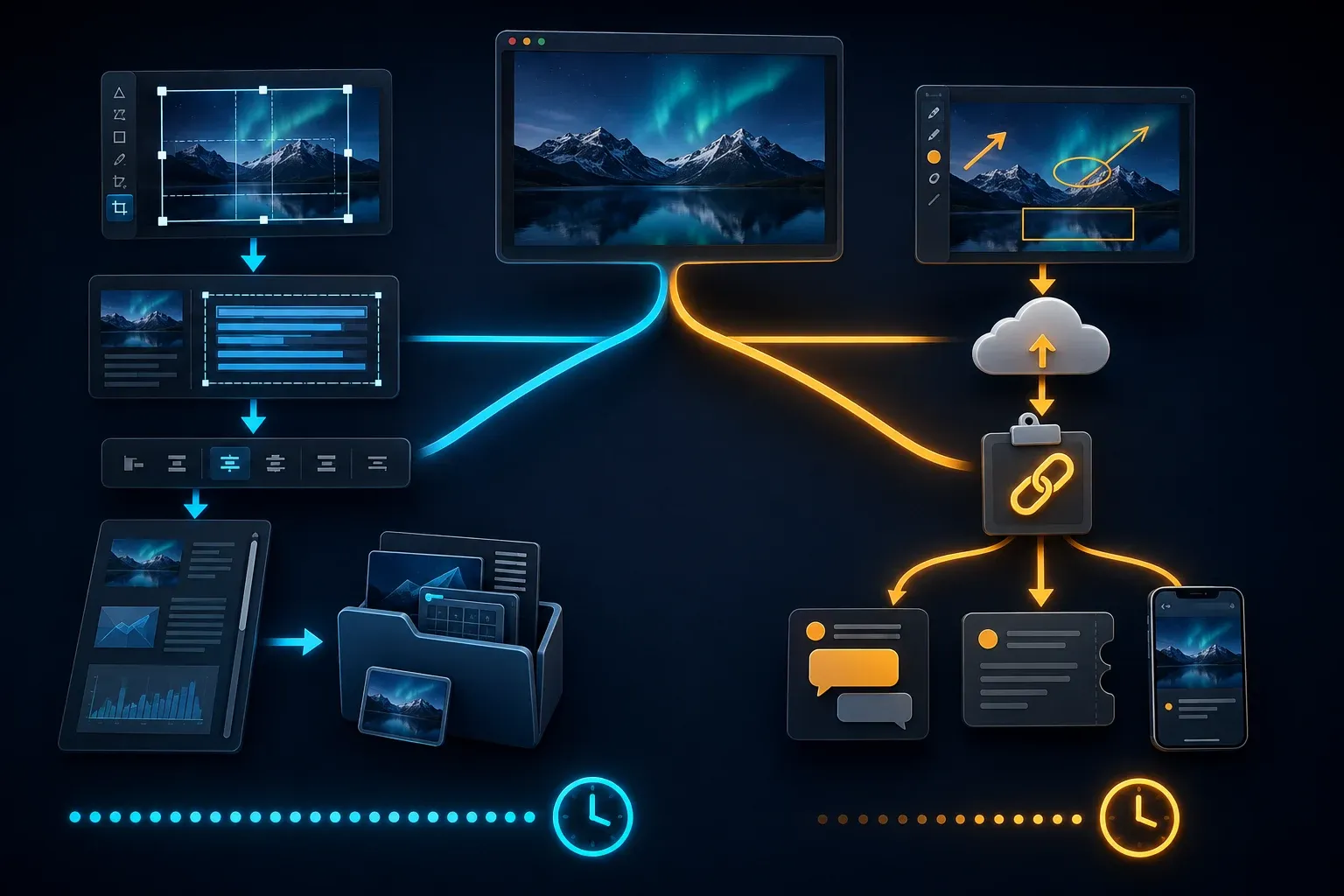
Snagit vs Droplr: quick verdict
| Need | Consider | Important detail |
|---|---|---|
| Paste a hosted capture link | Droplr or Snagit with a sharing destination | Droplr automates upload; Snagit Share Link also uploads and copies a URL |
| Edit and reuse screenshots | Snagit | OCR, Smart Move, templates and editable source files |
| Capture a long page or wide table | Snagit; test the target window | Scrolling capture extends beyond the visible screen; Droplr also advertises full-page web capture |
| Send a large supporting file | Droplr | Up to 10GB per supported file; some executable and script types are blocked |
| Host a high-resolution recording | Droplr | 4K is advertised; storage, bandwidth and client capabilities still need checking |
| Build a numbered procedure | Snagit | Step Capture creates an editable guide; add missing text-entry and keyboard instructions |
| Control access to shared files | Droplr with the required entitlement | Passwords and expiry are documented; Team Only is described as Enterprise-only |
| Keep the working image locally | Snagit configured for local storage | Avoid cloud destinations, synced folders and unwanted external processing |
Read the table as a shortlist, not a score. A tool that fits a disposable support clip may be a poor place to keep the only copy of a maintained instruction.
The core workflow: edit first or link first
Droplr's capture and sharing overview describes automatic upload and a URL copied to your clipboard. You paste the link into a ticket, email or chat. Its dashboard holds the shared captures and files; recipients view the hosted result.
Snagit lets you prepare the image in its editor, keep a local copy and choose a destination. Its Share Link workflow uploads to Screencast and copies a URL too. An administrator can configure that button for Google Drive or, on Windows, OneDrive. Capture presets can also send output to a chosen destination automatically.
For a one-off bug report, check whether a pasted image in your existing ticket system already does the job. If you need a hosted link, compare the actual destination and permissions in both products. Extra editing is optional, and I have not measured either tool, so I can't call one universally faster.
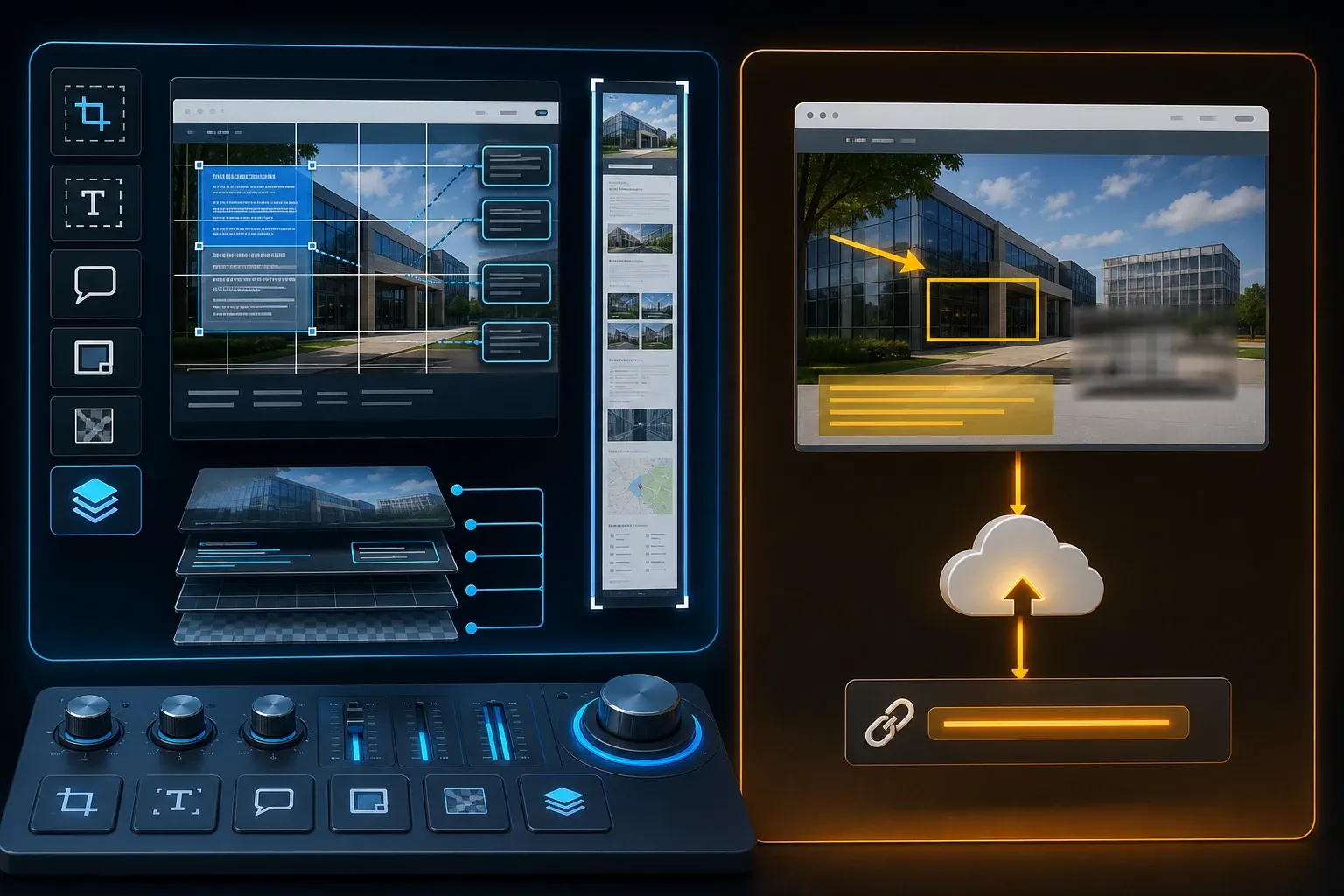
Screenshot capture and editing
Droplr advertises region, full-screen and full-webpage screenshots, with text, color highlights, lines, circles, arrows, boxes and a blur tool. Its annotation workflow lets you mark up a capture before sharing it. The documentation doesn't settle whether every capture mode keeps an unedited original off the cloud.
Snagit's capture and editing tools include exact dimensions, presets, OCR, Smart Move, Simplify, templates and background removal. Scrolling capture covers content beyond the screen. Try the actual page or table: dynamic content can complicate any full-page workflow, and Droplr also advertises web-page capture.
For a procedure, Snagit Step Capture creates numbered captures from clicks and drags. It doesn't create separate steps for text entry or keyboard shortcuts, so add those instructions yourself and verify the sequence. For OCR, check the extracted words and numbers against the original before reusing them.
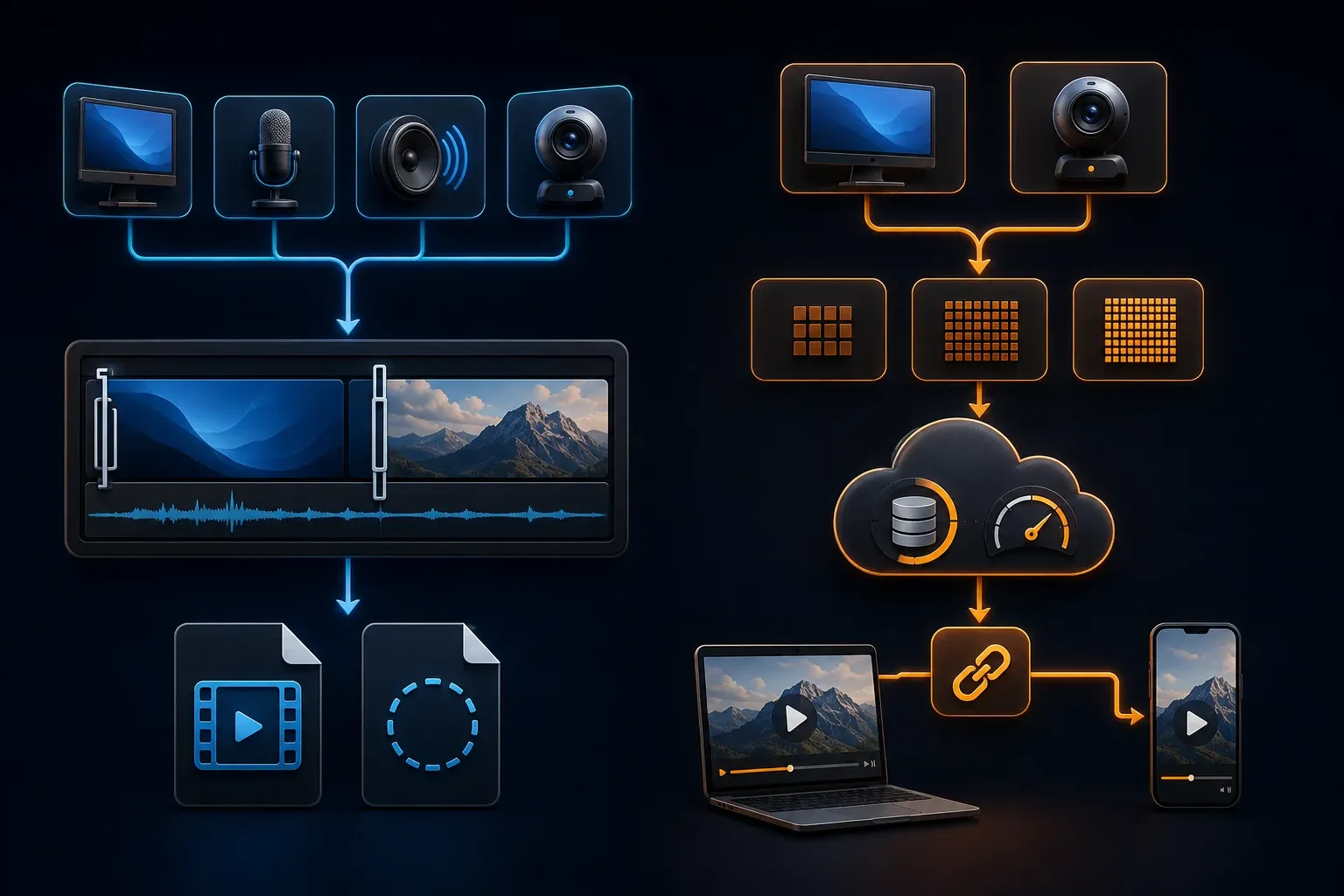
Screen recording and video delivery
Droplr records a region or full screen with an optional webcam and offers GIF or video output. Its pricing page advertises 720, 1080 HD and 4K, plus unlimited recording length. Treat those as advertised capabilities; they don't promise that every device and capture mode produces the same result.
For audio, the Droplr help page describes microphone/input controls and says GIF recordings have no sound. It doesn't confirm system-audio support across every client, so if you need application sound, test that exact input and playback before choosing. Storage and bandwidth limits still apply to long recordings.
Snagit supports microphone, system audio and webcam recording, trimming, combining clips and drawing while recording. You can export MP4 or GIF. Compare an exported file with a hosted copy: the destination controls access and delivery, while the editor controls the capture and its edits. Check the hosting plan separately.
Cloud storage, file transfer, and recipient access
Droplr lists a 10GB upload ceiling and 100GB storage for Pro Plus and Team. Its blocked file-type list includes EXE, MSI and JS, among others. Don't assume a software installer or script can accompany your bug report just because it's below the size limit.
There is a bandwidth conflict worth resolving before buying for heavy use. The pricing page lists 500GB/month for Pro Plus and Team, and unlimited storage and bandwidth for Enterprise. The service terms instead describe Pro bandwidth per team and Enterprise bandwidth as 100GB/day, subject to negotiation. Confirm the limit, pooling and overage terms for your account, and don't multiply the allowance by the number of seats.
Test a harmless capture in your actual ticket system: open its link as an authorized external recipient and on a phone, and inspect the file name, preview, download option and password prompt. Then change access or revoke the link and test the old URL again. A copy already downloaded or attached to a ticket is separate from the hosted item.
Snagit's library lets you find captures by date, application, webpage and tags. Local storage gives you a working source but doesn't automatically give a team access. Put approved exports in your chosen repository and check permissions there. Also inspect shared file names, since Snagit can include capture-source information in generated titles.
Privacy, passwords, deletion, and offboarding
Droplr's privacy guidance describes public links as the default and explains password-protected links. A password can be included in the URL itself, so forwarding that complete URL can forward access; the help page recommends sending the password separately. Check your workspace defaults before creating a real capture.
The separate Team Only guide calls that mode Enterprise-only. Do not assume the Team plan includes it. The pricing card also lists Enterprise SSO, viewer analytics, AI redaction and risk assessment, while the help center describes some lower-plan analytics add-ons. Confirm the exact entitlement rather than relying on a feature name alone.
Droplr says it removes associated files within seven days after a drop is marked deleted. That is the vendor's statement, and backup erasure remains unverified. Expiration or deletion cannot recall a recipient's downloaded copy. Confirm retention requirements and approved storage before sharing sensitive material.
Offboarding has a cost detail: disabled Droplr accounts retain their files and remain billable. Disabling access isn't the same as deleting an account. Before either action, test how an administrator will preserve needed files and revoke unwanted links. For Snagit, check that another authorized person can find the source after the creator leaves.
Use synthetic names, account numbers and files for evaluation, and keep notifications and unrelated windows out of the capture. For Snagit, distinguish a local file from a cloud-synced folder, shared upload or connected AI feature; TechSmith documents processing by feature. Neither a blur tool nor local storage is a complete privacy policy.
Snagit vs Droplr pricing
TechSmith's US student-offer page identifies $39 USD/year as Snagit's standard reference value. That isn't a fresh US checkout quote. Check currency, tax and license type in the store; the Snagit pricing guide on this site covers those distinctions. The current activation support page specifies a 15-day trial.
Droplr's billing explanation and current plan page list these dollar prices:
- Pro Plus: $6 per month billed annually, or $72 per year; $8 on monthly billing.
- Team: $7 per user per month billed annually, or $84 per user per year; $9 on monthly billing.
- Enterprise: quote-based, advertised for teams of 16 or more. Team is advertised for up to 15 members. Confirm required controls and any add-ons in your quote.
Compare the complete bill: capture software, required seats, hosting and any paid controls. If you already have an approved destination for Snagit exports, price only the additional service you need. A lower license price is not automatically a lower cost for the whole workflow.
Droplr's current plan page offers trials rather than a listed free-forever plan. An older trial guide says three days; verify duration, card requirements and renewal terms at signup. Use appropriately licensed software for work or benchmarks, and check evaluation restrictions before using a trial to produce training material.
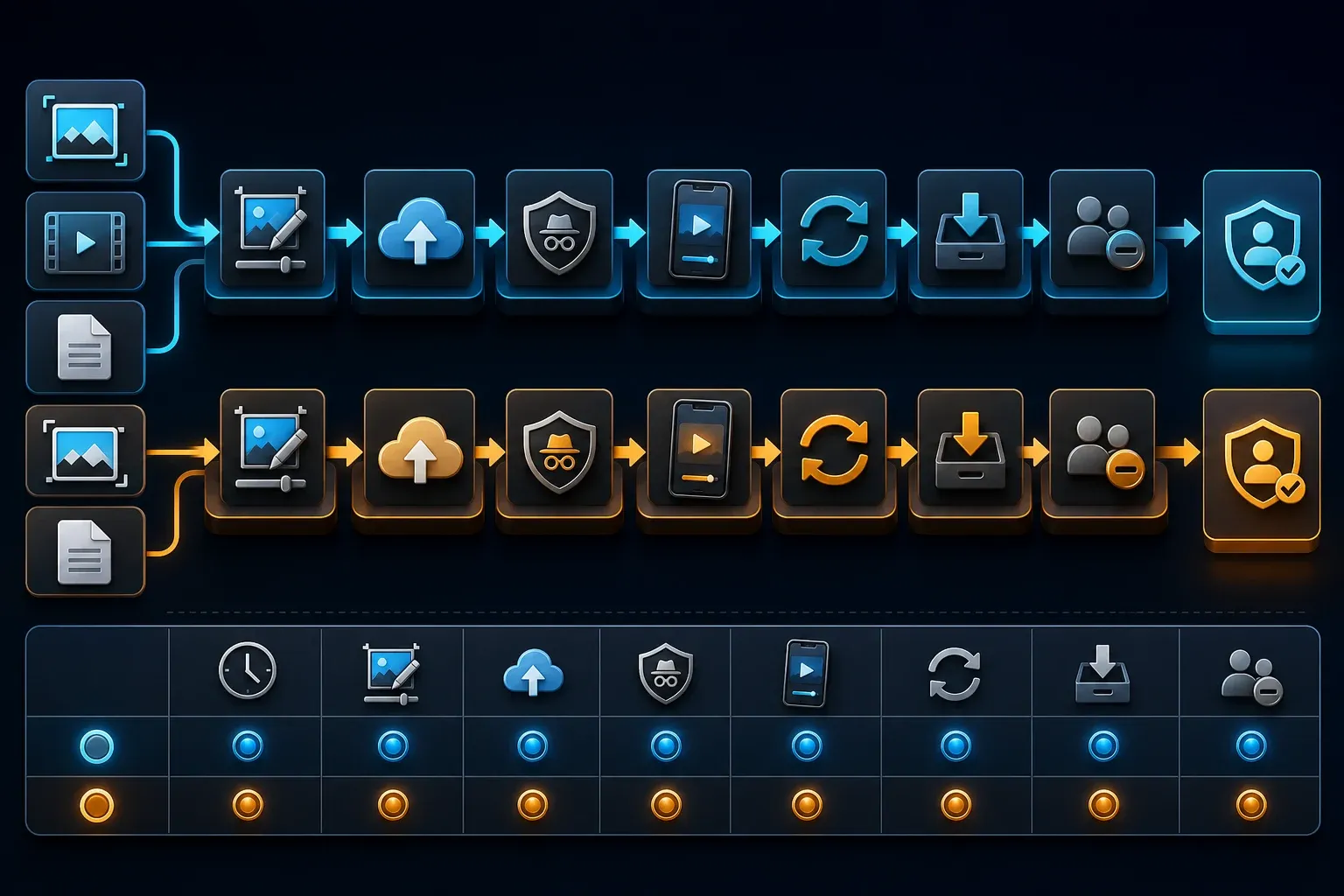
A practical comparison test
- Use an authorized test account with synthetic data. Choose one error message and a long settings page relevant to your work.
- Add an arrow and a short explanation. With harmless sample text, inspect the redaction and the saved copy; do not test privacy with real private records.
- Record a short clip with the audio input you need. Play it back and check legibility, sound and the chosen resolution.
- Send the screenshot, clip and a small supported sample file through the intended destination. Test a larger file only if that reflects your job and fits the plan.
- Open the results as an authorized recipient in a signed-out browser and on a phone.
- Check the password prompt, forwarded URL, download rights, visible metadata and any account requirement.
- Update the screenshot and revoke the old hosted link. Check what remains in the ticket and in any downloaded copy.
- Preserve an approved source and test creator offboarding with a disposable authorized account, including retained files and billing.
Record editing effort, upload time, recipient problems and the work needed to replace a shared copy. Use the connection and account type your team actually has. This is a suggested evaluation checklist, not a test I performed, and it doesn't promise completion within a set time.
Who should choose Droplr?
Shortlist Droplr if your team wants hosted captures, ordinary file uploads and link management in one service. Support and QA teams should test the complete ticket exchange, including the customer's view. A browser link is useful only when the recipient can open it under the required access rules.
It is a weaker fit when third-party cloud upload is not allowed or most images require extensive editing. Check retention, bandwidth and the cost of access controls before moving a large capture archive into the service.
Who should choose Snagit?
Shortlist Snagit for detailed edits, OCR, scrolling capture and maintained visual instructions. Keep an editable source for future corrections. For a numbered guide, review omitted actions and the result of each step rather than publishing the generated sequence unchanged.
Snagit can still serve a quick-link workflow through Share Link or configured destinations. Evaluate that setup before buying a second tool just for sharing. If all you need is a simple image in a ticket, an existing capture tool may already be enough.
Can you use both?
You can export an approved image or video from Snagit and upload that file to Droplr. It's a file handoff; I'm not claiming a dedicated integration. Keep the editable source separately, check the uploaded copy and assign someone to update or remove it. A temporary link should not be your only archive.
For alternatives outside this pair, use the screenshot software comparison. If the deliverable is a maintained instruction rather than a single reply, compare the screen capture documentation tools by their guide and export options.
Snagit vs Droplr FAQ
Is Droplr better than Snagit?
Droplr is worth considering for hosted captures, file uploads and link management in one service. Snagit suits detailed image editing and reusable sources, and can also share cloud links. Choose by the corrections, destination and access rules you need, not an assumed speed winner.
How much does Droplr cost?
Droplr lists Pro Plus at $72 annually, equivalent to $6 per month, or $8 on monthly billing. Team is $84 per user annually, equivalent to $7 per month, or $9 monthly. Enterprise is quote-based. Check add-ons and taxes before buying.
Does Droplr have a free plan?
The current pricing page lists paid Pro Plus, Team and Enterprise plans with trial options. An older help article says three days for the trial; confirm current signup terms. A trial offer does not establish a free-forever plan.
Can Droplr record 4K video?
The pricing page advertises 720, 1080 HD and 4K video and unlimited recording length. Test the chosen client and output. Pro Plus and Team list 100GB storage and 500GB monthly bandwidth; confirm how bandwidth is pooled. Unlimited length does not mean unlimited data use.
Does Droplr automatically upload screenshots?
Droplr describes automatic cloud upload and a share URL copied to the clipboard. Inspect the capture mode and privacy defaults before use. Snagit also offers upload-and-copy-link sharing through Share Link and configured destinations.
Which tool is better for editing screenshots?
Snagit is our shortlist choice for OCR, Smart Move, templates and maintained image sources. Droplr includes text, shapes, arrows, highlights and blur for simpler feedback. Test the edits you need; this comparison is not a measured editing-speed ranking.
Which tool is safer for confidential screenshots?
Neither is inherently safe for every confidential workflow. Prevent real private data from entering test captures. For Droplr, verify link access, password handling, retention and plan controls. For Snagit, distinguish local files from cloud sharing, synced storage and connected processing.
Can Snagit and Droplr work together?
Yes, by file handoff: export an approved image or video from Snagit, then upload it to Droplr. Keep the editable source separately and check the shared copy. This does not require assuming a dedicated integration between the products.