Alt Text for Screenshots: How to Write Accessible Instructions
Write the step first, then give each screenshot alt text for what a reader would miss: short, empty, functional, or backed by a description in the page.
 SnagitPro
Documentation workflows
Good documentation starts with the reader's task, not the capture tool. These guides cover how to structure an SOP or a software help page, which screens deserve a screenshot, and when a step recorder saves time over manual captures.
Tool comparisons draw on vendor documentation and published plans. Pricing and feature limits change often, so check the date each article gives for its facts.

| You are making | Start with | Then |
|---|---|---|
| A standard operating procedure | How to create an SOP with screenshots: fields, numbered steps and image rules | SOP software compared once a team maintains many procedures |
| Help pages for a software product | Software user documentation: structure, topic types and screenshot rules | Screen capture documentation tools |
| A click-by-click guide from a live task | Snagit Step Capture, which needs Snagit 2025 or newer | Snagit templates to lay out the finished guide |
| A first draft generated for you | Automatic SOP generators and what they still leave to you | Scribe vs Snagit, Snagit vs Tango, Snagit vs Guidde |
| A shared library of team processes | Process documentation software | SOP software compared |
Write the step first, then give each screenshot alt text for what a reader would miss: short, empty, functional, or backed by a description in the page.
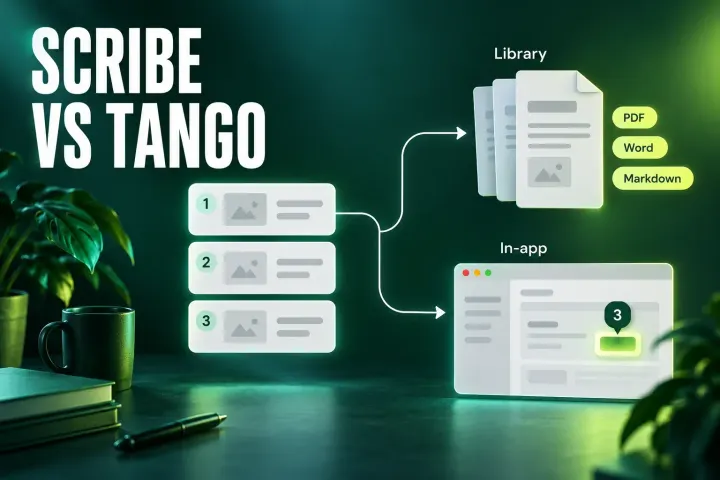
Both tools now offer in-app walkthroughs. Scribe leads on Word and Confluence output and HIPAA; Tango on Enterprise pins, branching and automation in browser apps.
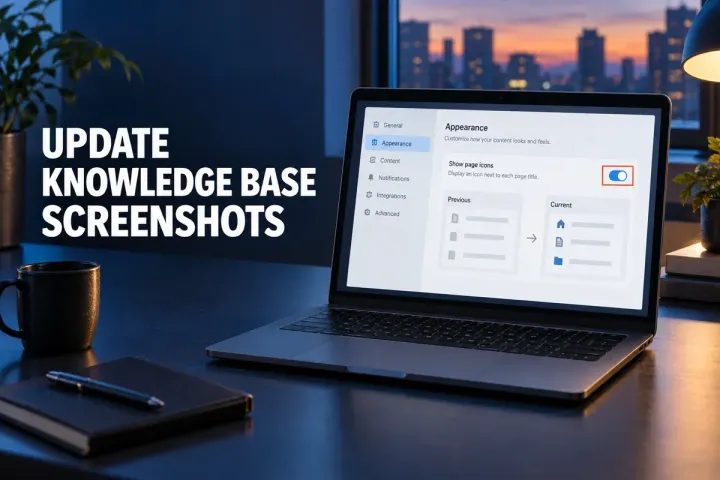
A practical system for tracking, reviewing and replacing knowledge-base screenshots when software changes.
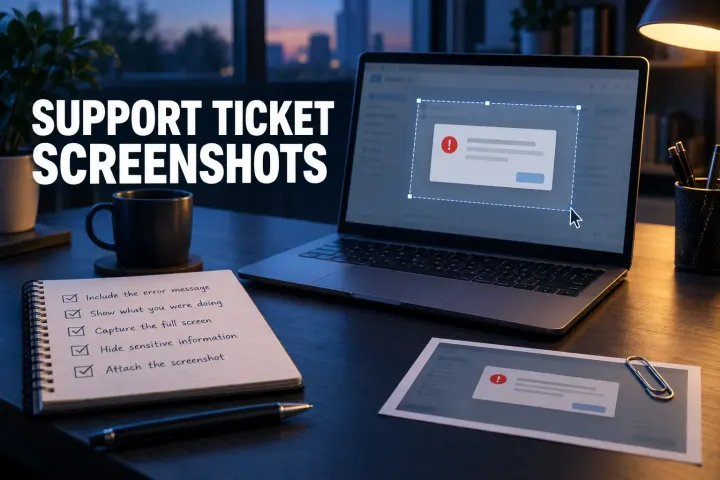
A useful support screenshot does more than prove an error exists. Capture the failure state, add reproducible steps and environment details, remove private data, and verify every attachment before sending the ticket.
Snipping Tool's Text actions copies text from a screenshot, a Text Extractor button skips the screenshot, and PowerToys copies from anything on screen with Win + Shift + T.
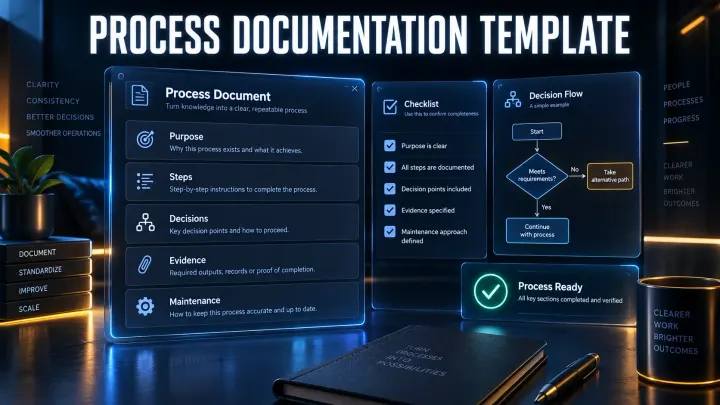
A copy-ready process documentation template with a concise version, full version, filled software example and release checklist.
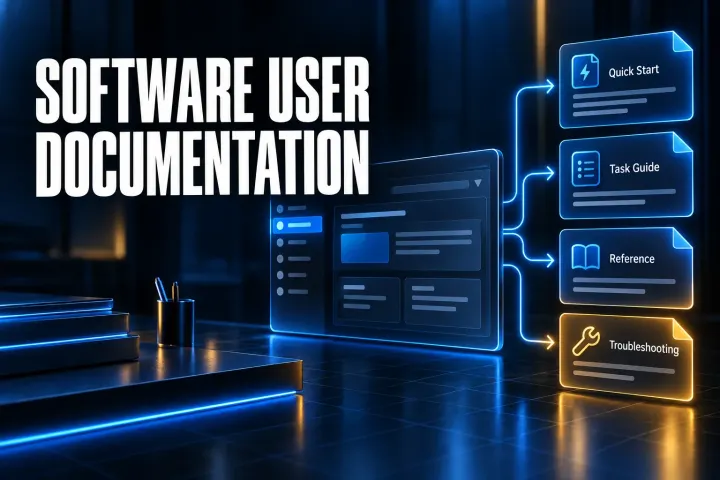
A practical system for structuring software user documentation, writing task guides, using screenshots and keeping help content current.
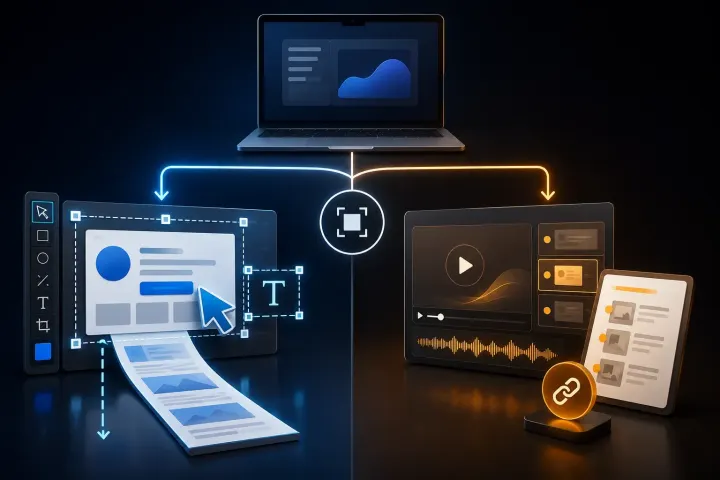
Compare Snagit and Guidde by the output you need: precise visual files or a hosted AI video and written guide.
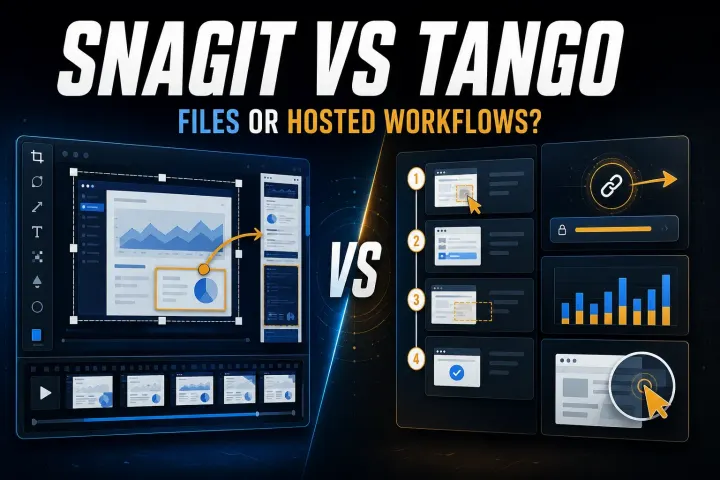
Choose by the output your reader needs. Compare capture limits, editable files, hosted workflows, privacy controls, and the real cost of workspace seats.
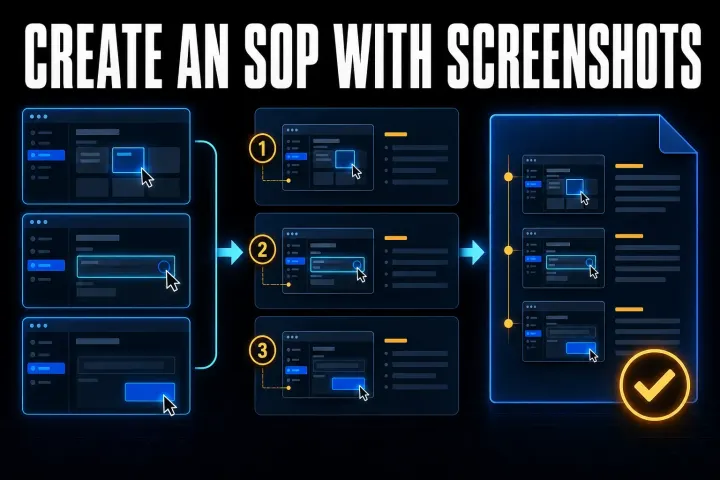
Build a screenshot SOP your team can follow: start with a clear template, assemble it in Word or Google Docs, then check privacy, decisions and delivery.
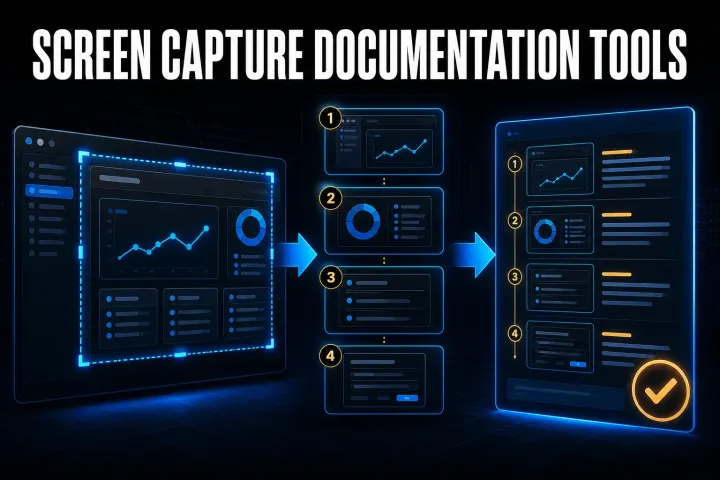
Choose a capture-to-guide tool by its output, editing controls and data path. Compare seven options and test the same task before buying.
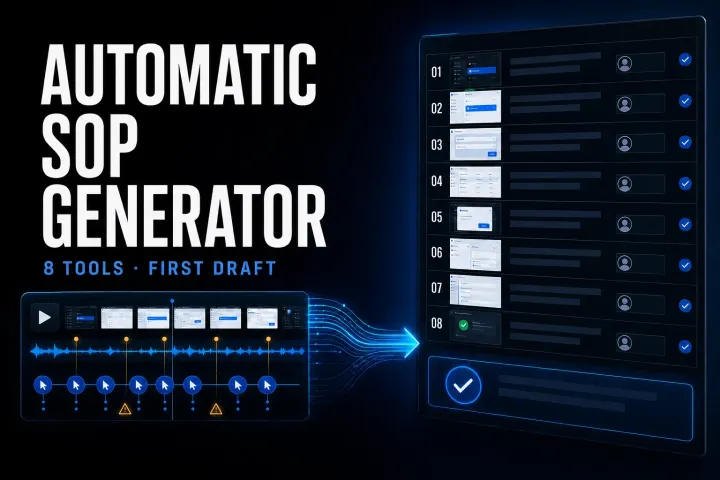
Compare eight automatic SOP tools by input, output, current limits, privacy, and the review work required before publication.
Compare ten SOP products by the job they perform, current pricing, role limits, governance, and a practical six-test pilot.
Choose tools for capture, approved procedures, recurring work or training. Compare ten options by plan limits and full-team cost, then run a three-process pilot.
A current comparison of automatic step capture, visual editing, hosted SOPs, privacy, pricing, and the workflows where using both makes sense.
A current, task-first Snagit templates tutorial covering Combine, Apply, Fit, Fill, editable SNAGX masters, accessibility, and delivery checks.
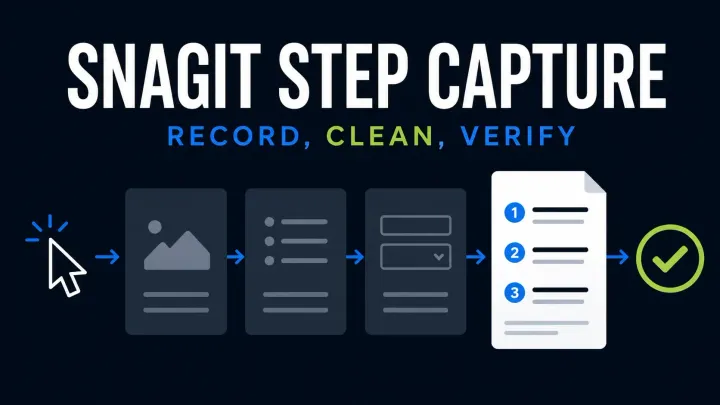
Start Snagit Step Capture, edit the numbered guide and choose Word, slides, Markdown or HTML. Check Windows and Mac limits and protect private data.
User documentation helps someone operate a product to reach a result: quick starts, task guides, reference and troubleshooting. An SOP describes the controlled method your organization follows, with roles, approvals, records and revision control. One task can need both. The user documentation guide compares the four document types.
No. A simple guide can be assembled in Word or Google Docs, and a dedicated capture app is optional. A capture tool earns its place when you produce many annotated screenshots and want consistent callouts, templates and reusable source files.
Step Capture suits a task with a visible starting state, a sequence of clicks and a result you can check. It requires Snagit 2025 or newer on Windows or Mac. Manual screenshots give tighter control when a task depends on long text entry, hover-only controls, exact timing or several decision branches.
No. Keep each instruction in real text and add an image only where it clarifies that step. Screenshots support a documentation set; they do not replace the written procedure.