Best Chrome Screenshot Extensions: 6 Current Picks
Choose a Chrome screenshot extension by capture mode, file output, editing, permissions, and sharing. Includes an installation check and GoFullPage update.
 SnagitPro
Reviews & buying
Everything that decides a purchase, in one place: the review’s verdict, licensing terms, documented release changes, and the Mac and Windows differences that affect your workflow.
Our verdicts weigh documented capabilities, license terms and platform limits, with the evidence approach explained in How We Research. We update affected claims when a release changes something relevant.
Is Snagit worth it in 2026? Documented strengths, limitations, and who should keep their money.
Subscription tiers, business licensing, education pricing and what happened to the one-time license.
The release-by-release changelog — what TechSmith shipped this cycle and whether it changes the verdict.
The Mac build is not the Windows build. What works, what is missing, and whether it is worth it on macOS.
Choose a Chrome screenshot extension by capture mode, file output, editing, permissions, and sharing. Includes an installation check and GoFullPage update.
Choose a Linux screenshot tool for your desktop and display server. Compare native capture, annotation, OCR, and a configurable Wayland command.
Compare seven Mac screenshot tools by the file you need: a quick capture, an annotated image, a styled post, or documentation you can update later.
Compare seven Windows screenshot tools by capture, editing, license, and file output. Includes free options, one-time purchases, and ARM compatibility.
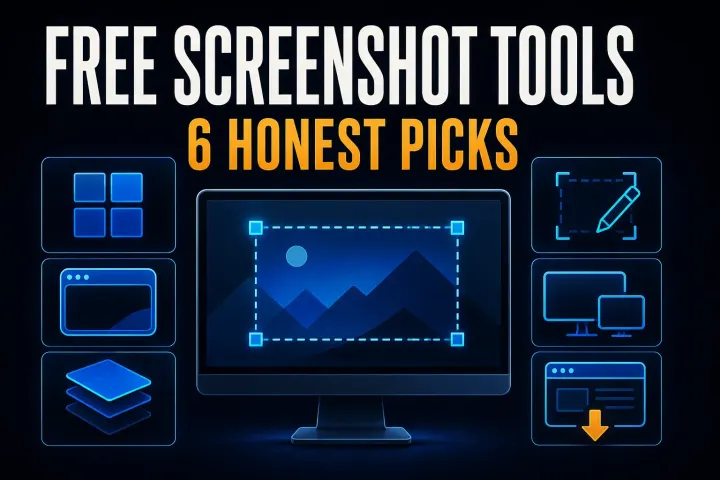
Six free screenshot options for Windows, Mac, Linux, and Chrome, with local saving, annotation, scrolling capture, and platform limits compared.
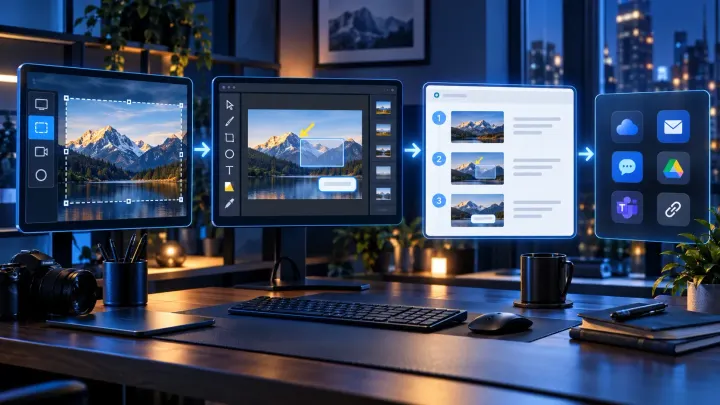
Check the latest Snagit 2026 versions for Windows and Mac, release changes, experimental features, compatibility and steps to update your installed app.
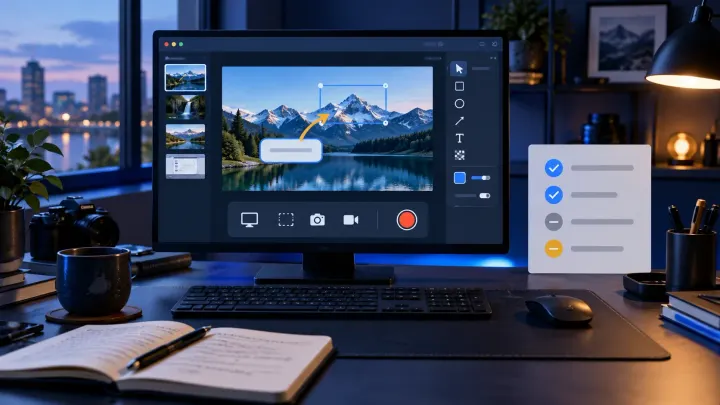
Is Snagit worth $39 a year? My verdict on its documentation tools, 15-day free trial, subscription-only licensing, Mac support and cheaper alternatives.
Compare the alternatives by documented features, license limits and the work you need to deliver.
The review compares documented Snagit features, platform limits and license terms using TechSmith sources and attributed independent evidence, as described in our research methodology. When a release changes a material point, the affected claim is checked against current sources and the article is updated where needed.
Check each article for its research date, applicable version and conditions. The What’s New guide explains relevant release changes.
Some pages may carry affiliate links, and the affiliate disclosure explains exactly how that works. Verdicts and rankings are finalized before any link is attached — no vendor sees a draft, and no product moves up a page because of a commission.