How to Install and Update Snagit Safely
Choose the correct TechSmith installer, distinguish updates from upgrades, protect your Library, and verify activation after setup.
Topic
Snagit on Windows 10 and 11 — setup, capture hotkeys, the Print Screen and Snipping Tool conflict, and comparisons with built-in and third-party Windows tools. Guides are checked against current TechSmith, Microsoft, and vendor documentation; hands-on testing is stated only where it was actually performed.
Choose the correct TechSmith installer, distinguish updates from upgrades, protect your Library, and verify activation after setup.
Check current operating-system, hardware, ARM, memory, storage, and permission requirements before installing or upgrading Snagit.
Use Blur and Smart Redact correctly, protect confidential data with an opaque cover, and verify pixels and metadata before sharing.
Download and open Snagit Editor, then master screenshot editing, OCR, redaction, SNAGX, video trimming, and export on Windows and Mac.
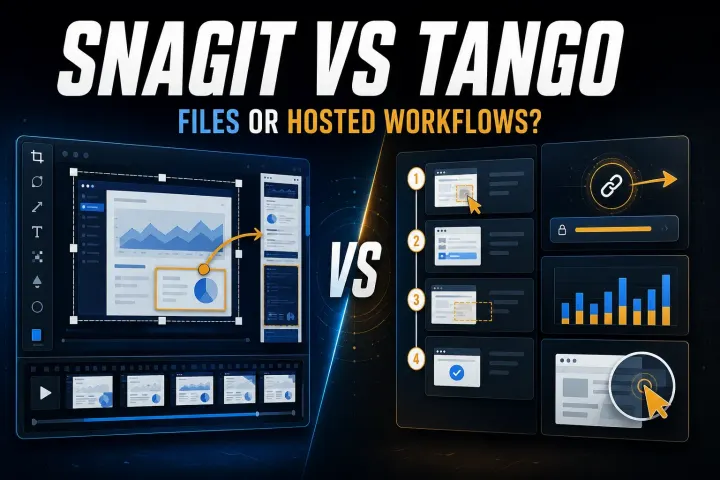
Compare screenshot documentation with asynchronous video across capture, editing, transcripts, comments, analytics, privacy, cloud storage, and pricing.
Find the current Library, back up Snagit 2022 and later, avoid active OneDrive problems, migrate safely, restore without merging, and offload sources.
Compare Snipping Tool, ShareX, Greenshot, Screenpresso, PicPick, and Flameshot by capture workflow, editing, video, automation, licensing, and cost.
Capture a click-driven process, clean the generated sequence, add missing keyboard actions, review privacy, and export a maintainable visual guide.
Compare current pricing, capture, editing, scrolling, video, OCR, platforms, organization, and the real workflow cost of Snagit and Greenshot.
Separate protected video, missing Mac permission, security conflicts, display paths, and video-only failures before changing Snagit or system settings.
Separate microphone and system-audio failures, then fix permissions, device routing, Bluetooth profiles, Windows initialization errors, and silent exports.
Snagit and ShareX both capture, edit, and share. Compare their real strengths in documentation, automation, privacy, platforms, support, and cost.
Learn the complete Snagit beginner workflow: capture a clean screenshot, edit it with purpose, save an editable source, and share the right format.
The Snagit versus Snipping Tool decision depends on what happens after capture. Windows 11’s built-in tool is strong for fast screenshots, OCR
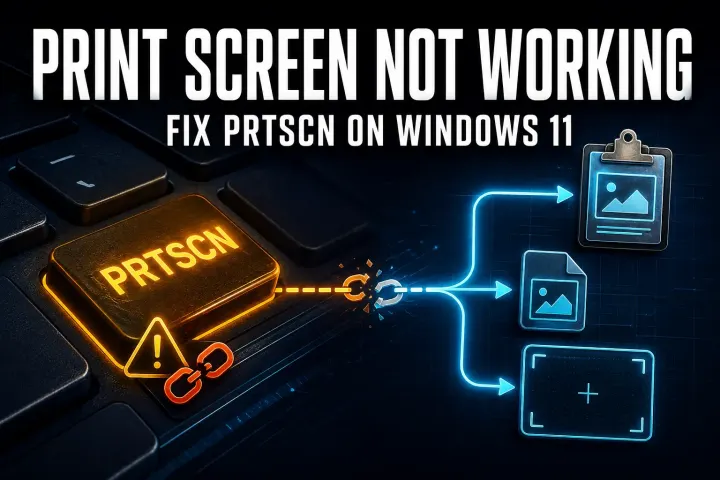
On a new Windows 11 setup, Print Screen may open the Snipping Tool instead of Snagit. The durable fix has two parts: release the