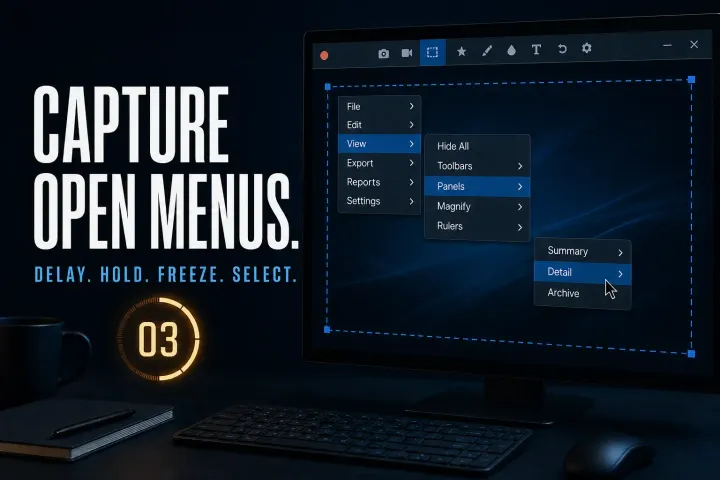
How to Capture a Dropdown Menu in Snagit
Capture open menus using the documented Windows and Mac routes, handle custom hover panels and check timing, cursor inclusion and private data before sharing.
 Snagit Pro Guides
Snagit fixes
Fixes for Snagit when it breaks: the editor will not open, scrolling capture stalls halfway, Print Screen stops responding after a Windows update, audio goes missing from a recording. Each fix is a tested, step-by-step procedure with the actual cause named — not a generic reinstall-and-pray checklist.
Where a fix touches configuration files, licensing or the registry, the guide says what to back up first and how to roll back. Version-specific bugs are called out with the affected build numbers, and Windows and macOS get separate steps where the platforms differ.
Snagit captures, but the editor never appears — or flashes for a second and dies. Four targeted fixes, from zombie processes to a corrupted config.
Windows 11's Snipping Tool intercepts the Print Screen key, and updates can re-take it. Give the key back to Snagit — and keep it.
The orange arrows don't appear, or capture stops halfway — Chrome, Excel and antivirus conflicts are the usual suspects.
Microphone silent, or system audio missing from the file. What Snagit's recorder can capture, and which switches matter.
OCR comes back empty or misread. When it is a source-image problem, when it is a settings problem, and how to get clean text.
Sign-in loops, seat limits, refunds and subscription questions are TechSmith's territory — start with their official support, not a forum thread.
Capture open menus using the documented Windows and Mac routes, handle custom hover panels and check timing, cursor inclusion and private data before sharing.
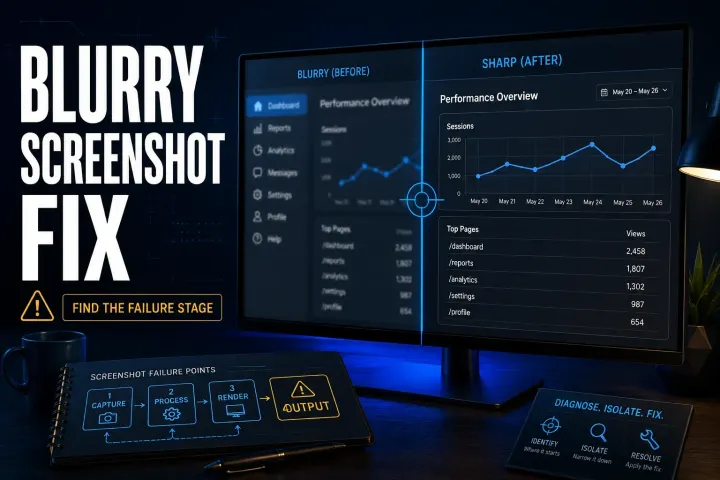
Find where a Snagit screenshot becomes hard to read, then check preview zoom, exported pixels, Word compression, Retina sharing or the final page layout.
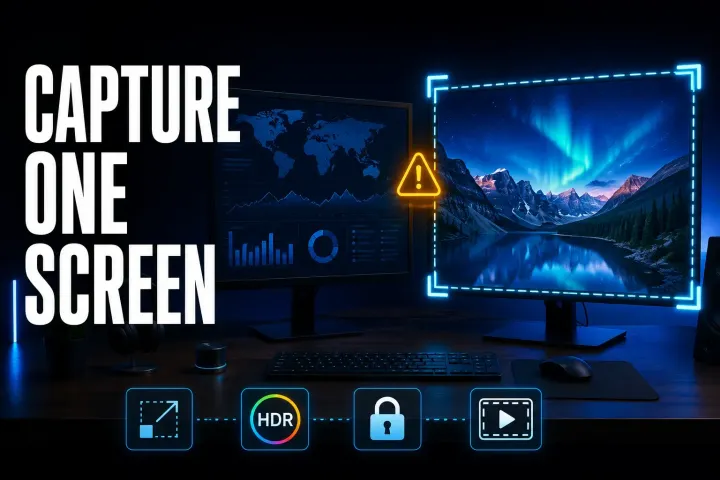
Choose the right display, compare a simple capture on each monitor, and check scaling, permissions, HDR and recording boundaries without guessing at the cause.
Separate Windows licence failures, Mac compatibility, inaccurate text and copying bugs. Run a small test before reinstalling or changing managed settings.

Find the right test for missing arrows, stopped captures, repeated rows or crashes, with platform-specific fixes and safe PDF and Excel fallbacks.
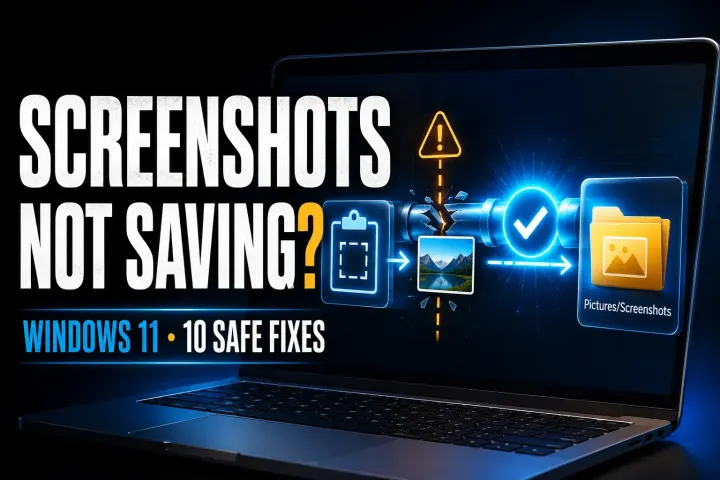
Find the fresh capture, verify its real save folder, then check write access and app settings without guessing at registry or OneDrive changes.
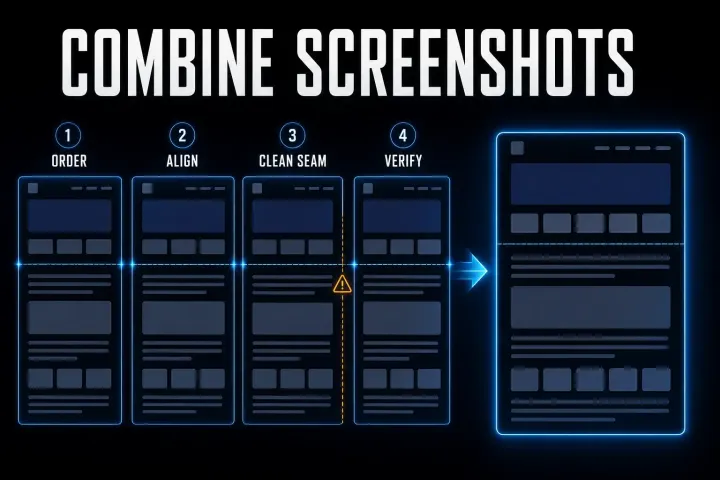
Join screenshots with Paint, Shortcuts, a collage or Snagit. Choose the layout, check overlap and keep the exported result readable.
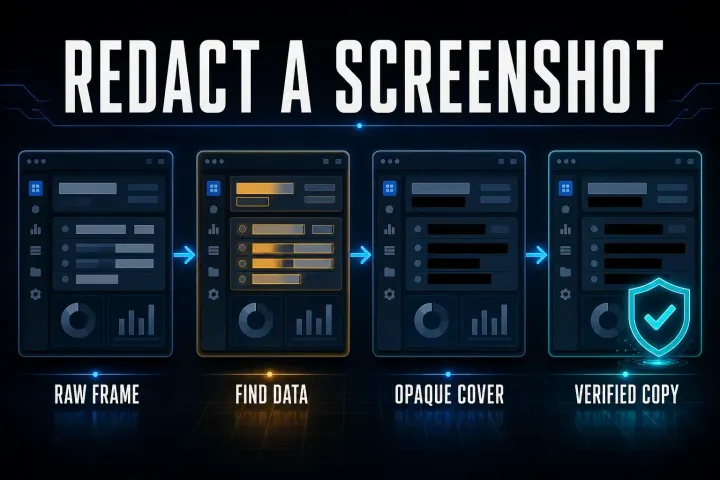
Find private fields throughout the frame, apply opaque covers and check the exported file. Includes Mac, Windows and phone steps plus original-sharing safeguards.
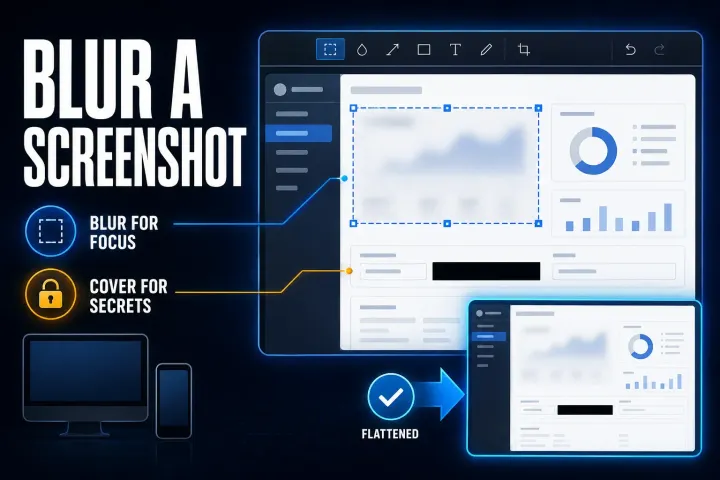
Choose selective blur for visual focus, an opaque cover for private fields, and the right Windows, Mac or phone workflow. Check the exported copy before sharing.
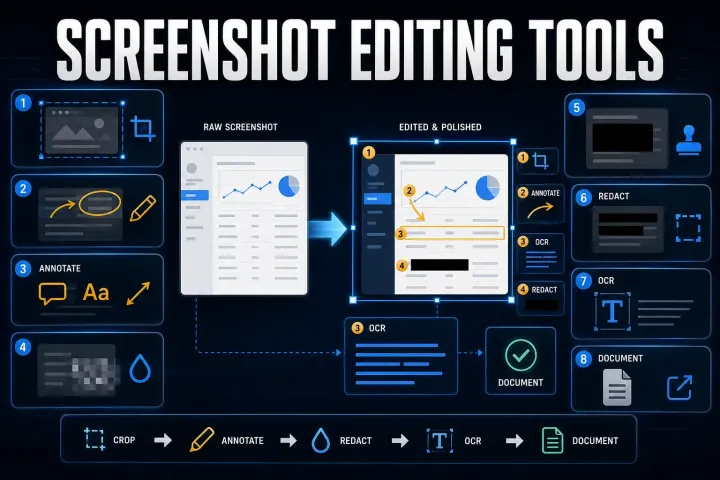
Choose a screenshot editor for annotation, OCR, redaction or repeatable instructions. Compare file handling, editable projects and free versus paid licenses.
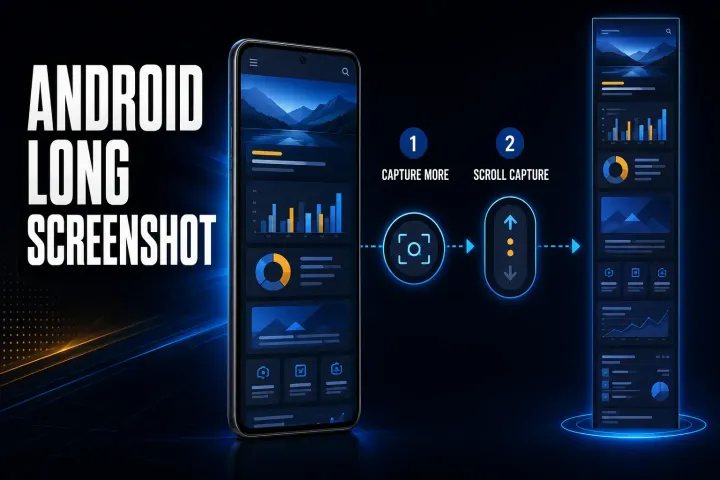
Find the right long-screenshot control for Pixel, Samsung and other Android phones. Fix missing options and verify the saved image before sharing.
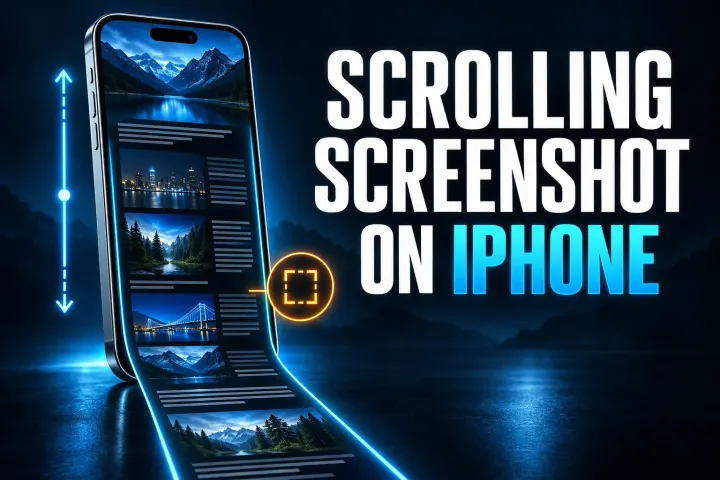
Choose Full Page, overlapping screenshots, recording or app export on iPhone. Follow current save controls and check every section before sharing.
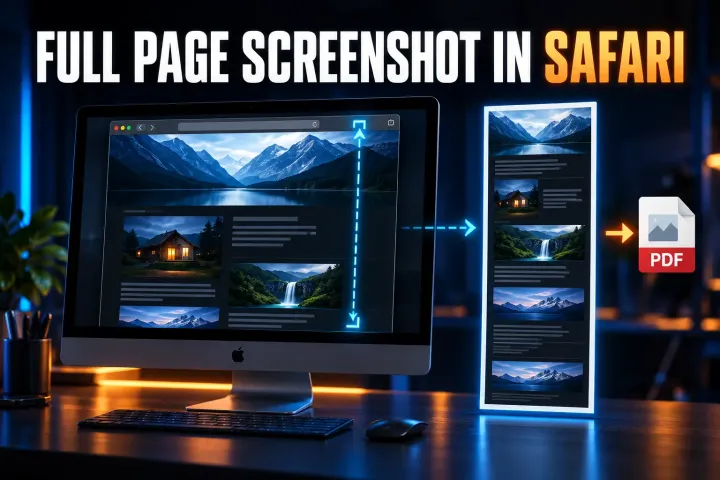
Safari full-page capture on iPhone and iPad, Web Inspector image capture on Mac, PDF saving, and checks for missing controls or incomplete output.
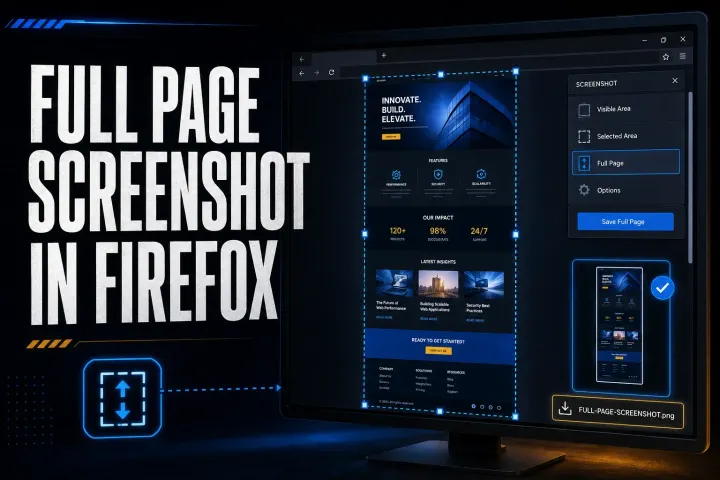
Firefox full-page capture, PNG and clipboard saving, practical DevTools commands, and fixes for missing options, incomplete images, and failed downloads.
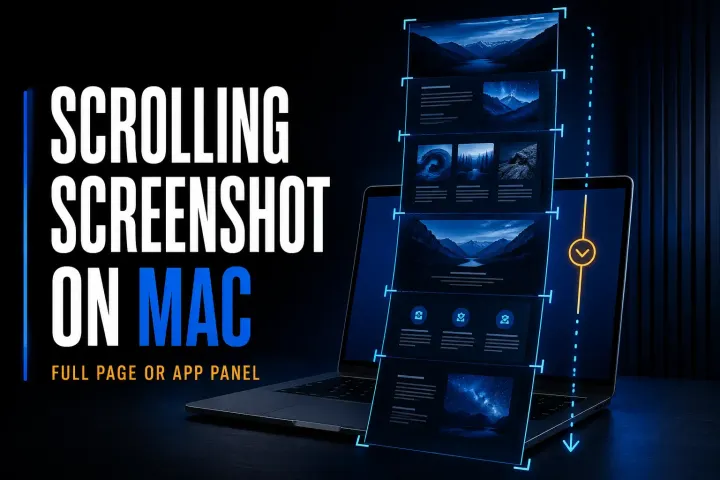
Mac full-page and scrolling capture methods for webpages and app panels, with local saving steps, permission checks, and fixes for missing or repeated content.
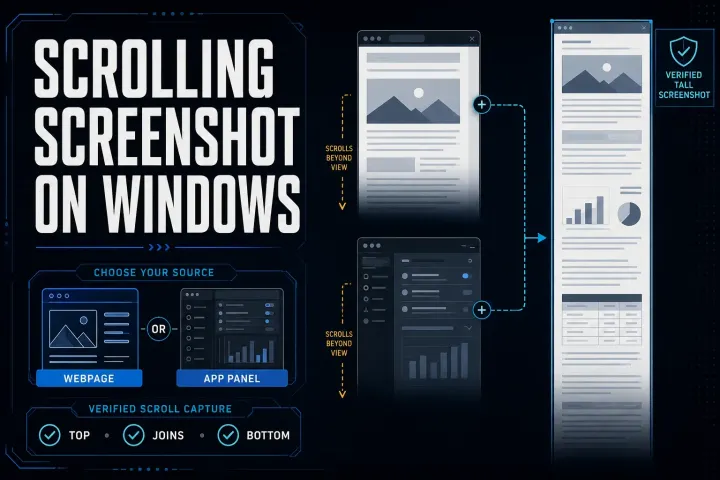
Five Windows scrolling screenshot methods for webpages and compatible app panels, with steps to save the result and check missing or repeated content.
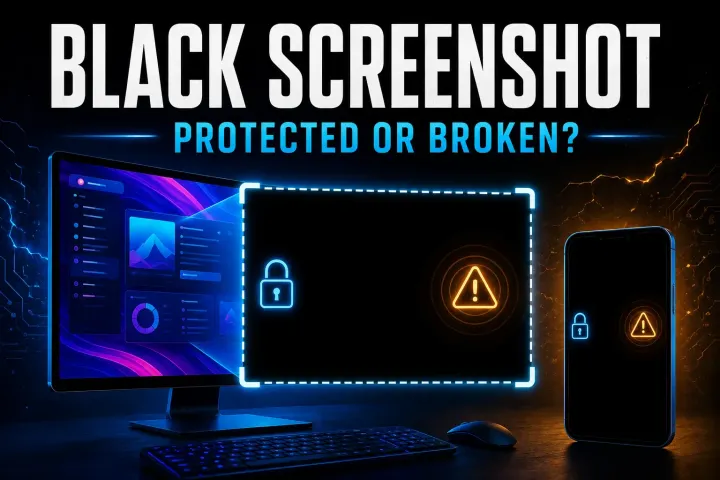
Find out whether the saved image is black, one app blocks capture, or your tool fails on ordinary content. Start with three fresh captures and a viewer check.
Find out whether PrtScn reaches the right app, completes a capture or saves a file. Check Windows settings, laptop Fn keys and Logitech remapping.
Find the failed capture step, then choose the matching Windows 11 fix for shortcuts, missing notifications, save settings or app errors.
Find whether the shortcut, capture tool, destination, protected content, or device policy stopped your screenshot, then follow the right platform fix.
Capture a full webpage in desktop Edge. Includes the Windows shortcut, Mac menu route, DevTools, export-format checks, PDF limits and fixes for missing content.
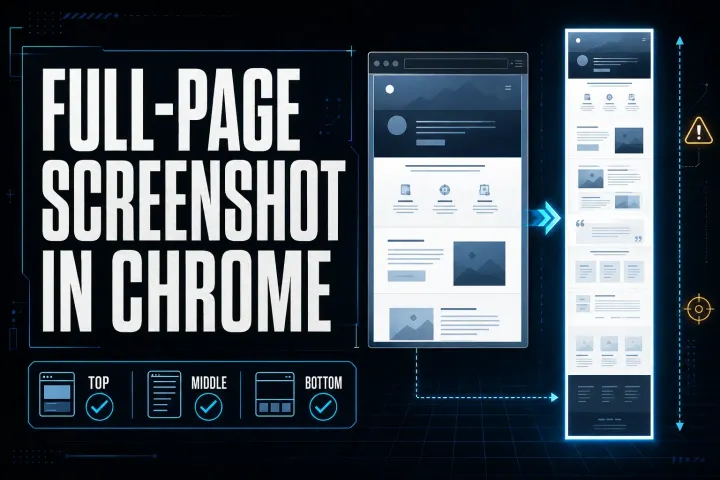
Save a full webpage as a PNG in desktop Chrome. Includes Mac and Windows shortcuts, responsive widths, missing-content fixes, PDF limits, and safer sharing.
Protect your captures, identify the legacy Snagit version, rebuild a personal DataStore safely, or route a managed path and MST failure to IT.
Fix a Snagit capture that will not start by separating hotkey, permission, crosshair, black-screen, video, and mode-specific failures.
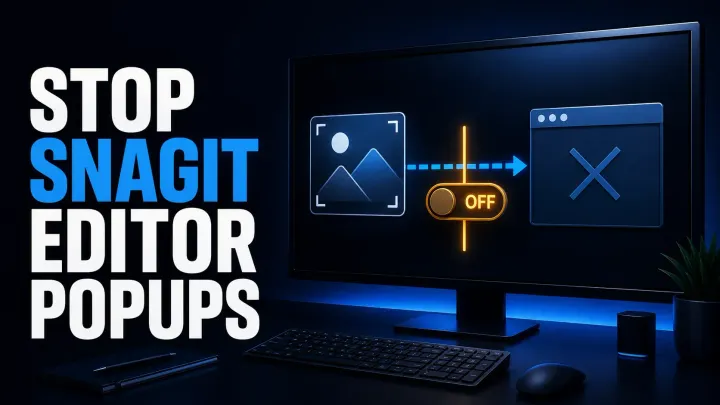
Stop Snagit Editor opening after screenshots or recordings by fixing image preview, video Open In, presets, OneClick, and system-tool imports.
See how it compares to the alternatives before the next renewal — some problems are cheaper to leave behind.
Deleting Tools.xml resets toolbar layout, QuickStyles and presets, but your captures live in the Snagit library, which is a separate location. Check File > Library Location before deleting anything, and back up the file you are about to remove so you can roll back.
A standard reinstall does not remove the capture library, but do not rely on that alone: note your library path first and copy it somewhere safe. On a subscription license you sign back in after reinstalling; keep your TechSmith account credentials handy.
Check your exact version in Help > About Snagit and compare it against the known-issue builds called out in the fix guides — some releases shipped confirmed startup crashes where updating again is the only fix. If your build is clean, start with the stuck-process and Tools.xml checks.
TechSmith's official support site documents version-specific bugs and known issues, and is the right place for license and account problems. If you hit an issue this section should cover, use the corrections page to tell us and it goes on the list.
On Windows 11 the Snipping Tool takes over the Print Screen key by default, and Windows updates can hand it back. The Print Screen guide shows how to give the key to Snagit and keep it after updates.