Does WhatsApp Notify When You Screenshot? What It Blocks Instead
WhatsApp sends no screenshot alerts. It blocks view once media and, on supported phones, profile photos, and the only save notice comes from tapping Keep.
 SnagitPro

Author
Editorial byline for SnagitPro's guides to screenshots, screen recording, and documentation workflows.
WhatsApp sends no screenshot alerts. It blocks view once media and, on supported phones, profile photos, and the only save notice comes from tapping Keep.
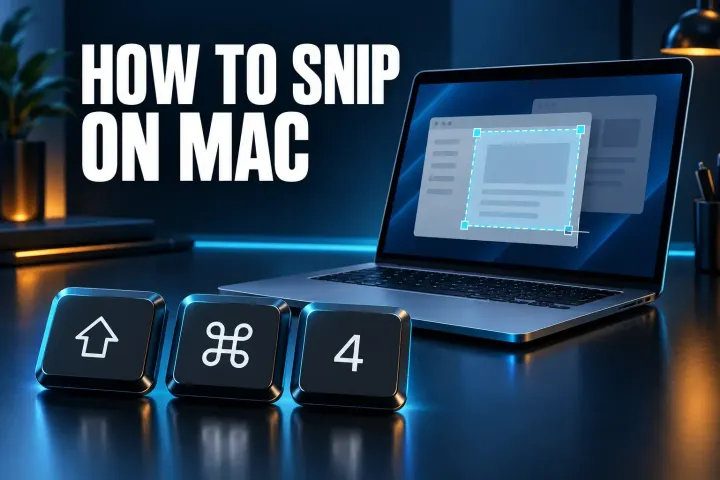
Shift-Command-4 is the Mac snip, and Control-Shift-Command-4 copies it for pasting. Here's where freeform, delay, video, text actions and the rest of Snipping Tool went.

Instagram doesn't tell anyone when you screenshot a Story, post, Reel or profile. Inside chats, disappearing photos block screenshots and vanish mode can send an alert.
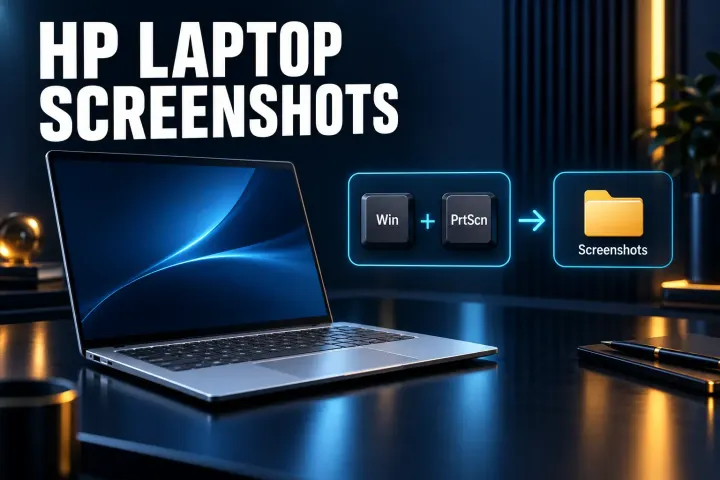
Every way to screenshot on an HP laptop, from Windows + Shift + S to keyboards that hide Print Screen behind Fn, plus 2-in-1 buttons and where each image is saved.
The Chromebook shortcuts for a full screen, part of the screen or one window, plus tablet buttons, the save folder and fixes when nothing happens.
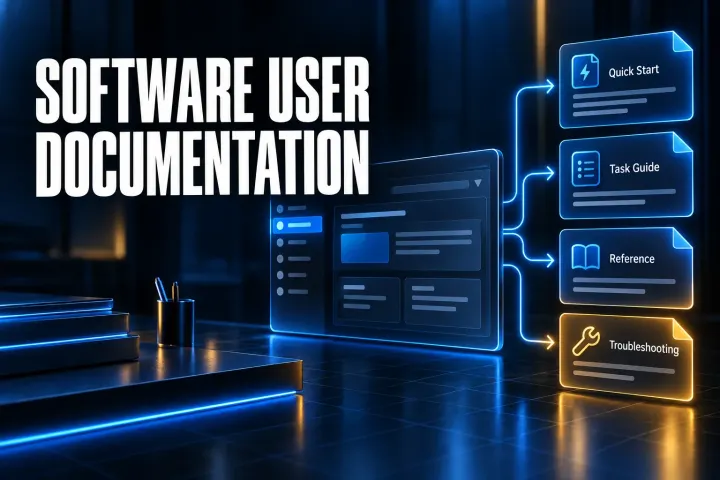
A practical system for structuring software user documentation, writing task guides, using screenshots and keeping help content current.
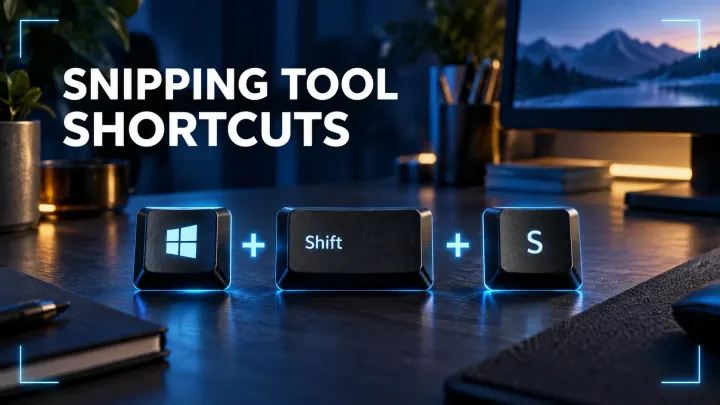
A fast Windows reference for image snips, region recordings, full-screen Clipboard captures, saved screenshots, and Snipping Tool editor keys.
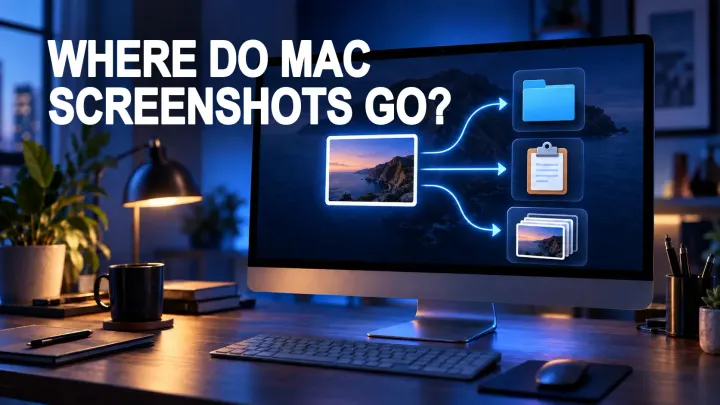
Find Mac screenshots in Desktop, Clipboard, iCloud Drive, or Snagit Library, then change the save location with Screenshot Options.
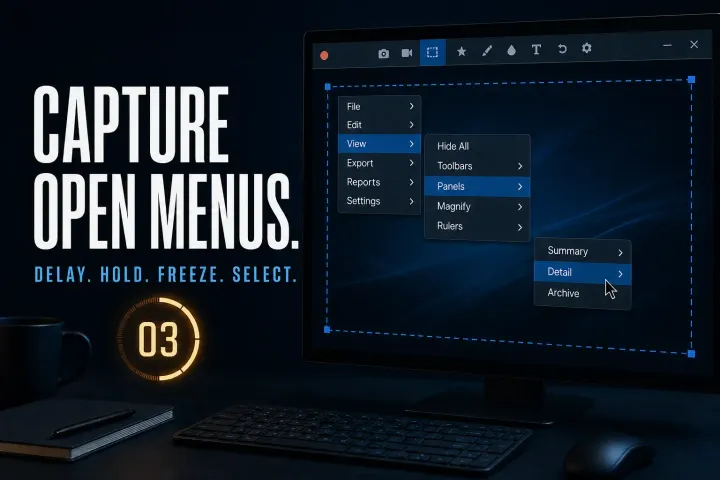
Capture open menus using the documented Windows and Mac routes, handle custom hover panels and check timing, cursor inclusion and private data before sharing.
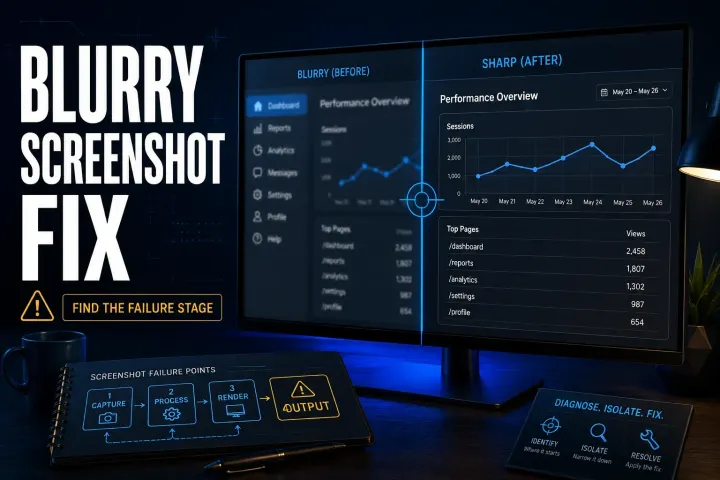
Find where a Snagit screenshot becomes hard to read, then check preview zoom, exported pixels, Word compression, Retina sharing or the final page layout.
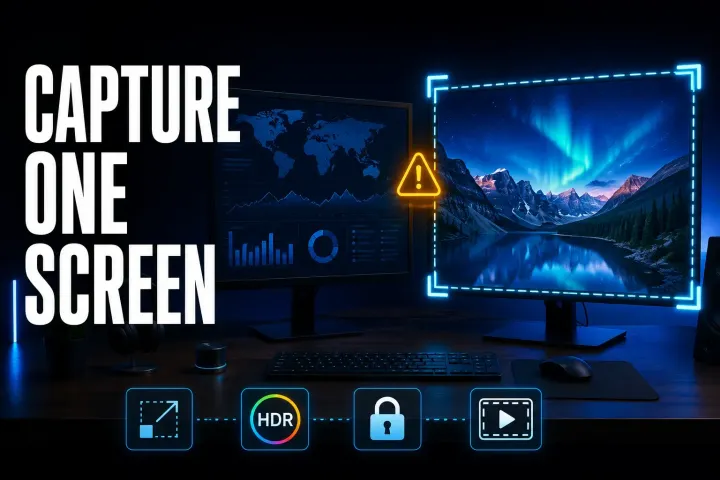
Choose the right display, compare a simple capture on each monitor, and check scaling, permissions, HDR and recording boundaries without guessing at the cause.
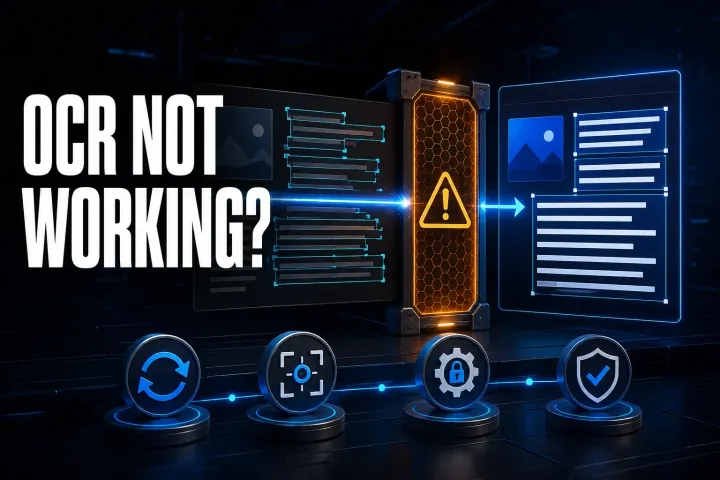
Separate Windows licence failures, Mac compatibility, inaccurate text and copying bugs. Run a small test before reinstalling or changing managed settings.

Find the right test for missing arrows, stopped captures, repeated rows or crashes, with platform-specific fixes and safe PDF and Excel fallbacks.
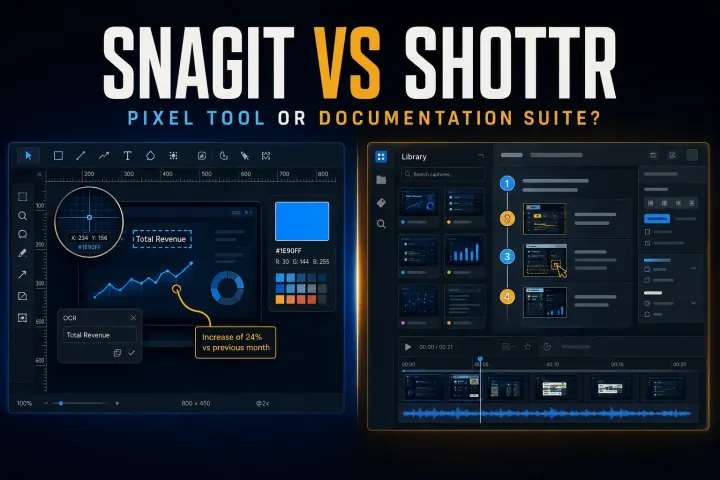
Choose between Shottr pixel tools and Snagit documentation and recording, with current licensing, scrolling limits, Mac compatibility and privacy checks.
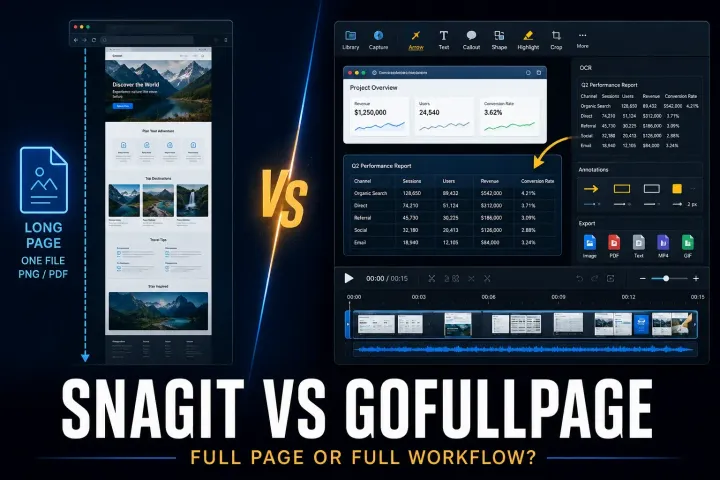
Compare browser-page exports with desktop screenshot editing, including official installation routes, PDF limits, permissions and annual plan terms.

Compare desktop screenshot editing with browser PDF annotation, including free limits, five-account team pricing and the risks of shared review links.

Compare editing, hosted links, file limits and access controls in Snagit and Droplr, including pricing conflicts and offboarding costs.

Compare Snagit and Guidde by the output you need: precise visual files or a hosted AI video and written guide.
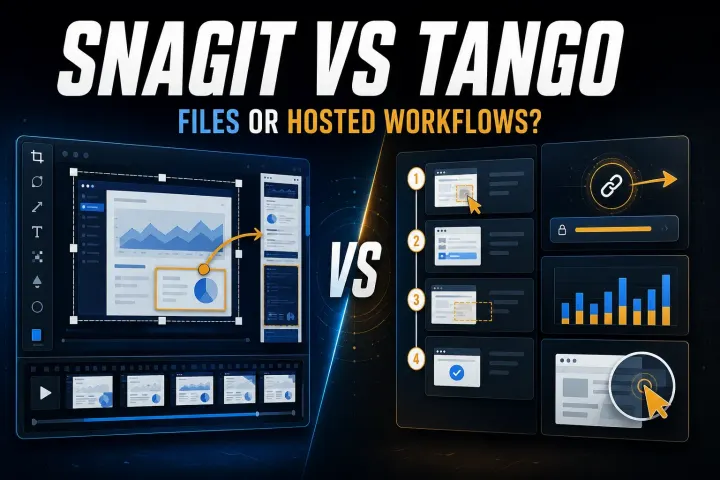
Choose by the output your reader needs. Compare capture limits, editable files, hosted workflows, privacy controls, and the real cost of workspace seats.
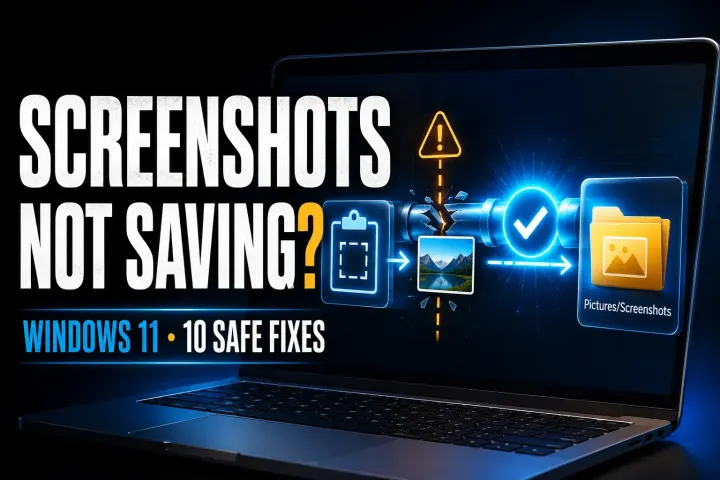
Find the fresh capture, verify its real save folder, then check write access and app settings without guessing at registry or OneDrive changes.
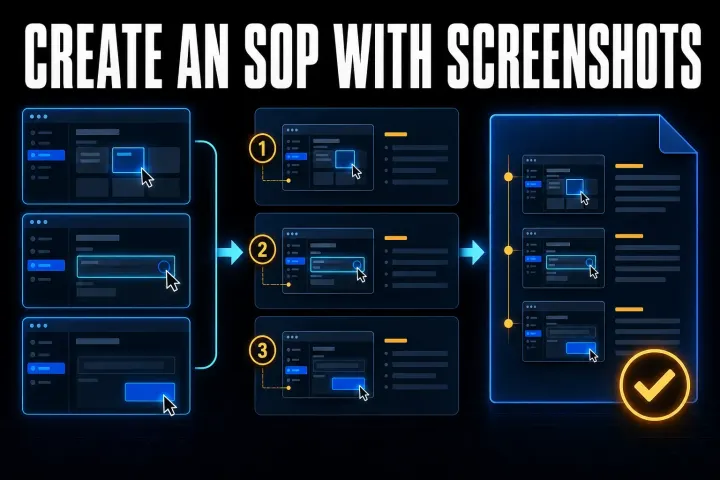
Build a screenshot SOP your team can follow: start with a clear template, assemble it in Word or Google Docs, then check privacy, decisions and delivery.
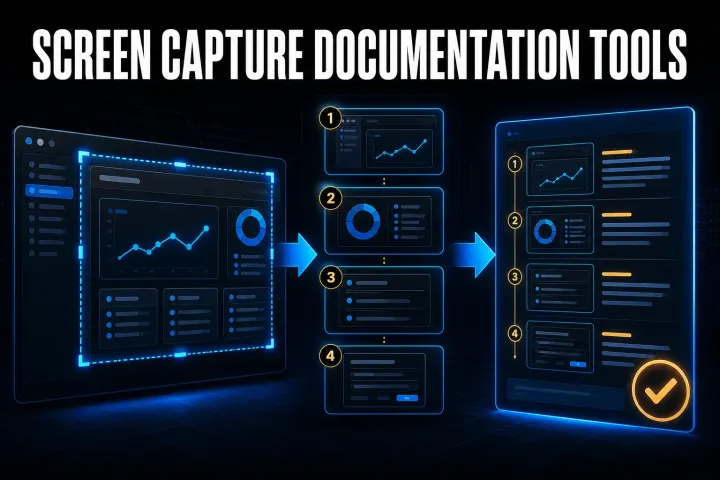
Choose a capture-to-guide tool by its output, editing controls and data path. Compare seven options and test the same task before buying.
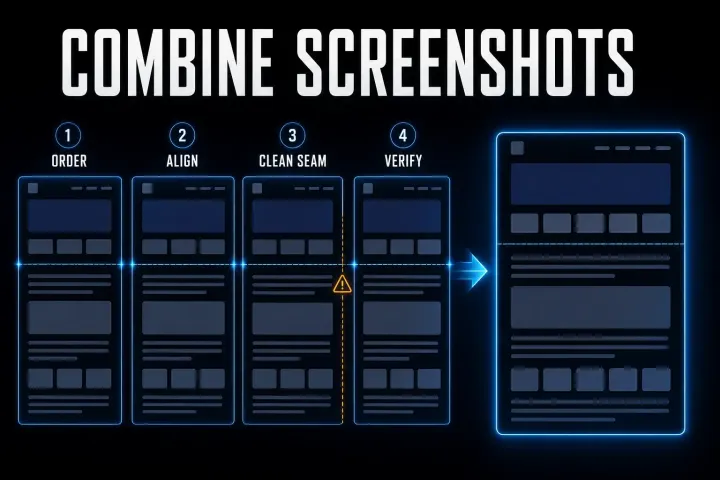
Join screenshots with Paint, Shortcuts, a collage or Snagit. Choose the layout, check overlap and keep the exported result readable.
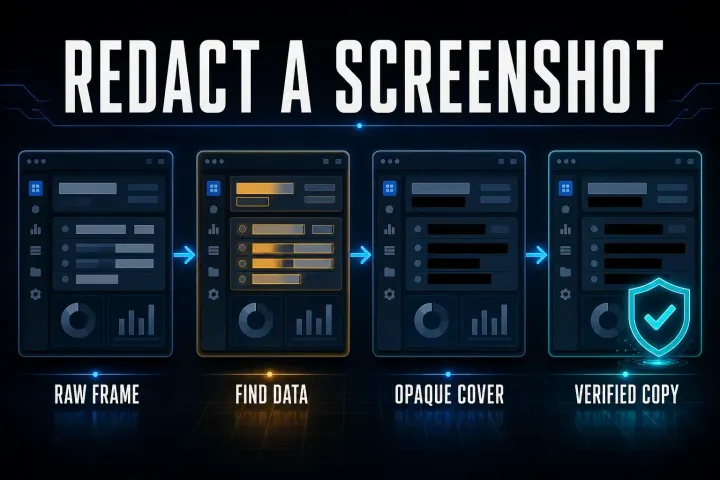
Find private fields throughout the frame, apply opaque covers and check the exported file. Includes Mac, Windows and phone steps plus original-sharing safeguards.
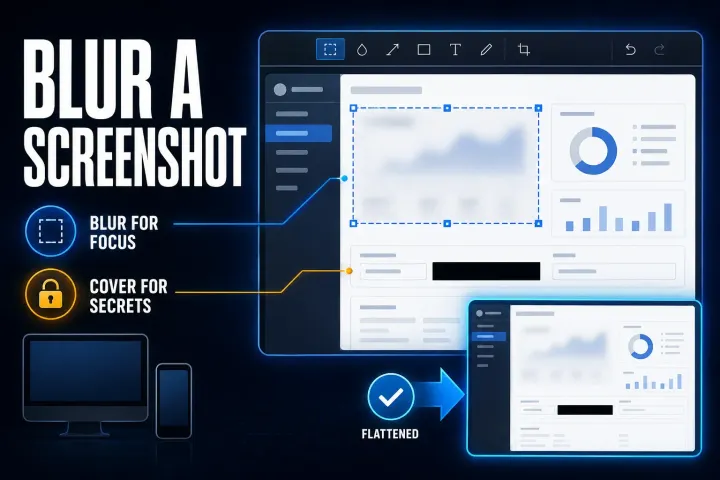
Choose selective blur for visual focus, an opaque cover for private fields, and the right Windows, Mac or phone workflow. Check the exported copy before sharing.