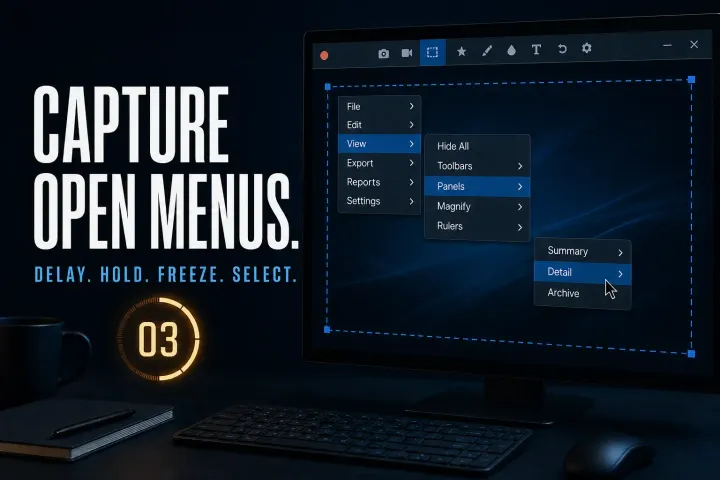
How to Capture a Dropdown Menu in Snagit
Capture open menus using the documented Windows and Mac routes, handle custom hover panels and check timing, cursor inclusion and private data before sharing.
 Snagit Pro Guides
Topic
Snagit on macOS — platform differences, permissions, Apple Silicon, capture workflows, and Mac-native alternatives. Guides are checked against current TechSmith, Apple, and vendor documentation; hands-on testing is stated only where it was actually performed.
Capture open menus using the documented Windows and Mac routes, handle custom hover panels and check timing, cursor inclusion and private data before sharing.
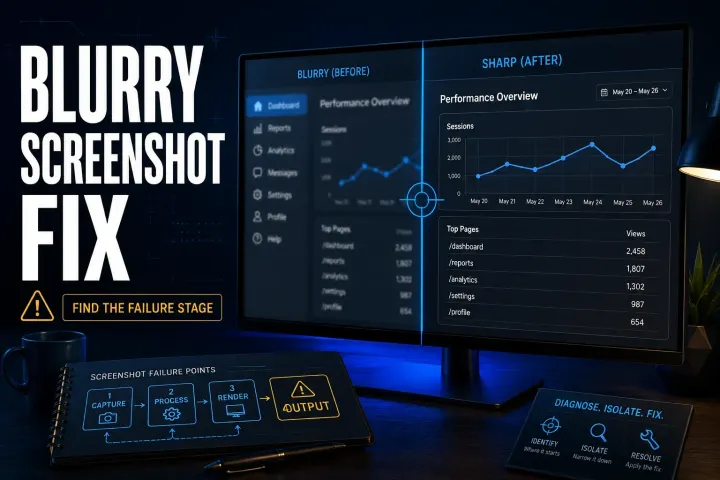
Find where a Snagit screenshot becomes hard to read, then check preview zoom, exported pixels, Word compression, Retina sharing or the final page layout.
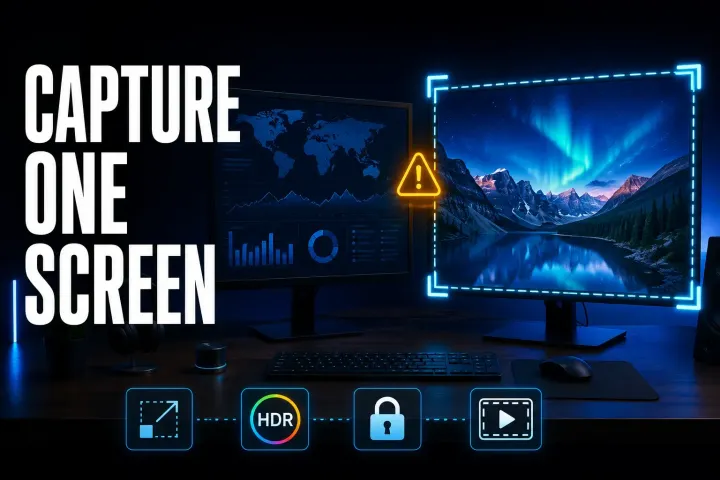
Choose the right display, compare a simple capture on each monitor, and check scaling, permissions, HDR and recording boundaries without guessing at the cause.
Separate Windows licence failures, Mac compatibility, inaccurate text and copying bugs. Run a small test before reinstalling or changing managed settings.
Find the right test for missing arrows, stopped captures, repeated rows or crashes, with platform-specific fixes and safe PDF and Excel fallbacks.
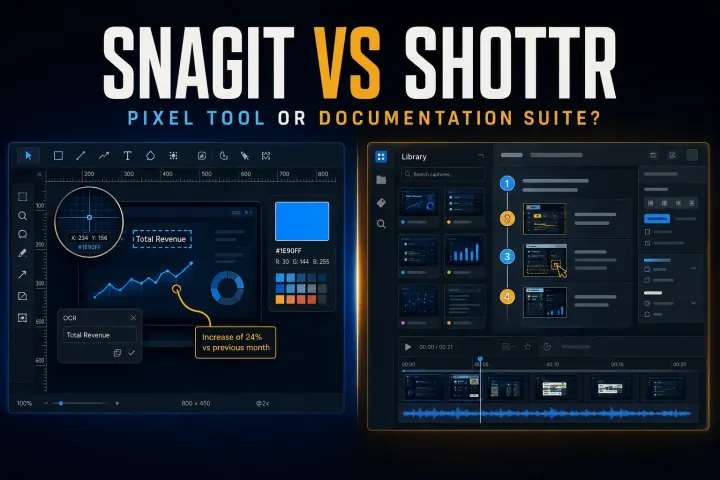
Choose between Shottr pixel tools and Snagit documentation and recording, with current licensing, scrolling limits, Mac compatibility and privacy checks.
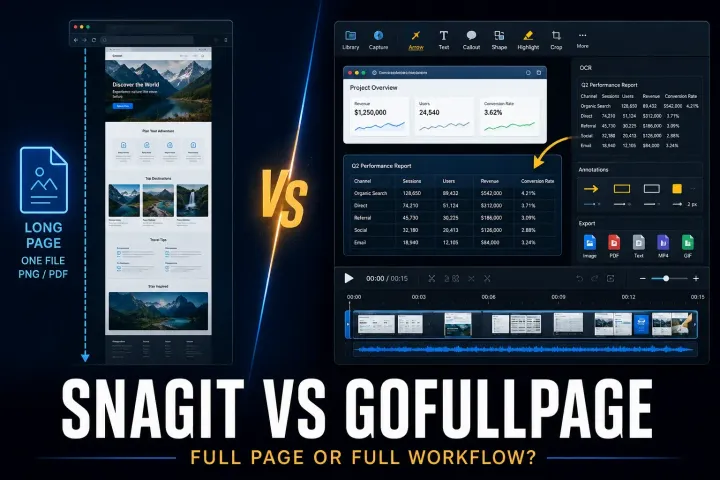
Compare browser-page exports with desktop screenshot editing, including official installation routes, PDF limits, permissions and annual plan terms.
Compare desktop screenshot editing with browser PDF annotation, including free limits, five-account team pricing and the risks of shared review links.
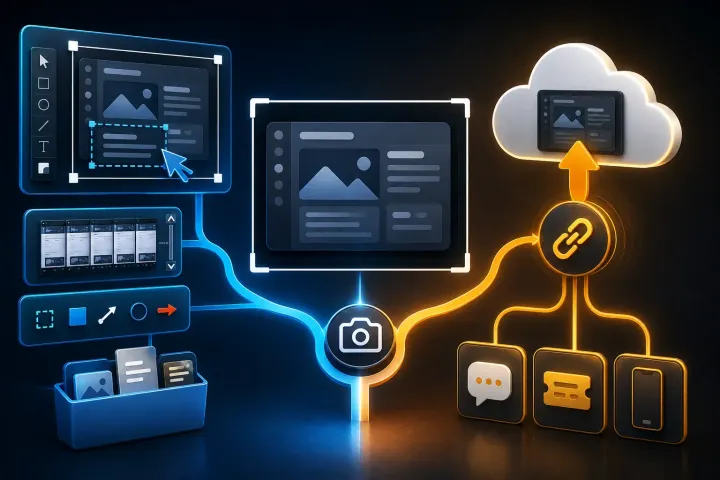
Compare editing, hosted links, file limits and access controls in Snagit and Droplr, including pricing conflicts and offboarding costs.
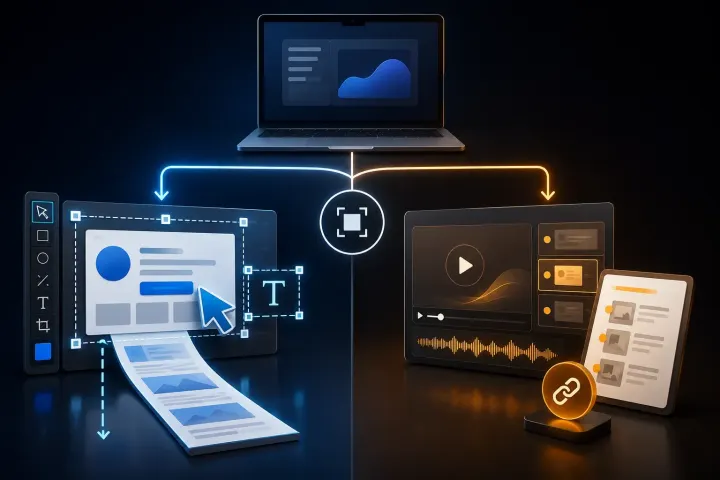
Compare Snagit and Guidde by the output you need: precise visual files or a hosted AI video and written guide.
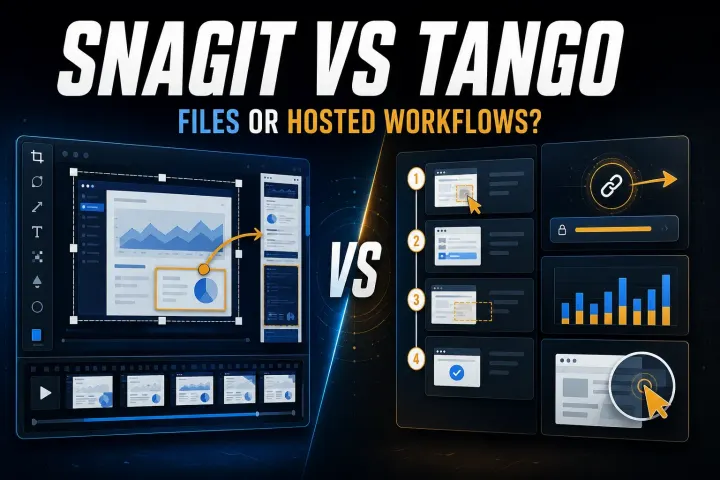
Choose by the output your reader needs. Compare capture limits, editable files, hosted workflows, privacy controls, and the real cost of workspace seats.
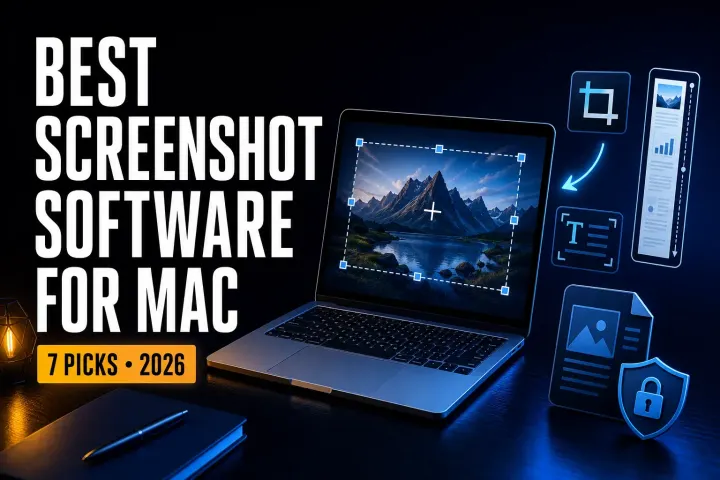
Compare seven Mac screenshot tools by the file you need: a quick capture, an annotated image, a styled post, or documentation you can update later.
A current Snagit and Flameshot comparison for Linux support, still capture, CLI, documentation, privacy, and price.
A current comparison of Snagit, standalone Skitch, and Evernote annotation for Mac capture, markup, maintenance, and migration.
Fix a Snagit capture that will not start by separating hotkey, permission, crosshair, black-screen, video, and mode-specific failures.
Stop Snagit Editor opening after screenshots or recordings by fixing image preview, video Open In, presets, OneClick, and system-tool imports.
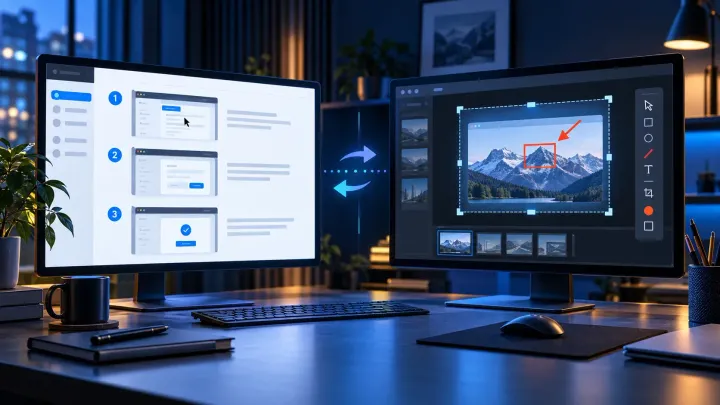
A current comparison of automatic step capture, visual editing, hosted SOPs, privacy, pricing, and the workflows where using both makes sense.
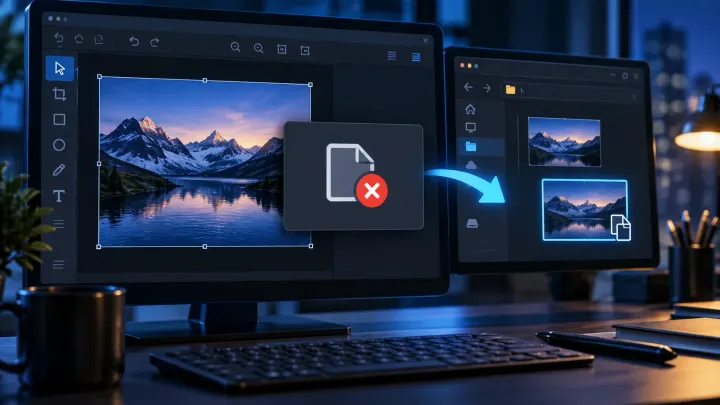
Fix Snagit Failed to Save Document safely. Preserve open captures, check Library and cloud paths, and isolate Windows security or Mac folder access issues.
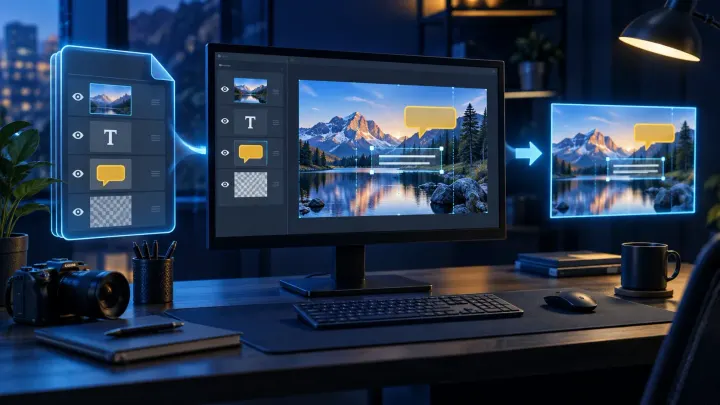
Open SNAGX files in Snagit, export PNG, JPG, or PDF, and keep editable originals. Covers Windows, Mac, mobile viewing, batch conversion, and file errors.
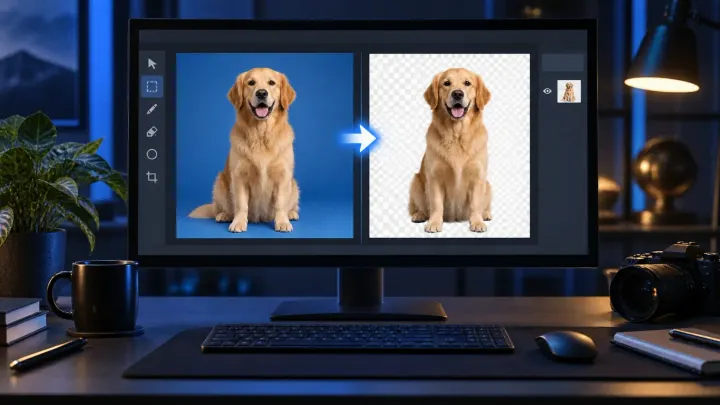
Remove a background in Snagit with transparent Fill, Magic Wand or Selection. Fix a white canvas, protect your original and check the exported PNG.
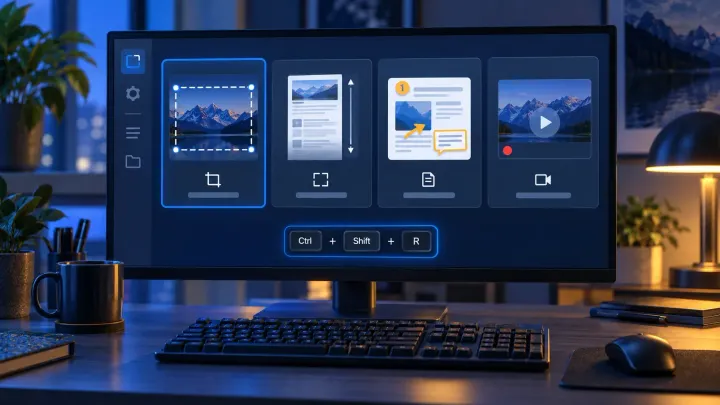
Create and test Snagit presets, distinguish global and preset hotkeys, check PNG output on Windows and Mac, and move Windows presets safely.
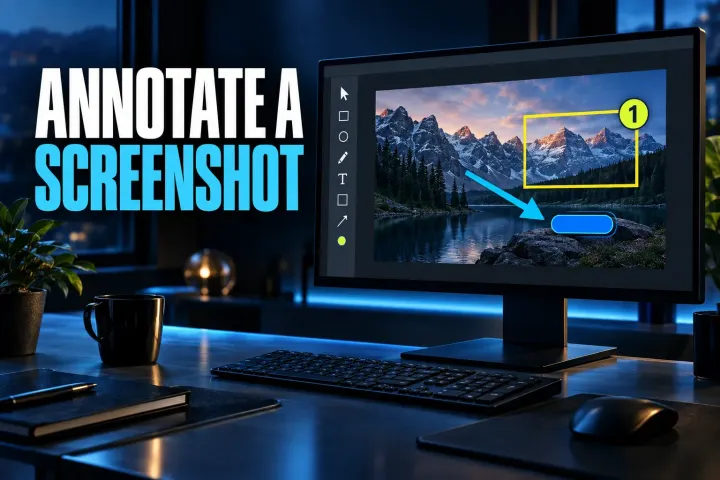
Annotate a screenshot in Snagit with the right arrow, box, callout, or numbered step, then verify the clean recipient copy.
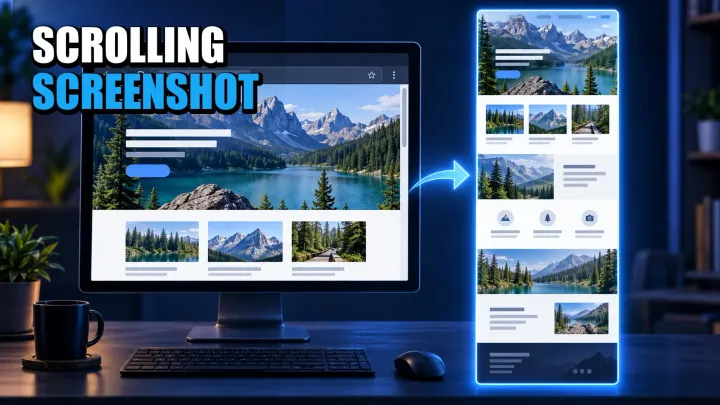
Choose the right full-page or scroll-and-stitch method for Windows, Mac, iPhone, Android, webpages, apps, and nested panels.
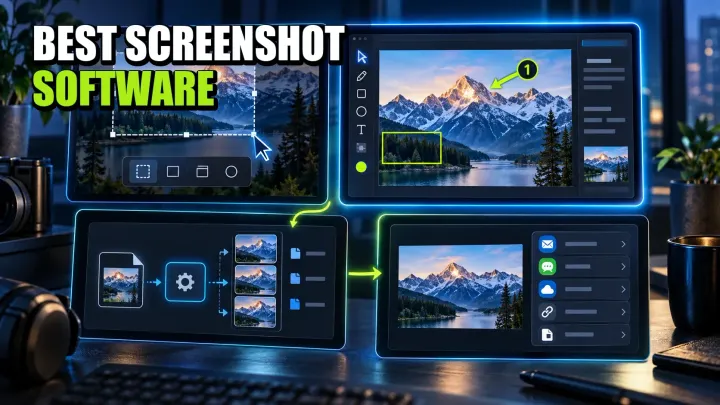
A workflow-led comparison of ten screenshot tools for Windows, Mac, Linux, and mixed teams, with current pricing, privacy limits, and a practical pilot.
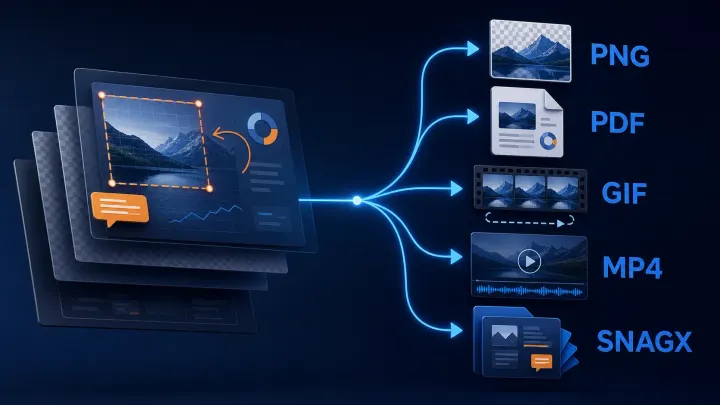
Choose the delivery format, keep an editable image master, and verify the exported file. Includes Windows automatic saving, Mac format checks and Library export.