Best Free Screenshot Software: 6 Honest Picks
Six free screenshot options for Windows, Mac, Linux, and Chrome, with local saving, annotation, scrolling capture, and platform limits compared.
 SnagitPro
Free & paid options
Choose a Snagit alternative around the work you need to deliver: annotated screenshots, scrolling captures, OCR or recordings. The linked roundups compare documented capabilities, license boundaries and workflow limitations. Documentation research is not an installation test; read each article for its evidence and scope.
Check the cited vendor pricing and license terms before buying, especially for commercial use. A free personal license may not cover work, and a one-time purchase may not include later updates. Keep editable Snagit originals while evaluating a replacement.
Compare ShareX, Greenshot and Snipping Tool against your actual capture and editing tasks. The free roundup distinguishes platform support, license restrictions and sharing behavior.
Shottr for annotated still images and UI measurements; CleanShot X for a broader screenshot, OCR and recording workflow. The Mac roundup compares six options and explains migration and license limits.
Check support on every teammate’s operating system. A familiar app name does not guarantee identical controls, permissions or features. Decide whether colleagues need an editable source or only a finished image.
If the deliverable is a video, compare audio capture, editing and export requirements separately from screenshot features. Start by checking what your existing recorder already handles.
Keep Snagit while you verify replacement workflows for your editable sources, archive and documentation assets. Check the current license terms before renewal or cancellation.
Start with the Snagit review to identify the features you need. Then use the platform-specific roundups to compare alternatives without paying for tools your workflow does not require.
Six free screenshot options for Windows, Mac, Linux, and Chrome, with local saving, annotation, scrolling capture, and platform limits compared.
A current Snagit and Flameshot comparison for Linux support, still capture, CLI, documentation, privacy, and price.
A current comparison of Snagit, standalone Skitch, and Evernote annotation for Mac capture, markup, maintenance, and migration.
A current, source-led comparison of Snagit and PicPick for capture, editing, design utilities, recording, OCR, licensing, and reuse.
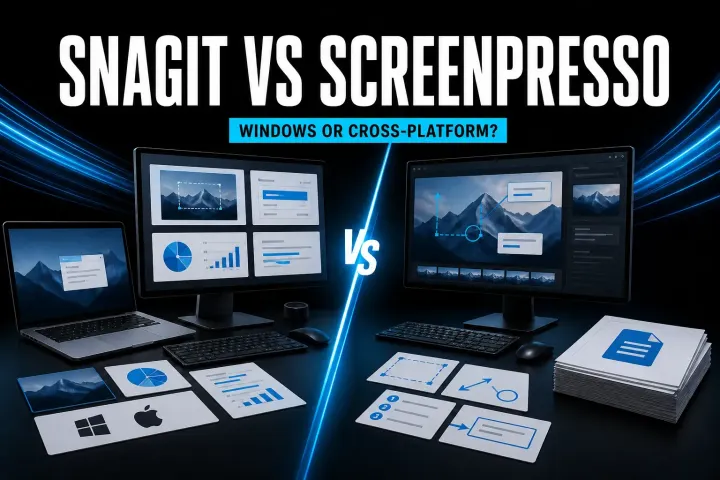
A current, source-led comparison of Snagit and Screenpresso for capture, editing, documentation, video, privacy, and licensing.
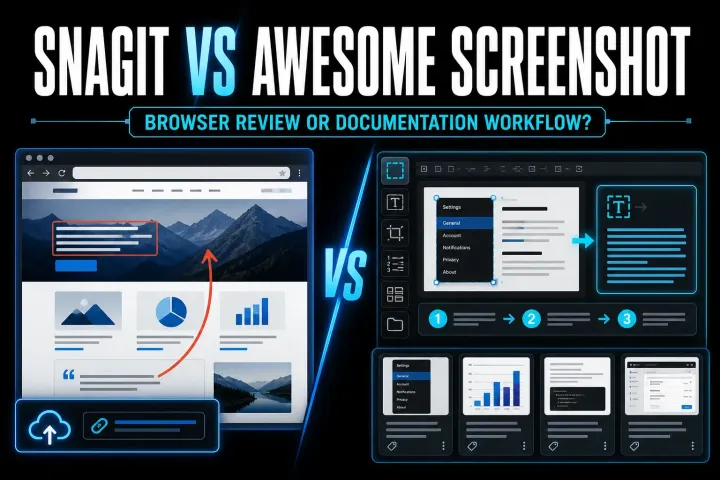
A current comparison of Snagit and Awesome Screenshot for browser capture, desktop documentation, recording, storage, and price.
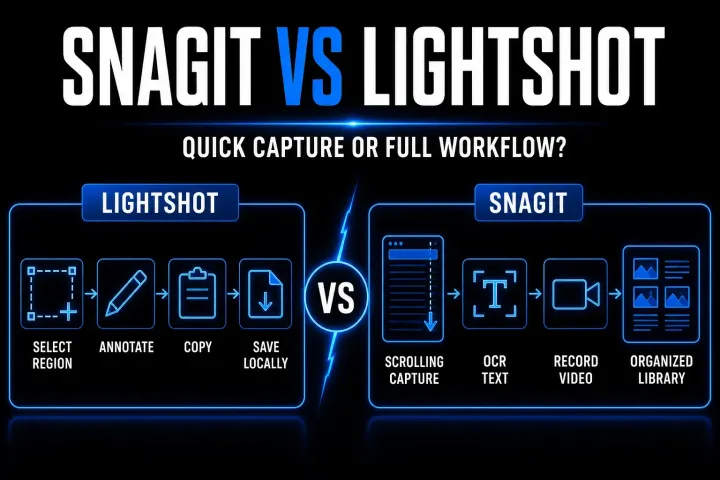
A current, workflow-first comparison of Snagit and Lightshot for capture, editing, recording, OCR, price, and screenshot privacy.
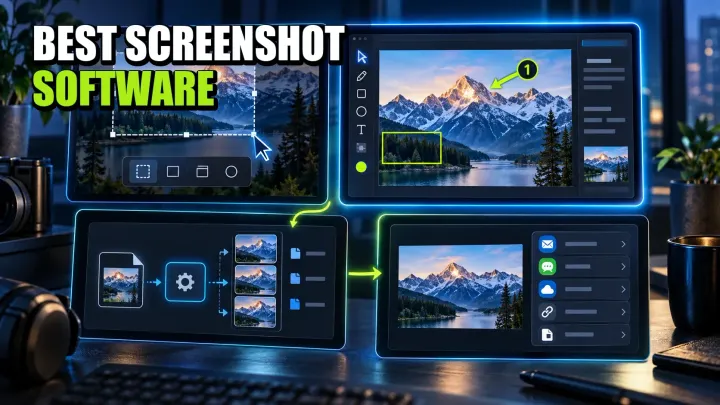
A workflow-led comparison of ten screenshot tools for Windows, Mac, Linux, and mixed teams, with current pricing, privacy limits, and a practical pilot.
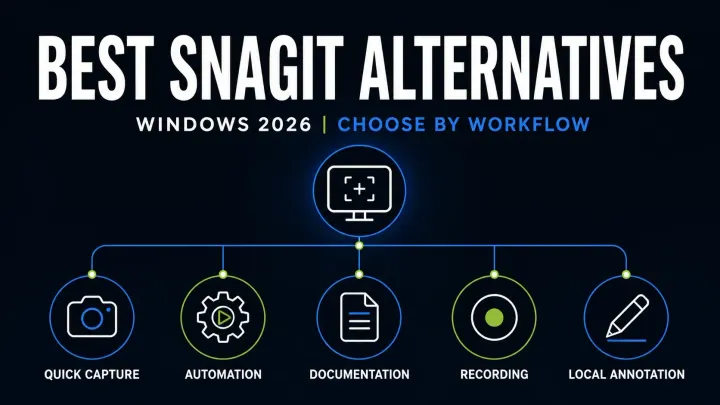
Compare eight Snagit alternatives for Windows by scrolling capture, OCR, video, editable files, privacy and business licensing before you switch apps.
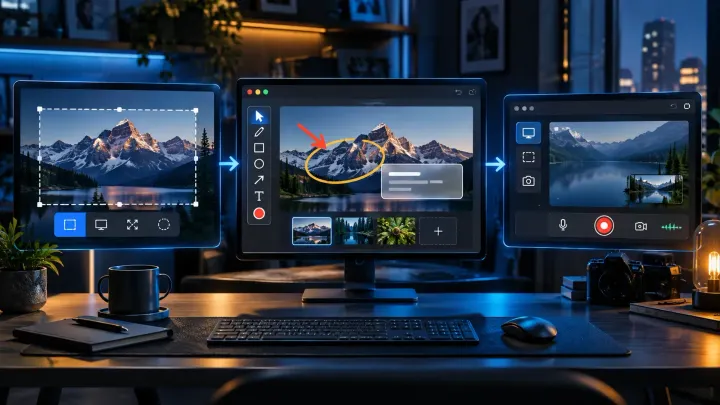
Compare eight free Snagit alternatives for screenshots, OCR, scrolling capture, and recording. Check personal-use limits before choosing a tool for work.
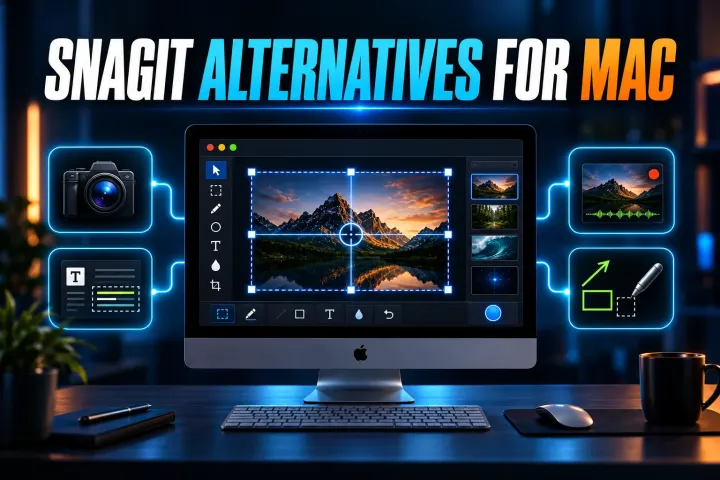
Six current Mac alternatives compared by capture workflow, OCR, recording, license, privacy and the Snagit features you may lose after switching.
Use the comparisons to check the features, limits and license terms relevant to your work.
Snagit is paid software with a trial. For a lasting no-cost option, start with the tools already included in your operating system, then compare the free alternatives roundup. Check commercial-use terms: Shottr requires a paid license for commercial work.
There is no single free replacement for every Snagit workflow. Compare capture, annotation, OCR, recording and editable-file needs separately. On Mac, start with Screenshot for basic captures; Shottr adds still-image tools but requires a commercial license for commercial work.
The Mac comparison is documentation-led, not an installation test or benchmark. A feature listed by a vendor does not prove that it works in your particular window or workflow. Read each roundup for its sources and scope, and check a representative task before switching. How We Research explains the evidence standards.
ShareX is free and open source. That does not make every upload destination private or suitable for confidential work. Review the capture, after-capture and upload tasks you enable, and check the destination before sharing.
CleanShot X is a broad option for scrolling screenshots, OCR, annotation and short recordings. The Mac roundup compares six choices by task, licensing and migration limits; it does not claim a measured winner for every Mac workflow.