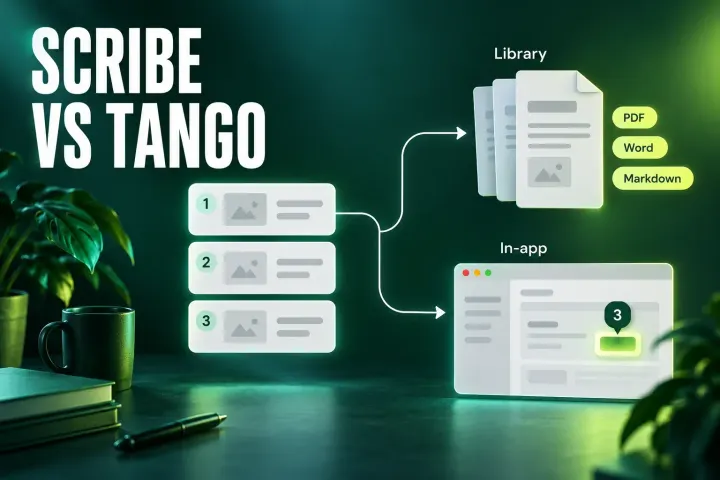
Scribe vs Tango: Which Process Guide Tool Fits Your Team?
Both tools now offer in-app walkthroughs. Scribe leads on Word and Confluence output and HIPAA; Tango on Enterprise pins, branching and automation in browser apps.
 SnagitPro
Head-to-head
Compare Snagit with Windows Snipping Tool, Camtasia and other capture apps by the job you need to finish: a marked-up screenshot, a long page capture, a revisable guide or a video tutorial. The comparisons use vendor documentation and explain the practical tradeoffs.
Start with the task your current tool cannot handle. Keep the free option when it does the job; consider a paid app when you need a specific capture, editing or documentation feature. Our How We Research page explains how sources and recommendations are evaluated.
Windows 11 Snipping Tool already offers OCR, shapes, arrows and audio recording, with Quick markup on updated systems. Compare scrolling capture, editable sources and guide creation before deciding to pay.
Choose around the result you need: annotated screenshots, quick clips or an edited tutorial video. Check each product's role before comparing plans.
Considering ShareX, Greenshot or Flameshot? Start with the capture and annotation tasks you need, then check which features and platforms each option supports.
Considering CleanShot X or Shottr on a Mac? Compare capture and editing options, macOS requirements and current costs against your own workflow.
Both tools now offer in-app walkthroughs. Scribe leads on Word and Confluence output and HIPAA; Tango on Enterprise pins, branching and automation in browser apps.
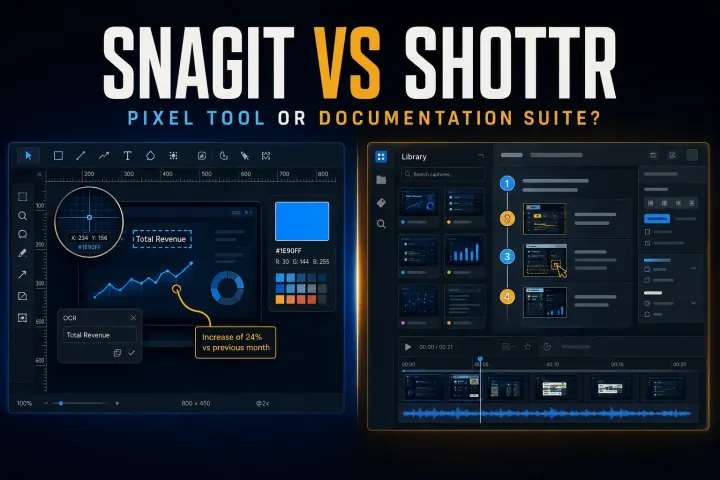
Choose between Shottr pixel tools and Snagit documentation and recording, with current licensing, scrolling limits, Mac compatibility and privacy checks.
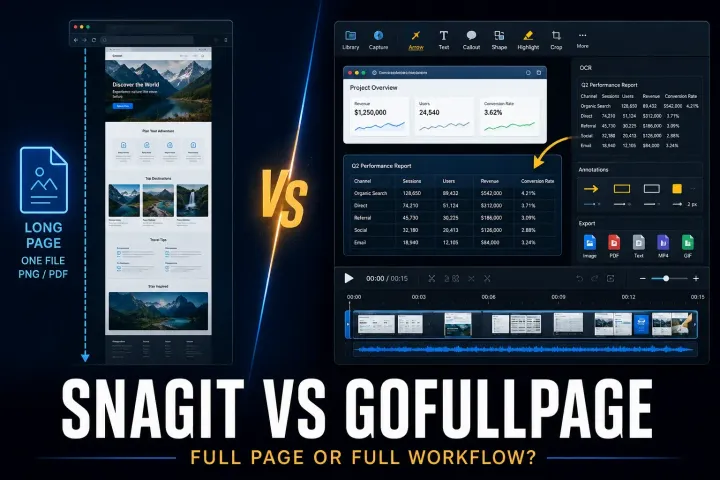
Compare browser-page exports with desktop screenshot editing, including official installation routes, PDF limits, permissions and annual plan terms.
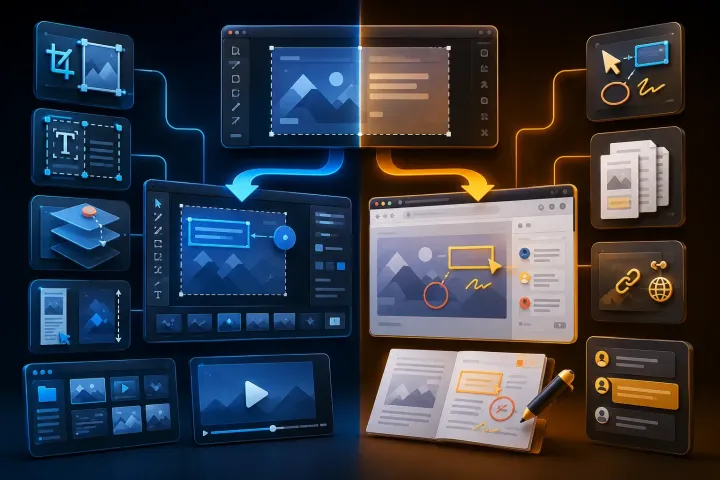
Compare desktop screenshot editing with browser PDF annotation, including free limits, five-account team pricing and the risks of shared review links.

Compare editing, hosted links, file limits and access controls in Snagit and Droplr, including pricing conflicts and offboarding costs.
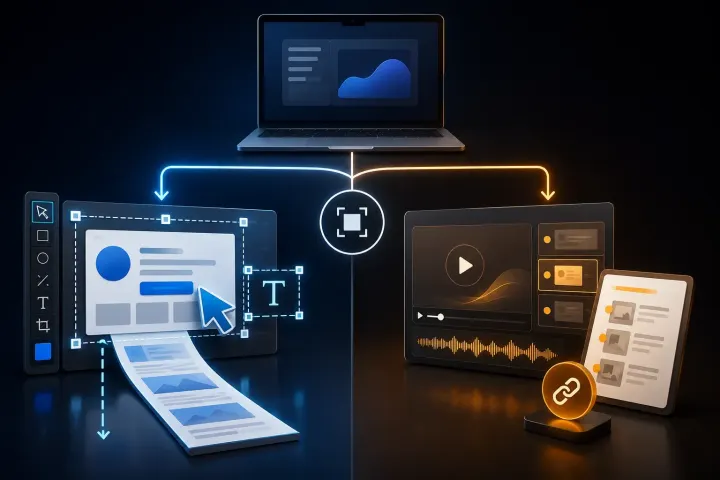
Compare Snagit and Guidde by the output you need: precise visual files or a hosted AI video and written guide.
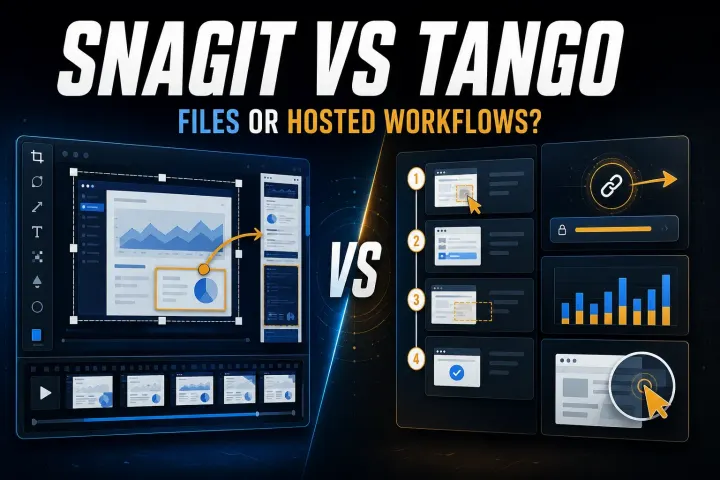
Choose by the output your reader needs. Compare capture limits, editable files, hosted workflows, privacy controls, and the real cost of workspace seats.
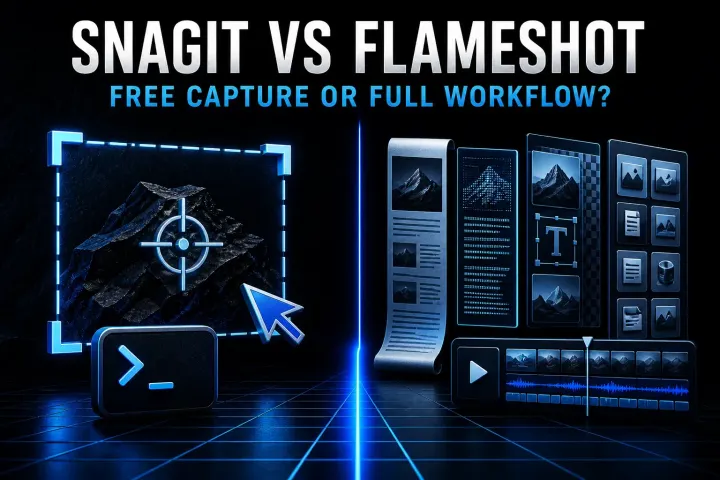
A current Snagit and Flameshot comparison for Linux support, still capture, CLI, documentation, privacy, and price.
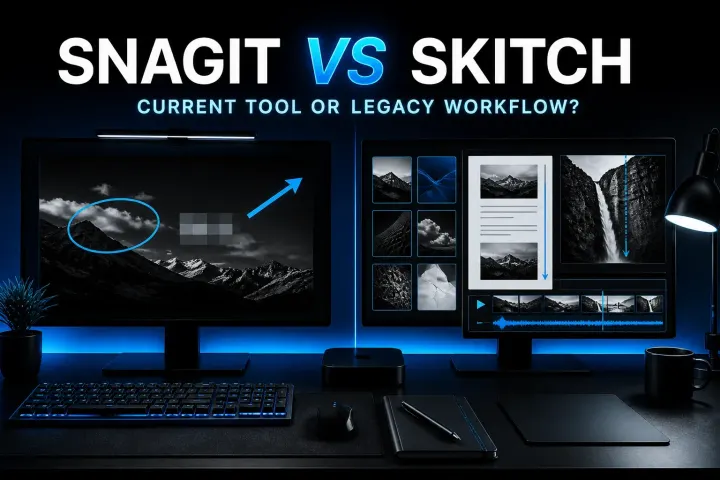
A current comparison of Snagit, standalone Skitch, and Evernote annotation for Mac capture, markup, maintenance, and migration.
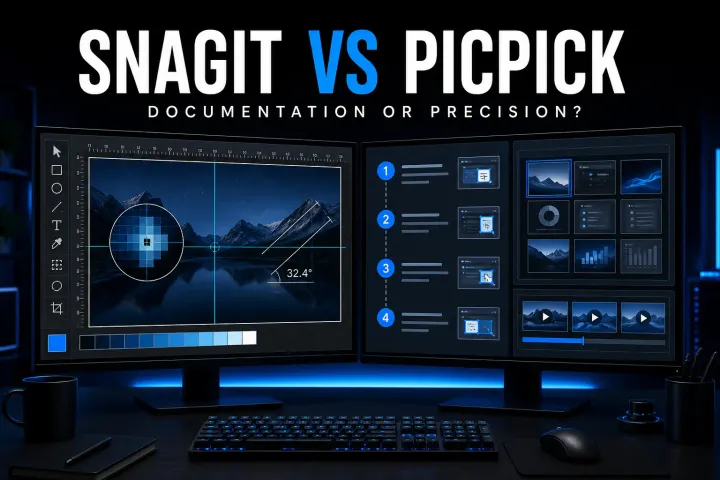
A current, source-led comparison of Snagit and PicPick for capture, editing, design utilities, recording, OCR, licensing, and reuse.
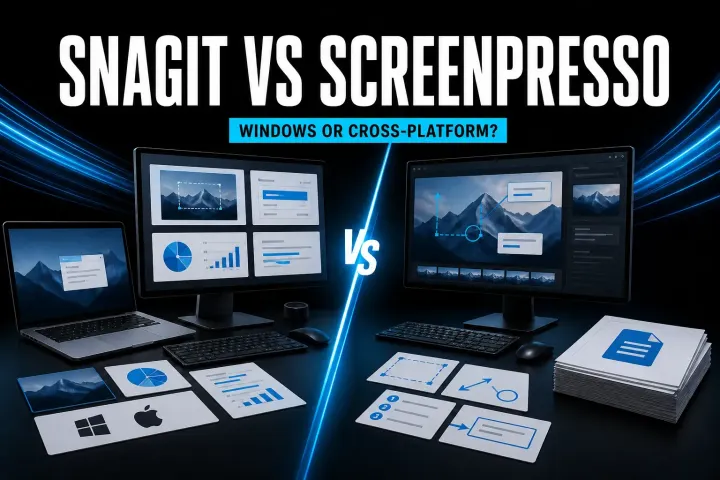
A current, source-led comparison of Snagit and Screenpresso for capture, editing, documentation, video, privacy, and licensing.
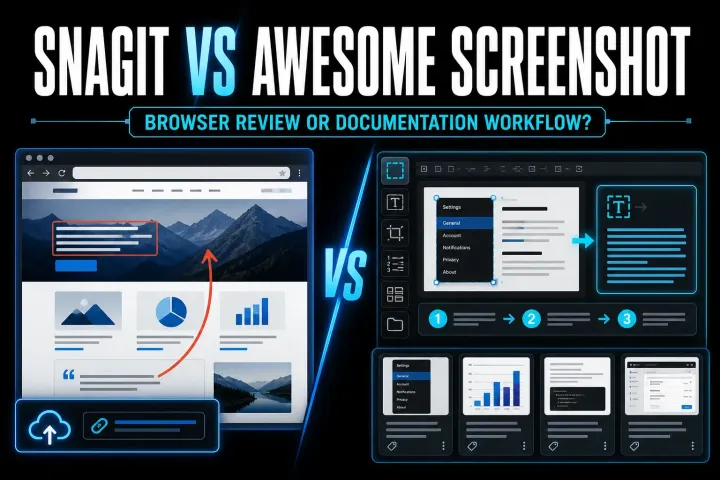
A current comparison of Snagit and Awesome Screenshot for browser capture, desktop documentation, recording, storage, and price.
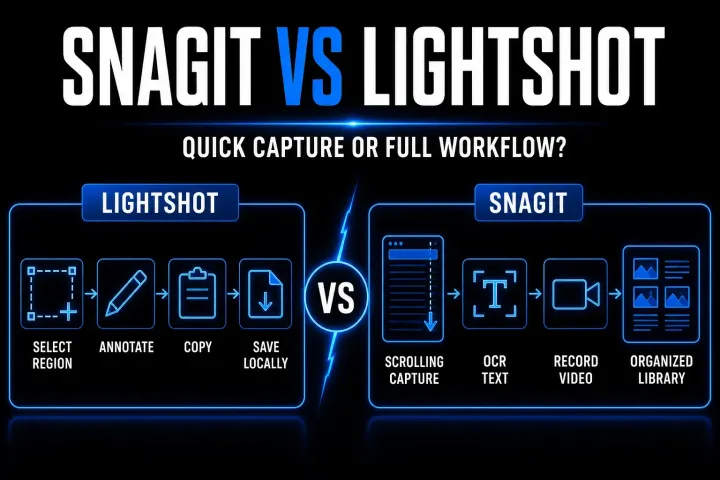
A current, workflow-first comparison of Snagit and Lightshot for capture, editing, recording, OCR, price, and screenshot privacy.
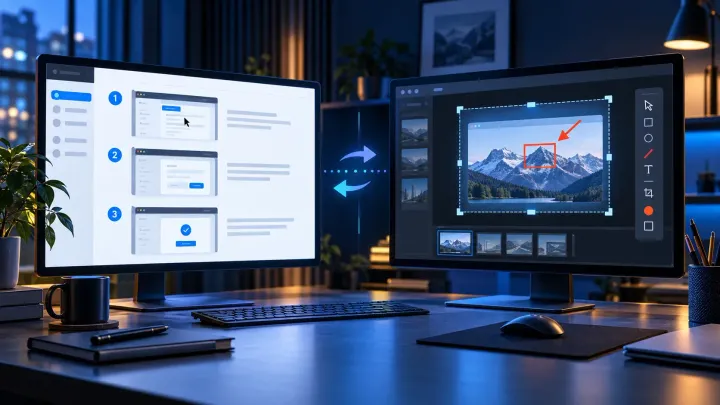
A current comparison of automatic step capture, visual editing, hosted SOPs, privacy, pricing, and the workflows where using both makes sense.
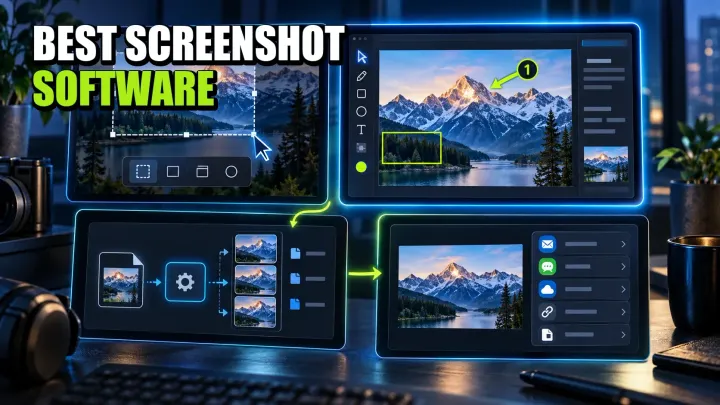
A workflow-led comparison of ten screenshot tools for Windows, Mac, Linux, and mixed teams, with current pricing, privacy limits, and a practical pilot.
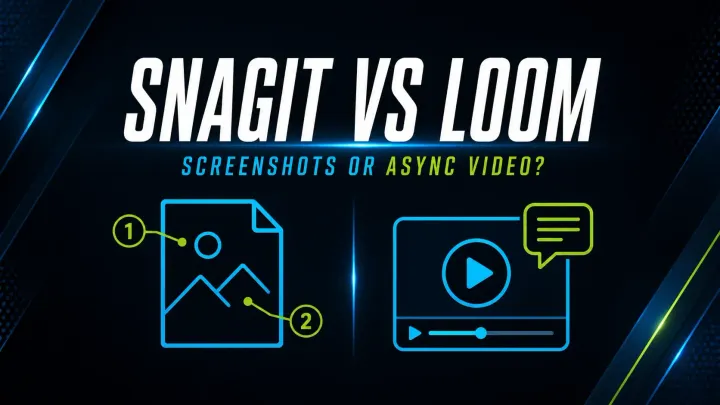
Compare Snagit and Loom for screenshots, video, SOPs, free-plan limits and exports. Check pricing, privacy and what happens when a team member leaves.
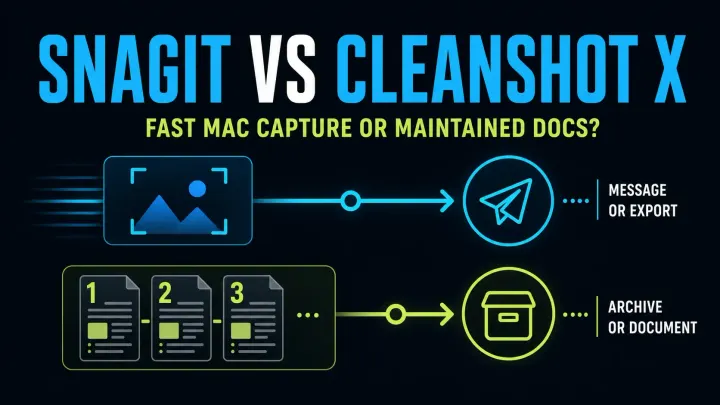
Compare Snagit and CleanShot X 5.0 for Mac screenshots, Studio Mode video, editable files and team guides. Check current prices, updates and OS support.
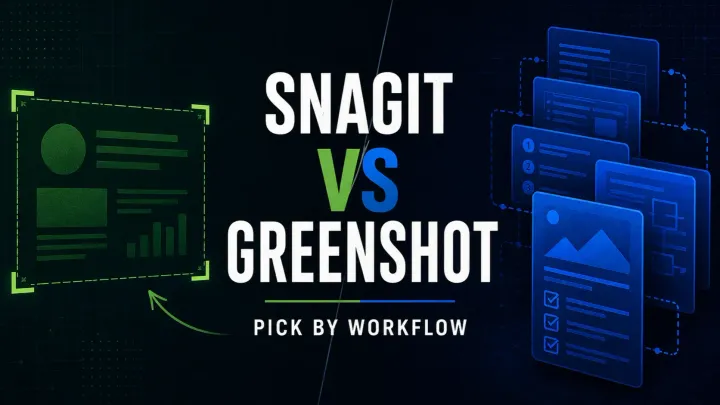
Compare Snagit and Greenshot for screenshots, editable files, OCR, scrolling and video. Check Windows features, the older Mac app and subscription costs.
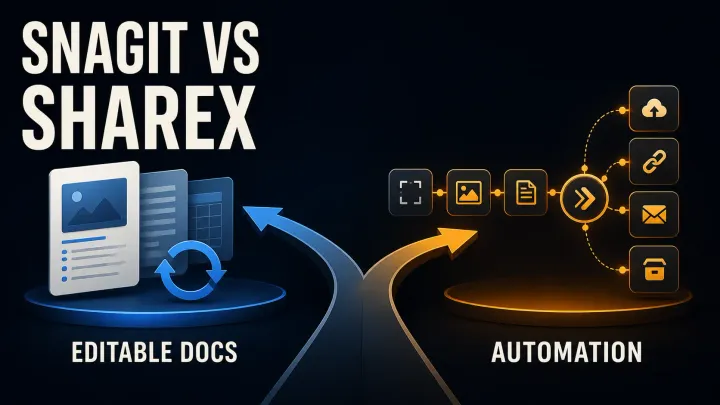
Compare Snagit and ShareX for price, screenshot editing, scrolling capture, OCR and automation. Check editable files, upload settings and team workflows.
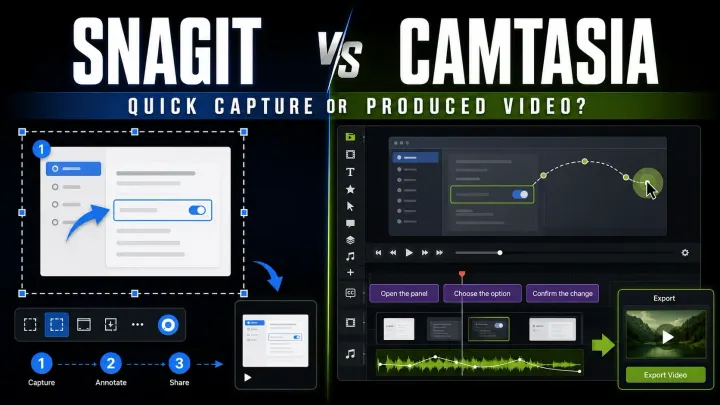
Compare Snagit and Camtasia for screenshots, video editing and training. Check included apps, watermark limits, Audiate features and licence differences.
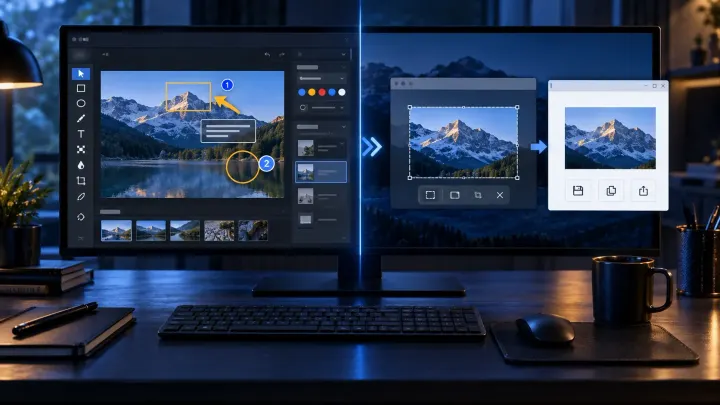
Compare Snagit and Windows Snipping Tool for scrolling capture, editable files, OCR, video and privacy. See when the free tool is enough and when to pay.
Check current pricing, renewal terms and license conditions before you commit.
Comparisons use vendor documentation to check capture features, editing tools, platform support and purchase terms. Each article identifies its sources and relevant version limits. Recommendations focus on the task: a quick screenshot, an editable guide or a video that needs further editing.
Often, yes. Updated Windows 11 versions offer shapes and arrows, Quick markup, OCR through Text Actions, and recording with PC audio and microphone narration. Check the controls in your installed app. Evaluate Snagit for recurring scrolling captures, editable SNAGX sources, presets or visual guides, not OCR alone. The full comparison explains those choices.
Snagit focuses on screenshots, annotations and quick screen recordings. Camtasia Editor is for editing video tutorials beyond a basic capture. Start with the work you need to deliver; the comparison explains the distinction. Check current product and plan details before buying.
There is no useful overall winner without a task to compare. If you are considering ShareX instead of Snagit, check capture options, editing, setup and export against your own workflow. The free-alternatives roundup is a starting point, not evidence that one interface is easier for everyone.
Not necessarily. Decide whether you need screenshot source files and annotations, video editing, or both. Do not assume a Snagit purchase includes Camtasia Editor, or that a bundle is the cheapest choice. Use the Camtasia comparison to identify the work each app would do, then check current plan details.