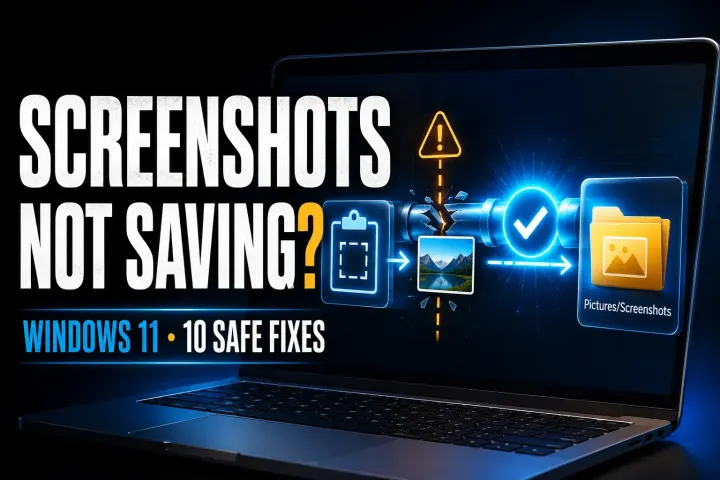
Screenshots Not Saving in Windows 11? 10 Fixes
Find the fresh capture, verify its real save folder, then check write access and app settings without guessing at registry or OneDrive changes.
 Snagit Pro Guides
Capture it · Clean it · Ship it
Practical guides to screenshots, visual work instructions and safer sharing. Start with the built-in Windows or Mac tools, then see where Snagit helps with a more demanding workflow.
An independent, reader-supported resource — not affiliated with TechSmith. Details.
Start here
Find the fresh capture, verify its real save folder, then check write access and app settings without guessing at registry or OneDrive changes.
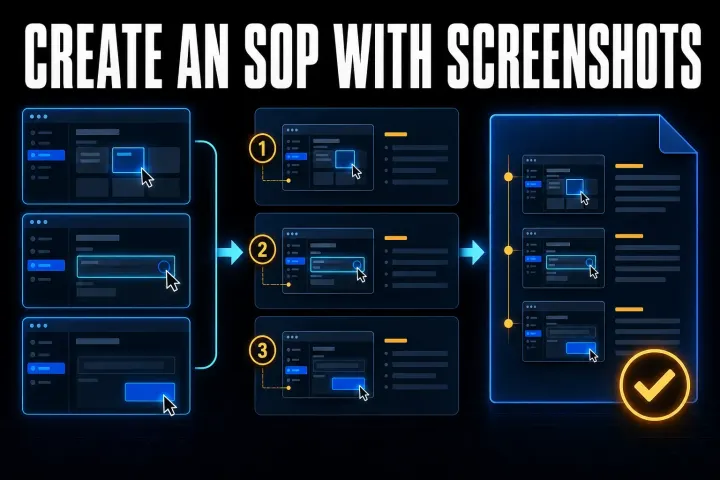
Build a screenshot SOP your team can follow: start with a clear template, assemble it in Word or Google Docs, then check privacy, decisions and delivery.
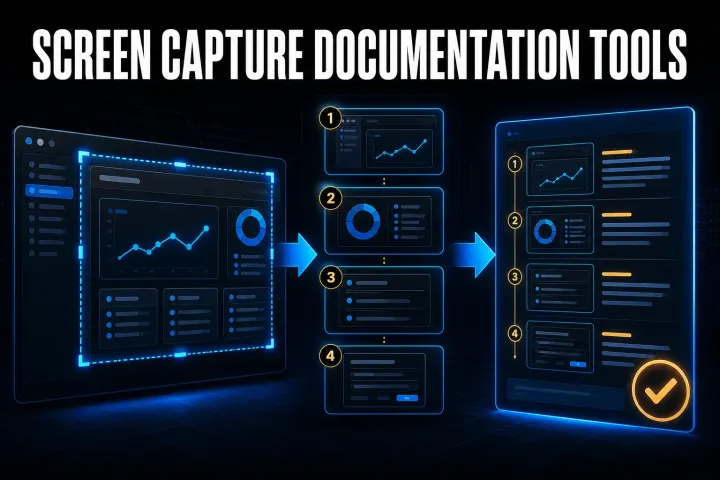
Choose a capture-to-guide tool by its output, editing controls and data path. Compare seven options and test the same task before buying.
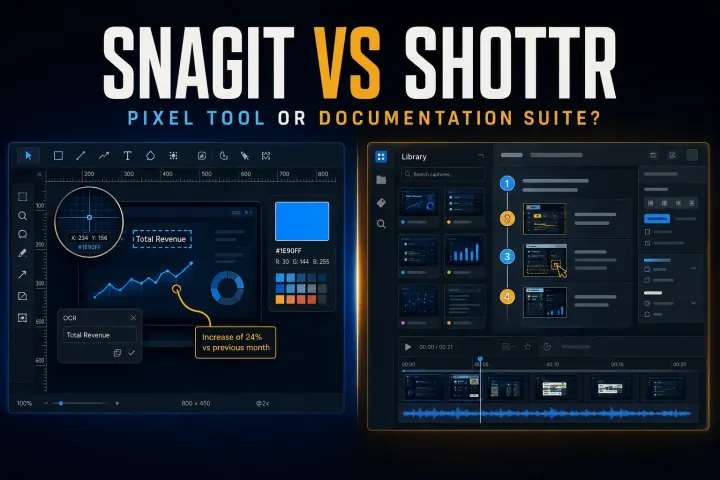
Choose between Shottr pixel tools and Snagit documentation and recording, with current licensing, scrolling limits, Mac compatibility and privacy checks.
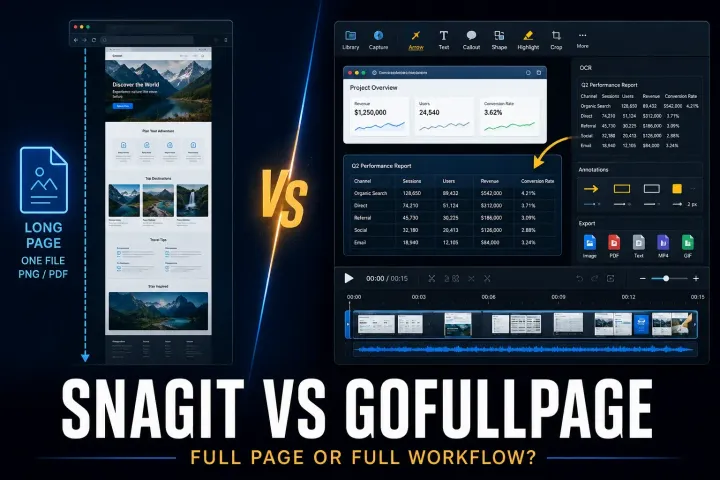
Compare browser-page exports with desktop screenshot editing, including official installation routes, PDF limits, permissions and annual plan terms.

Compare desktop screenshot editing with browser PDF annotation, including free limits, five-account team pricing and the risks of shared review links.
Six free screenshot options for Windows, Mac, Linux, and Chrome, with local saving, annotation, scrolling capture, and platform limits compared.
A current Snagit and Flameshot comparison for Linux support, still capture, CLI, documentation, privacy, and price.
A current comparison of Snagit, standalone Skitch, and Evernote annotation for Mac capture, markup, maintenance, and migration.
Choose a Chrome screenshot extension by capture mode, file output, editing, permissions, and sharing. Includes an installation check and GoFullPage update.
Choose a Linux screenshot tool for your desktop and display server. Compare native capture, annotation, OCR, and a configurable Wayland command.
Compare seven Mac screenshot tools by the file you need: a quick capture, an annotated image, a styled post, or documentation you can update later.
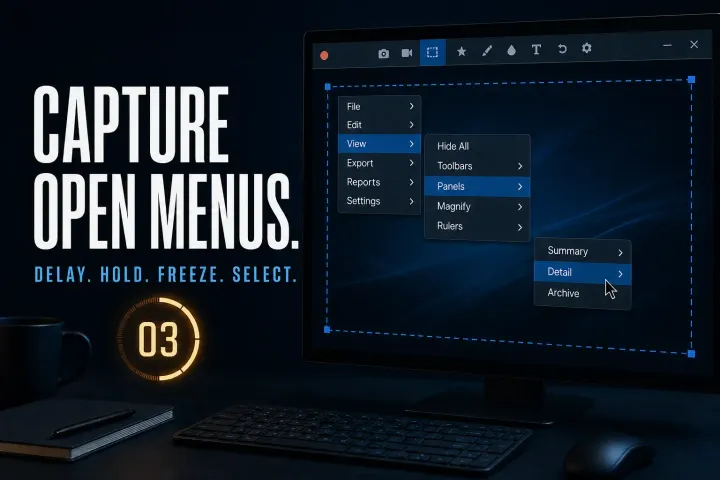
Capture open menus using the documented Windows and Mac routes, handle custom hover panels and check timing, cursor inclusion and private data before sharing.
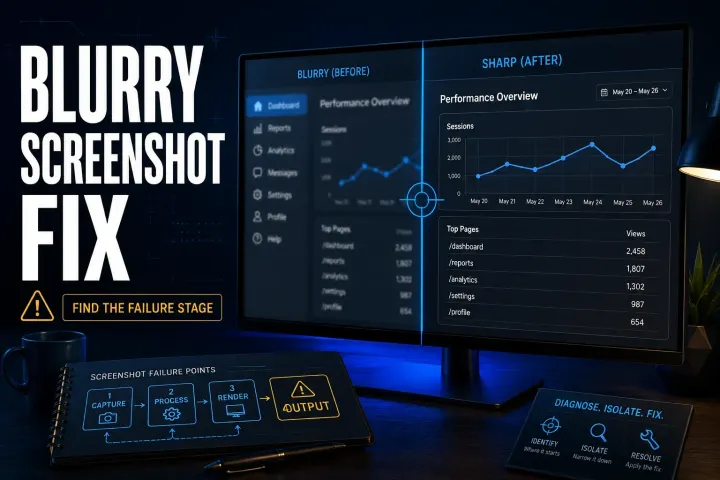
Find where a Snagit screenshot becomes hard to read, then check preview zoom, exported pixels, Word compression, Retina sharing or the final page layout.
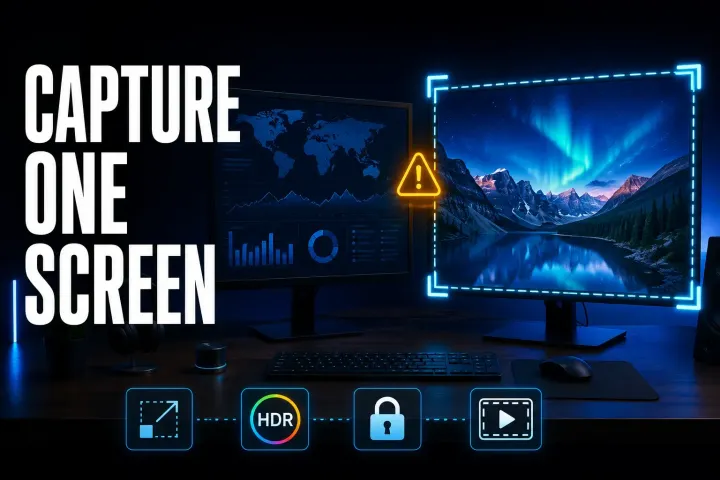
Choose the right display, compare a simple capture on each monitor, and check scaling, permissions, HDR and recording boundaries without guessing at the cause.
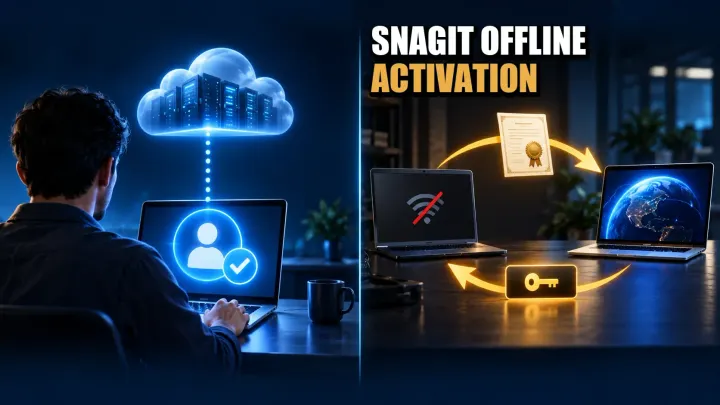
Activate Snagit offline with your license. Check Individual validation, Business certificate steps, renewal limits, errors, and Windows/Mac deactivation.

Snagit costs $39/year for individuals or $48/user/year for business. Compare license rights, student offers, renewal terms, trial limits, and refunds.