
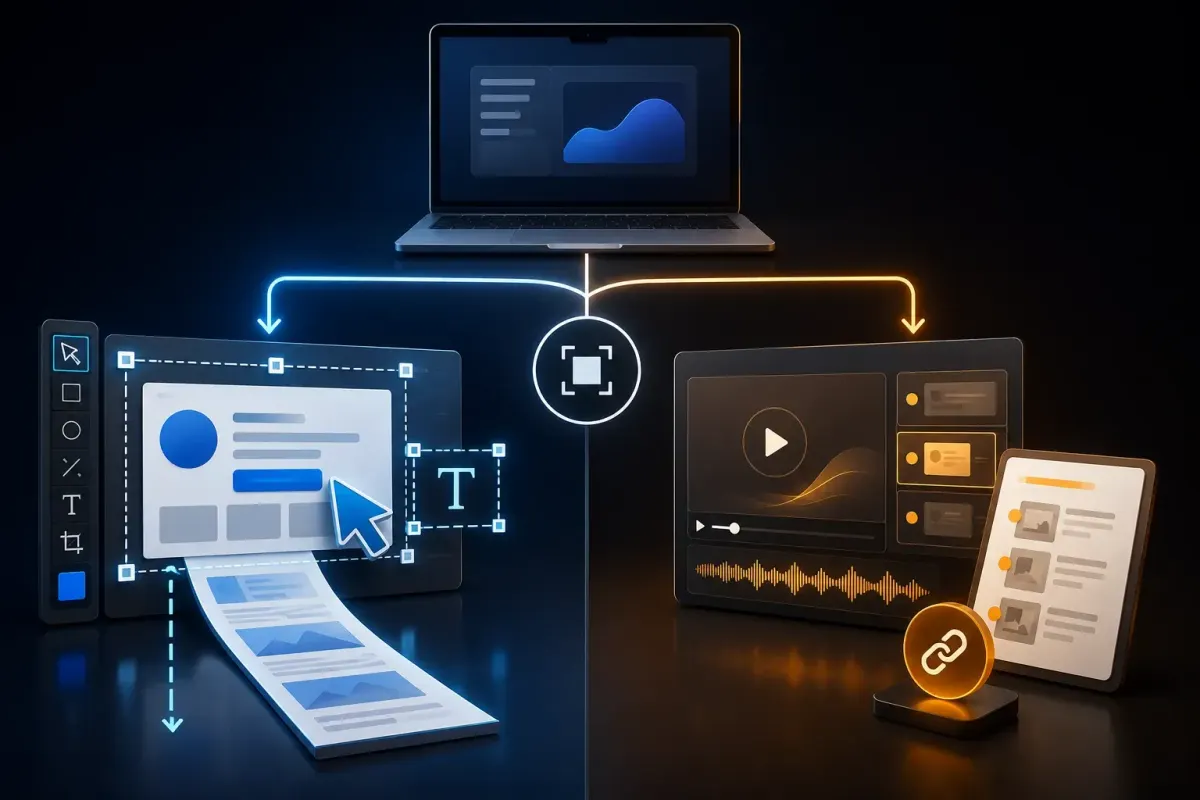
Choose Guidde when your reader needs a hosted video and written instructions from one capture, especially with AI narration. Choose Snagit when you need detailed screenshot edits, scrolling captures, local source files, or a screen recording with system audio. Both can automate parts of documentation; neither removes the editing work.
The useful Snagit vs Guidde question is what you must deliver and maintain. A video, an editable Word document, and a hosted procedure have different limits, so choose the output format your readers will open and your team can keep current.
I checked vendor documentation on September 19, 2026. Prices, export formats, and capture modes below include the plan or version conditions that affect the decision.
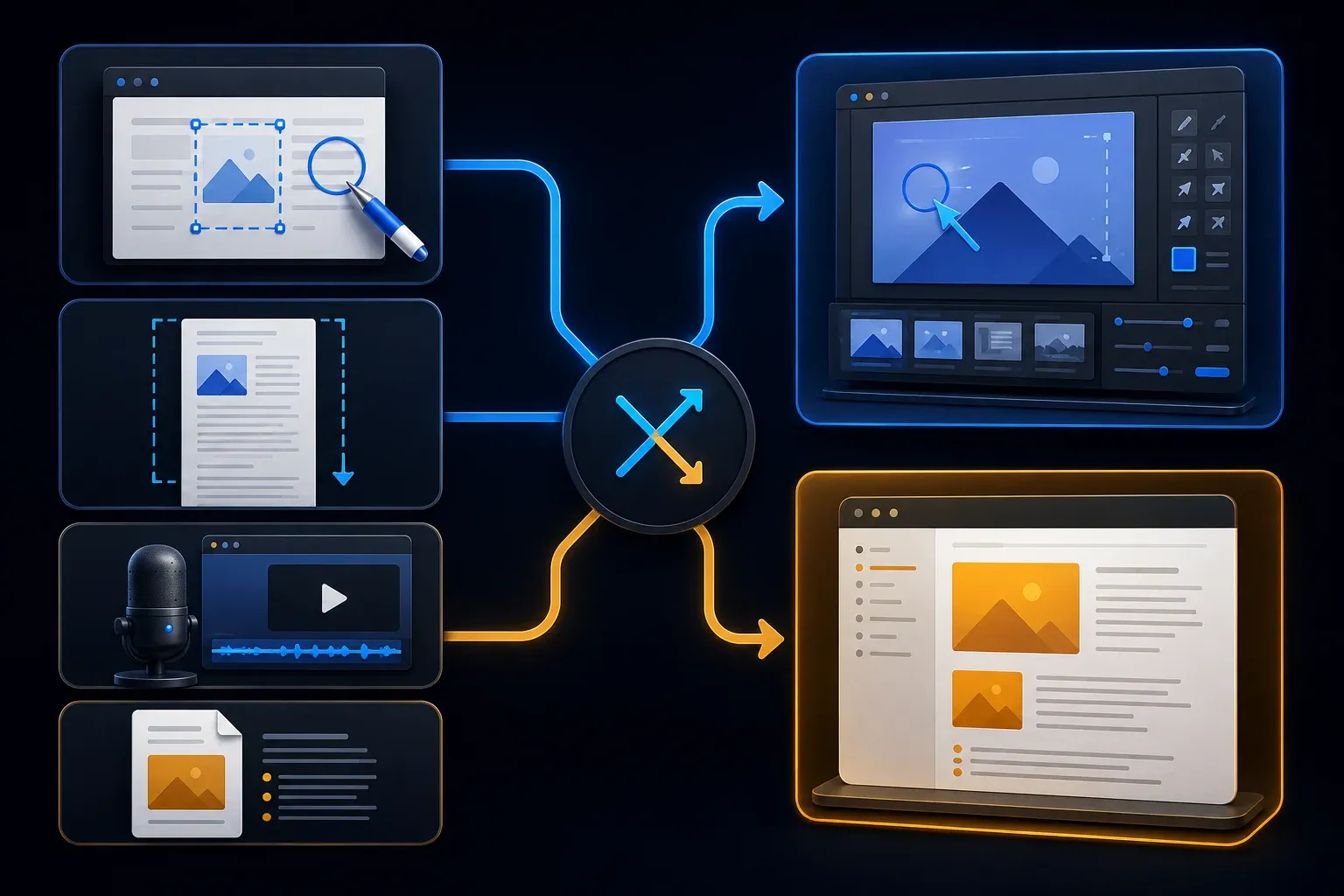
Snagit vs Guidde: the short verdict
| Need | Better fit | Reason |
|---|---|---|
| Edit a standalone screenshot | Snagit | OCR, object editing, annotations, and local source files |
| Create video and written steps together | Guidde | Paired outputs, with document-sync limits explained below |
| Capture a long page or table as one image | Snagit | Vertical and horizontal scrolling capture |
| Generate narration from text | Guidde Business or higher | Business includes unlimited text-to-voice generation |
| Capture desktop apps | Either, plan-dependent | Guidde requires Business, Enterprise, or its restricted Business trial |
| Record system audio | Snagit | Guidde Desktop does not record system audio |
| Maintain a paired video and document online | Guidde | Hosted outputs; direct document edits can detach synchronization |
| Deliver files outside the workspace | Either, with different conditions | Snagit has local exports; Guidde downloads require a paid plan and a non-draft guide |
Shortlist by output, then check the exact task. Faster capture will not help if the reader cannot open the guide or the downloaded copy misses a required step.
The real difference is the finished deliverable
Guidde builds a video and a written reference from a captured process. You edit them and share through a hosted link or embed, or use a supported paid export. This suits a help-center procedure where some readers watch and others scan the instructions.
Snagit combines an image editor, capture library, Step Capture, and screen recording. You can prepare assets for an existing wiki or document system. It also shares through Screencast, so the distinction isn't simply online versus offline.
Consider a billing procedure used in five help pages. A maintained source reduces the number of places to edit, but five separately downloaded files still need replacement. Decide who owns the procedure, where the current version lives, and which copies must change after an interface update.
Capture: browser steps, desktop apps, and long pages
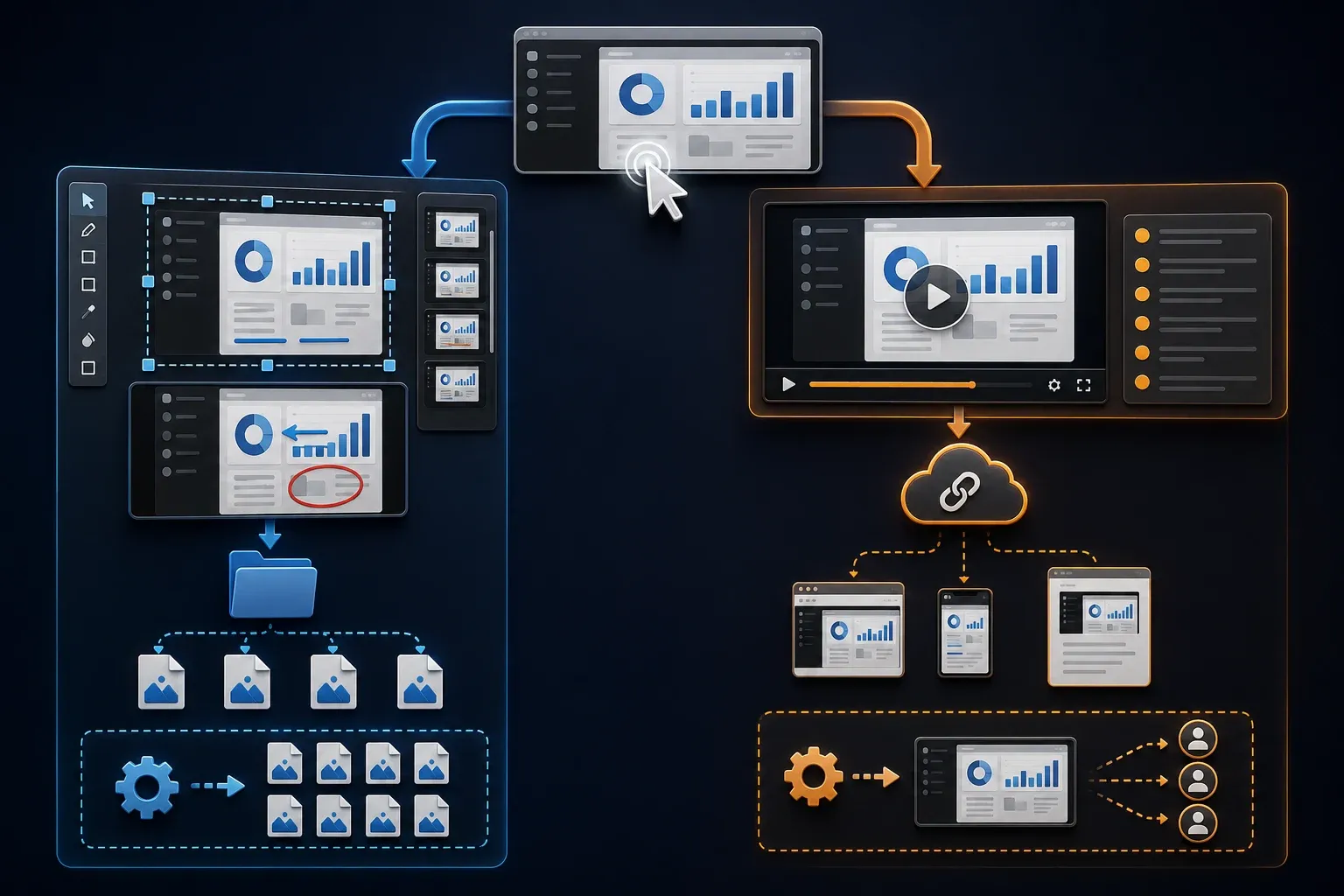
Guidde Free and Pro capture web workflows. Its desktop application requirements specify Business or Enterprise and Windows 10+ or macOS 11+. A desktop client still creates a hosted guide; it is not a local-only documentation system.
The seven-day Business trial includes desktop capture, but not file export, and Guidde Desktop also doesn't record system audio. If an application alert or playback sound is essential, a microphone or generated voiceover can't stand in for it.
Snagit’s Step Capture records clicks and drags into numbered steps. It doesn't capture text entry or keyboard shortcuts as steps, so add those instructions manually. Review the source screenshots too: the editor retains image content outside the visible frame, so cropping the guide doesn't guarantee that private data has been removed.
For a long page or spreadsheet, Snagit scrolling capture can produce a single vertical or horizontal image. Recording yourself scrolling through a page answers a different need. Choose the format your reader can actually use.
Image editing: standalone assets or steps in a guide?
Snagit’s image tools include arrows, callouts, Smart Move, text extraction, cropping, resizing, and templates. Choose it when you need to extract an error message, rearrange a captured object, or combine images before placing them in your own document.
Guidde goes beyond basic captions. Its video editor supports shapes, arrows, numbered callouts, text formatting, layers, image replacement, and paid blur. Try the actual edit you need before assuming it can't handle a detailed annotated step.
Use synthetic names, accounts, and values before capture, then review video frames, written steps, source images, thumbnails, exports, and sharing permissions. Snagit offers Smart Redact to help detect and mask sensitive information, but no automatic tool guarantees that every field or earlier copy is safe.
Video and audio: different production models
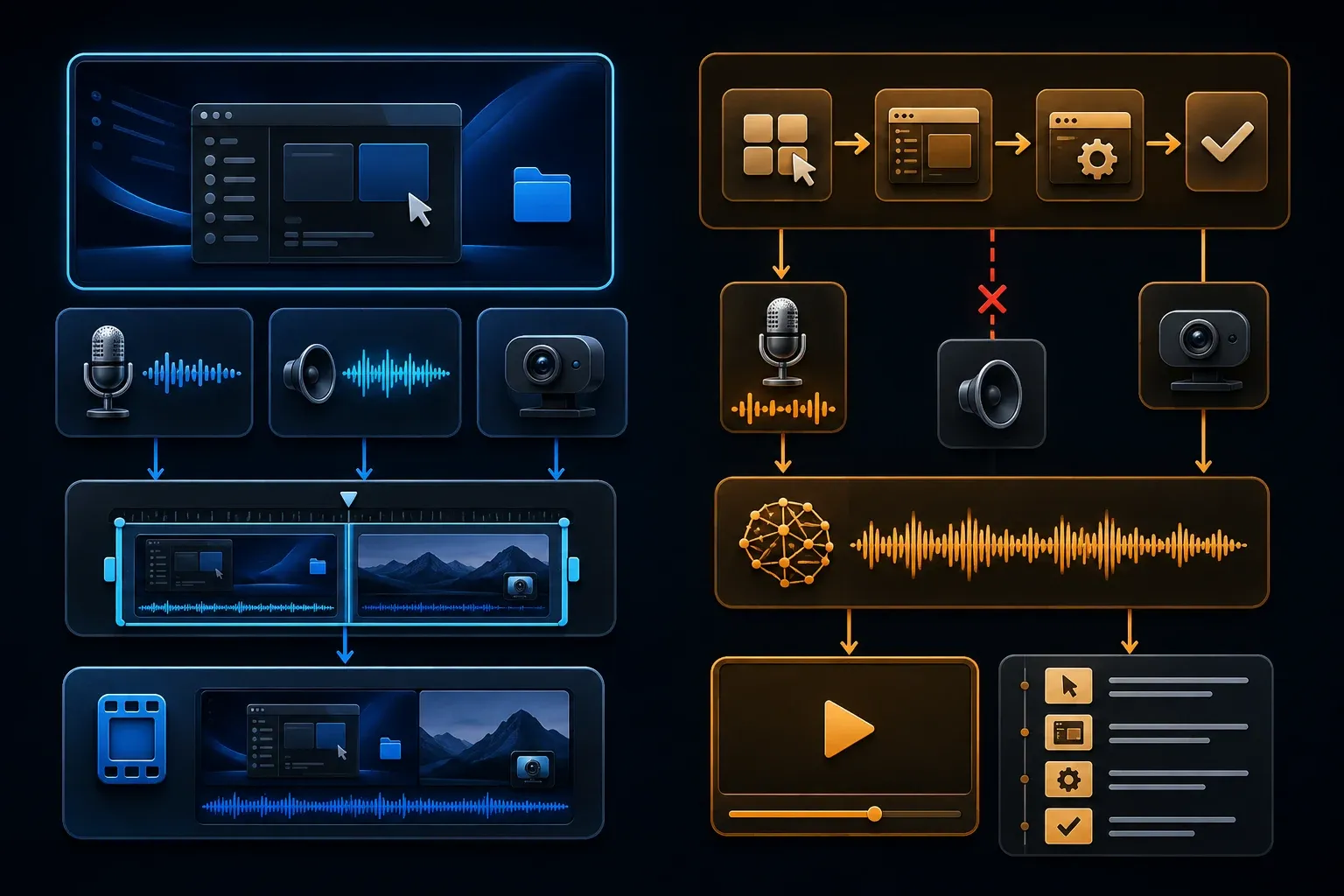
In Guidde Desktop’s How-To mode, Magic Mic turns spoken actions into video steps; silent clicks produce static steps with callouts. Product Demo and Screen Capture use continuous video instead. Choose the capture mode deliberately and review the generated wording and pronunciation before sharing.
Snagit records screen motion with microphone or system audio and optional webcam video. You can trim clips, combine recordings, and create a GIF. Its Screencast sharing is useful for delivery, yet Snagit’s recorder still isn't equivalent to Guidde’s paired video-and-document workflow.
For a software error, preserve the motion and sound that explain the failure. For a stable onboarding procedure, generated narration may be more convenient to revise. Compare correction time and reader success, because vendor speed claims aren't an independent test of your process.
Written documents, sync, exports, and sharing
Guidde’s Document Editor produces written steps alongside the video. Video steps without narration are hidden from the document automatically. Check for missing instructions before delivery, since a complete-looking video doesn't prove the document contains every action.
Direct text or image edits detach the document from video synchronization, and resync overwrites those detached edits, so preserve needed changes first. Reordering is done in the Video Editor while the document is synced, rather than independently in the document. Hiding a step with the visibility control doesn't detach the document by itself.
Guidde’s export rules distinguish copy options on all plans from paid downloads. Formats include MP4, GIF, PDF, Word, PowerPoint, HTML, and Markdown; SCORM needs Enterprise. Export is unavailable during the Business trial or while a guide is a draft. A PDF links to the video rather than embedding an offline movie, and an MP4 does not retain platform-only interactive actions.
Snagit’s Step Capture exports have version limits. Editable Word text plus screenshots require Windows 2025.3+ or Mac 2025.1+; PowerPoint requires Windows 2026.1+ or Mac 2026.0+. PDF is a visual output, not equivalent editable text. Markdown is listed for Mac 2025.3+ and HTML for Mac 2026.3+, not Windows. Some text and step formatting does not carry over.
Snagit vs Guidde pricing
Snagit Individual is an annual, non-transferable subscription. TechSmith advertises a standard US value of $39 per year on its US student offer page, but the store localizes pricing; confirm your currency and tax at checkout. The current activation documentation specifies a 15-day trial. For company-owned seats, check the Snagit license guide rather than treating Individual as transferable.
Guidde’s displayed USD prices distinguish annual billing from month-to-month billing:
- Free: up to 25 how-to videos, web capture, your recorded voiceover, and link sharing.
- Pro: $19 per creator per month billed annually, or $29 monthly. Adds unlimited how-to videos, watermark removal, branding, downloads, and blur.
- Business: $39 per creator per month billed annually, or $59 monthly. Adds desktop capture, unlimited text-to-voice, PDF/PPT-to-video, and analytics; up to five creators, billed individually.
- Enterprise: custom pricing for requirements such as SSO, translation, automated PII redaction, and content review. Confirm the controls you need in the quote.
At those annual rates, one Pro creator is $228 a year and one Business creator is $468, before taxes. Don't compare an annual Snagit price with one month of Guidde. Guidde charges for Admins, Content Managers, and Creators, while Viewers don't consume paid seats.
Budget for ownership, approved sharing, exports, and the destination knowledge base too. Test a handover with authorized test accounts and see whether the next owner can find the source, correct it, and deliver the new version. A low authoring price doesn't answer those questions.
A 35-minute same-task test
- Choose one 8-to-12-step task with a menu, a form, and a recoverable mistake.
- Use a test account, synthetic data, and appropriately licensed products.
- Capture the browser sequence in both tools; add any missing typed or keyboard-only action.
- For Guidde desktop or narration, use the required tier. Test Snagit system audio only when sound is part of the lesson.
- Remove an accidental step, correct one sentence, mask a test field, and add a useful warning.
- Deliver through the format readers use. Guidde export needs a paid plan and a non-draft guide; do not expect it from the trial.
- Ask a non-author to finish the task without coaching through the intended access route.
- Change one interface label and check both video and document, including separately distributed files.
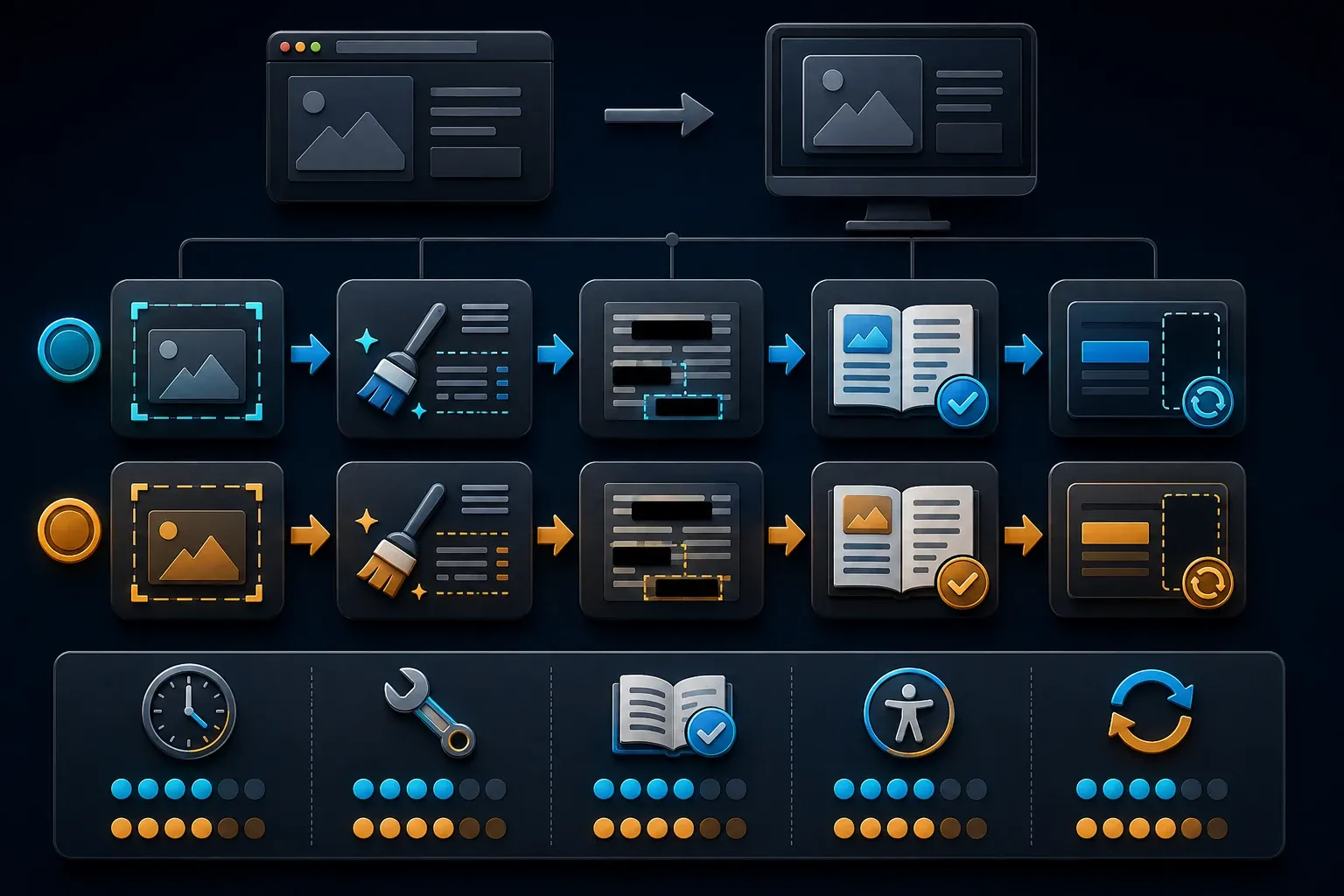
Treat thirty-five minutes as a suggested starting timebox rather than a measured completion promise. Record capture time, cleanup time, reader errors, access problems, and update work; allow longer for complex tasks. Use licensed products for training or performance testing: Snagit’s trial terms restrict the trial to evaluation and review, excluding training and benchmarking.
Who should choose Guidde?
Choose Guidde when you want narrated instructions and a written reference together, hosted for readers. It is worth considering for onboarding and support procedures that change often. Verify the paid export and synchronization behavior before committing a library of guides.
For browser-only capture without downloads, start by checking Free’s limits; desktop capture and AI narration change the plan decision. If you need system-audio recording, Guidde Desktop doesn't meet that requirement. Review confidential workflows before uploading any real data.
Who should choose Snagit?
Choose Snagit when careful image editing, OCR, scrolling screenshots, local assets, or recorded system audio matter most. It suits authors who already have a wiki, help center, or document repository and need better material to put into it.
Snagit can share through Screencast, so it is not restricted to attachments. Still, decide who manages approvals, destination access, and source files. If your requirement is an automatically paired, maintained video and written procedure, evaluate Guidde’s workflow directly.
Can you use both?
Yes, if each has a defined job. Keep the maintained procedure in Guidde and use Snagit for a selected image or recording that needs extra work, retaining the editable source and verifying the uploaded result. Avoid maintaining two complete procedures without a clear owner.
For other capture-focused choices, see the screen capture documentation tools guide. For a broader decision about wikis and workflow systems, use the process documentation software hub. Once you have chosen a tool, follow the guide to create an SOP with screenshots.
Snagit vs Guidde FAQ
Is Guidde better than Snagit?
Guidde suits a hosted video and written reference with AI narration on the required plan. Snagit suits standalone screenshot editing, scrolling capture, local assets, and screen recording with system audio. Choose by delivery, edits, and maintenance rather than assuming one is better for every procedure.
Can Snagit automatically create step-by-step guides?
Yes. Step Capture records clicks and drags into numbered instructions. Add text-entry and keyboard-shortcut steps manually. Editable Word and PowerPoint exports depend on the installed version; PDF is a visual output. Check the platform and version limits above.
Does Guidde have a free plan?
Yes. Free supports up to 25 how-to videos and web capture. The separate seven-day Business trial includes desktop capture and AI text-to-voice, but export requires an active paid plan. Do not use the trial to promise a downloadable deliverable.
Which costs less, Snagit or Guidde?
TechSmith advertises a standard US Snagit value of $39 per year; confirm the localized store price. With annual billing, Guidde Pro is $19 and Business $39 per creator per month. Month-to-month rates are $29 and $59 respectively. Compare annual totals, paid roles, and the required output.
Can Guidde record desktop applications?
Yes. Guidde Desktop supports Windows 10+ and macOS 11+ on Business, Enterprise, or the restricted Business trial. It does not record system audio. Check capture mode and export entitlement separately.
Does Guidde create written instructions or only video?
Guidde creates both video and written instructions. Review both: video steps without narration are hidden from the document automatically. Direct document edits can detach synchronization, and resync overwrites those detached edits. A synced document is not a guarantee that every required action is visible.
Which tool is safer for private information?
Neither is automatically safer for every workflow. Guidde offers paid manual blur and Enterprise automated PII redaction; Snagit has Smart Redact. Use synthetic data, inspect originals and exports, and check access controls. Cropping or masking one view does not recall earlier copies.
Can Snagit and Guidde be used together?
Yes. Use Guidde for the maintained procedure and Snagit for selected images or recordings that need extra work. Keep one authoritative procedure, an assigned owner, and an approved sharing destination.