
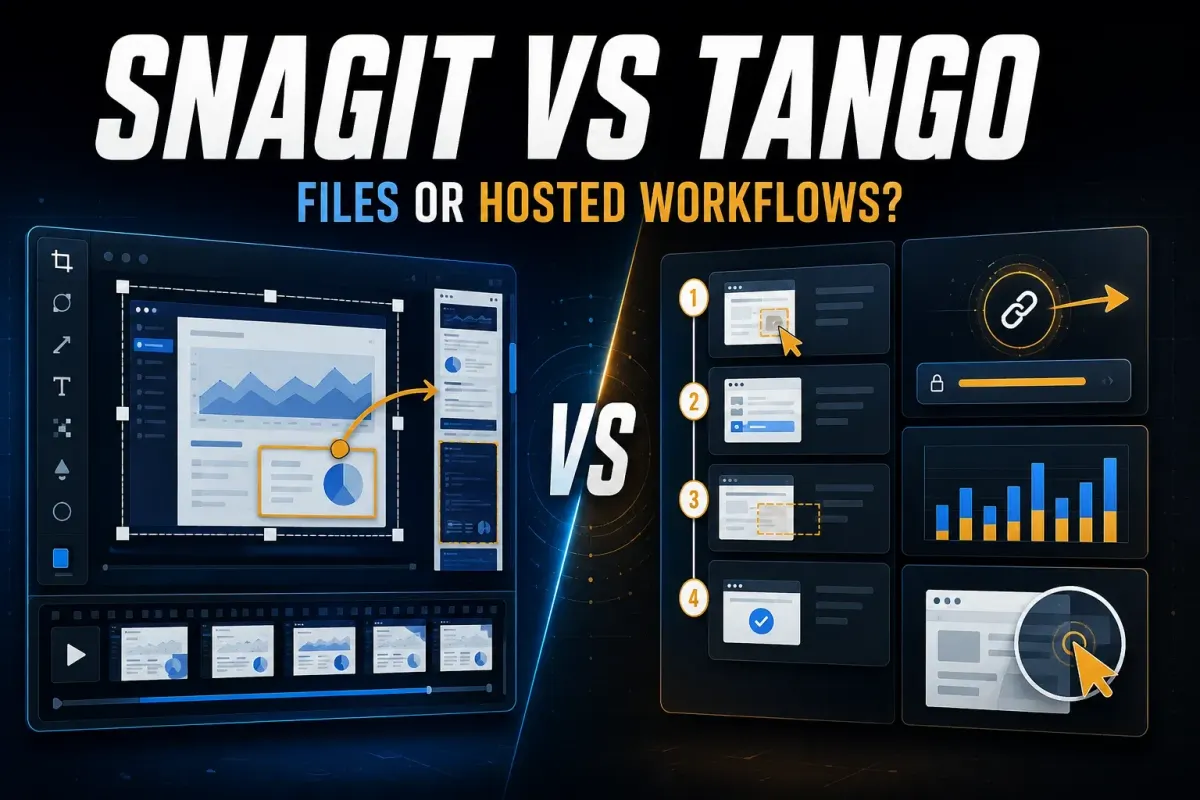
Choose Tango when you want a hosted step guide that your team can open by link, embed in a wiki, and maintain in one place. Choose Snagit when your work needs precise screenshot editing, scrolling captures, local files, or a recording of what actually happens on screen. Both can automate click-by-click documentation.
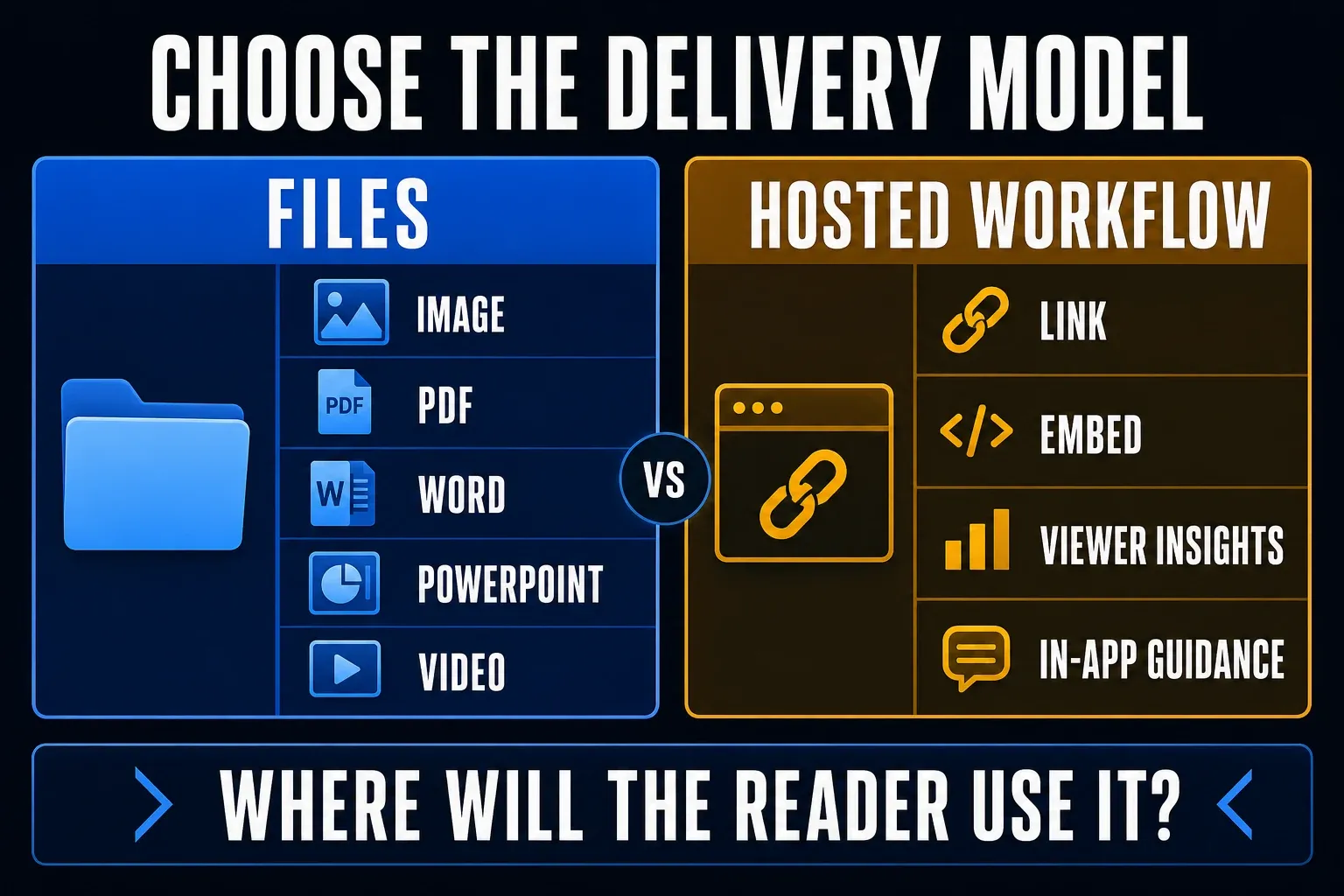
The Snagit vs Tango decision depends on what your reader receives: an editable document, a hosted workflow, a video, or guidance inside an application. These are different outputs, and some features overlap, so neither product necessarily lacks every feature in the other column.
This comparison’s product and price research dates to September 19, 2026; Tango’s Guide Me access and role rules were rechecked October 17, 2026. Prices are displayed US-dollar rates before tax, and billing periods and seat rules matter. The operational help now gives a useful answer on Guide Me access, although the Enterprise pricing card remains less specific.
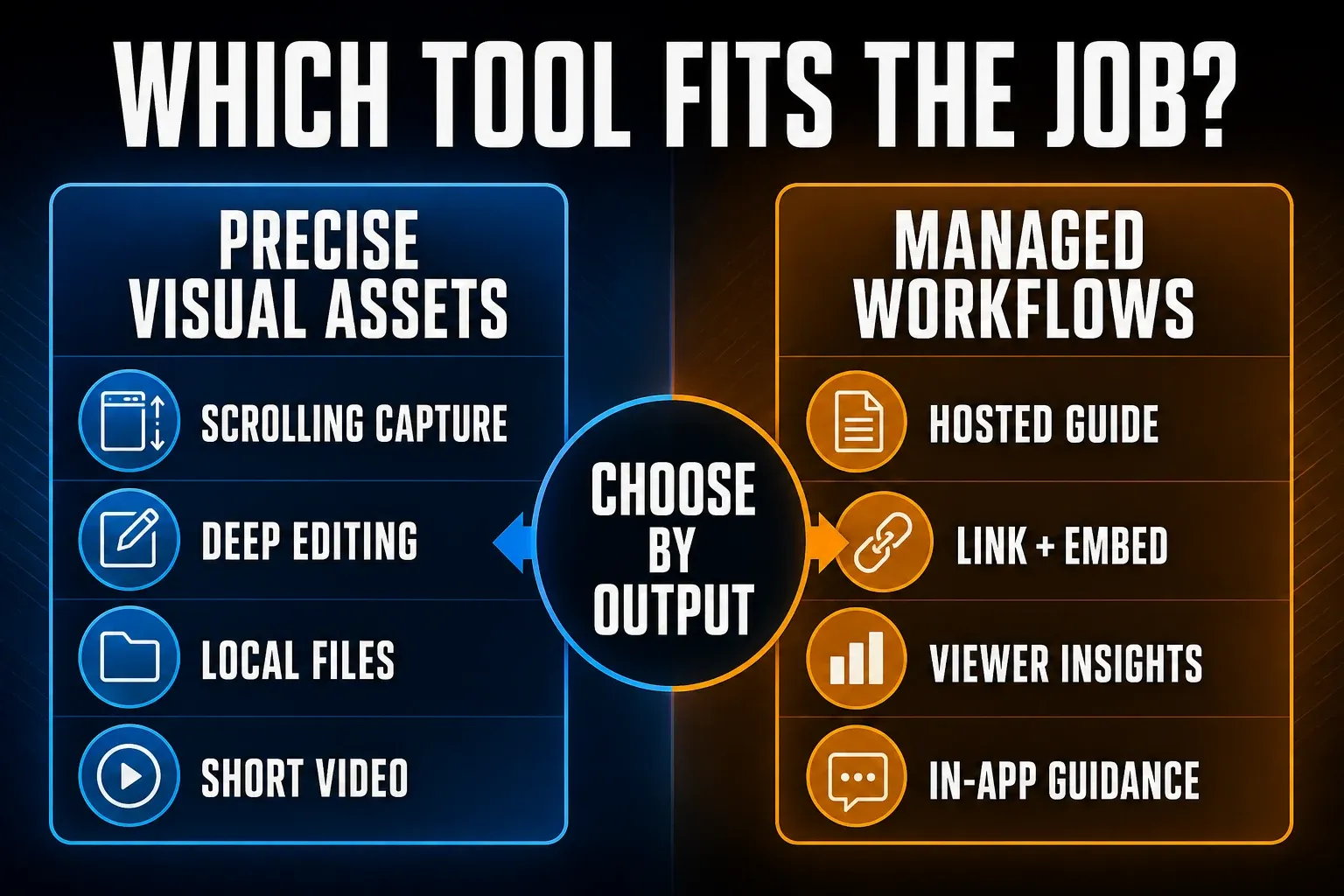
Snagit vs Tango: the short verdict
| Need | Better fit | Reason |
|---|---|---|
| Capture browser steps quickly | Tango Free or Pro | Creates a hosted step guide; Free has sharing limits |
| Capture desktop and browser steps | Either, with limits | Tango Desktop needs Pro or Enterprise; Snagit Step Capture omits text entry and keyboard shortcuts |
| Edit screenshots precisely | Snagit | Image annotations, OCR, templates, scrolling capture, and local source files |
| Share a maintained workflow by URL | Tango | Hosted guides and live embeds; paid history and viewer features |
| Guide users inside a browser app | Tango, with the right role and workflow | Help documents Free, Pro and Enterprise access; guests get three sessions per workspace, while Enterprise adds the view-only Sidekick role |
| Record screen motion and your narration | Snagit | Screen recording with audio and webcam; Tango instead offers paid video-style workflow embeds |
| Start with an ongoing free plan | Tango | Free includes five shared workflows; Snagit has a 15-day trial |
| Keep editable documents outside a workspace | Snagit | Word and PowerPoint exports depend on app version; PDF is a visual output, not equivalent to editable text |
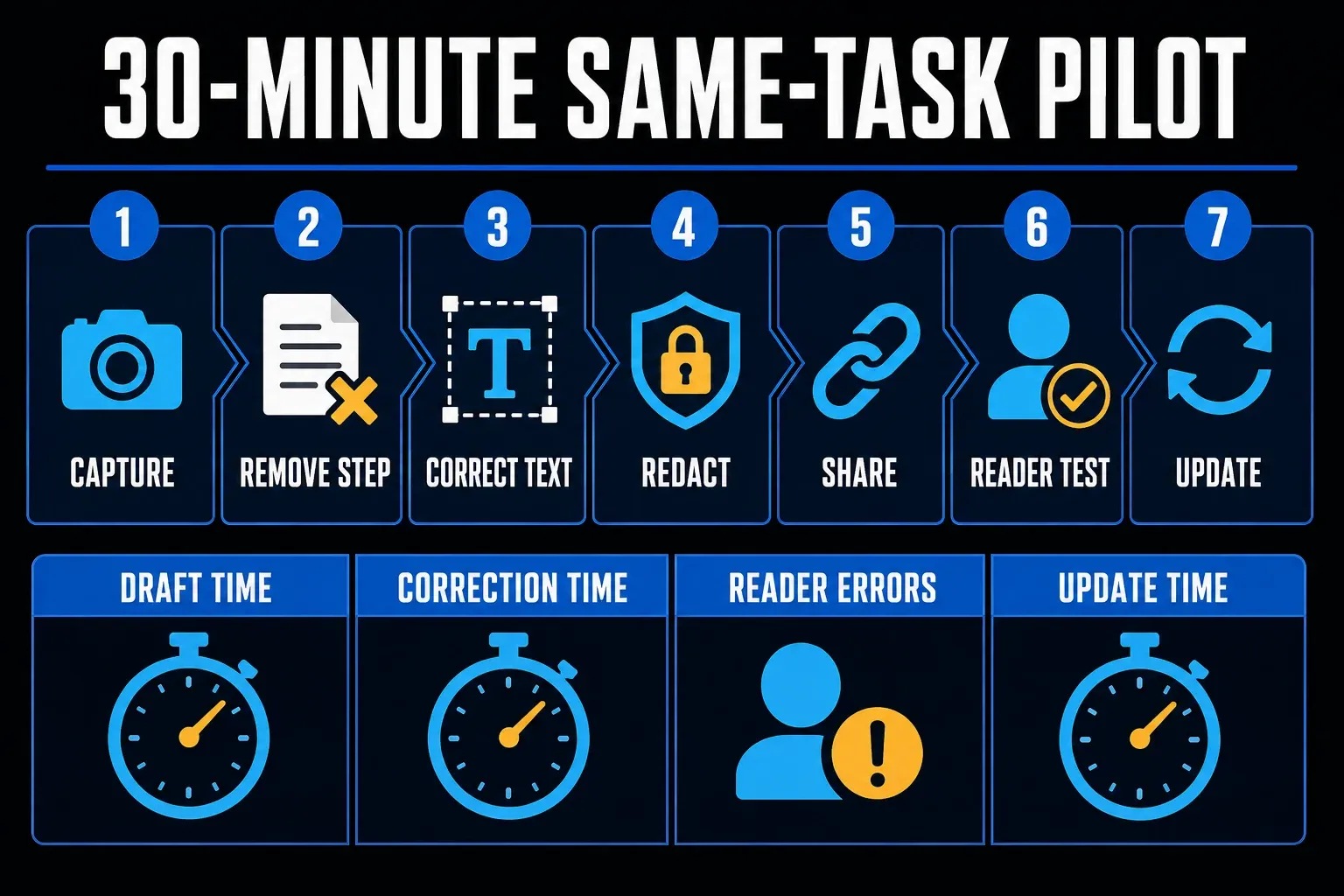
Use the table to shortlist a tool, then try the same process in both. Count capture time, corrections, reader errors, and update work. A tool that saves five minutes during capture is less useful if the exported instructions omit a required action.
The difference that matters after capture
Tango stores the captured sequence as a hosted workflow. You correct its instructions and images, organize access, and share the guide. Its sharing instructions distinguish a maintained link or embed from a downloaded copy. Snagit also has cloud sharing through Screencast, so “Tango is online and Snagit is offline” is too crude a distinction.
Snagit gives you an image editor and local capture library alongside Step Capture, which suits work where the visual needs careful editing before it goes into a document or help center. Its current feature list includes scrolling capture, annotations, text extraction, templates, and screen recording. Those are different jobs from keeping a hosted procedure current.
For example, a workflow embedded in three wiki pages can point to one maintained Tango source, and Tango says its live embeds reflect changes to the original workflow. Three separately downloaded PDFs still need replacement. Likewise, exporting a Snagit document doesn’t update copies you have already distributed.
Before rollout, name the source owner, the approved destination, and the review trigger. Test a handover with authorized test accounts rather than a former employee’s credentials. Tango documents changing ownership of a Pro workspace and its workflows, and adding a paid member can also affect billing. Check access after the test.
Both products now automate step capture
Older comparisons that describe Snagit as manual screenshots only miss Step Capture. TechSmith’s Step Capture tutorial describes recording clicks and drags into numbered steps, and it also states that text entry and keyboard shortcuts are not captured as steps. Add those instructions manually, reorder or remove accidental captures, and verify the whole procedure.
Tango Free records browser workflows. Tango Desktop requires Pro or Enterprise and supports native applications on Windows 10 or 11 and Mac, including Apple Silicon and Intel builds. Desktop workflows are still stored in Tango’s web app; installing a desktop client does not make the workflow local-only.
Tango’s desktop compatibility guide includes drag-and-drop and keyboard shortcuts, but excludes Guide Me and Live Blur for desktop workflows. Test your actual application. A browser form, a native spreadsheet, and a remote desktop can produce different capture results. The diagram below compares the broad output paths, not identical capture coverage.
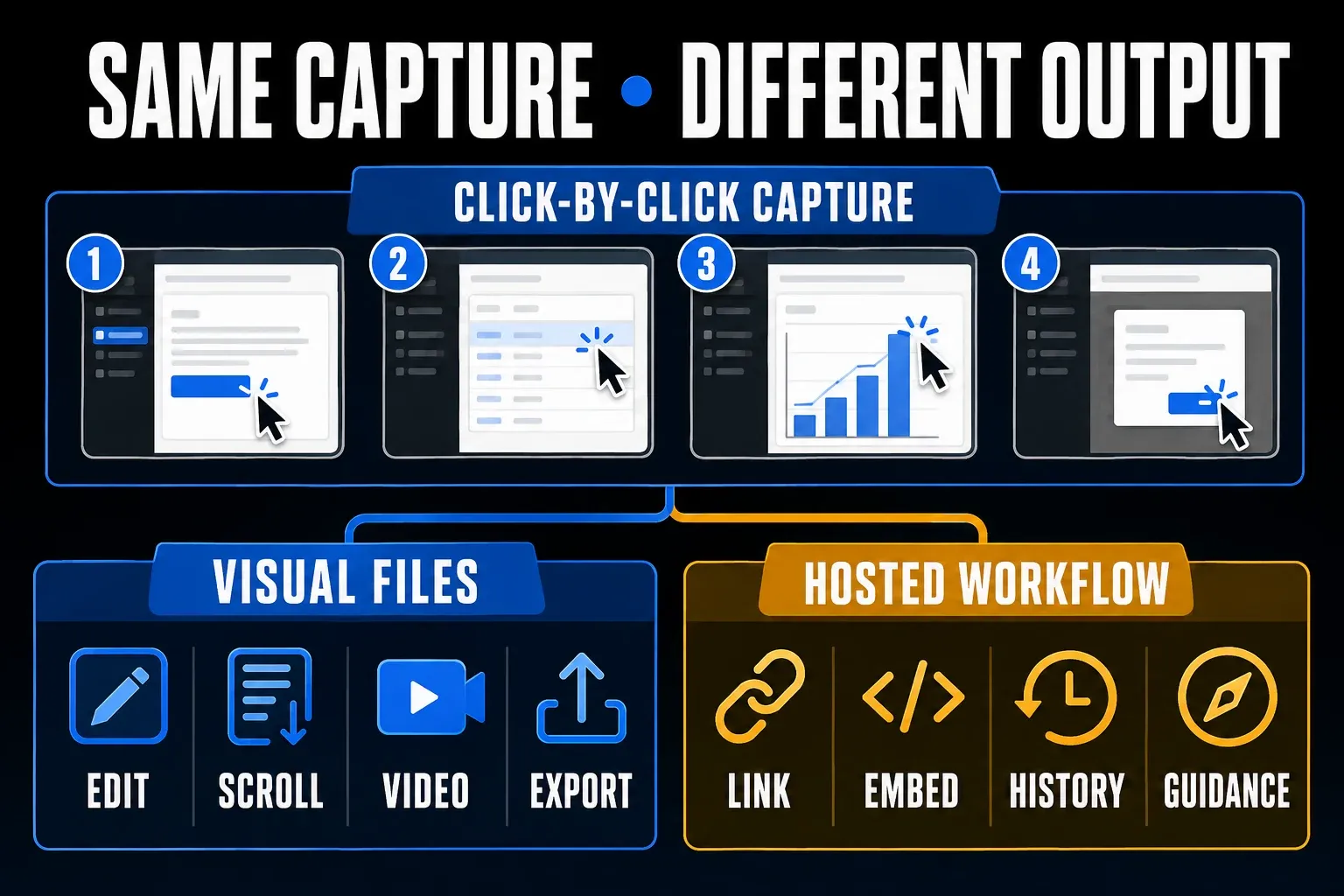
Capture and editing comparison
Choose Snagit when you need to mark a small error message, combine screenshots, capture a scrolling page, or extract text before writing an instruction. Its screen recorder can include narration and webcam video. OCR and automatic capture still need checking: confirm the extracted text, destination, and final step rather than treating generated output as a finished procedure.
Tango’s editor is organized around steps. You can correct instructions, add headings and callouts, and annotate or blur screenshots. That suits a procedure whose sequence matters more than detailed image composition. Choose by the edits your task requires, rather than assuming a workflow editor replaces a general screenshot editor.
Tango also has video-style workflow embeds on Pro and Enterprise, with optional generated narration. These play through the captured steps; they don’t show that motion, a live error, or your own spoken demonstration was recorded. Use Snagit’s screen recording when those details are the lesson.
Sharing, exports, and reader access
Tango Free supports links and embeds; Pro adds PDF, Markdown and HTML exports. Its pricing page lists viewer insights on Pro. Check sharing separately, because Free workflows moved into the Team Library default to Anyone with the link. A publicly viewable static guide doesn’t require a Tango account, though that doesn’t grant anonymous Guide Me access. Don’t make confidential material public just to fix an access prompt.
Snagit’s Step Capture export guide distinguishes visual outputs from editable documents. PDF and a Screencast share link deliver a visual guide. Word receives editable text plus separate screenshots on Windows 2025.3+ or Mac 2025.1+; PowerPoint does so on Windows 2026.1+ or Mac 2026.0+. Some text and step formatting is not preserved. Mac also supports Markdown from 2025.3+ and HTML from 2026.3+; do not assume those exports exist on Windows.
Try the exact reader route with a non-author test account and, for an intentionally public guide, a signed-out browser. Check permissions, mobile layout, text editability, and the downloaded file. TechSmith’s export guide routes automatic Step Capture-to-video creation through Camtasia Editor or Camtasia Online, separate from recording screen video in Snagit. Check the required product and subscription before promising that output.
In-app guidance and analytics
Tango’s Guide Me access rules, rechecked October 17, 2026, say members and guests can use it on Free, Pro and Enterprise when they have access to a compatible workflow. Guests—including readers entering through public links—get three sessions total per workspace. The reader must be signed in with the latest Chrome or Edge extension, and the workflow must have been captured in the browser on or after May 17, 2023. Desktop captures, uploaded screenshots, phones and tablets are excluded.
The role definitions separate a Creator’s unlimited Guide Me use from the Enterprise-only Sidekick, a view-only role with unlimited Guide Me and Pins access. Free members are Admins; Pro workspace members require paid seats. The pricing card still groups Guide Me under Enterprise without explaining this distinction. I would use the help rules to plan a small workflow and get the role and seat terms confirmed before a larger purchase.
The access article requires a logged-in user, an up-to-date extension, workflow permission, and a workflow in the Team Library. Guests have three total guided views per workspace. Desktop captures are incompatible. The Enterprise feature documentation separately lists SSO, SCIM, automatic PII detection, branching, audit logs, workspace analytics and 365-day version history. Request a quote for the controls and supported users you actually need.
For a procedure with different paths, Tango’s Workflow Branching guide adds a useful Enterprise distinction: Creators and Admins build the branches, while Sidekicks choose a path when following Guide Me. These are explicit decision points chosen by the reader, not automatic execution of business logic. Choose that approach when one maintained guide needs alternate routes; a single linear screenshot sequence may be clearer for a task with only one path.
Snagit doesn’t provide this kind of in-application guidance, so if your team already uses a wiki or learning system, editable documents and recordings may be sufficient. If the reader must follow a live browser process, pilot Tango with the intended permissions and extension policy. A view count or an opened guide doesn’t prove the reader completed the task correctly.
Snagit vs Tango pricing
The US Snagit Individual store lists $39 per user per year, billed annually, with a non-transferable license. That is not interchangeable with a company-owned transferable seat: compare the Business license terms for that requirement. TechSmith documents a 15-day functional trial, not a permanent free desktop plan.
Check compatibility before paying. TechSmith’s current system requirements list supported Windows 10/11 configurations and macOS Golden Gate 27, Tahoe 26 or Sequoia 15. Match the release to your machine. Tango’s displayed USD prices are:
- Free: $0, five shared workflows and up to ten users per workspace, with browser capture.
- Pro, billed annually: $22 per user per month for one or two users; $15 for three or more.
- Pro, billed monthly: $30 per user per month for one or two users; $20 for three or more.
- Enterprise: a custom quote. The pricing page describes a platform fee based on supported users; confirm the actual agreement.
Tango says every member of a workspace upgraded to Pro needs a paid seat. At the displayed annual rates, one seat is $264 per year, two are $528, and three are $540, before tax. Don’t budget for one paid creator while expecting other workspace members to stay free. People reading an intentionally public static guide are a different access case.
Compare the whole cost: license ownership, workspace seats, required reader access, identity controls, exports, and the destination wiki. A $39 personal license and a managed workflow workspace buy different things. Use the Snagit pricing and license guide for broader terms, then confirm the current regional checkout or quote.
Privacy, redaction, and ownership
Use a test account with synthetic data, close unrelated apps and suppress notifications before recording, and remove real passwords, payment details, customer records, health information, and private employee data from the capture environment. This is safer than relying on an automated detector to find every sensitive field afterward.
Tango’s blur storage explanation says saving Blur or Batch Blur replaces the unblurred image on its infrastructure and cannot be undone. Paid Live Blur acts before capture but isn’t available in Tango Desktop. Enterprise automatic PII detection is a separate control. None of these statements recalls copies already downloaded or shared elsewhere.
Snagit’s Smart Redact can detect categories of sensitive information and apply blur, pixelation, or black bars. Review the result and the actual exported file, since you can’t assume every original or cloud copy has been erased. Before confidential use of either product, have your organization check storage, permissions, retention, and approved sharing. “Not indexed by search engines” doesn’t make a Tango link private.
A practical 30-minute comparison test
- Choose one 8-to-12-step browser task with a menu, a form, and one correction.
- Use a test account with synthetic names and values.
- Capture it in both products. Check typed text, keyboard shortcuts, and the final saved result.
- Remove an accidental step, correct one instruction, redact a test field, and add one warning.
- Export or share through an approved test destination in the format your readers use.
- Ask a non-author to complete the task without coaching, using the intended access level.
- Change one interface label and measure the work needed to update every delivered copy.
Thirty minutes is a suggested starting timebox, not a tested completion claim. Record minutes to first draft, correction time, manual edits, reader errors, time to open, and update time. Allow longer for security review or complex applications. Compare the same task and billing tier, and don’t score a restricted free plan against a paid feature you have not tried.
Who should choose Tango?
Choose Tango for maintained step guides, links and embeds, and team workflow organization, especially when procedures change often and readers need one current URL. For live browser guidance, check the reader’s role, the three-session guest allowance and workflow compatibility. Enterprise adds the view-only Sidekick role and separate administrative and security controls; it is not the only plan named in the Guide Me access help.
Tango is less compelling if your main work is detailed standalone screenshot editing or recording actual screen motion. Its paid video embeds still deserve consideration for narrated step playback. The hosted workspace also needs an owner, a sharing policy, and an exit plan; include those in the decision.
Who should choose Snagit?
Choose Snagit for flexible capture, precise image editing, OCR, scrolling pages, local assets, and short screen recordings. It fits authors who already publish in a wiki, help center, LMS, or controlled documents. Test the Word or PowerPoint output on your installed version if readers must edit the instructions afterward.
Snagit’s Screencast sharing can distribute a visual guide, though that isn’t the same as a managed step-by-step workspace or live browser guidance. Assign responsibility for destination permissions, approvals, source files, and replacement copies. Local authoring also does not remove subscription or activation requirements.
Can you use both?
Yes, when the tasks justify two tools. Keep the maintained click sequence in Tango and use Snagit for the few images or recordings that need extra work. Name one authoritative procedure and one owner. Avoid rebuilding every step in both places, and verify that uploaded assets contain no private data.
To compare other capture-focused options, use the screen capture documentation tools guide. For a wider choice of workflow, wiki and training systems, use the process documentation software hub. If you already chose a tool, follow the practical guide to create an SOP with screenshots.
Snagit vs Tango FAQ
Is Tango better than Snagit?
Tango suits maintained hosted workflows and link or embed delivery. Snagit suits detailed screenshot editing, scrolling capture, local files and screen recording. Both automate click capture. Tango’s help documents Guide Me across Free, Pro and Enterprise with access conditions; guests get three sessions per workspace, and the view-only Sidekick role is Enterprise-only. Its Enterprise marketing card does not explain all those distinctions.
Can Snagit automatically create step-by-step guides?
Yes. Step Capture records clicks and drags into numbered steps, but does not capture text entry or keyboard shortcuts as steps. Add missing instructions manually. Word and PowerPoint exports can retain editable text on supported versions; a PDF or image is not the same editable output.
Does Tango have a free plan?
Yes. Tango Free lists five shared workflows, browser capture, and up to ten users per workspace. Desktop capture and video embed generation need Pro or Enterprise. Review visibility before moving a workflow into the Free Team Library, where Anyone with the link is the default.
Which is cheaper, Snagit or Tango?
Snagit Individual is $39 per year in the US store and is non-transferable. Tango Free is $0 within its limits. Pro starts at $15 per user per month only for three or more seats billed annually; one or two seats are $22 each on annual billing. Compare ownership, all workspace seats, and delivery requirements.
Can Tango capture desktop apps?
Yes. Tango Desktop is available on Pro and Enterprise for supported Windows and Mac computers. Its workflows are stored in the web app. Desktop capture does not support Guide Me or Live Blur, so test your application and use synthetic data.
Does Tango replace a knowledge base?
Tango can host and organize workflows, but you may still need a knowledge base for policies, explanations, decisions, and material that is not a click sequence. Check search, permissions, review, and export requirements before moving an existing library.
Which tool is safer for confidential workflows?
Neither removes the need for safe source data and access controls. Tango documents deletion of its unblurred image when Blur or Batch Blur is saved; Snagit offers Smart Redact for detecting and masking sensitive information. Review outputs and earlier copies, and use an approved test environment for confidential procedures.
Can Snagit and Tango be used together?
Yes. Keep the maintained procedure in Tango and use Snagit for selected images or recordings that need more editing. Assign one owner, check sharing permissions, and avoid maintaining two complete copies of the same procedure.