
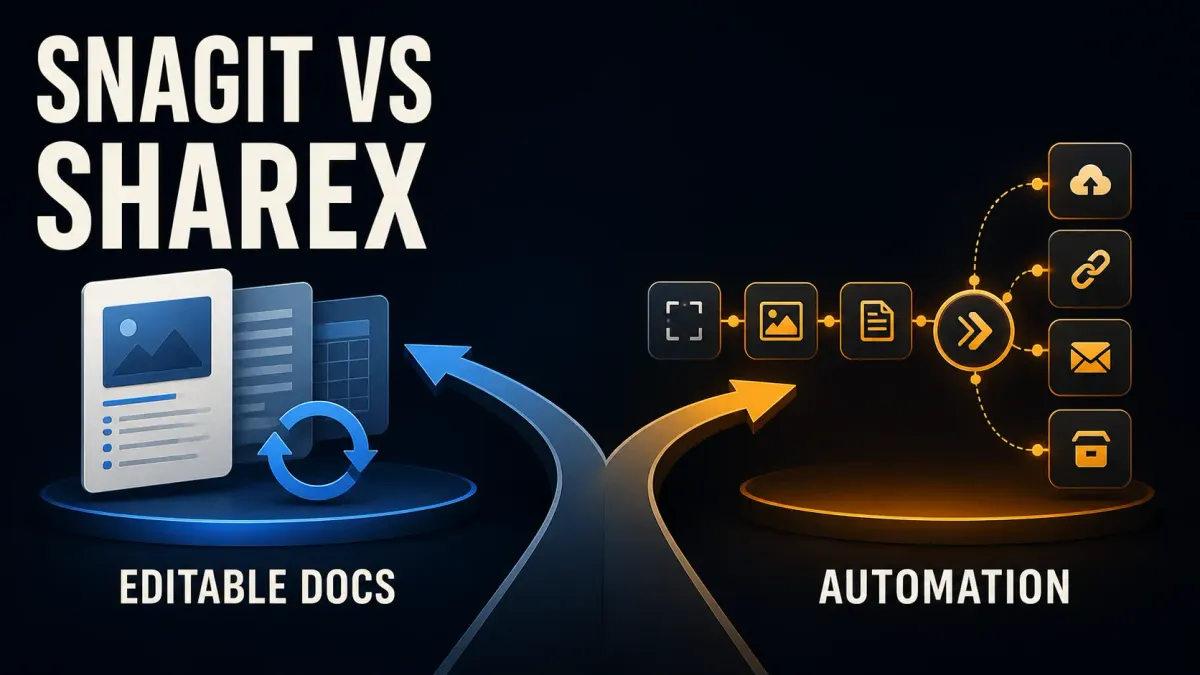
Choose ShareX for free Windows capture with configurable save, edit and upload tasks. Choose Snagit if you need the same capture product on Windows and Mac, editable SNAGX sources, or automatic visual-guide creation. Both annotate screenshots, capture scrolling content, extract text and record video.
ShareX's current editor is substantial. Calling it a basic alternative misses the real question: do you need a finished image today, a guide to revise later, or a repeatable capture workflow?
On September 13, 2026 I checked this comparison of capture workflows against vendor documentation and ShareX's stable release notes.
Snagit vs ShareX at a glance
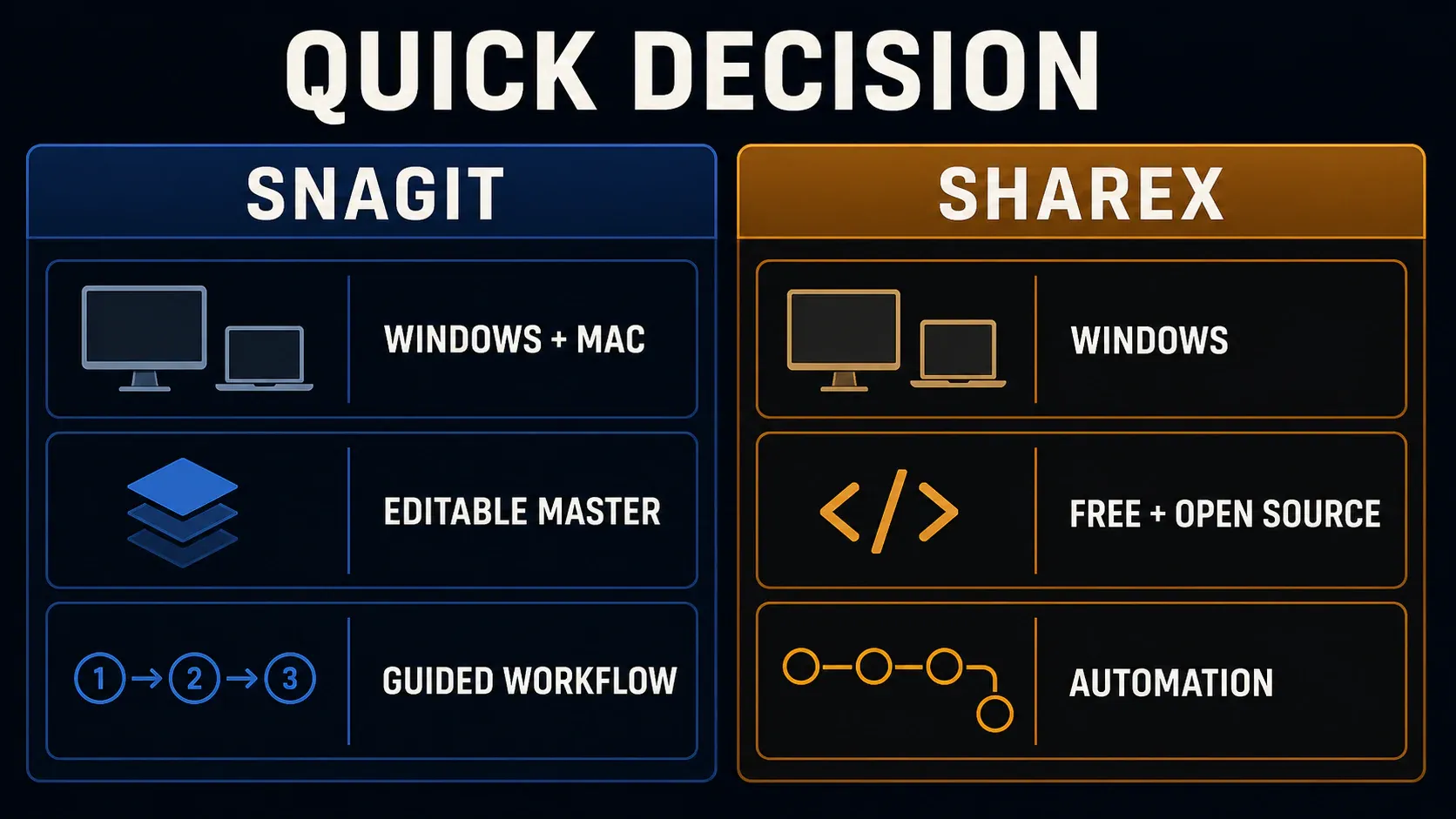
The diagram shows good reasons to pick each tool rather than features only one of them has. ShareX also edits images, and Snagit has capture presets too.
| Decision | Snagit | ShareX |
|---|---|---|
| Price | Paid annual subscription; trial available | Free, open source; no paid capture tier |
| Desktop platform | Windows and macOS | Windows |
| Image editing | Annotations, text tools and reusable SNAGX sources | Modern editor with annotations, effects and numbered markers |
| Long screenshots | Scrolling capture | Scrolling capture |
| Procedures | Step Capture builds a numbered visual guide | Capture images and assemble the procedure yourself |
| Repeated tasks | Presets and editor workflow | Hotkey workflows, after-capture tasks, actions and custom uploaders |
| Video | Recording with audio and basic trimming | FFmpeg-based recording and GIF; configurable audio source |
| Support | Commercial vendor support | Project documentation and community support |
For ordinary Windows screenshots with arrows, try ShareX before you pay. If your team mixes Windows and Mac, or your instructions get revised often, evaluate Snagit on one of your own documents. The screenshot software comparison covers other choices.
Price and platform can settle the choice
The ShareX project is free under GPL-3.0, and its core capture tools don't need an account. Third-party hosting or an optional AI provider can bring its own costs. Download it through the project's own links rather than a similarly named download site.
On September 13, the Snagit Individual store showed €39.56 per user/year, billed yearly, for the region checked. Your currency and checkout total can differ. Individual subscriptions are non-transferable, so don't treat one as a shared seat; for business purchasing, use the pricing and license guide.
ShareX is a Windows application, so it isn't a native Mac alternative. Its stable release history lists 21.0.0 on July 3, 2026; current releases require 64-bit Windows 10 or later. Snagit's dedicated requirements page covers Windows and macOS. It currently lists macOS 27, 26 and 15, while the store still says 14+. Check the requirements for your exact Snagit version before installing on an older Mac.
Editing now and revising next month are different jobs
ShareX's modern image editor supports text, arrows, speech balloons, shapes, numbered steps, crop and effects, and you can adjust annotation objects while you edit. Recent releases made it the default editor, though you can still select the legacy editor in Task settings → Tools. So an old review of the legacy interface doesn't describe the current default.
Snagit's SNAGX source format keeps supported text and drawn objects editable after you save. If a label may change, hang on to that source, because PNG and JPEG delivery copies flatten the annotations.
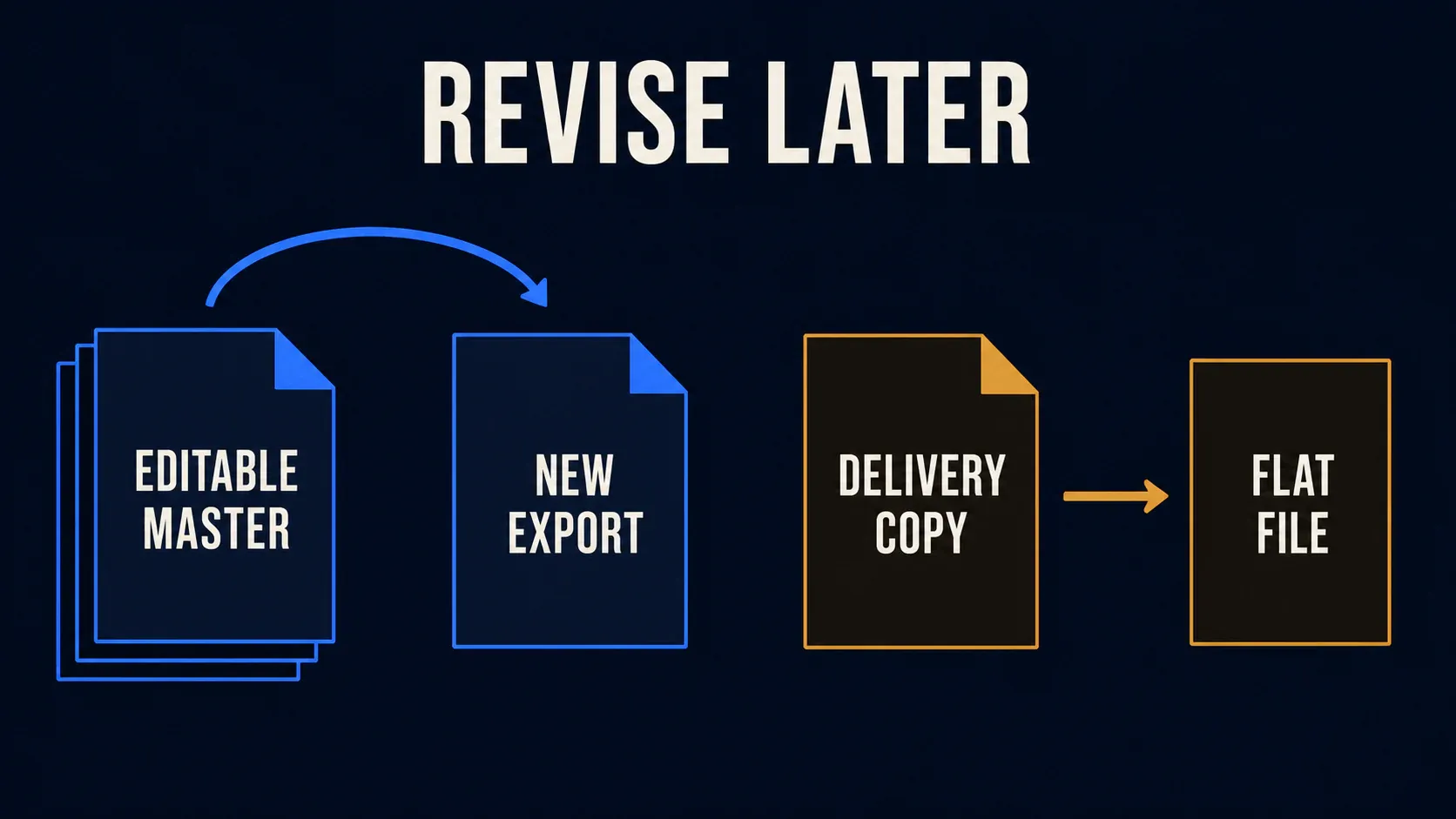
The same goes for a ShareX PNG or JPEG: reopening it won't bring back separate arrows and text objects. ShareX's documentation covers editing and exporting, but it doesn't document a SNAGX-equivalent persistent annotation project. Do not mistake its SXIE image-effect configuration for an editable screenshot master.
Try a concrete revision: save a screenshot with a callout, close it, then reopen it and move only the callout. That shows how your own file format and workflow hold up. Snagit's Editor guide covers working from the source instead of editing a flattened export again and again.
Both products give you ways to find old captures, and ShareX added tags and favorites to its history in version 18. So a searchable collection on its own isn't a reason to assume you need Snagit. What matters is whether you can retrieve and revise the file you need.
Scrolling capture, OCR and numbered instructions
Both can make a long screenshot. The ShareX scrolling guide explains why fixed headers, animation and hover effects can prevent clean stitching, so select the moving content and look closely at the joins and the final lines. Snagit needs the same check on the page you're capturing; its scrolling capture guide covers the capture workflow. Having the feature on a checklist doesn't mean either tool works cleanly on every page.
For text extraction, ShareX OCR uses the OCR languages installed in Windows. Snagit's text tools can extract text and support image-text editing. Check names, numbers and punctuation against the image before using the result.
Snagit's Step Capture turns a process into a numbered visual guide. ShareX's Step annotation tool numbers markers on an image; it doesn't capture a multi-step procedure automatically. For recurring SOPs, weigh how much work it takes to capture, arrange and later update a complete guide in each tool. The documentation tools comparison covers this broader job.
Automation: be explicit about what happens after capture
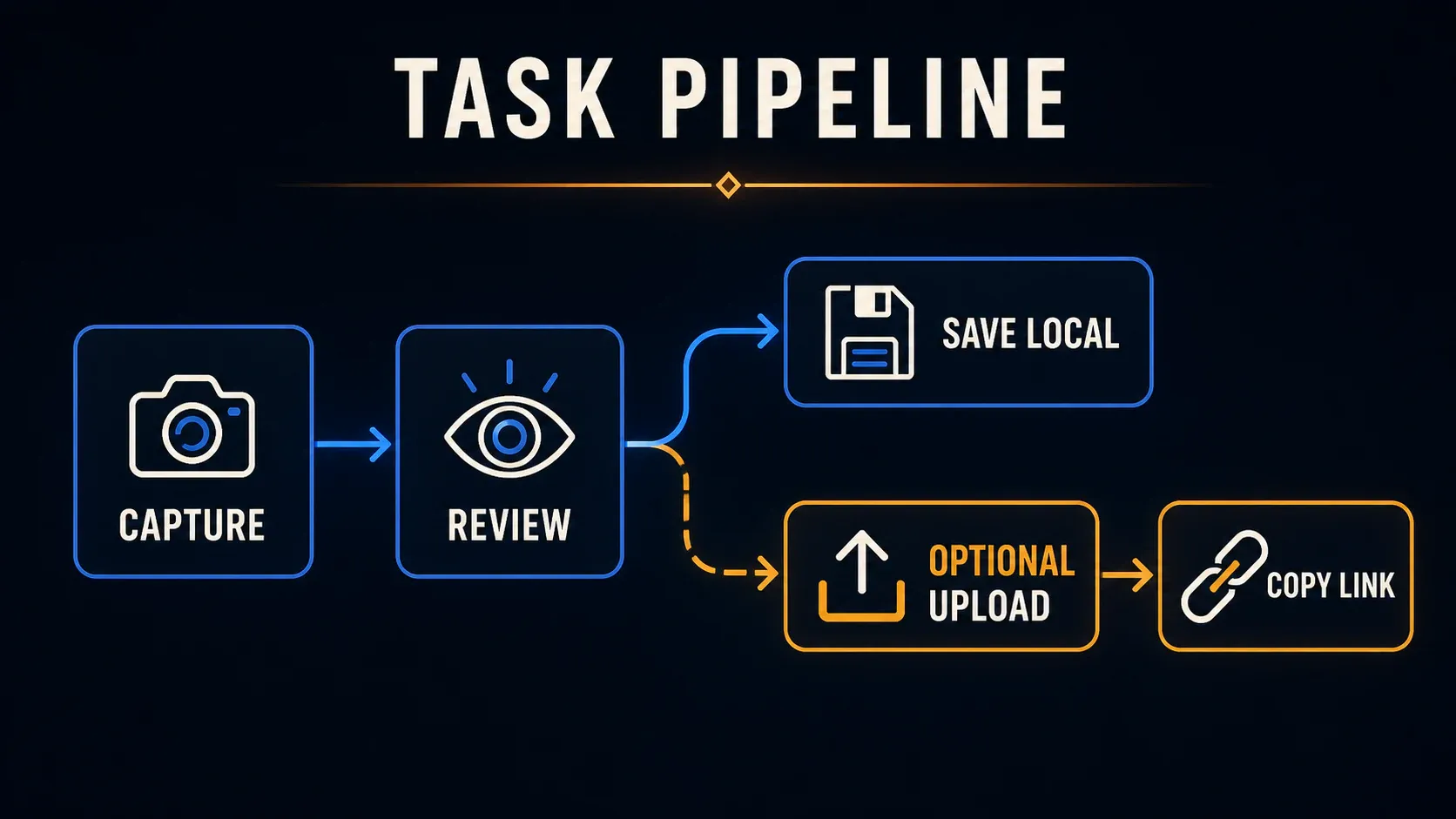
ShareX can use one hotkey for a local image and another for a reviewed upload, so set the after-capture and after-upload tasks you intend for each one separately. Its editor's Continue action runs the remaining configured tasks, so don't treat it as a save-only command.
For external processing, ShareX Actions hand a saved image to another application. The documented setup requires Save image to file and Perform actions. That can work for an image converter your organization has approved or for a repeatable processing step, but your team still owns the configuration and upkeep.
Watch the command line. The official arguments treat a bare file path or URL as an upload request. To open a file for editing, use the documented -ImageEditor action, and don't count on a bare path opening an editor. Test scripts with non-sensitive files.
A user reported an edit-then-save problem in ShareX issue 8567 on version 20.0.4. As a single version-specific report, it isn't evidence that 21.0.0 generally fails, but it's a useful reminder to test the complete capture → edit → save sequence, not just whether the capture button works.
Screen recording and audio
ShareX provides separate video and GIF capture modes. Its official FFmpeg setup guidance uses Task settings > Capture > Screen recorder > Screen recording options. Check your audio-source controls and output with a short recording. GIF has no sound. Do not assume a successful video file proves the microphone was recorded.
Snagit provides recording with audio and trimming, which suits short explanations, but it isn't the full multi-track Camtasia Editor. The Snagit recording guide covers setup. If you need a production timeline rather than a quick capture, pick a dedicated editor for that job.
Privacy: check destinations and the actual shared file
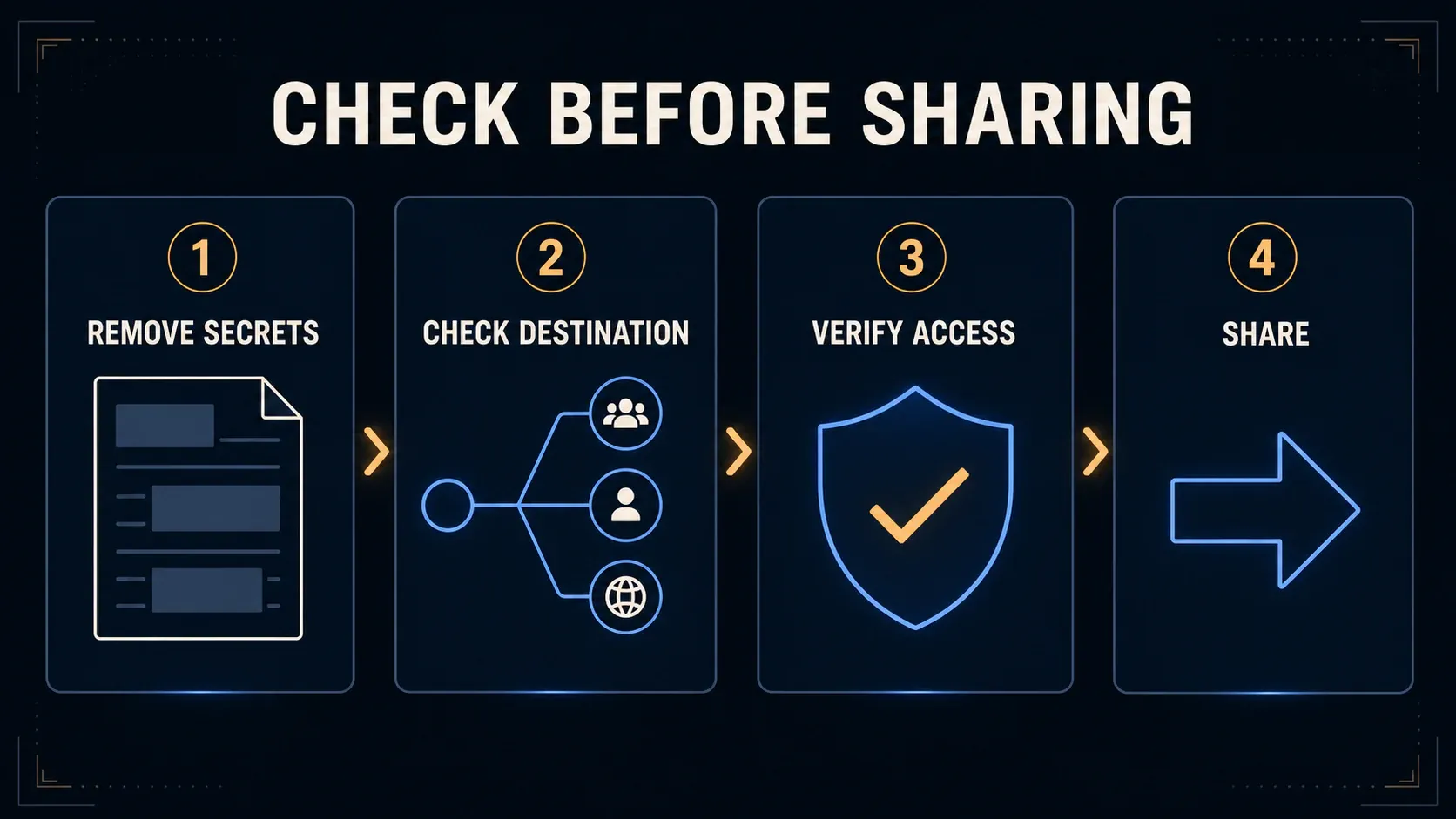
Remove sensitive content from the delivery image, export it, and then inspect the exported file itself. A cover you can still move in an editable source hasn't removed anything permanently. Keep the originals restricted; the redaction guide explains why blur alone isn't a safe default for secrets.
ShareX disabled automatic upload by default for new installations in version 19.0.1. Do not assume an upgraded installation has the same settings; check its active tasks and destination. Its optional Analyze image feature is separate from OCR: it requires an API key and may send content to the external AI provider you select. Being off by default doesn't make it safe to ignore once you've turned it on.
Importing a custom SXCU uploader can change the active destination. A configuration file can contain credentials, so look over its endpoint and authentication fields before you import or share it. Never test an unfamiliar uploader with confidential content.
Snagit saves sources locally, but that doesn't make every sharing action local. The current Windows release notes and Mac release notes say images sent to Camtasia Online use SNAGX, including text, cursor and other capture information. That's different from sending a flat export you've reviewed.
For managed computers, ShareX documents silent installation and a DisableUpload policy, and TechSmith provides deployment preparation and connected-feature controls. With either one, you'll still need an approved storage location, patching and someone who owns the configuration. Choose commercial support if your team needs that support route, but don't assume free software can't be managed.
Snagit vs ShareX FAQ
Is ShareX a good free alternative to Snagit?
Yes, for Windows screenshots, annotation, scrolling capture, OCR and configurable tasks. Snagit is worth evaluating when you need Mac support, editable SNAGX sources or automatic visual-guide creation.
Does ShareX work on Mac?
The ShareX desktop application is for Windows. Snagit supports Windows and macOS, subject to the requirements of the installed version.
Can ShareX edit screenshots?
Yes. Its modern editor supports text, arrows, shapes, numbered markers and effects. A saved PNG or JPEG does not retain those annotations as separate editable objects.
Does ShareX automatically upload screenshots?
Automatic upload is disabled by default for new installations from version 19.0.1. Existing settings can differ. Check the active workflow, upload tasks and selected destination before capturing private content.
Can both tools take scrolling screenshots?
Yes. Results depend on the page or application. Fixed elements and moving content can interfere with stitching, so inspect the complete result.
Is Snagit Step Capture the same as ShareX Step annotations?
No. Snagit Step Capture builds a numbered guide from a process. ShareX Step annotations place numbered markers on an image; they do not automatically assemble a multi-step procedure.
Which should a Windows team choose?
Start with ShareX if its free capture and editing tools meet the job and someone can maintain the configuration. Evaluate Snagit when source-file revisions, guide creation or commercial support justify the subscription. Test one real capture and one later revision before standardizing.