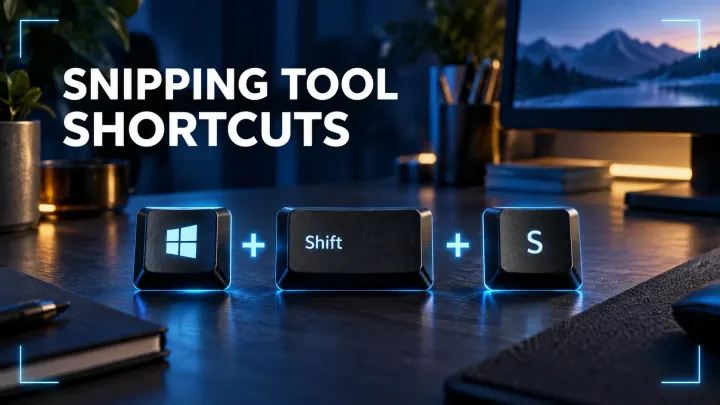
Snipping Tool Keyboard Shortcuts: The Fast Windows Reference
A fast Windows reference for image snips, region recordings, full-screen Clipboard captures, saved screenshots, and Snipping Tool editor keys.
 SnagitPro
Topic
Built-in screenshot guides for Windows, Mac and Chromebook: shortcuts, Snipping Tool, save folders, and fixes for captures that fail or never save.
A fast Windows reference for image snips, region recordings, full-screen Clipboard captures, saved screenshots, and Snipping Tool editor keys.
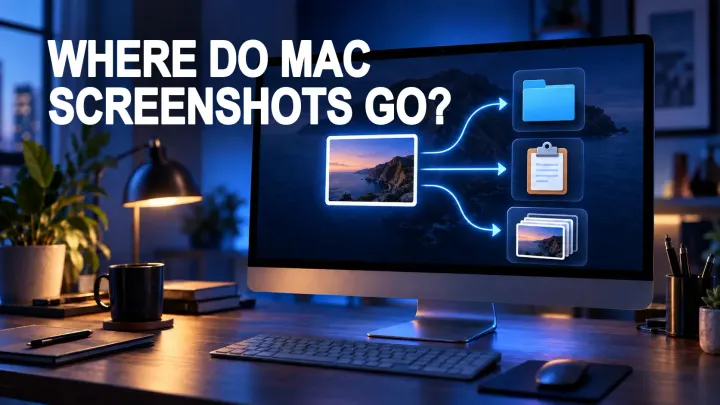
Find Mac screenshots in Desktop, Clipboard, iCloud Drive, or Snagit Library, then change the save location with Screenshot Options.
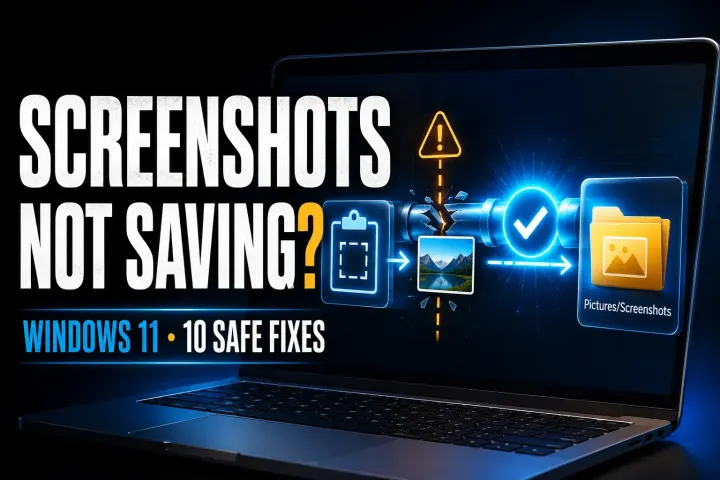
Find the fresh capture, verify its real save folder, then check write access and app settings without guessing at registry or OneDrive changes.
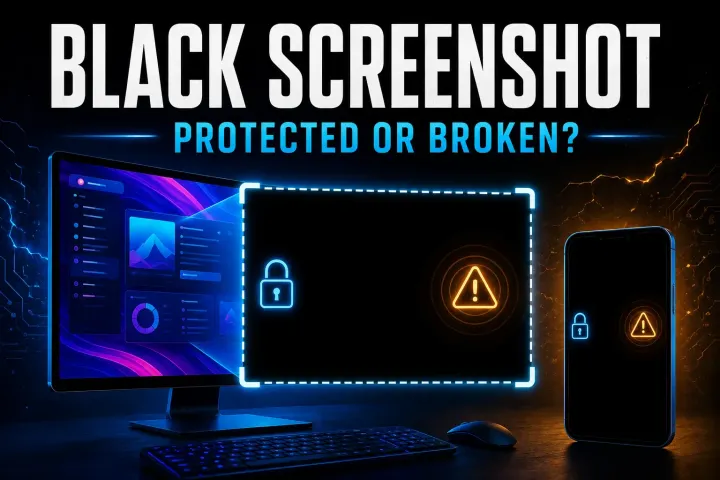
Find out whether the saved image is black, one app blocks capture, or your tool fails on ordinary content. Start with three fresh captures and a viewer check.
Find out whether PrtScn reaches the right app, completes a capture or saves a file. Check Windows settings, laptop Fn keys and Logitech remapping.
Find the failed capture step, then choose the matching Windows 11 fix for shortcuts, missing notifications, save settings or app errors.
Find whether the shortcut, capture tool, destination, protected content, or device policy stopped your screenshot, then follow the right platform fix.