How to Screen Record on a Mac, With Sound
Shift + Command + 5 records the whole screen, a window or a portion. The Options worth changing, system audio on macOS 27 and older versions, QuickTime, trimming, file size and permission fixes.
 SnagitPro
Topic
Built-in screenshot guides for Windows, Mac and Chromebook: shortcuts, Snipping Tool, save folders, and fixes for captures that fail or never save.
Shift + Command + 5 records the whole screen, a window or a portion. The Options worth changing, system audio on macOS 27 and older versions, QuickTime, trimming, file size and permission fixes.

One shortcut per operating system covers almost every laptop. Here is the table, what Acer, ASUS, Dell, HP, Lenovo, Samsung and Surface change, and what to check when nothing happens.

Use Google Translate for a saved image, Live Text for supported Apple devices, and source-text checks when a translation looks wrong.
Capture useful detail before export. Learn the Chrome DPR route, prepare Windows or Mac captures, and keep screenshots readable in the final document.
Use the saved image on your phone or computer. Follow the Photos, Lens, or Gallery route, fix recognition problems, and review the decoded result.

Clean a copy of your screenshot, inspect hidden tags, and check the image and filename before sharing. Windows, Mac, and phone location limits explained.
Keep the mouse pointer in your screenshot on Windows or Mac, position it with a hotkey or timer, and fix captures that leave it out.
Select and copy text from a saved Mac screenshot in Preview, then check the pasted result before using it.

Open the screenshot in Google Photos and use Google Lens, or tap the yellow T in Samsung Gallery. Here is how to select the words, copy them, and fix common problems.
Use Preview to crop a saved Mac screenshot, keep the original when needed, and avoid confusing cropping with a new capture.
Open the screenshot in Photos, touch and hold a word, adjust the grab points and tap Copy. Live Text can also select all, call, email and translate on iPhone XS or later.
Stop a Mac recording without losing the file, then find the saved video in Screenshot or QuickTime Player.
Windows + Shift + S and Windows + PrtScn work on a Samsung laptop. Samsung adds Fn keys, Air command Smart Select with the S Pen, and Screen Recorder on newer Galaxy Books.
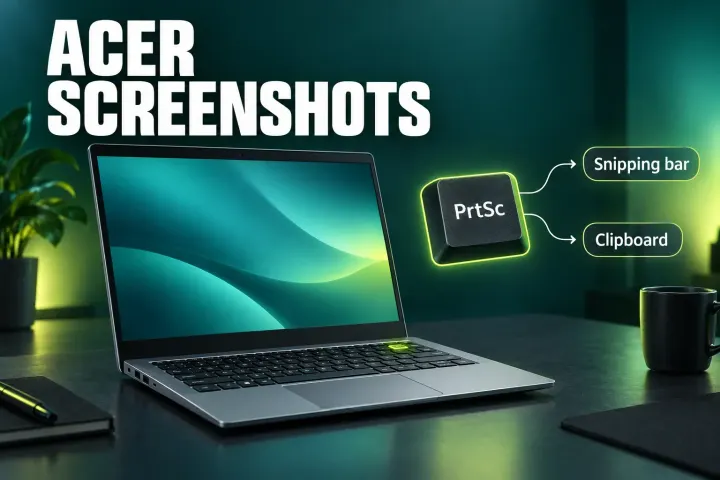
The shortcuts that work on any Acer, why PrtSc behaves differently on Windows 11, what to do on an Aspire Lite with no PrtSc key or a Nitro with the Windows key off, and where every capture is saved.
Check Save to and the Clipboard, then the Screenshots shortcuts and any warning icon, then app permissions, before quitting the Screenshot process.
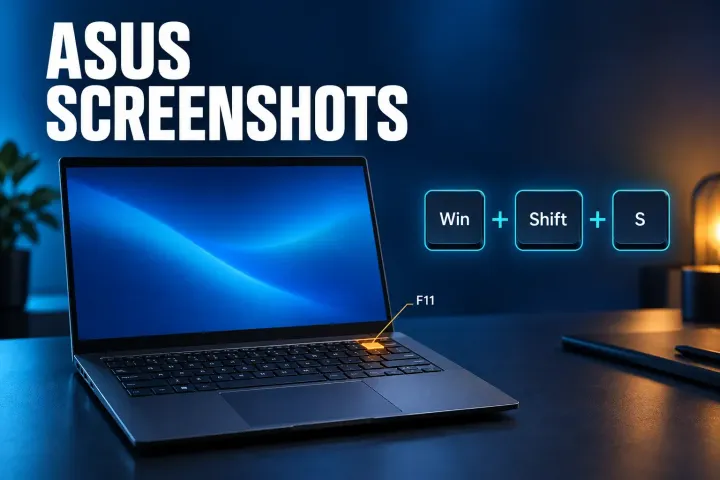
The shortcut that works on any ASUS, where the capture key sits on Vivobook and ROG keyboards, why F-keys need Fn, what PrtSc does on Windows 11, and where each capture is saved.
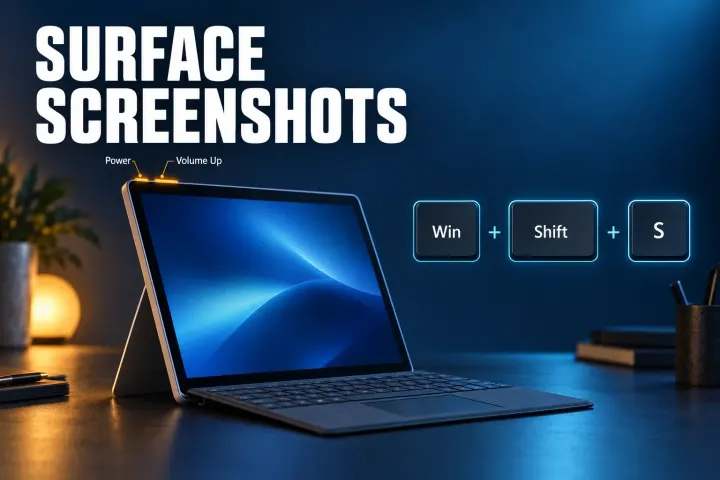
The shortcut that works on your Surface, why Power + Volume Up does nothing on a Surface Laptop, what to press without a PrtScn key, and where each capture is saved.
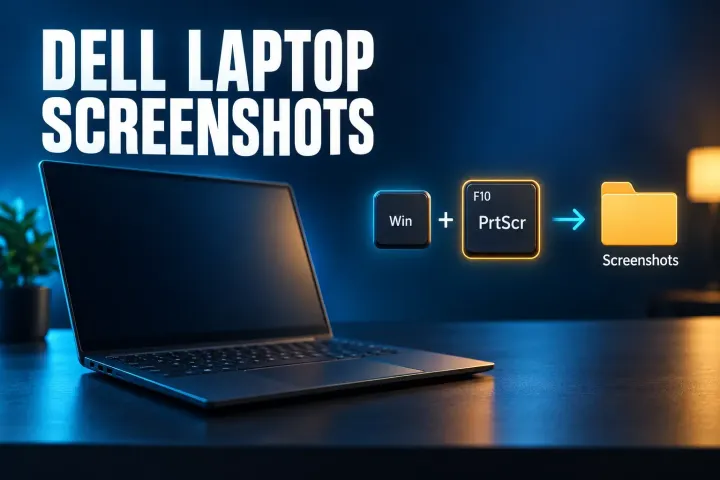
Every way to screenshot on a Dell laptop, why a PrtScr key shared with F10 works one day and not the next, and where each capture is saved.
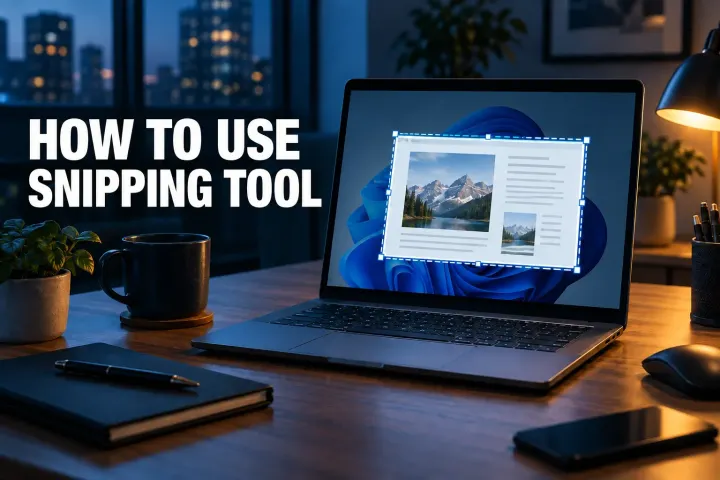
Make a still screenshot with Windows 11 Snipping Tool, choose the right capture mode, and keep a file you can find and share.
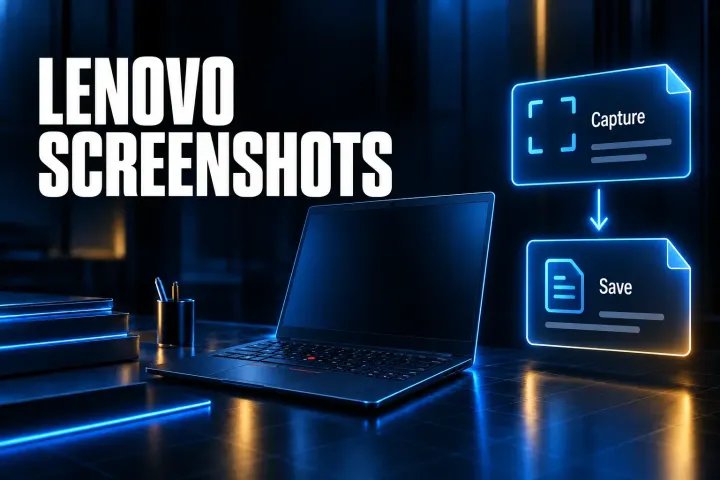
Choose the right Lenovo screenshot shortcut, understand clipboard versus file, and find the image on Windows or Chromebook.
Use the built-in Mac screenshot shortcuts for a full screen, selected area, or window, and choose whether to save a file or paste it.
Find the right Windows 11 screenshot location for each capture method, including Snipping Tool auto-save, Clipboard, OneDrive, and Game Bar.
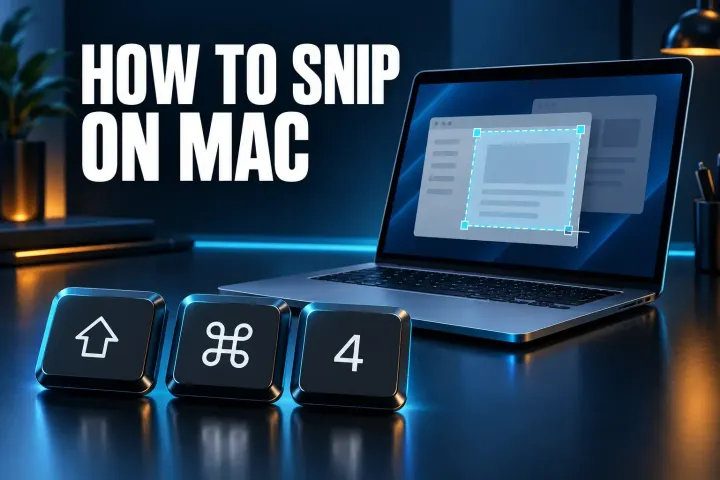
Shift-Command-4 is the Mac snip, and Control-Shift-Command-4 copies it for pasting. Here's where freeform, delay, video, text actions and the rest of Snipping Tool went.
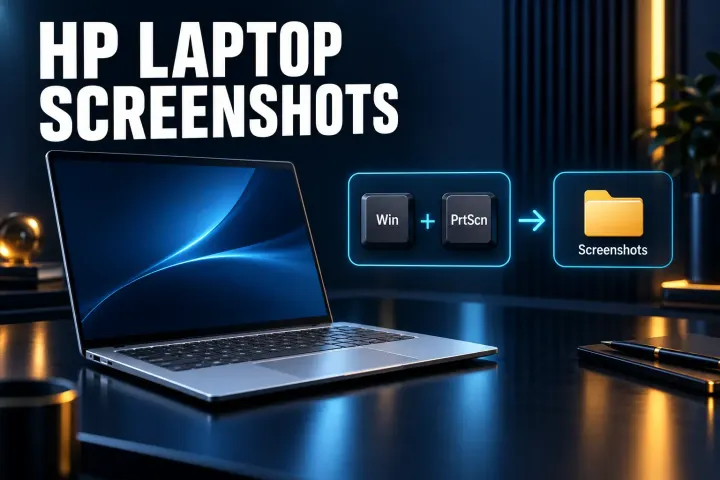
Every way to screenshot on an HP laptop, from Windows + Shift + S to keyboards that hide Print Screen behind Fn, plus 2-in-1 buttons and where each image is saved.
The Chromebook shortcuts for a full screen, part of the screen or one window, plus tablet buttons, the save folder and fixes when nothing happens.