Snagit Online: Is There a Web App or Browser Version?
A clear map of installed Snagit, browser-based Camtasia Online, Screencast sharing, official downloads, extensions, and portable-build risks.
 Snagit Pro Guides
Snagit fixes
Fixes for Snagit when it breaks: the editor will not open, scrolling capture stalls halfway, Print Screen stops responding after a Windows update, audio goes missing from a recording. Each fix is a tested, step-by-step procedure with the actual cause named — not a generic reinstall-and-pray checklist.
Where a fix touches configuration files, licensing or the registry, the guide says what to back up first and how to roll back. Version-specific bugs are called out with the affected build numbers, and Windows and macOS get separate steps where the platforms differ.
Snagit captures, but the editor never appears — or flashes for a second and dies. Four targeted fixes, from zombie processes to a corrupted config.
Windows 11's Snipping Tool intercepts the Print Screen key, and updates can re-take it. Give the key back to Snagit — and keep it.
The orange arrows don't appear, or capture stops halfway — Chrome, Excel and antivirus conflicts are the usual suspects.
Microphone silent, or system audio missing from the file. What Snagit's recorder can capture, and which switches matter.
OCR comes back empty or misread. When it is a source-image problem, when it is a settings problem, and how to get clean text.
Sign-in loops, seat limits, refunds and subscription questions are TechSmith's territory — start with their official support, not a forum thread.
A clear map of installed Snagit, browser-based Camtasia Online, Screencast sharing, official downloads, extensions, and portable-build risks.
Fix Snagit Failed to Save Document safely. Preserve open captures, check Library and cloud paths, and isolate Windows security or Mac folder access issues.
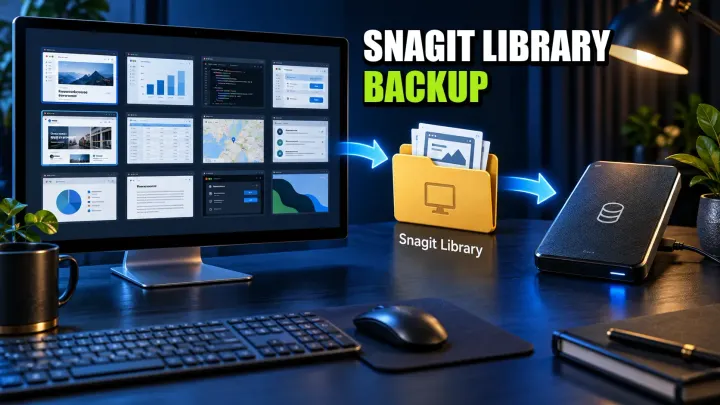
Find your Snagit Library on Windows or Mac, back up its files, and verify a restore. Avoid legacy Datastore overwrite errors and unsafe folder merges.
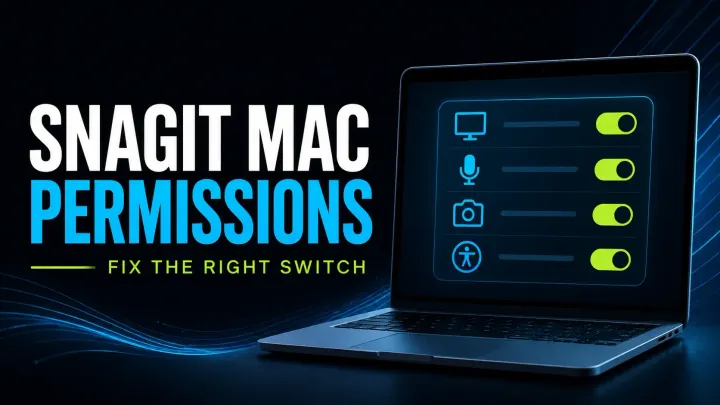
Check Snagit Mac permissions for screen capture, audio, microphone, camera and scrolling. Follow scoped fixes, version checks and safe reset guidance.
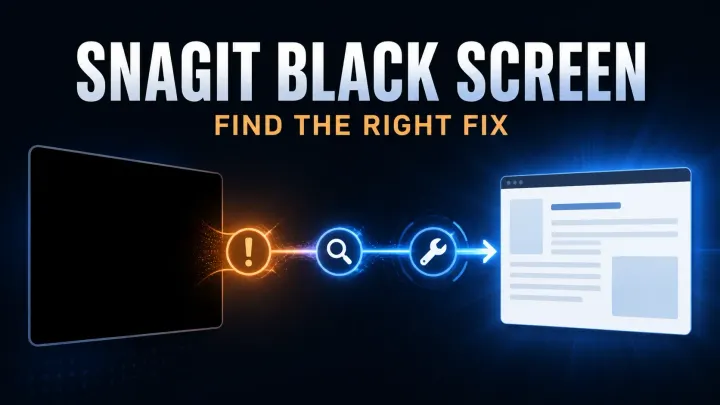
Troubleshoot black Snagit screenshots and blank video. Check capture versus playback, Mac permissions, Windows settings, and protected-content limits.
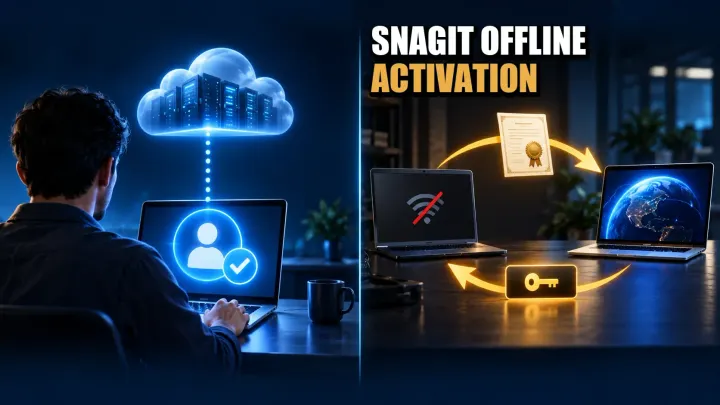
Activate Snagit offline with your license. Check Individual validation, Business certificate steps, renewal limits, errors, and Windows/Mac deactivation.
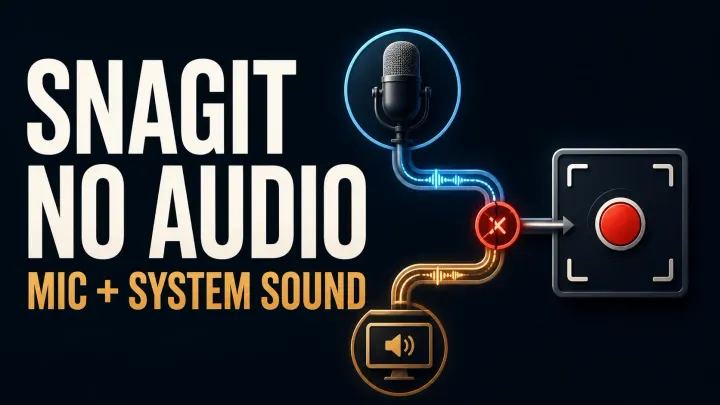
Fix missing Snagit microphone or system audio on Windows and Mac. Check devices, permissions, startup errors and silent MP4 files before reinstalling.
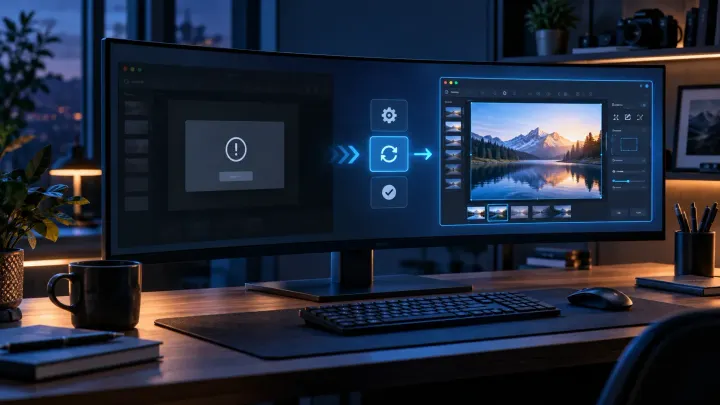
Snagit Editor will not open? Check hidden windows, capture settings and Windows or Mac errors, with backup precautions before resets or reinstalling.
See how it compares to the alternatives before the next renewal — some problems are cheaper to leave behind.
Deleting Tools.xml resets toolbar layout, QuickStyles and presets, but your captures live in the Snagit library, which is a separate location. Check File > Library Location before deleting anything, and back up the file you are about to remove so you can roll back.
A standard reinstall does not remove the capture library, but do not rely on that alone: note your library path first and copy it somewhere safe. On a subscription license you sign back in after reinstalling; keep your TechSmith account credentials handy.
Check your exact version in Help > About Snagit and compare it against the known-issue builds called out in the fix guides — some releases shipped confirmed startup crashes where updating again is the only fix. If your build is clean, start with the stuck-process and Tools.xml checks.
TechSmith's official support site documents version-specific bugs and known issues, and is the right place for license and account problems. If you hit an issue this section should cover, use the corrections page to tell us and it goes on the list.
On Windows 11 the Snipping Tool takes over the Print Screen key by default, and Windows updates can hand it back. The Print Screen guide shows how to give the key to Snagit and keep it after updates.