
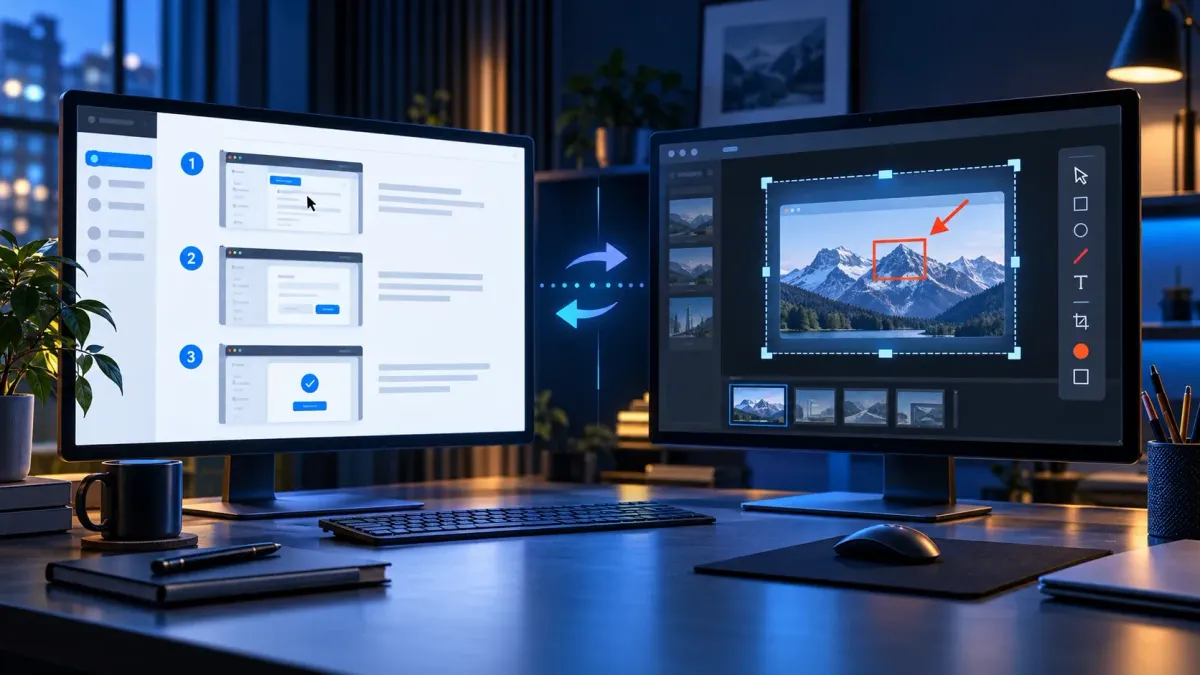
Here’s my short answer: Scribe is the better choice when your main deliverable is a hosted, repeatable SOP — something teammates open by link, embed, comment on, and measure. Snagit is better when the screenshot itself needs careful editing, when you also make short videos, or when you want local image files and an editable capture Library.
One thing you’ll see in older comparisons — Scribe automates steps, Snagit stays manual — isn’t accurate anymore. Current Snagit includes AI Step Capture, which takes numbered screenshots as you click through a process and builds an editable guide. TechSmith also uses the names Step Capture and Step Recorder on current product pages. So the real decision in 2026 is documentation platform versus capture-and-edit workspace.
Scribe vs Snagit: the short verdict
| If your priority is… | Choose | Why |
|---|---|---|
| Fast web SOPs with automatic steps | Scribe | Browser capture, hosted guides, links, embeds |
| Desktop SOPs with team governance | Scribe Pro/Enterprise | Desktop capture, collaboration, viewer controls, analytics |
| Precise screenshot editing | Snagit | Arrows, callouts, OCR, Simplify, Smart Move, templates, effects |
| Short screen videos with audio or webcam | Snagit | MP4 recording, audio, webcam, trimming, clip combining |
| Local editable capture masters | Snagit | SNAGX sources and a searchable Library |
| Lowest cost for one occasional web-guide creator | Scribe Basic | Free browser-based plan, with feature limits |
| One paid creator who needs desktop capture and editing | Usually Snagit | Snagit Individual is far less expensive than Scribe’s paid creator plan at the checked list prices |
The difference that matters
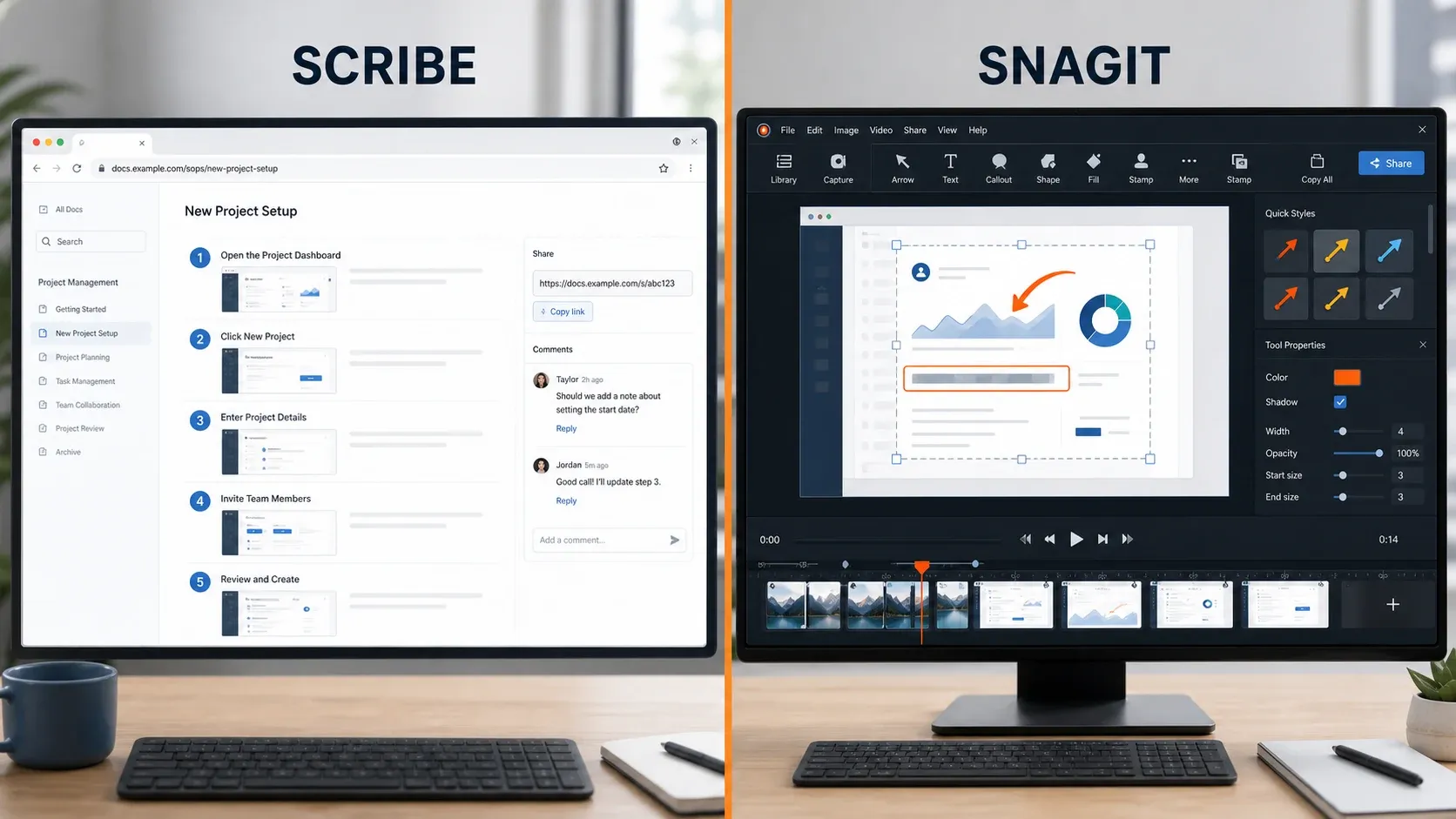
Scribe is a cloud documentation system. You start a capture, work through the task, and it turns the interaction into a sequence of screenshots and instructions. From there you edit the steps, redact anything sensitive, then publish by link, embed the guide, or export it on a paid plan. The value really shows up once guides need owners, viewers, comments, completion data, and organization-wide controls.
Snagit is a desktop capture and editing system. It captures regions, windows, menus, scrolling pages, video, system audio, microphone, and webcam, and its Editor exists for one job: changing the visual after capture. AI Step Capture gives Snagit an automatic process-capture workflow, but the result is editable visual content rather than a managed online SOP.
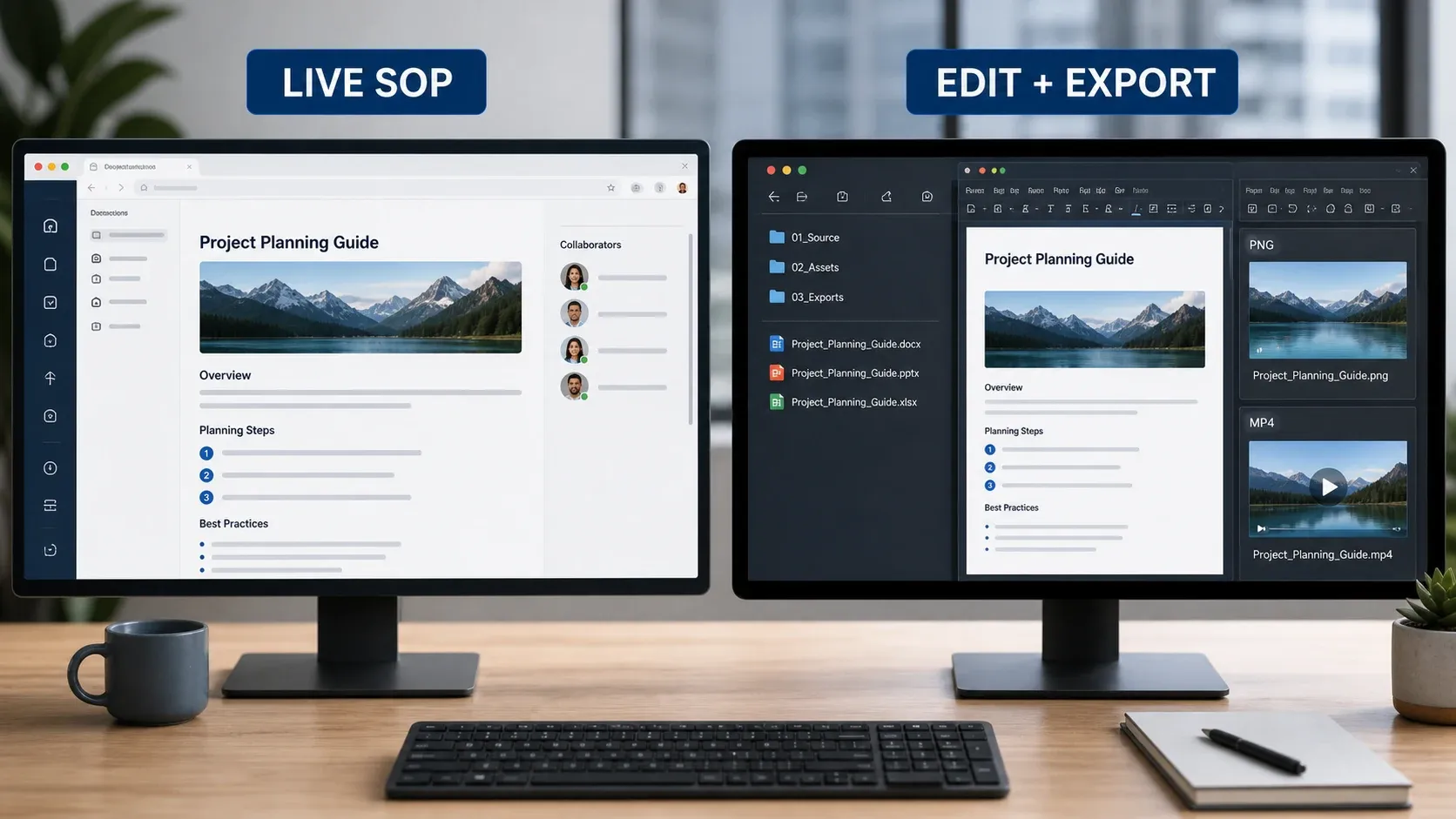
Where that distinction bites is maintenance. A Scribe link can stay the canonical guide for everyone. A Snagit guide usually leaves the building as an image, Word document, PowerPoint deck, PDF, or a file passed through some other system. Snagit can share through TechSmith services and integrations, but it isn’t a full SOP knowledge base with Scribe’s viewer and governance model.
AI Step Capture: both products now automate the clicks
Scribe’s core product automatically captures a workflow and generates step-by-step documentation. Its current feature page positions the product for web, desktop, and mobile processes, with generated steps, screenshot editing, links, embeds, and usage data. The free Basic tier captures browser workflows. Scribe’s current Pro support says desktop capture uses its Windows or Mac app, while mobile guide creation requires uploading mobile screenshots and placing a click target on each image.
TechSmith added Step Capture to Snagit 2025. Its current feature catalog calls it AI Step Capture, while the dedicated product page still uses Step Recorder. It records your clicks and actions, arranges them into numbered steps, and lets you edit, reorder, annotate, or remove steps afterward. The 2026 release history confirms that PowerPoint output creates editable text, a title slide, and one slide per image; TechSmith documents Word output too. That makes “Snagit cannot automate an SOP” a stale comparison point.
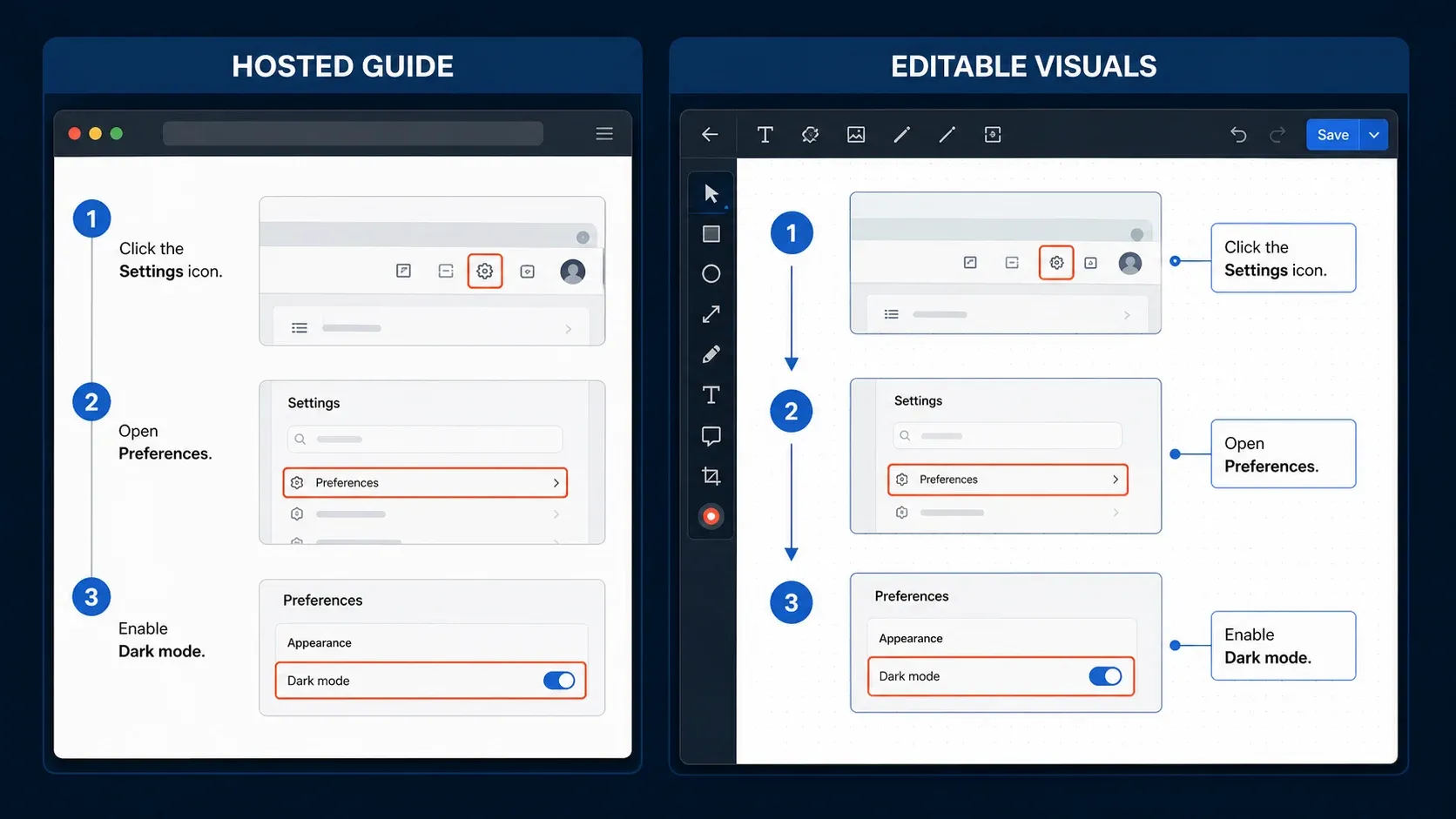
Scribe still wins when “done” means a maintained web guide with access controls and usage visibility. Snagit wins when “done” means the clearest possible screenshot, an editable source, or a guide that must become a video, Word file, or PowerPoint deck.
Feature comparison
| Capability | Scribe | Snagit |
|---|---|---|
| Automatic click-to-step capture | Yes; core workflow | Yes; Step Capture |
| Free plan | Yes; browser web-app capture | Trial, not a permanent free tier |
| Desktop-app process capture | Paid Pro/Enterprise | Yes |
| Hosted canonical guide | Yes | Not the core content model |
| Link and embed | Yes | Sharing links available, but not the same SOP platform |
| Viewer and completion data | Yes, plan-dependent | Not comparable at guide level |
| Comments and team collaboration | Yes, paid/team features | Via destination or Screencast workflows, not a full guide workspace |
| Detailed image annotation | Basic guide-focused editing | Strong: callouts, arrows, effects, themes, templates |
| OCR and editing text in images | Not the primary value | Yes |
| Scrolling capture | Workflow screenshots | Dedicated scrolling and panoramic capture |
| Screen video with audio/webcam | No equivalent native video-recording editor | Yes |
| Local editable image source | Guide lives in the service | SNAGX plus local/cloud Library choices |
| Enterprise SSO/SCIM and governance | Available on Enterprise | Volume deployment and enterprise licensing; different scope |
Don’t read every “Yes” as equal. Scribe’s screenshot editor exists to clean and redact a documentation step, while Snagit’s Editor is a broader visual-authoring workspace. The same holds in reverse: Snagit sharing is useful, but Scribe is designed to make the guide itself the managed destination.
Image editing and video: Snagit wins
Snagit’s current feature catalog includes precise region and scrolling capture, callouts, arrows, steps, templates, themes, OCR-based text recognition, Smart Move, Simplify, Smart Redact, background removal, batch processing, and a searchable Library. That depth is exactly what I lean on for support tickets, product feedback, release notes, sales training, and any documentation where one misleading crop or weak annotation creates confusion.
Snagit also records screen video, microphone, system audio, and webcam, then lets you trim, combine clips, create GIFs, and build video from images. Scribe’s own privacy policy describes Activity Data that can include clicks, keystrokes, field inputs, and screen content during use. That supports a careful capture-policy warning, but it does not establish a simple product-wide promise that Scribe never handles video. For this comparison, the practical distinction is that Scribe builds step-based guides, while Snagit includes a native screen-video workflow with audio, webcam, trimming, and MP4 output.
For an exact tour of Snagit’s tools and object workflow, see the Snagit Editor guide. For long pages and wide tables, use the scrolling capture guide.
Publishing and SOP maintenance: Scribe wins
Scribe is built around the shareable guide itself rather than an exported asset. Basic supports browser capture plus links and embeds. The current pricing matrix puts desktop and mobile capture, branding, screenshot editing and redaction, and PDF, HTML, and Markdown export on paid plans; it also lists Microsoft Word export. Pro Team adds comments. Enterprise adds plan-dependent controls such as creator/viewer/admin roles, SSO, centralized user and document management, and automatic PII/PHI redaction.
That model fits when a guide has an owner, a review cycle, lots of viewers, and you need to know whether people actually used it. A published URL is also far easier to correct than a PDF that’s been copied into six Slack channels. The trade-off: you depend on a hosted service, and you have to govern what employees capture.
Scribe vs Snagit pricing
At the September 18, 2026 check, the TechSmith store returned a regional price of €39.56 per user per year for Snagit Individual, billed yearly. The displayed currency and amount can change by region. The current Snagit store says the personal subscription is non-transferable and includes updates during the subscription.
Scribe offers a free Basic plan for browser-based web-app capture. When I rechecked on October 5, 2026, its pricing page showed Pro Personal at $25 per seat per month billed yearly or $35 billed monthly and Pro Team at $13 per seat per month billed yearly or $17 billed monthly with a five-seat minimum ($65 or $85 a month for five people). Treat the visible billing selector and checkout as the authority for your session, and verify seat count, currency, and final total rather than relying on a saved comparison.
| Example need | Cost logic | Likely value |
|---|---|---|
| One person documents only browser workflows | Scribe Basic may be enough at $0 | Start with Scribe |
| One person needs desktop capture and polished visuals | A year of Snagit Individual costs less than two months of Scribe Pro Personal on monthly billing | Snagit |
| Five SOP creators need comments and hosted guides | Evaluate Scribe Pro Team against hours saved and viewer adoption | Scribe if platform benefits are used |
| Many viewers, few creators | Confirm which users need paid creator seats and which can view | Run a real license model |
| Team already owns one tool | Test the missing workflow before adding the second subscription | Often use what is already deployed |
Don’t compare the creator fee alone. Count review time, re-recording, guide updates, access administration, export cleanup, and the cost of stale copies floating around. Scribe can justify a higher creator price when the hosted workflow replaces those tasks. Snagit can be dramatically cheaper when the team only needs strong visual assets and already has a knowledge base.
Privacy, redaction, and governance
Either product will happily expose sensitive information if you capture the wrong screen. What differs is the risk model.
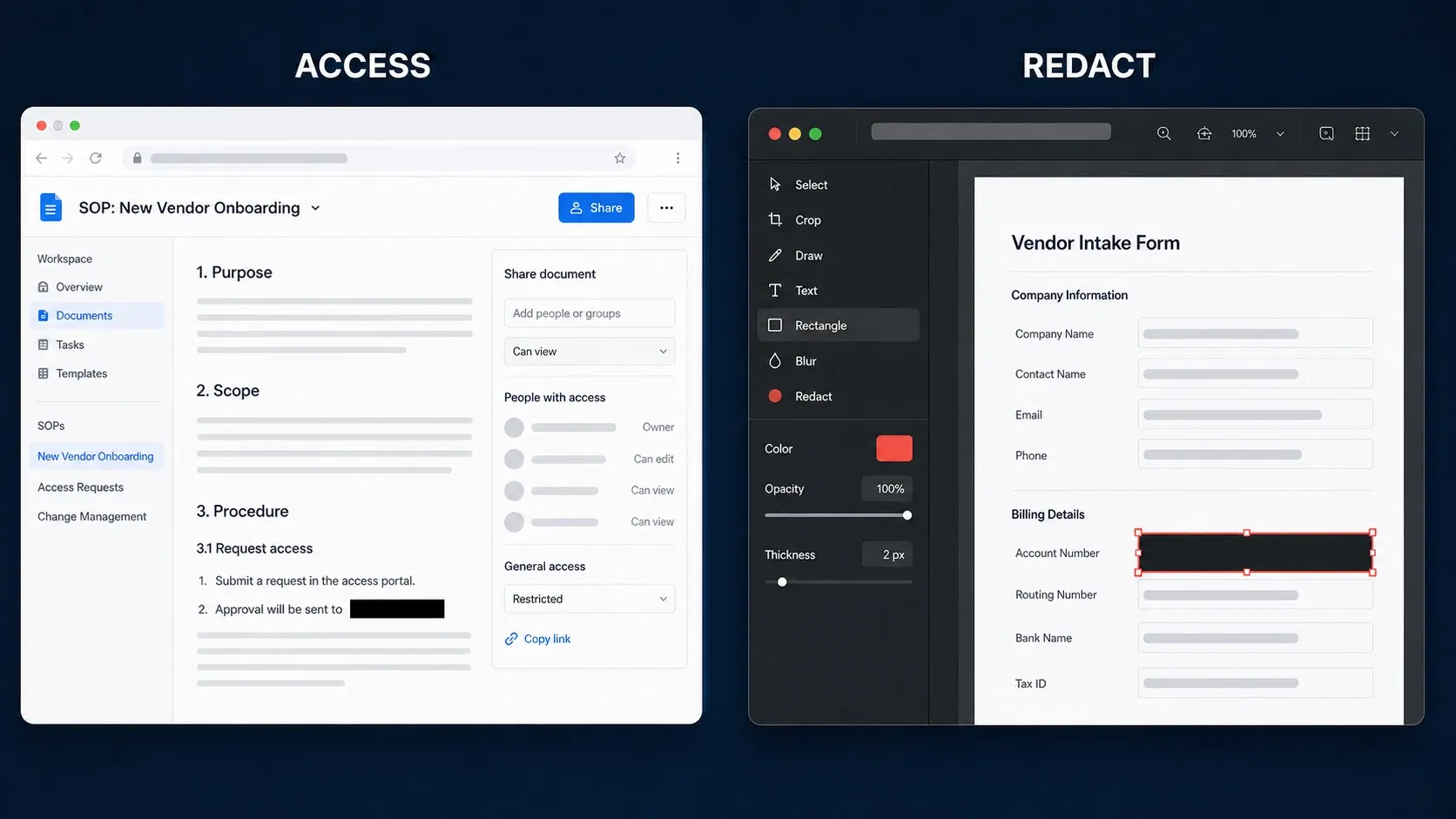
Scribe’s current privacy policy says Activity Data can include clicks, keystrokes, field inputs, and unredacted screen content from enabled applications. Its security page lists SOC 2 Type II, authenticated viewers, SSO, SCIM, domain control, an activity audit log, and IP whitelisting; availability depends on the plan. The same page says automatic step-by-step guide creation does not use AI, while optional title, description, page-generation, text-to-speech, and speech-to-text features use third-party AI services. Treat capture scope and redaction policy as implementation decisions, not vendor-checklist items.
Snagit can keep its editable captures in a Library on your machine and export local files. Sharing to cloud destinations is a separate action. Smart Redact detects categories of sensitive data in an image, but I wouldn’t let any automatic system replace a human review. Before publishing from either tool, scan every step for customer names, email addresses, account numbers, browser tabs, URLs, notifications, and hidden context.
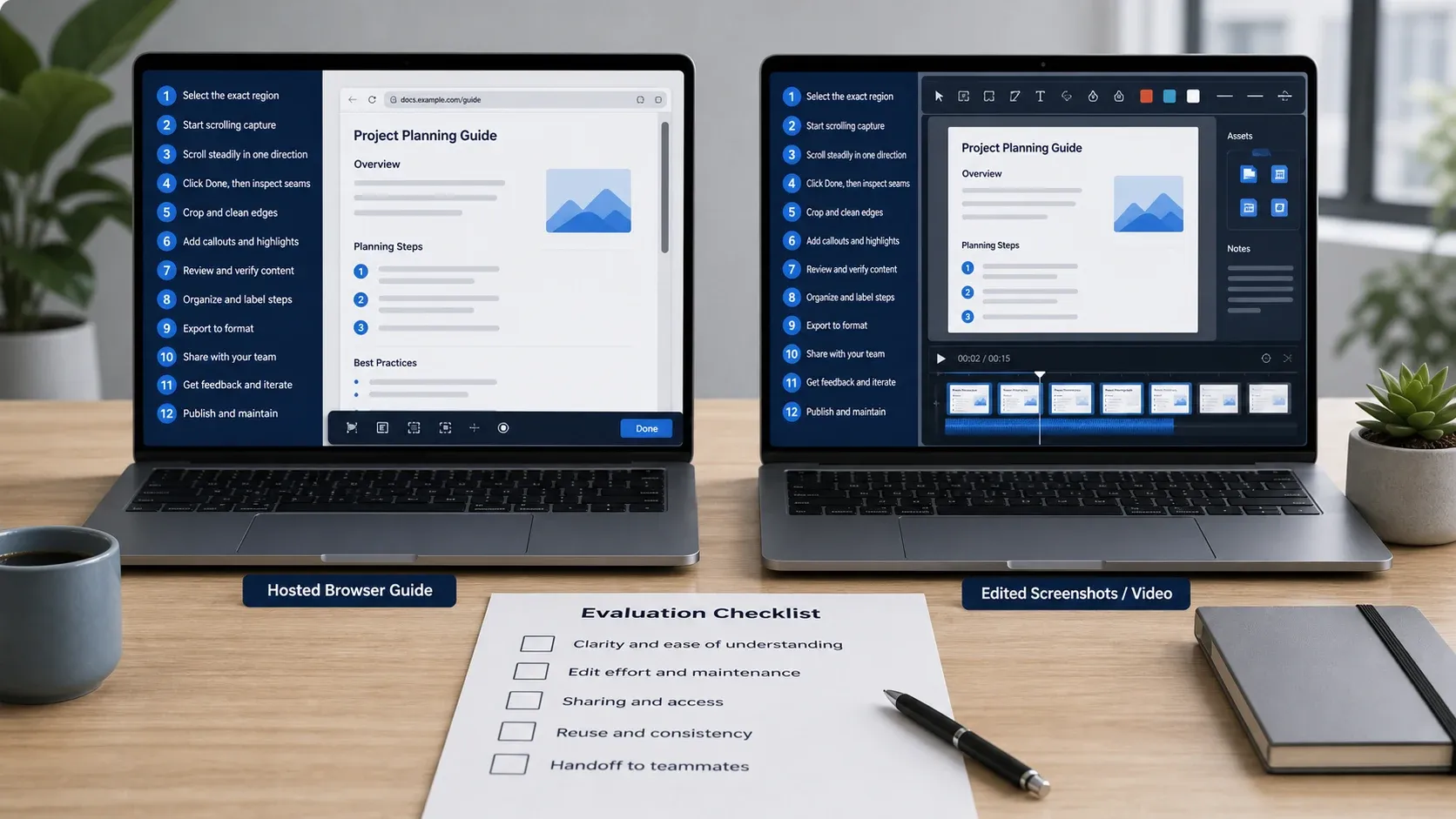
A practical 30-minute comparison test
- Choose one real 10–15 step workflow with a branch, a long page, and one sensitive field.
- Create it once in Scribe and once with Snagit Step Capture.
- Correct one wrong step, replace one screenshot, and redact the sensitive field.
- Ask a colleague who did not watch the capture to complete the task.
- Change one UI label and measure how long each guide takes to update.
- Publish through the destination you actually use: knowledge base, LMS, shared drive, Word, PowerPoint, or support portal.
- Record creator time, reviewer time, viewer success, output quality, and where copies remain.
Reject a tool if the guide is fast to make but hard to correct, impossible to govern, or ignored by viewers. Run a realistic test and you’ll usually find the team needs one primary system, with a narrow role left over for the other.
When using both makes sense
A support or training team can keep its canonical SOP in Scribe and use Snagit for the screenshots that need detailed editing. Capture the process in Scribe, then fix up the one or two images that need a precise crop, magnification, simplified UI, or a detailed callout in Snagit, and swap them into the maintained guide.
The reverse works too: create a Snagit Step Capture, export to Word or PowerPoint, and keep it in the document system you already have. And don’t buy Scribe just because an older comparison claims Snagit cannot automate steps — check whether current Step Capture already covers the need.
Who should choose Scribe?
- Operations, HR, customer success, and training teams maintaining many recurring SOPs.
- Teams that need a canonical link, embeds, comments, guide-level viewing data, and centralized ownership.
- Browser-only individual creators who can work within the free Basic limits.
- Enterprises prepared to configure roles, authentication, redaction, retention, and capture policy.
Who should choose Snagit?
- Technical writers, support agents, QA teams, designers, and product managers who edit screenshots deeply.
- Creators who mix screenshots, scrolling captures, short videos, GIFs, OCR, and annotated feedback.
- Individuals who need desktop capture and want a lower annual software cost.
- Teams that already publish through Word, PowerPoint, an LMS, a CMS, or a knowledge base and do not need another hosted SOP platform.
FAQ
Is Scribe better than Snagit?
Scribe is better for hosted SOPs, links, embeds, collaboration, viewer usage data, and enterprise guide governance. Snagit is better for detailed screenshot editing, scrolling capture, local editable sources, and short screen videos.
Can Snagit automatically create step-by-step guides?
Yes. Current Snagit includes AI Step Capture, also described by TechSmith as Step Capture and Step Recorder. It takes screenshots as you click and builds an editable numbered guide. Recent versions added Word and PowerPoint workflows and more guide editing controls.
Does Scribe have a free plan?
Yes. Scribe Basic is free and captures web-app workflows in the browser. Scribe says desktop application capture requires Pro or Enterprise.
Does Scribe record screen video?
Scribe and Snagit solve different jobs. Scribe turns captured interactions and screen images into a step-based guide. Snagit has a native screen-video workflow with audio, webcam, trimming, and MP4 output. If video is part of your Scribe workflow, verify the exact current feature and plan rather than treating its guide player as a Snagit-style video editor.
Which is cheaper, Scribe or Snagit?
Scribe Basic can cost nothing for browser workflows. For paid use, compare the current regional Snagit annual price with Scribe’s displayed Personal or Team total for your seat count. Both pricing pages can vary by currency, billing selection, region, and checkout.
Can Scribe edit screenshots like Snagit?
Scribe supports guide-focused screenshot editing and redaction. Snagit provides a substantially broader image editor with annotations, effects, OCR, Smart Move, Simplify, templates, and batch processing.
Which is safer for confidential workflows?
Neither is automatically safe. Scribe provides cloud governance and redaction controls; Snagit can keep local source files and adds Smart Redact. Your capture policy, access settings, review, retention, and destination determine the real risk.
Can Scribe and Snagit be used together?
Yes. Use Scribe for the maintained SOP and Snagit for screenshots that require stronger editing, or use Snagit Step Capture and publish into an existing document platform.