
Choose Snagit when your main deliverable is an annotated screenshot or a visual guide you will update. Choose Loom when you need a hosted video that people can watch, discuss and revisit through its transcript. Both overlap: Snagit records video, and Loom captures screenshots and can turn recordings into written instructions.
The useful comparison is what happens after capture. Can you change a label next month, can your recipient open the result, and can your team keep it when the author leaves? Those answers matter more than the number of recording buttons.
I checked this comparison on September 13, 2026 against vendor documentation and current product pages.
Snagit vs Loom: the practical differences
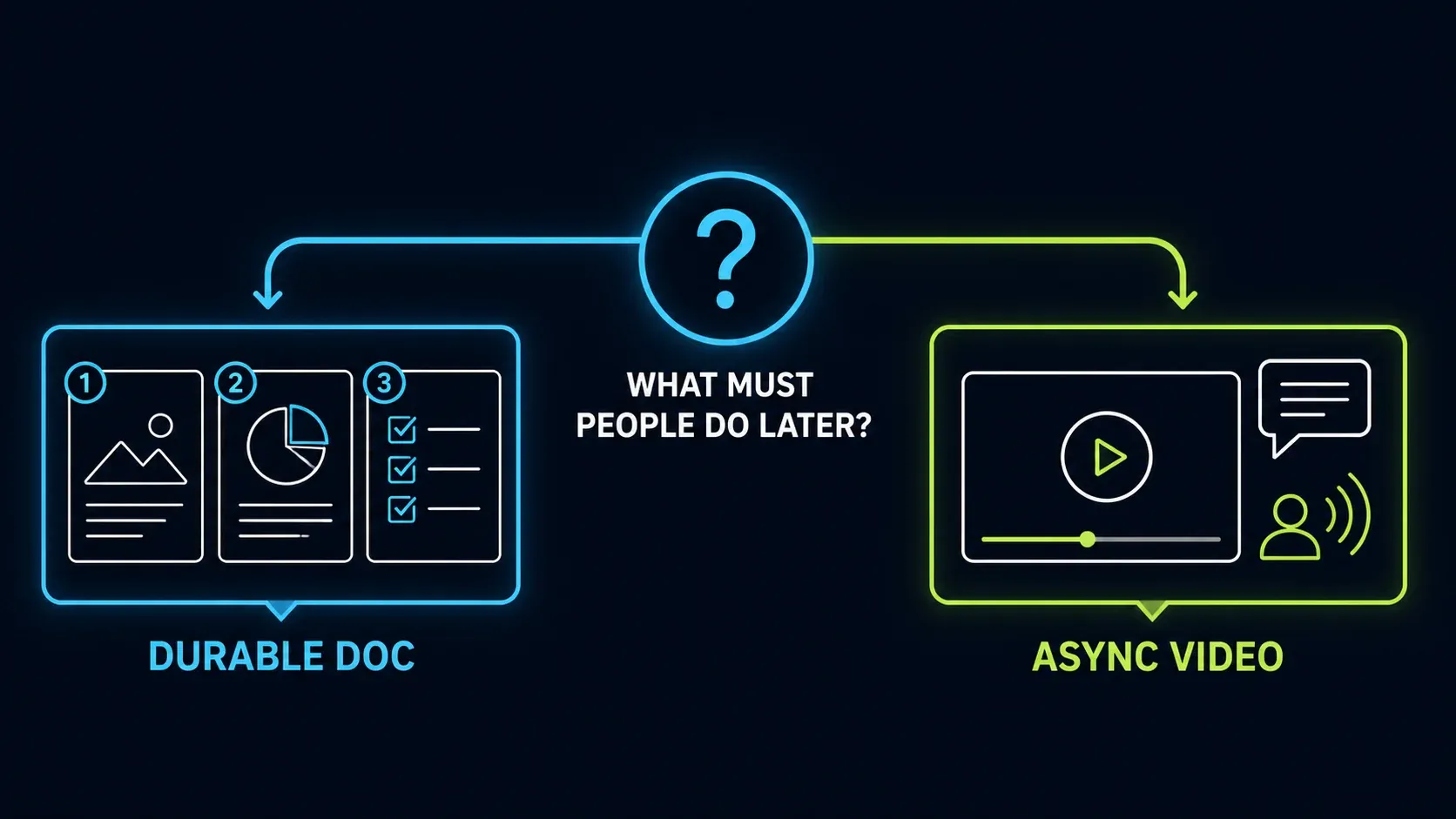
The diagram separates two deliverables, though Loom can make documents and Snagit can make videos too.
| Your task | Snagit | Loom |
|---|---|---|
| Explain a screenshot | Detailed image editing, OCR and reusable SNAGX sources | Text, arrows, shapes, crop and blur; quick hosted sharing |
| Capture a long page | Scrolling capture; test the target page | No scrolling screenshot feature in current official guidance |
| Explain something by video | Screen recording with audio and basic trimming | Hosted recording, transcript, comments and reactions |
| Make a procedure | Step Capture creates a numbered visual guide | AI workflows can create a document from a narrated recording |
| Revise an image later | Keep its editable SNAGX source | Preserve a copy before cropping; prior annotations become uneditable |
| Keep files outside the service | Local image sources and exports | Screenshot PNG downloads; video MP4 downloads require eligible paid access |
| Start without paying | Trial, not a permanent free edition | Starter: 25 stored videos and five-minute screen recordings |
If your job is one screenshot with an arrow, either may be enough. If neither matches the output you need, the screenshot software comparison covers a broader shortlist.
Screenshots: compare the editing you actually need
Snagit's image tools include scrolling capture, text recognition and editing, annotations and simplified graphics. That combination helps when a support image needs several precise changes or a long page has to become one readable image. Scrolling results still depend on the page or application, so test the one you use.
For repeated revisions, save an editable SNAGX source. Supported text, callouts and other drawn objects stay separate there, while a PNG or JPEG delivery copy flattens them. The Snagit Editor guide explains the workspace, and you don't need to learn every tool before making a useful screenshot.
Loom's screenshot editor supports text, arrows, rectangles, crop and blur through its desktop/Chrome screenshot workflow. One practical limitation: cropping replaces the original, can't be undone, and blocks further editing of any annotations made before the crop. If you might need the image again, download an unmodified copy first.
Loom documents PNG screenshot downloads and its lack of scrolling screenshot capture. The screenshot guidance I checked doesn't document a Snagit-style image OCR editor either. For a long-page image or text extraction, a generic screenshot checkmark on a feature list is not an equivalent feature.
Video: quick files or a hosted conversation?
Snagit supports video recording with audio and trimming in Editor. That can cover a short bug explanation without turning a hosted discussion into the main deliverable. The recording guide covers capture and output settings.
Snagit Editor is not the full multi-track Camtasia Editor. Sending a capture to another editor also doesn't mean that editor's paid features come with your standalone Snagit purchase. I'd compare those products separately in Snagit vs Camtasia.
Loom fits better when the video page itself is useful: the recipient watches, reads the transcript and responds in context. Comments, reactions, transcription and basic viewer information are already available on Starter, while paid plans add things like richer engagement reporting and downloads. I wouldn't buy a plan just because you assume all collaboration requires payment. If all you need is a hosted link to a quick screenshot or recording, Droplr uploads each capture automatically and copies the link to your clipboard; the Snagit vs Droplr comparison weighs that link-first workflow against editing first.
The Loom plan matrix lists Starter at 720p and paid recording up to 4K. Those are plan ceilings rather than a promise that every device or recording produces that resolution. Starter's five-minute limit applies to screen recordings, while the current pricing pages separately advertise unlimited meeting-recording length. Paid plans advertise unlimited recording time, so check the recording mode you intend to use.
SOPs and training: Loom can make written guides too
For a procedure with screenshots that must be maintained, Snagit's Step Capture records your actions into a numbered guide that you can edit and reorder. Before you distribute it, look for missing prerequisites, misleading labels and private information, because automatic capture is not an accuracy check.
Loom's AI workflows can turn a narrated video transcript into an SOP or step-by-step document. You can edit the generated text, and Loom can insert screenshots at relevant steps, although its documentation says trimmed or stitched videos don't include those screenshots. The workflow also requires access to the AI suite, which a free recording account doesn't give you.
That changes the choice. If you already explain a process aloud, a Loom-generated draft may save you the work of writing it up afterward. If most of your work is revising individual screenshots and precise labels, Snagit's image sources may fit better. Either way, have someone follow the instructions without help from the author, and correct whatever they can't reproduce.
For a broader choice of SOP and capture tools, see the screen capture documentation comparison. When readers need both exact steps and an explanation of the reasoning, keep a written procedure beside the video.
Local files, cloud links and what an export keeps
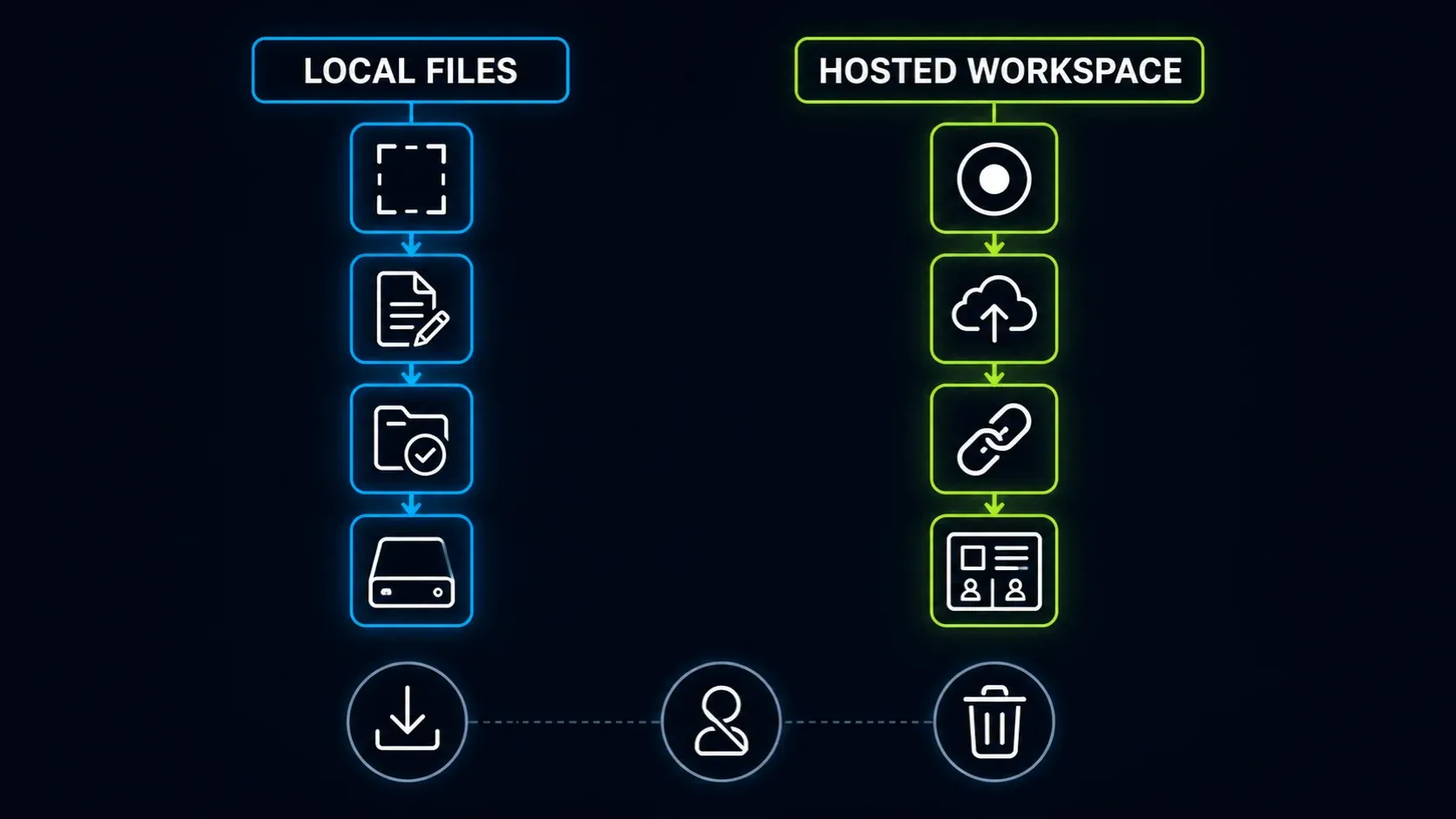
Snagit can keep editable sources and delivery files locally, and it also has optional cloud destinations. The current store separately lists Screencast hosting and Camtasia Online access, so Snagit isn't limited to attachments or an entirely offline workflow.
Current releases add an important distinction: the Windows 2026.3.1 and later release notes and Mac 2026.3.2 and later notes say images sent to Camtasia Online use the original SNAGX, including cursor, text and other capture information. That differs from sharing a reviewed flat image. Keep source backups under the storage policy your team has approved; the Library backup guide covers the Snagit side.
Loom's official video-download rules exclude Starter and Creator Lite. Eligible paid users can download MP4s, depending on their role and the owner's permissions. Screenshot downloads are a separate feature.
An MP4 isn't a backup of the entire video page. The download guide says trims remain, but chapters, closed captions and calls to action aren't included. Comments and access settings also need separate handling if you want to preserve a workspace record.
Check an export if you use AI cleanup. Loom's download guide says filler-word and silence removal are excluded, while its dedicated removal guide says the cleanup survives downloading. The official pages conflict. Play a sample downloaded file before relying on either description for a handoff or archive.
Privacy and ownership: decide before recording
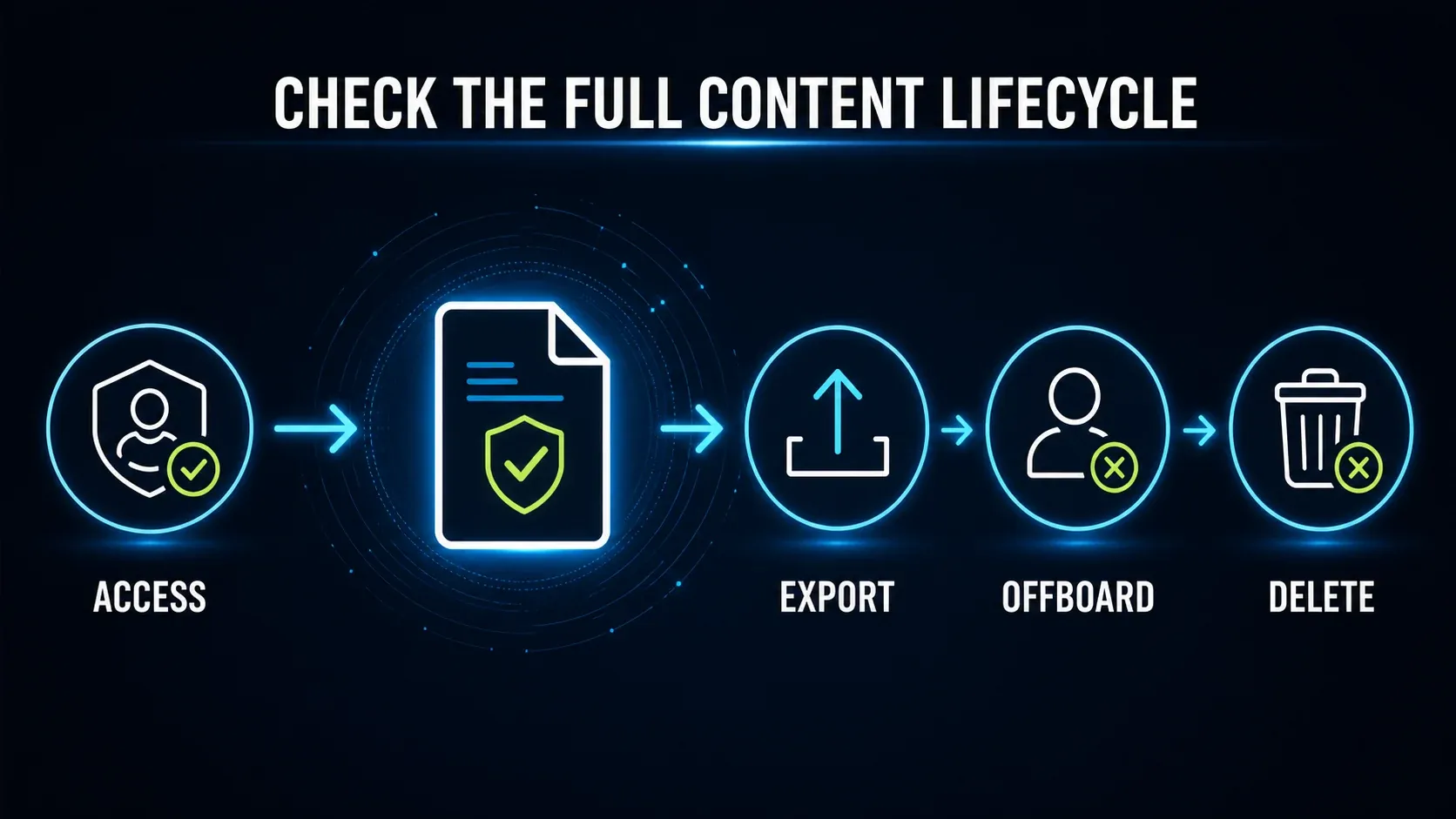
A local file isn't automatically confidential: it may sit in a synchronized folder or contain private details you missed. Capture a non-sensitive area where you can. For secrets in an image, remove them from the delivery copy and inspect the export, and keep editable originals private because a removable annotation can expose the content underneath. The redaction checks are a better guide than assuming blur is sufficient.
With Loom, choose the intended audience before you share. Its sharing guidance distinguishes anyone-with-link access from invited people who must sign in with the invited identity. Password protection is a paid feature. A link pasted into a private conversation doesn't, by itself, restrict who can open it.
Before removing a creator, review the plan-specific offboarding rules. On Starter, Business and Business + AI, deleting a member can permanently delete private or unshared recordings, and Enterprise has additional transfer options. Don't make confidential content visible to an Open Space just to preserve it; arrange an approved export or transfer while the owner still has access.
Loom's retention controls also depend on the plan and on whether the account is Atlassian-managed. The documented rules count from content creation dates rather than the last viewing date, and automatic deletion is permanent. Check your actual admin policy before treating a hosted link as a long-term archive.
If your organization requires HIPAA support, Loom's current compliance statement says it is not HIPAA compliant and can't sign a BAA. That isn't a recommendation to move the same material into Snagit without review. Use the storage and software your organization has approved for that information.
Pricing and free-plan limits
Snagit is an annual subscription; Loom paid plans are quoted per user per month. Those numbers cover different periods, so don't compare them directly.
The Snagit Individual store was checked at a US reference price of $39 per user/year earlier on September 13; a later regional response showed €39.56/year. Both are billed yearly. Use your local checkout total rather than converting one displayed price into a universal quote. Individual subscriptions are non-transferable; the pricing and license guide separates individual and team purchasing.
The Atlassian Loom pricing page displayed Business at $18/user/month and Business + AI at $24/user/month. The page also offers annual billing with different calculations. Confirm the selected billing cycle, user count, taxes and total; these displayed per-month figures are not an independently verified annual quote.
For Starter, the specific storage guidance says 25 videos, including archived videos. Screenshots don't count and are unlimited, which matches the current pricing FAQ. An older general FAQ still says videos and screenshots share the allowance, so I wouldn't budget screenshot storage from that wording.
Workspace size also depends on the account. The Starter FAQ identifies a 10-user limit for Atlassian-integrated accounts, including newer signups and migrated accounts. The legacy Loom pricing page still lists 50 members. Check which account model you have before planning a team rollout.
Make the choice with two real tasks
Take a non-sensitive support screenshot and a short narrated explanation. Ask the recipient to find one detail, respond, and open the final result without your help. Then change a label in the image or a step in the explanation, and count the work needed to update and redistribute it.
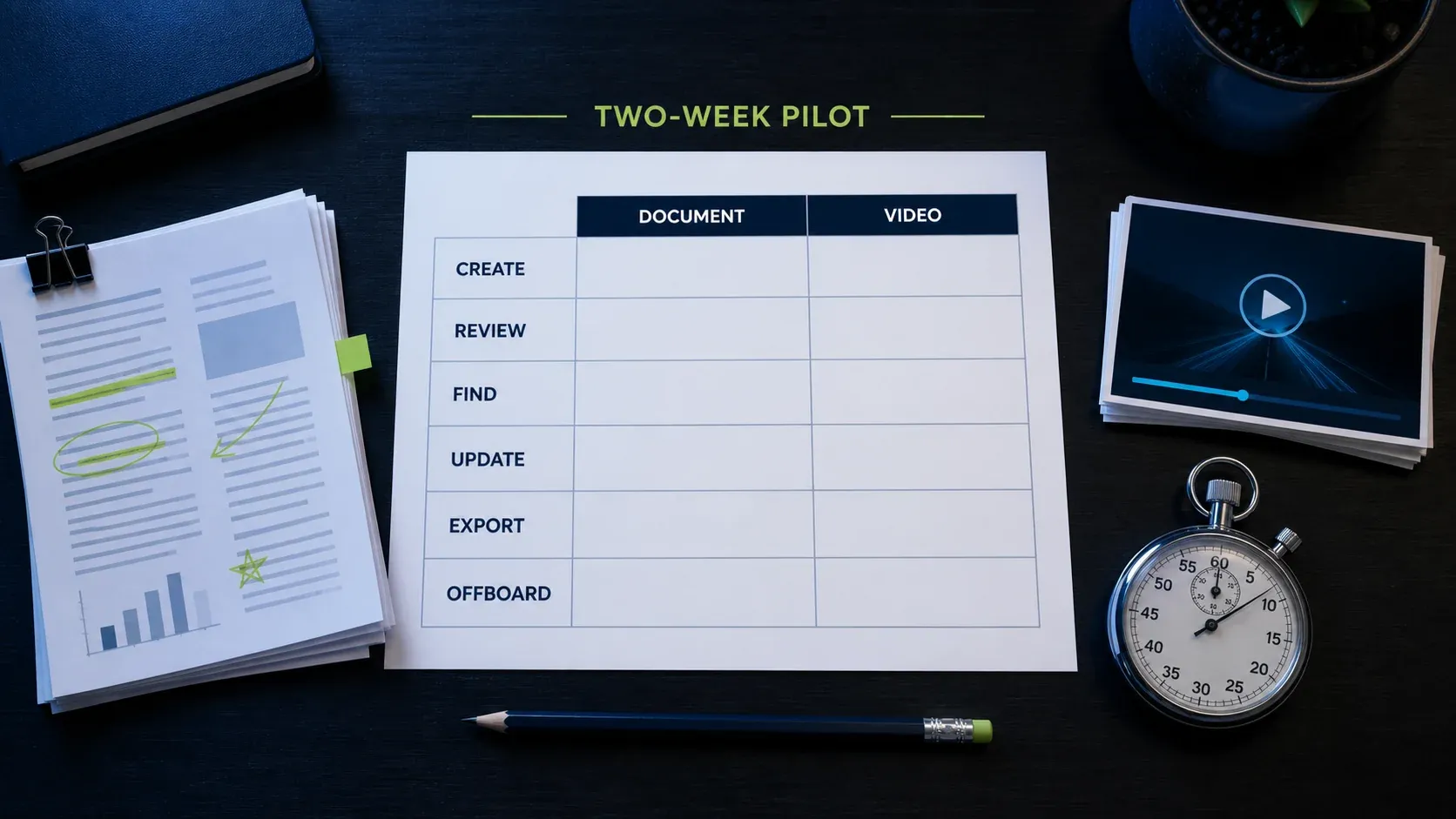
The two-week sheet is an optional evaluation format, and a simple choice doesn't have to wait for it. Record creation, review, retrieval and revision effort with your own tasks. For export and offboarding checks, use disposable test content in an approved test workspace rather than deleting a real employee account or real recordings.
Pick Snagit if precise image work, scrolling captures and regularly revised visual instructions dominate. Pick Loom if narrated explanations and responses on a hosted page dominate. Keep both only when each serves a recurring task that the other handles poorly; a longer feature list alone isn't a reason to pay for two tools.
Snagit vs Loom FAQ
Is Snagit better than Loom?
Snagit is a stronger fit for detailed screenshot editing and visual guides you update. Loom is a stronger fit for hosted video conversations. Both capture images and video, so choose by the output and revision work you need.
Can Loom replace Snagit for screenshots?
For quick images with text, arrows, shapes, crop and blur, it may be enough. Loom does not currently document scrolling screenshots or a Snagit-style image OCR editor. Cropping also prevents further editing of earlier annotations.
Can Snagit replace Loom for video?
Snagit can record video with audio and basic trimming. That does not reproduce a Loom video page with its transcript, discussion and workspace controls. Check whether you need a video file or that hosted workflow.
Can Loom create SOPs with screenshots?
Yes, its AI workflows can generate an editable SOP from a narrated video and add screenshots. Access to the AI suite is required. The documentation says trimmed or stitched recordings do not include screenshots in the generated document. Review the result before using it.
Do Loom screenshots count toward the 25-video limit?
The specific Starter storage guide and current pricing FAQ say screenshots are unlimited and do not count. Archived videos do count. A general Starter FAQ still has conflicting combined-limit wording.
Can I download Loom videos on the free plan?
Official video downloads are not available on Starter or to Creator Lite users. Eligible paid access and permissions are required. Screenshot PNG downloads are separate from video downloads.
Does a downloaded Loom MP4 keep every edit?
No. The download guide excludes captions, chapters and calls to action. Official pages disagree about filler-word and silence cleanup. Inspect a sample export rather than assuming it reproduces the hosted player.
Is Snagit priced monthly like Loom?
Snagit Individual is billed yearly. Loom displays paid per-user/month prices and offers different billing cycles. Compare the actual annual or monthly total for your region and user count, not the two headline numbers.
What happens to Loom videos when an employee leaves?
It depends on the plan, content visibility and the action taken. Deleting a member can permanently remove private or unshared videos; Enterprise has additional transfer options. Arrange an approved handoff before deletion and keep confidential content restricted.