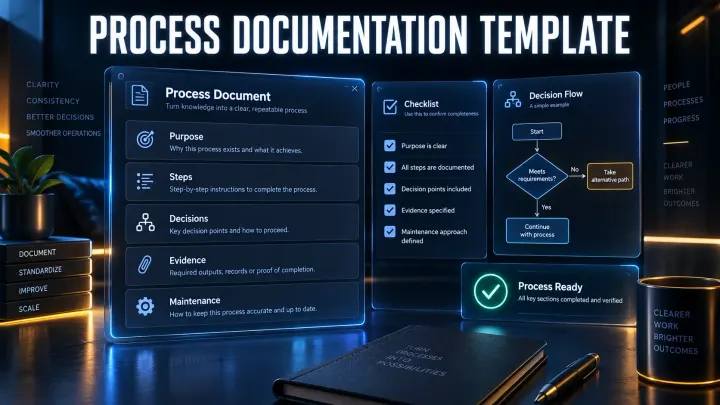
Process Documentation Template: Copy, Fill and Use
A copy-ready process documentation template with a concise version, full version, filled software example and release checklist.
 SnagitPro
Topic
Team documentation, support, training and productivity workflows with Snagit Pro.
A copy-ready process documentation template with a concise version, full version, filled software example and release checklist.
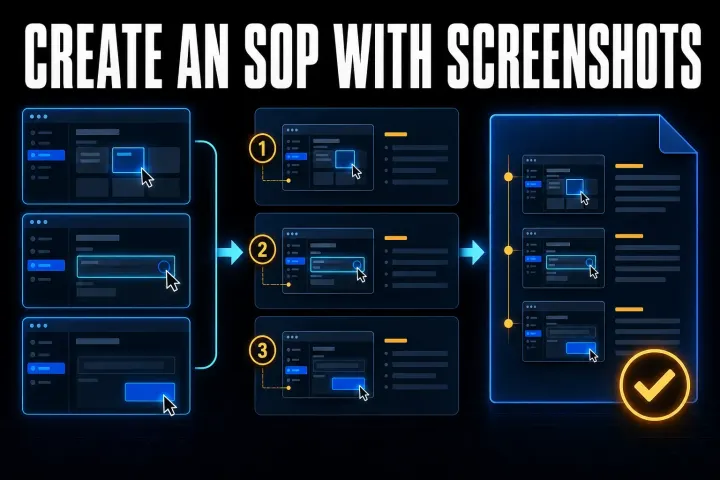
Build a screenshot SOP your team can follow: start with a clear template, assemble it in Word or Google Docs, then check privacy, decisions and delivery.
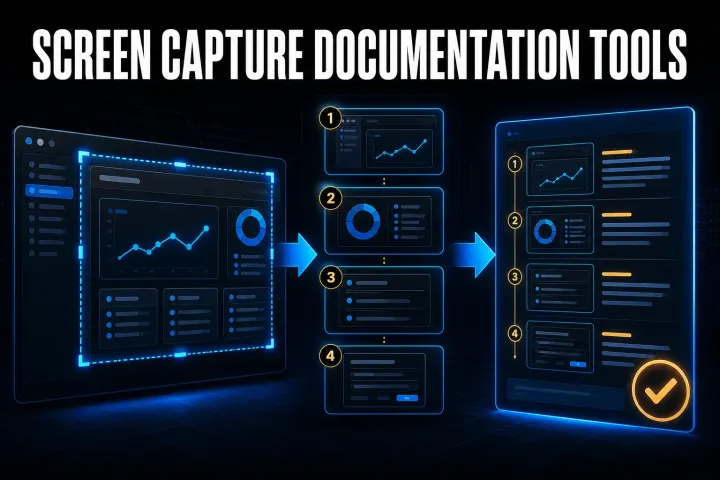
Choose a capture-to-guide tool by its output, editing controls and data path. Compare seven options and test the same task before buying.
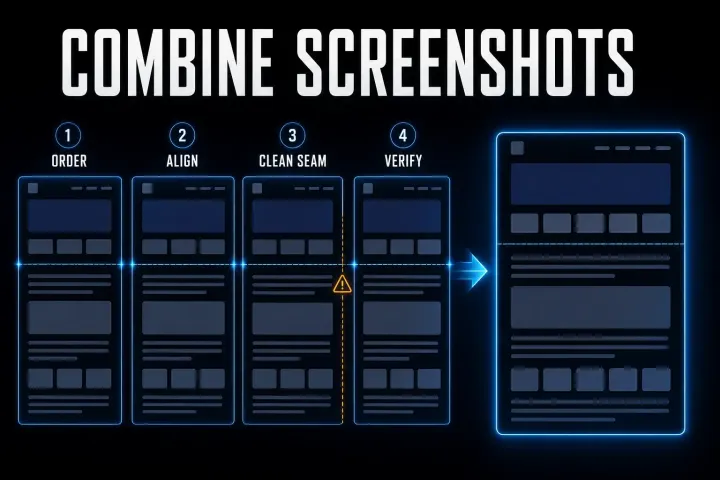
Join screenshots with Paint, Shortcuts, a collage or Snagit. Choose the layout, check overlap and keep the exported result readable.
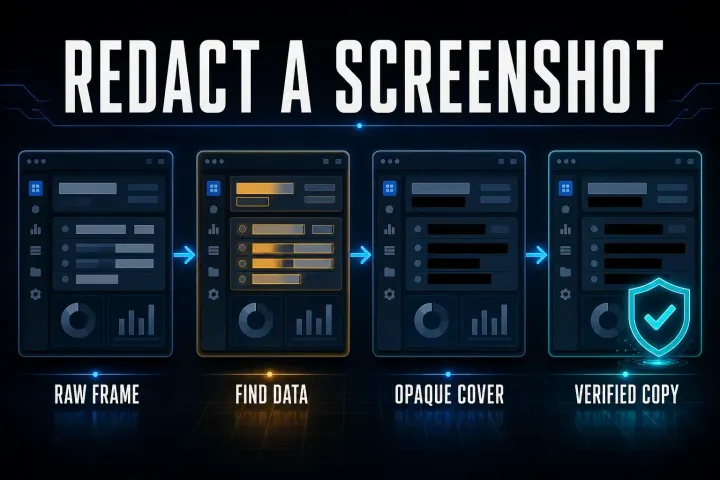
Find private fields throughout the frame, apply opaque covers and check the exported file. Includes Mac, Windows and phone steps plus original-sharing safeguards.
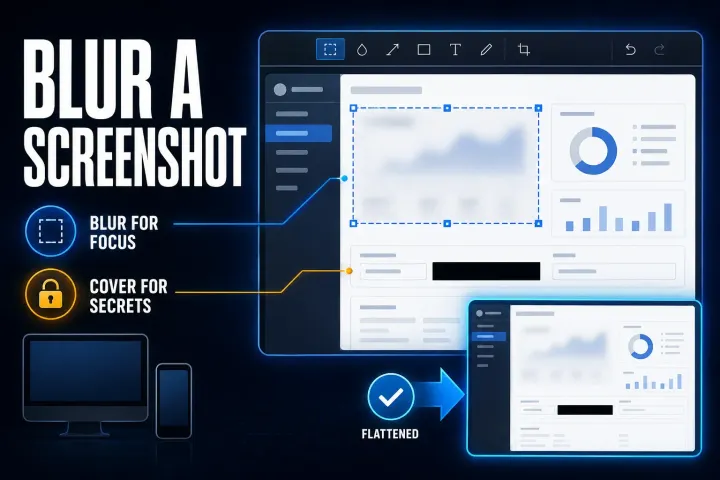
Choose selective blur for visual focus, an opaque cover for private fields, and the right Windows, Mac or phone workflow. Check the exported copy before sharing.
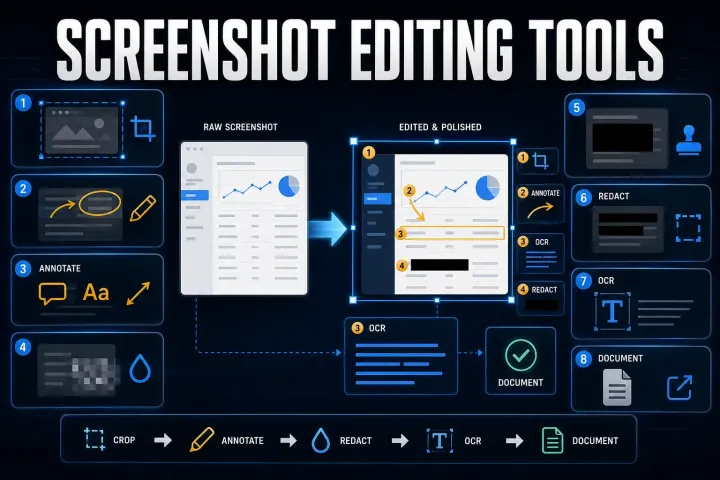
Choose a screenshot editor for annotation, OCR, redaction or repeatable instructions. Compare file handling, editable projects and free versus paid licenses.
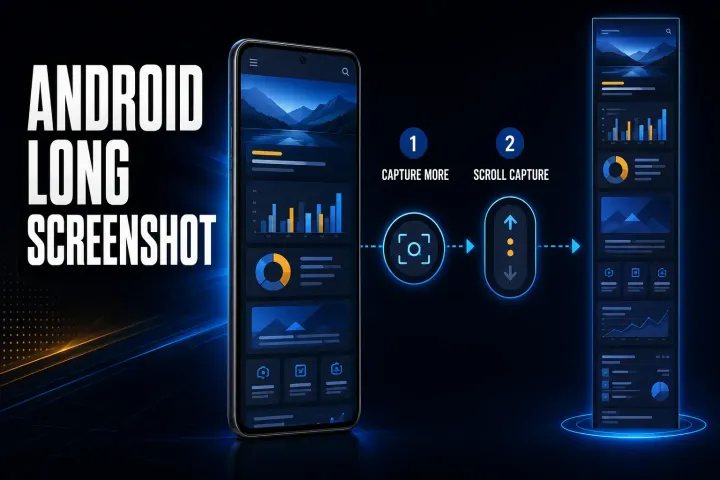
Find the right long-screenshot control for Pixel, Samsung and other Android phones. Fix missing options and verify the saved image before sharing.

Choose Full Page, overlapping screenshots, recording or app export on iPhone. Follow current save controls and check every section before sharing.
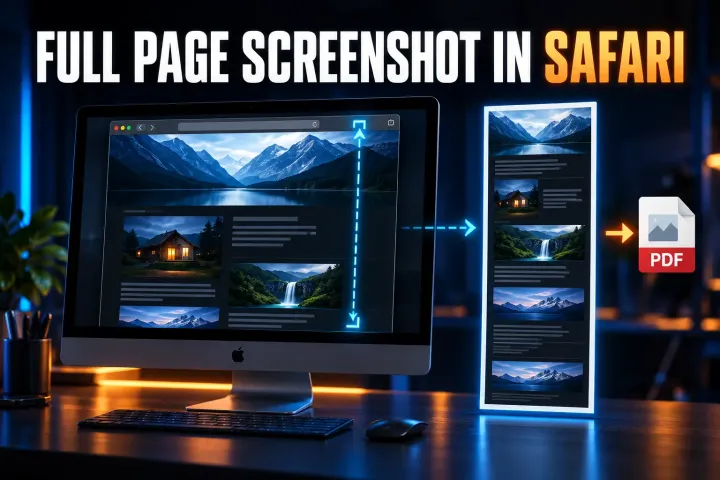
Safari full-page capture on iPhone and iPad, Web Inspector image capture on Mac, PDF saving, and checks for missing controls or incomplete output.
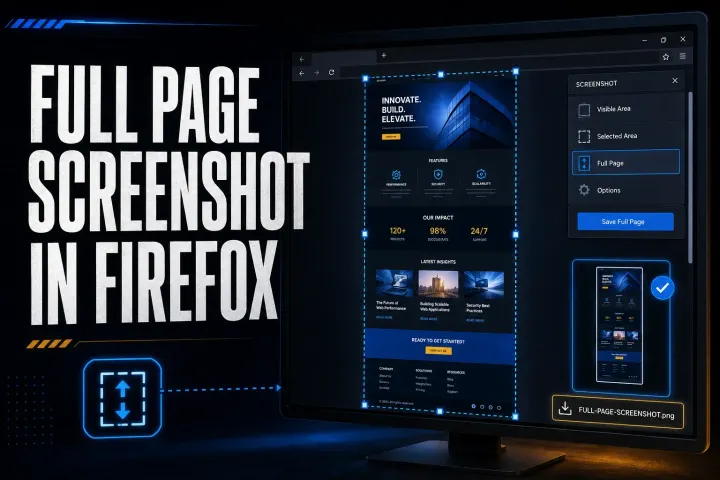
Firefox full-page capture, PNG and clipboard saving, practical DevTools commands, and fixes for missing options, incomplete images, and failed downloads.
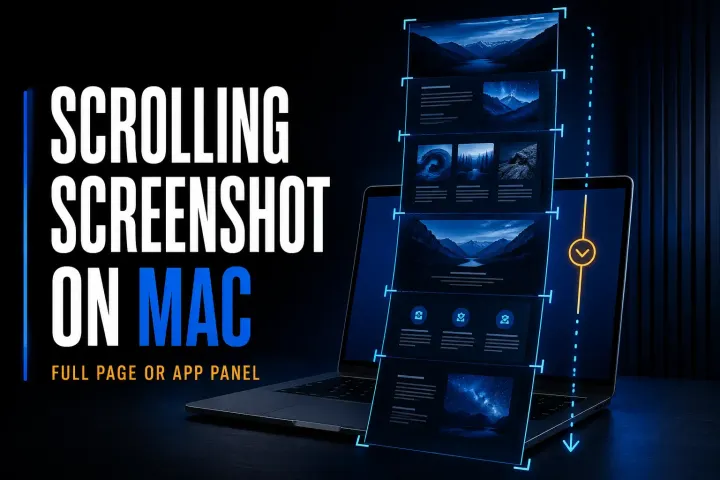
Mac full-page and scrolling capture methods for webpages and app panels, with local saving steps, permission checks, and fixes for missing or repeated content.
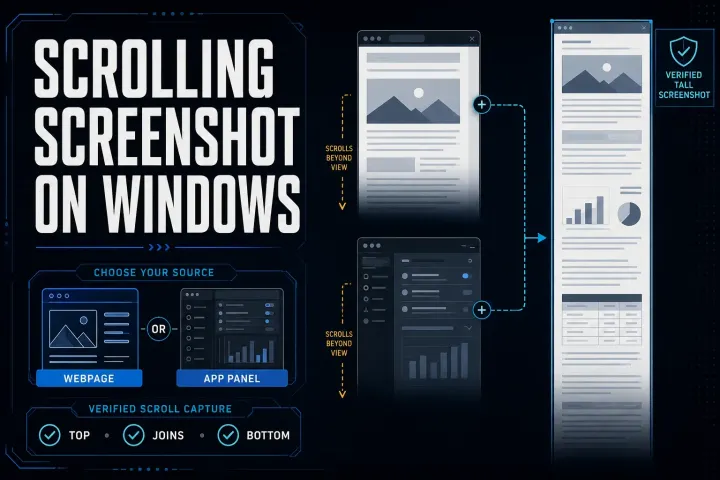
Five Windows scrolling screenshot methods for webpages and compatible app panels, with steps to save the result and check missing or repeated content.
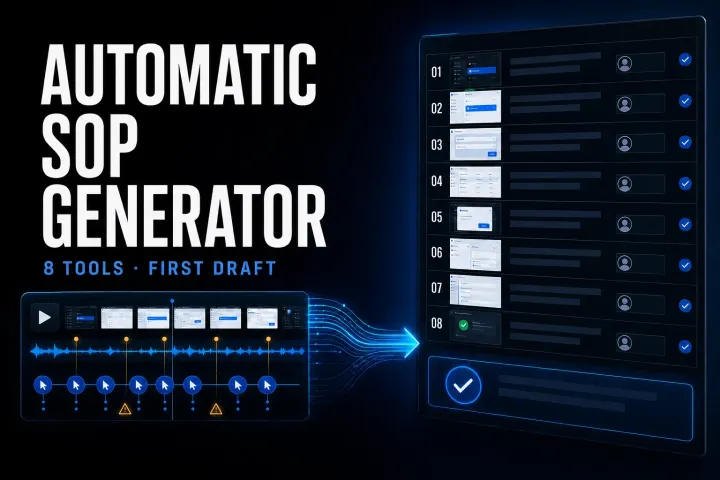
Compare eight automatic SOP tools by input, output, current limits, privacy, and the review work required before publication.
Compare ten SOP products by the job they perform, current pricing, role limits, governance, and a practical six-test pilot.
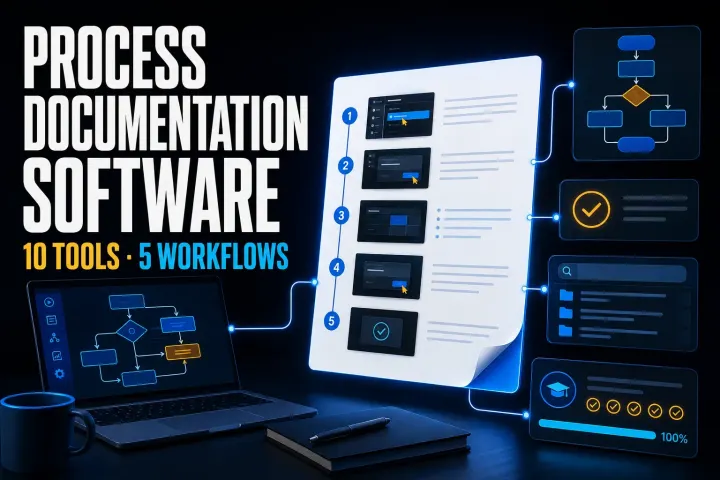
Choose tools for capture, approved procedures, recurring work or training. Compare ten options by plan limits and full-team cost, then run a three-process pilot.
Capture a full webpage in desktop Edge. Includes the Windows shortcut, Mac menu route, DevTools, export-format checks, PDF limits and fixes for missing content.
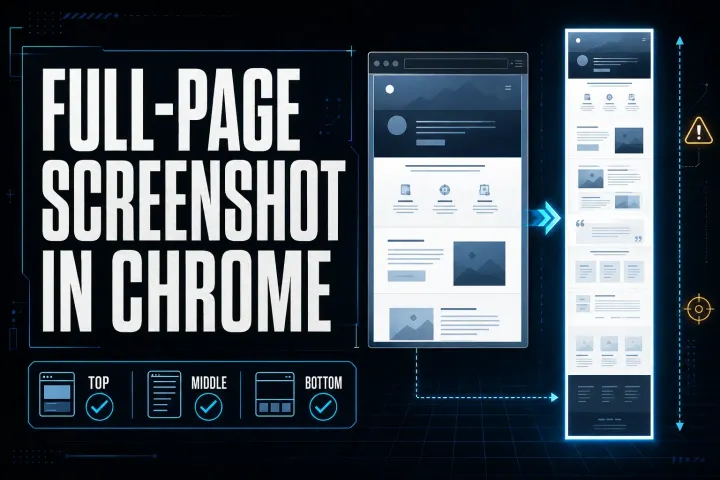
Save a full webpage as a PNG in desktop Chrome. Includes Mac and Windows shortcuts, responsive widths, missing-content fixes, PDF limits, and safer sharing.
Choose a Chrome screenshot extension by capture mode, file output, editing, permissions, and sharing. Includes an installation check and GoFullPage update.