
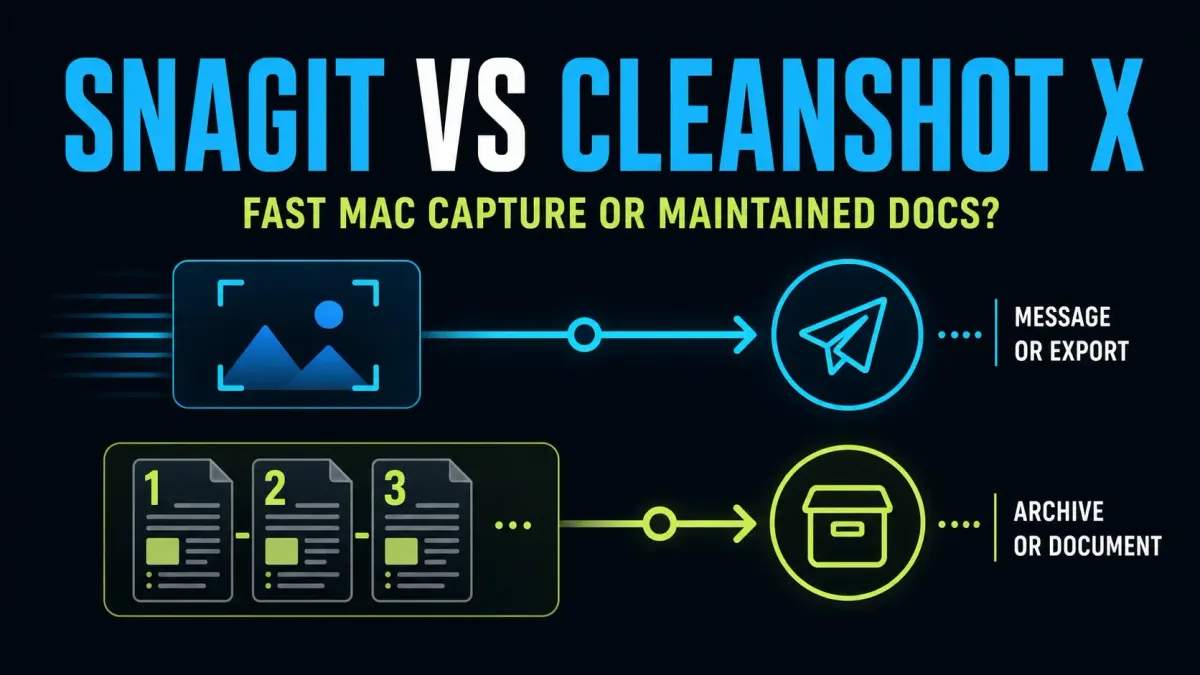
Choose CleanShot X for Mac screenshots and screen demos with editable zooms, cursor effects and camera presentation. Choose Snagit for automatic step-by-step guides, reusable documentation templates or a team using Windows and Mac. Both apps save editable image sources, and CleanShot is no longer just a capture-and-send utility: version 5.0 adds Studio Mode and a new video editor.
Which app fits your work?
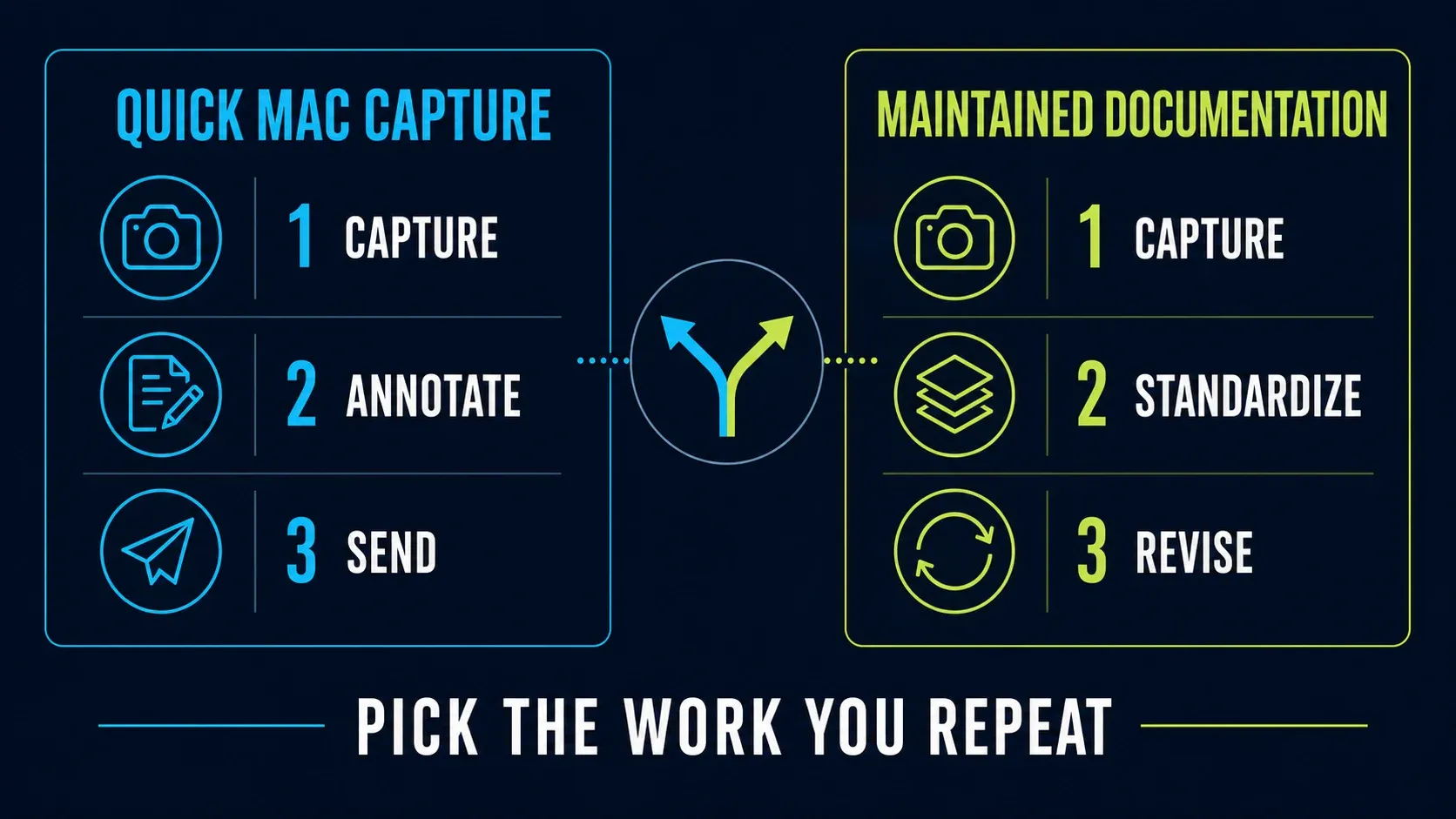
- Mac demo with zooms and cursor cleanup: start with CleanShot X 5.0.
- Numbered process guide or repeatable document layout: start with Snagit.
- One screenshot for a conversation: compare CleanShot’s overlay with your Snagit capture preset.
- Windows and Mac contributors: choose Snagit between these two.
- Later image revisions: both have editable formats; test the objects you need to change.
| Decision | CleanShot X | Snagit |
|---|---|---|
| Desktop platforms | macOS only | Windows and macOS |
| Current Mac version | 5.0.2 | 2027.0.0 |
| Current Mac OS support | macOS 13 or newer | macOS Golden Gate 27, Tahoe 26 or Sequoia 15 |
| App purchase model | Basic: $35 USD once for one Mac; one year of updates | Current Individual licence: annual subscription |
| After capture | Overlay: copy, save, annotate, pin or upload | Editor, recent tray, Library and capture presets |
| Image source | Editable CleanShot file | Editable SNAGX file |
| Scrolling and OCR | Both supported | Both supported |
| Video editing | Studio Mode: zooms, cursor, camera and presentation edits | Trim, cut, combine and GIF output |
| Step-by-step documentation | Capture and arrange your material | Step Capture and templates |
| Local work without uploading | Yes; cloud collaboration needs an upload | Yes; cloud destinations are optional |
What changed in the current versions?
The CleanShot changelog dates 5.0 to September 1, 2026. Studio Mode adds smart zooms, cursor smoothing, camera adjustments and motion blur after recording. Version 5.0.2 followed on October 26 with fixes for Capture Text on macOS 27 and for recordings that stopped unexpectedly.
TechSmith's Mac release history lists Snagit 2026.4.3 from October 22 as the last 2026 build, and Snagit 2027.0.0 followed on October 29 with batch export in SNAGX format. The 2026.4 branch added direct Camtasia Online recording and a recording Timer. Compare the releases your Mac supports rather than treating an older perpetual licence as the current subscription product.
CleanShot’s compatibility FAQ requires macOS 13 or newer for the current app. TechSmith’s current requirements list Golden Gate 27, Tahoe 26 and Sequoia 15 for Snagit. A Mac on Ventura 13 can therefore meet CleanShot’s OS requirement without meeting current Snagit’s. Check hardware and feature requirements too.
CleanShot X keeps the first capture close
The Quick Access Overlay lets you copy, save, annotate, drag, pin or upload a capture. You can adjust its position and dismissal behaviour. For a support reply, capture the problem, add an arrow and drag the result into the conversation.
Pinning keeps a reference above your other windows, and background presets add spacing, shadows and a consistent presentation. That makes these controls useful for design feedback and release-note images as well as throwaway chat captures.
Which app is faster depends on your routine, so try your normal task with each app’s preferred capture settings and count the actions it takes to reach a usable result, including cleanup and export.
Snagit adds structure after capture
Snagit combines the Editor, recent-captures tray, Library, themes and templates. Step Capture records a process as screenshots and written steps, and you review them before sharing. That matters when you’re producing an instruction sequence rather than one marked-up image.
A support team, for example, can reuse the same callout styles across a setup guide, and a trainer can build several lessons from an approved layout. The Snagit beginner tutorial walks through the Capture window and Editor setup.
Windows support is a real dividing line. Snagit runs on both desktop platforms, although menus and features can differ between them. Before standardising a team on it, exchange a sample editable file and check the objects each contributor needs.
Annotation, backgrounds, and safe redaction
Both apps support arrows, text, shapes, counters, cropping and masking. CleanShot offers saved background presets and editable annotation files, while Snagit adds documentation tools such as templates and image simplification. Choose by the output you need, and don’t assume only Snagit can revise an image later.
Keep an unstyled original when exact dimensions or interface context matter. Padding and decorative backgrounds can help a presentation, but they shouldn’t hide the setting a reader needs to find.
For sensitive text, use an opaque redaction or remove the region, then export a flattened copy and inspect that file. Keep the editable source private, because removable objects may leave the underlying information recoverable. The redaction guide covers the checks in order. Do not judge privacy from how a blur looks at thumbnail size.
Scrolling capture: test the hardest real page
CleanShot supports vertical and horizontal scrolling capture, and its URL scheme documentation also exposes scrolling-capture start and auto-scroll parameters for automation. You don’t need to set up a shortcut to use ordinary scrolling capture.
Snagit supports automatic scrolling and manual panoramic capture. The manual route lets you control the movement when automatic detection doesn’t suit the page. That control is useful, but it doesn’t guarantee a clean stitch.
Test with a long page that’s typical of your work, and look at sticky headers, nested panels and lazy-loaded sections for repeated or missing content. Check the full image at 100% before you share it. The Snagit scrolling guide explains its two capture routes and fallbacks.
Video: CleanShot 5.0 changes the comparison
CleanShot’s current recording editor can adjust zooms, cursor appearance, keystroke display, camera presentation, backgrounds and motion blur. It records screen, microphone, system audio and camera, with MP4 or GIF output. Studio Mode is included in both Basic and Pro; it is not a Cloud Pro-only feature.
Snagit records screen, audio and camera, then lets you trim, cut sections, combine clips and create GIFs. If those edits cover the job, use the video cutting and combining workflow. For a Mac product demo, CleanShot’s new post-recording presentation controls give you a reason to try it.
Keep the native recording project if you want to revise its cursor or camera presentation later, because a flattened MP4 doesn’t recreate the original capture information. If your work needs separate media tracks or interactive training, compare Snagit with Camtasia Editor instead. A video’s length alone doesn’t settle that choice.
Check the exact output you need first. In the September CleanShot release discussion, readers asked about adding video text and annotations. Treat those questions as useful test cases rather than proof that an announced feature has shipped. If recorded sound is missing, the Snagit audio guide separates device, capture and playback checks.
OCR is useful, but the two workflows differ
CleanShot’s text recognition runs on-device and copies the extracted text, so that OCR step doesn’t require uploading the image. Cloud video transcription is a separate feature, and it shouldn’t be confused with local image OCR.
Snagit’s Grab Text can extract text from an image inside its capture-and-edit workflow, and the Snagit OCR guide has the exact steps if you need them. With either tool, you still need to check the result.
Compare ambiguous characters such as 0/O and 1/l, quotation marks and path separators against the original. CleanShot notes that some recognition languages require newer macOS versions, so test your own language and image quality before you rely on OCR for code or records.
Both apps can keep editable image sources
CleanShot offers up to one month of local Capture History, which doesn’t limit how long you keep files you deliberately save elsewhere. Its editable CleanShot format preserves annotation, redaction and styling work for later changes, so save important projects instead of relying on recent history.
Snagit’s Library organises captures, while SNAGX sources keep supported editable objects. TechSmith’s source-file guidance separates these from flattened PNG and JPEG output, and saving a finished PNG as a project can’t bring back objects that were already flattened.
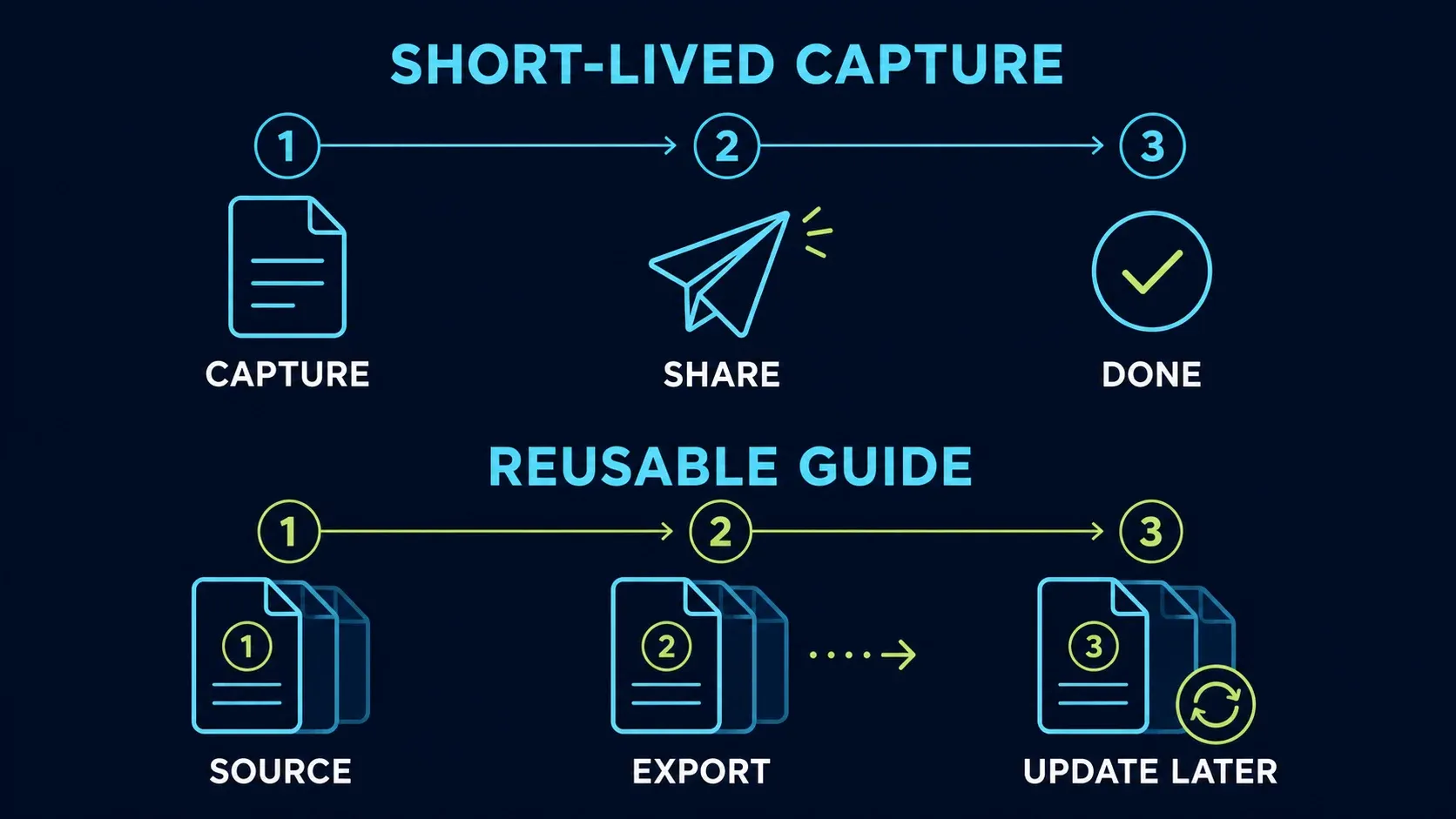
CleanShot projects and SNAGX aren’t interchangeable, so test each format on its own: reopen the source in its app, change a label and export again. Back up the project files you plan to keep updating, since app history, cloud sharing and a versioned project backup solve different problems.
Cloud and privacy choices
CleanShot Cloud gives you searchable captures, transcripts, comments and sharing controls, and Pro adds password protection, expiration, branding and team administration. Local capture doesn’t require an upload, but hosted collaboration and transcription do.
Snagit can save locally or send to a sharing destination. In either workflow, review presets, upload actions and folder-sync settings before you capture private material. “Cloud optional” doesn’t mean every configured capture stays on the computer.
CleanShot’s advertised unlimited Pro storage comes with a fair-use policy. Its guidelines list 100 GB of monthly bandwidth and 3,000 uploads for Pro as soft limits rather than automatic cutoff quotas. The policy excludes hosting website images and uploading videos recorded outside CleanShot, so use it for the intended capture-sharing workflow, not for general media hosting.
Pricing: compare the model, then check the store
The CleanShot price page lists Basic at $35 USD once for one Mac, with a year of updates and 1 GB of cloud storage, and the app includes Studio Mode. The optional update renewal is $19 per year per seat. If you decline renewal, the last eligible version stays usable, but it isn’t guaranteed to be compatible with future macOS releases.
Pro is $10 USD per user per month, billed annually, including ongoing app updates and its cloud features. That’s $120 for twelve months before tax. Monthly billing is also offered, and the price page marks the yearly plan as 17% cheaper.
Snagit Individual is an annual, non-transferable subscription, while Business licensing has different reassignment rules. Check the regional Snagit store for currency and tax, then compare the number of users and devices you need.
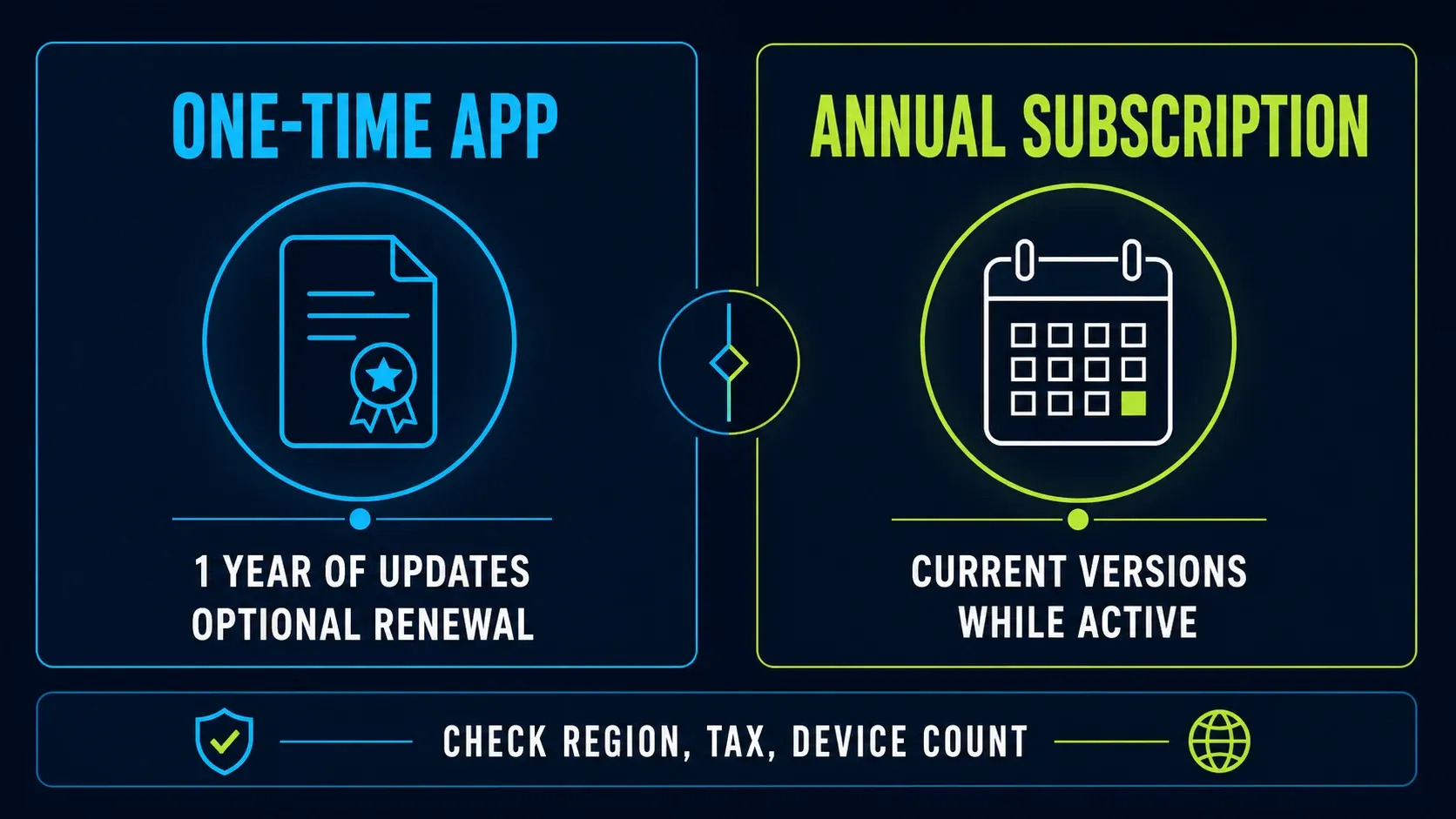
Include update rights, device count and required cloud controls in your budget. If you already have a current Camtasia plan, check whether Snagit is included before buying it again. The Snagit pricing and licence guide covers those entitlements and business options.
Trial and compatibility boundaries
CleanShot has no direct free trial. Instead, its FAQ lists a 30-day money-back guarantee and a 7-day Setapp trial, which are different buying routes with their own terms. A refund window still requires an initial purchase, so it isn’t the same as a no-payment trial.
On an older Mac, go by the exact supported release. CleanShot lists 4.8.10 as the last version supporting Catalina, so you won’t get 5.0 Studio Mode on Catalina. The Snagit Mac guide covers its release-specific compatibility.
On managed Macs, confirm deployment, privacy permissions, update policy and licence reassignment with IT. CleanShot Pro’s cloud administration doesn’t automatically cover every local deployment requirement. For Snagit’s screen, audio and camera access, use the Mac permissions guide.
Run the same three tasks before choosing
Use safe sample data on your usual machine and give both apps the same three jobs.
- Long page: capture a page with a sticky header and lazy-loaded cards. Check seams, repeats and missing content.
- Video: record a 30-second sample with the audio you need. Remove a mistake. In CleanShot Studio Mode, adjust a zoom and the camera presentation, then play the export in another app.
- Image revision: build a four-step guide, save the editable source and export a flat copy. Close and reopen the source, then change step two.
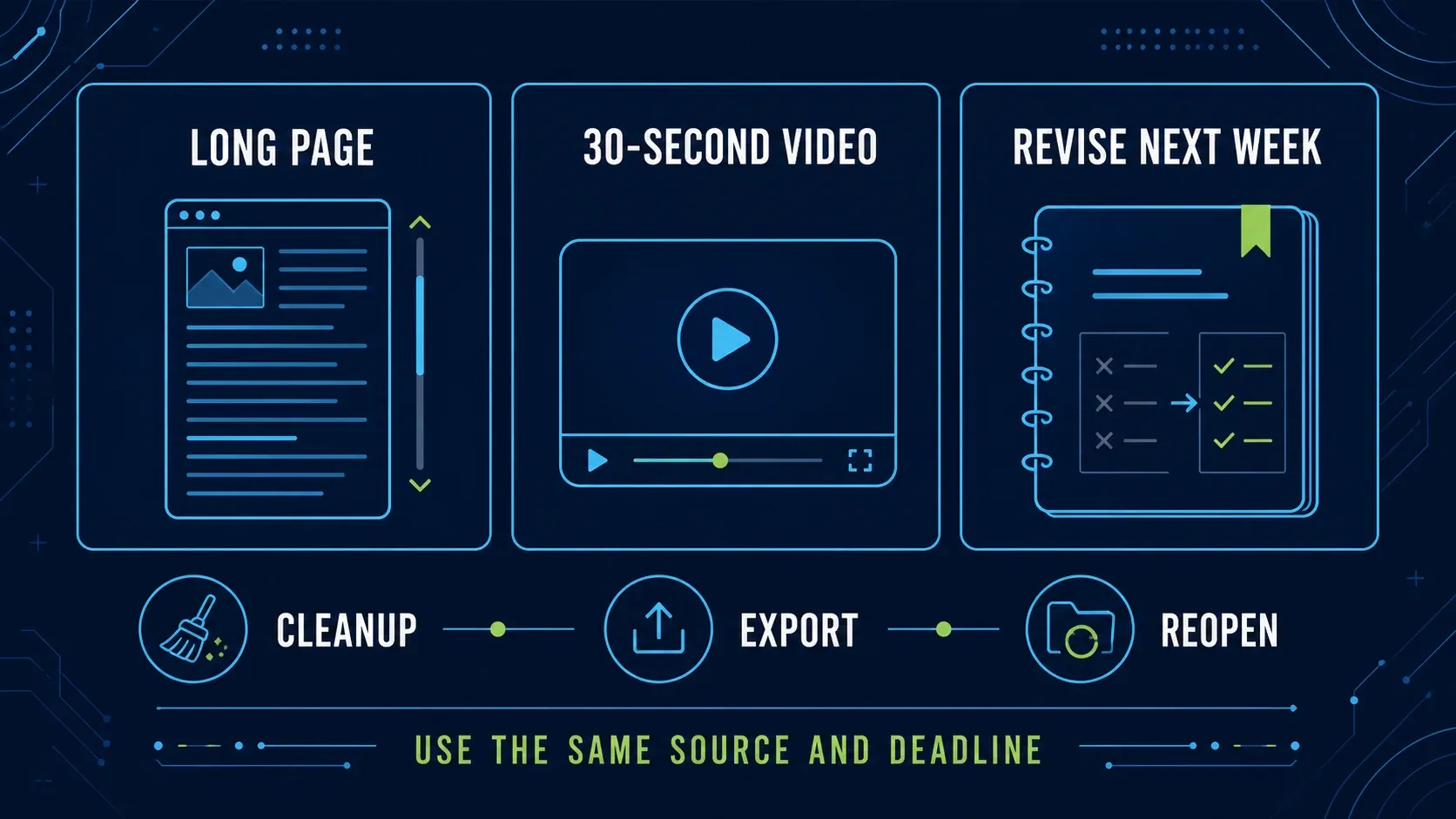
Note the cleanup actions, missing controls, export quality and whether the source reopens correctly. Before you commit to a workflow, test one late correction too: a polished first export is less useful if you can’t make the revision your work requires.
Who should choose each app?
Choose CleanShot X for Mac captures and demos
Choose it for the overlay, pinning, local OCR and background presets, or when Studio Mode’s zoom and cursor controls cover what your demo needs. If you’ll revise the images later, save editable projects.
Choose Snagit for structured instructions
Choose it when Step Capture, templates and reusable image styles help you build manuals, SOPs or training materials. Its advantage here is the documentation workflow. Editable files aren’t unique to it.
Choose Snagit for a mixed-platform standard
CleanShot X has no Windows app. Snagit covers both Windows and Mac, which makes it the practical choice of these two when both platforms have to use the same product. Before rollout, check the feature differences and try exchanging a sample source file.
If neither fits, the Mac alternatives comparison covers other tools. For a Windows-first automation choice, see Snagit vs ShareX.
Snagit vs CleanShot X FAQ
Is CleanShot X better than Snagit on Mac?
Choose CleanShot X for its Mac capture overlay or Studio Mode video presentation controls. Choose Snagit for Step Capture, reusable documentation templates or Windows/Mac collaboration. Both can save editable image projects; the better choice depends on your deliverable.
Does CleanShot X work on Windows?
No. CleanShot X is macOS-only. Snagit supports Windows and macOS, with release-specific requirements and some feature differences.
Is CleanShot X a subscription?
Basic costs $35 USD once for one Mac and includes a year of updates. A $19 yearly update renewal per seat is optional. Pro is a subscription at $10 per user per month, billed annually. Prices are in USD, and taxes may apply at checkout.
Does CleanShot X require CleanShot Cloud?
No upload is required for local capture, annotation, recording or image OCR. Hosted links, cloud collaboration and video transcription do require cloud use. Check upload actions and folder-sync settings before capturing private data.
Which app is better for scrolling screenshots?
Both support scrolling capture. CleanShot handles vertical and horizontal content; Snagit offers automatic and manual panoramic capture. Test your actual page for repeated headers, gaps and stitching errors rather than choosing from a universal reliability claim.
Which app is better for technical documentation?
Snagit is a useful choice when Step Capture and templates match your instructions workflow, especially across Windows and Mac. CleanShot also saves editable image projects and offers cloud organisation, so it is not limited to disposable screenshots.
Can I try CleanShot X before buying?
There is no direct free trial. CleanShot’s FAQ lists a 30-day money-back guarantee and a 7-day trial through Setapp. Check the terms of the route you choose; a refund offer requires a purchase.
If you also need to compare a recorder, documentation app or free capture tool, use the capture-tool comparisons hub to find the relevant matchup.