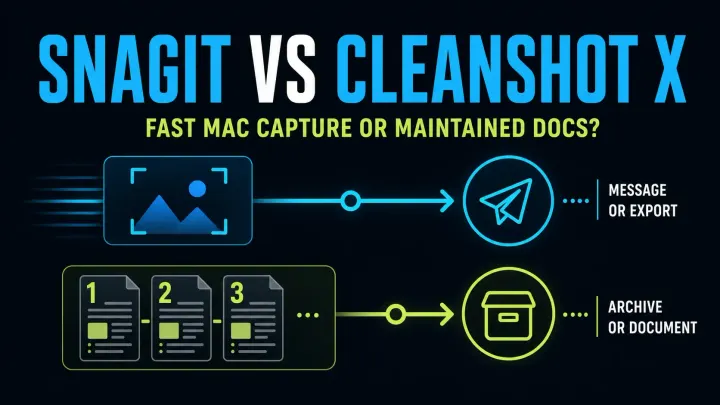
Snagit vs CleanShot X (2026): Which Fits Your Mac?
Compare Snagit and CleanShot X 5.0 for Mac screenshots, Studio Mode video, editable files and team guides. Check current prices, updates and OS support.
 SnagitPro

Author
Editorial byline for SnagitPro's guides to screenshots, screen recording, and documentation workflows.
Compare Snagit and CleanShot X 5.0 for Mac screenshots, Studio Mode video, editable files and team guides. Check current prices, updates and OS support.
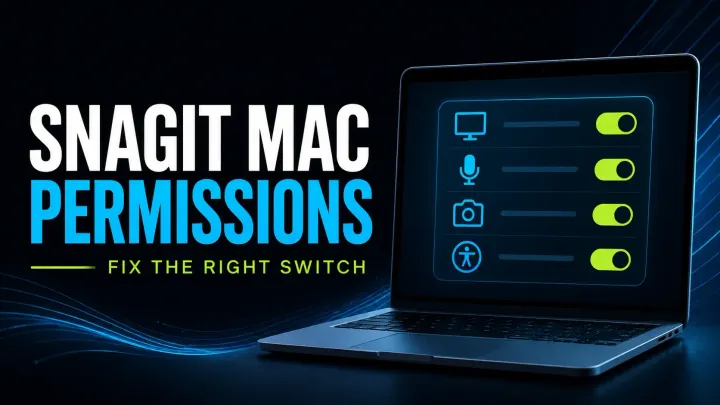
Check Snagit Mac permissions for screen capture, audio, microphone, camera and scrolling. Follow scoped fixes, version checks and safe reset guidance.
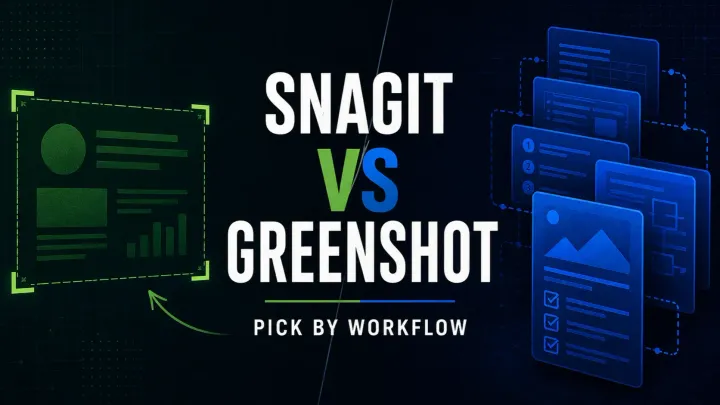
Compare Snagit and Greenshot for screenshots, editable files, OCR, scrolling and video. Check Windows features, the older Mac app and subscription costs.
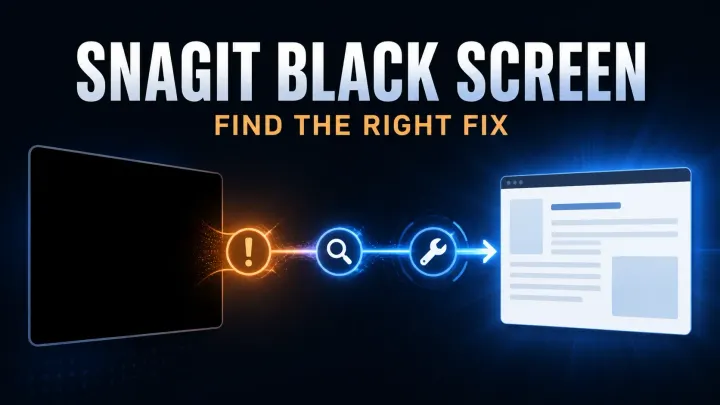
Troubleshoot black Snagit screenshots and blank video. Check capture versus playback, Mac permissions, Windows settings, and protected-content limits.
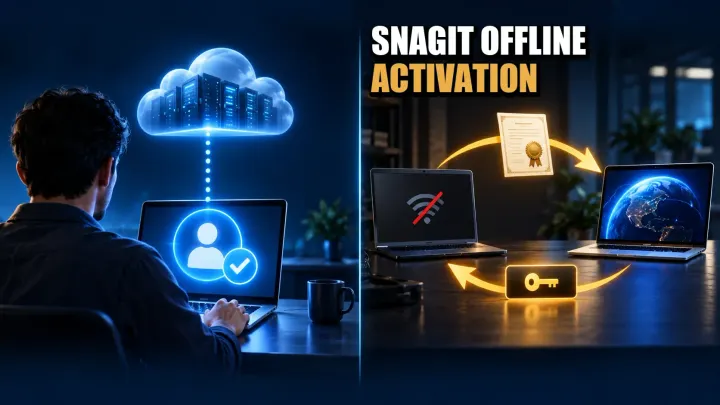
Activate Snagit offline with your license. Check Individual validation, Business certificate steps, renewal limits, errors, and Windows/Mac deactivation.
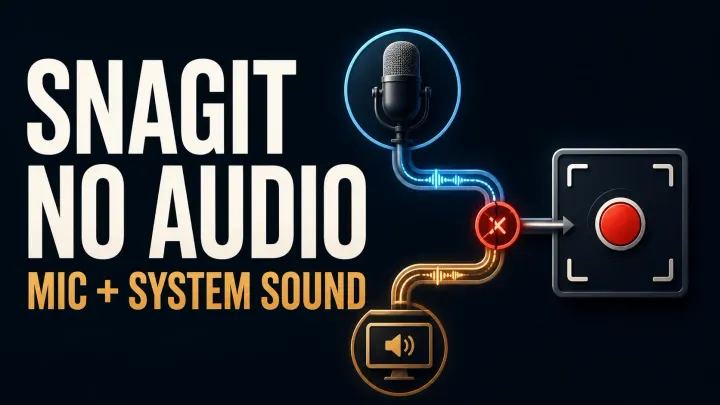
Fix missing Snagit microphone or system audio on Windows and Mac. Check devices, permissions, startup errors and silent MP4 files before reinstalling.
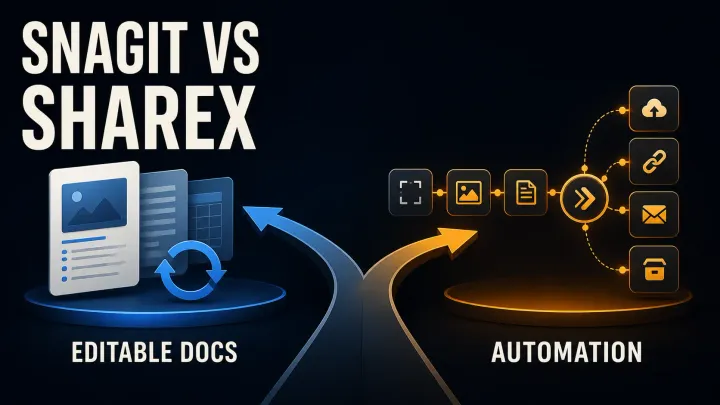
Compare Snagit and ShareX for price, screenshot editing, scrolling capture, OCR and automation. Check editable files, upload settings and team workflows.
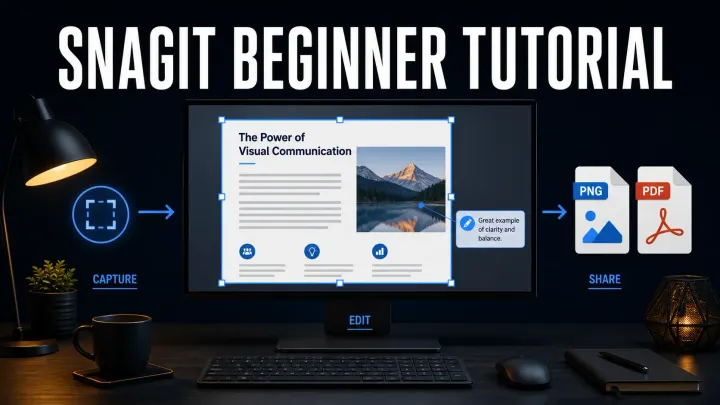
Learn how to use Snagit step by step: capture a region, add an arrow and callout, redact safely, save SNAGX and PNG, share, and record a short video.
A current Snagit shortcut and hotkey reference for Windows and Mac, including capture, Editor, tools, presets and Print Screen conflict fixes.
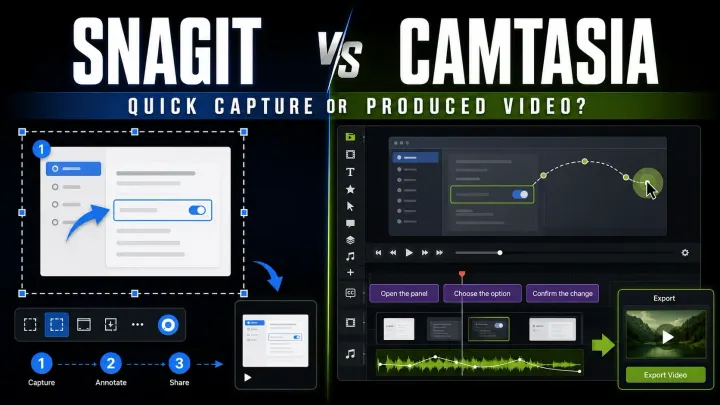
Compare Snagit and Camtasia for screenshots, video editing and training. Check included apps, watermark limits, Audiate features and licence differences.
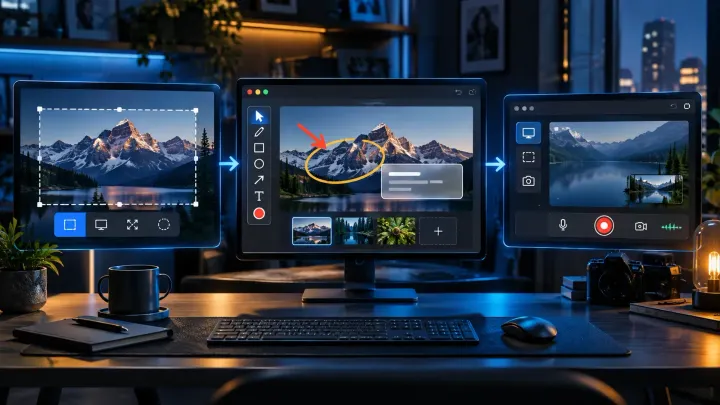
Compare eight free Snagit alternatives for screenshots, OCR, scrolling capture, and recording. Check personal-use limits before choosing a tool for work.
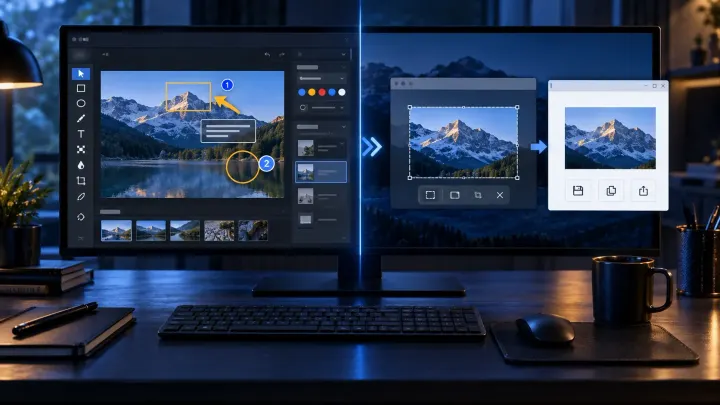
Compare Snagit and Windows Snipping Tool for scrolling capture, editable files, OCR, video and privacy. See when the free tool is enough and when to pay.
Six current Mac alternatives compared by capture workflow, OCR, recording, license, privacy and the Snagit features you may lose after switching.
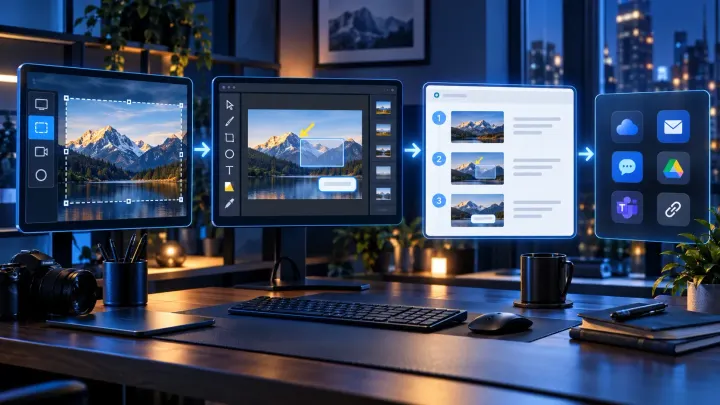
Check the latest Snagit 2026 versions for Windows and Mac, release changes, experimental features, compatibility and steps to update your installed app.
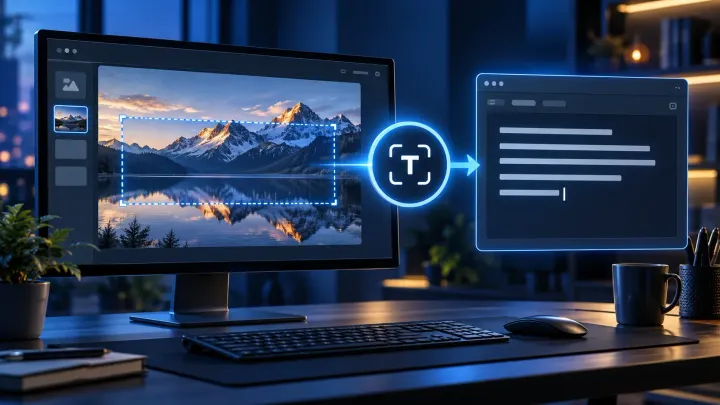
Extract text from a new capture or an existing image, copy without source formatting, and check the result before using it in another document.
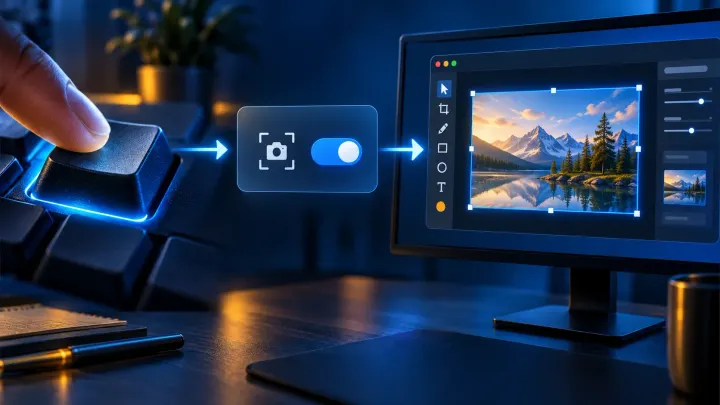
Set Print Screen to open Snagit in Windows 11. Find the Windows toggle, enable image preview, and resolve Logitech, Fn, startup and hotkey conflicts.
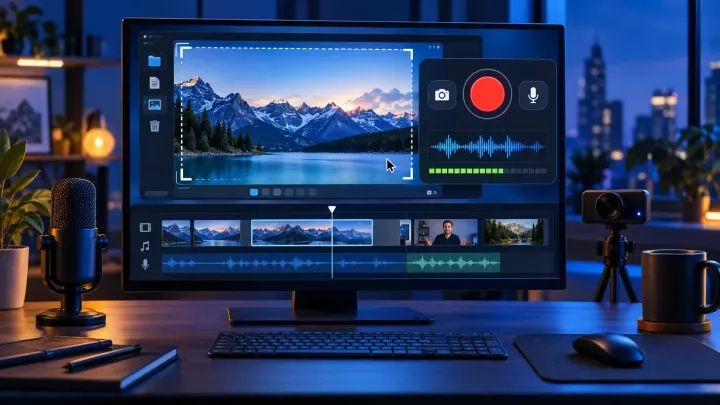
Record a region, window, or full screen in Snagit. Set microphone, system audio, and webcam, check FPS and length guidance, edit clips, and handle captions correctly.
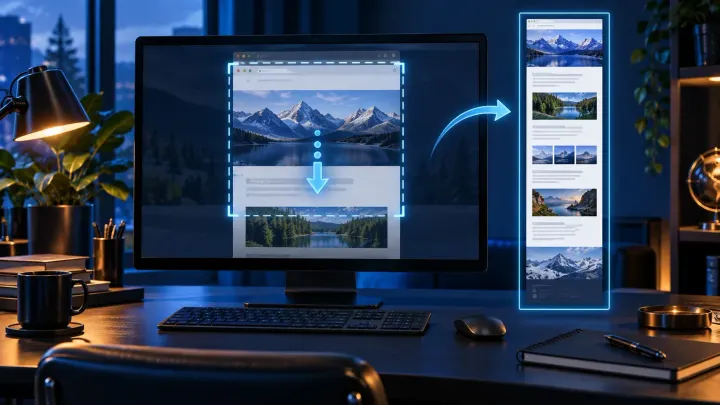
Follow the automatic and manual Snagit scrolling workflows for full webpages and wide sheets, with preparation steps and checks before sharing.
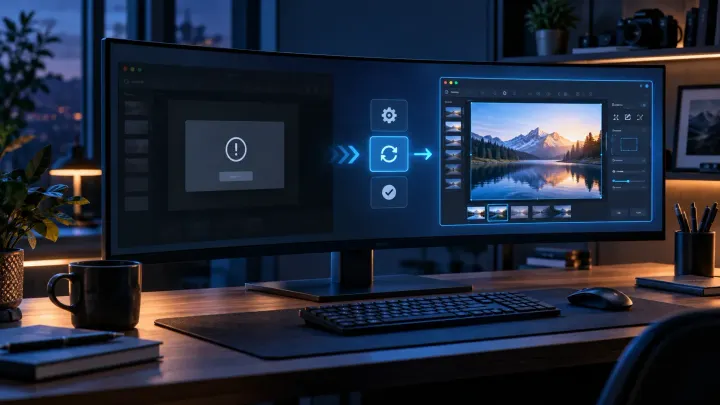
Snagit Editor will not open? Check hidden windows, capture settings and Windows or Mac errors, with backup precautions before resets or reinstalling.
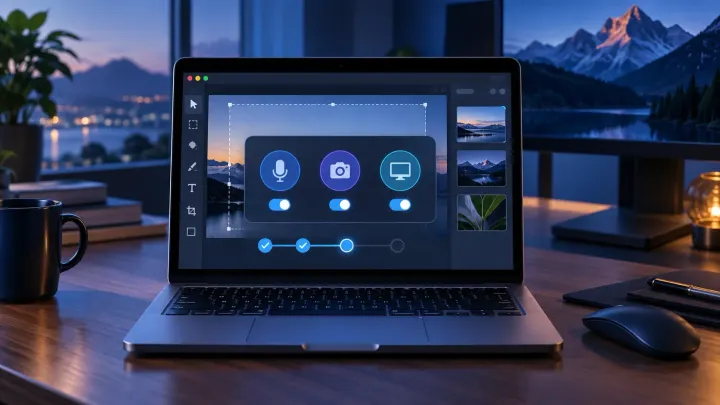
Choose the right Snagit branch for your Mac, install it safely, set the required permissions, and understand current Mac and Windows differences.

Snagit costs $39/year for individuals or $48/user/year for business. Compare license rights, student offers, renewal terms, trial limits, and refunds.
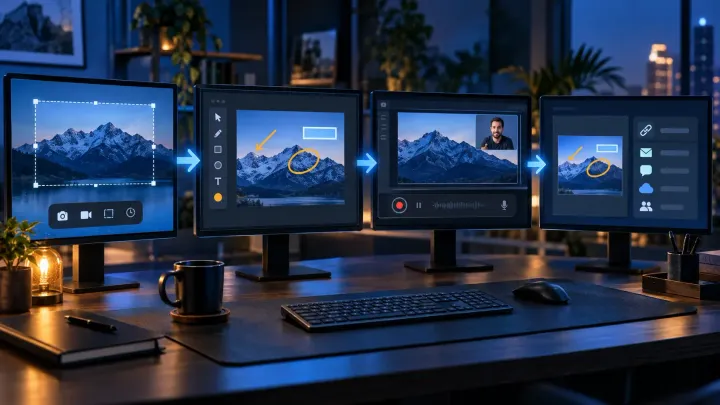
Snagit captures, annotates, records, organizes, and shares screen content. See eight practical uses and when a free tool is enough.
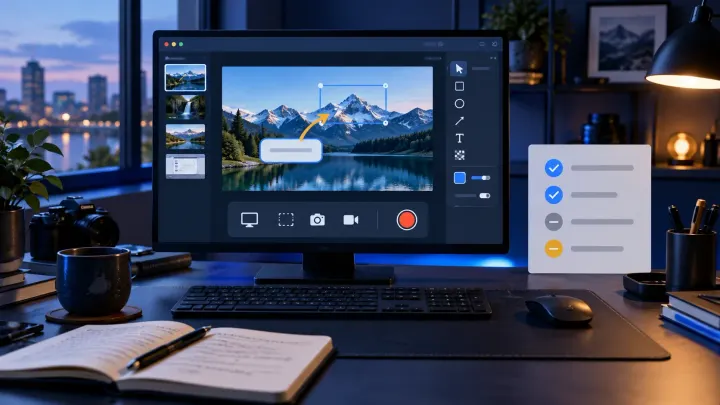
Is Snagit worth $39 a year? My verdict on its documentation tools, 15-day free trial, subscription-only licensing, Mac support and cheaper alternatives.