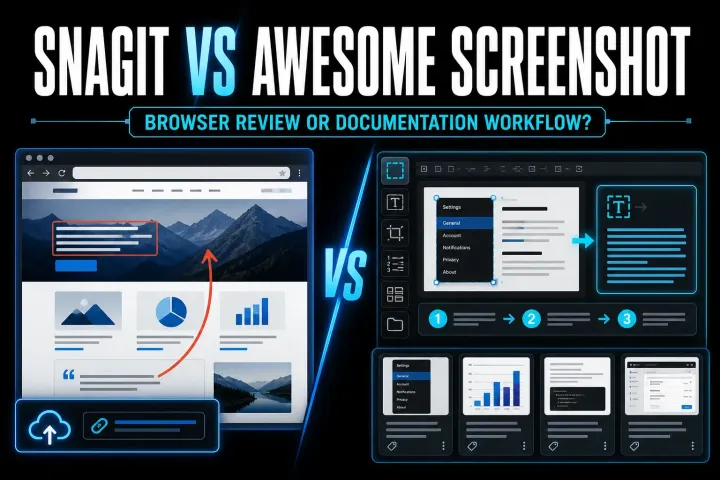
Snagit vs Awesome Screenshot: Which Tool Fits?
A current comparison of Snagit and Awesome Screenshot for browser capture, desktop documentation, recording, storage, and price.
 SnagitPro

Author
Editorial byline for SnagitPro's guides to screenshots, screen recording, and documentation workflows.
A current comparison of Snagit and Awesome Screenshot for browser capture, desktop documentation, recording, storage, and price.
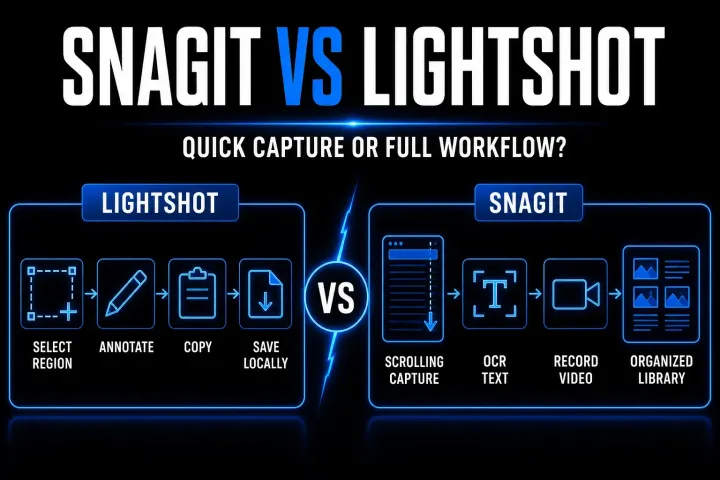
A current, workflow-first comparison of Snagit and Lightshot for capture, editing, recording, OCR, price, and screenshot privacy.
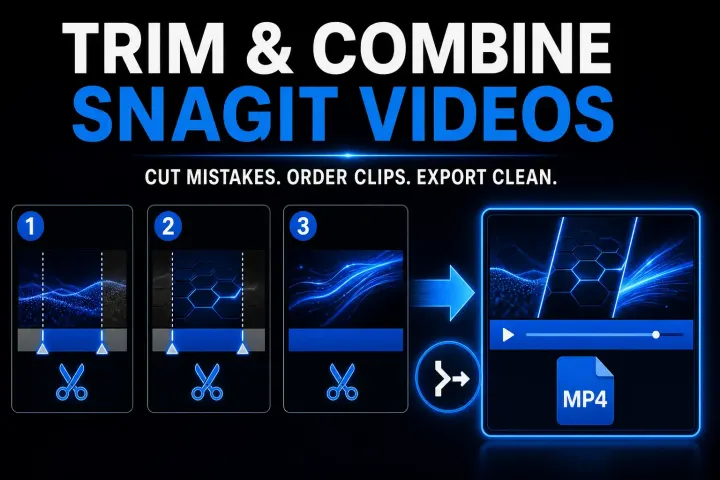
A precise Snagit workflow for edge trims, middle cuts, clip order, combine errors, and deciding when the edit needs Camtasia.
Protect your captures, identify the legacy Snagit version, rebuild a personal DataStore safely, or route a managed path and MST failure to IT.
Fix a Snagit capture that will not start by separating hotkey, permission, crosshair, black-screen, video, and mode-specific failures.
Stop Snagit Editor opening after screenshots or recordings by fixing image preview, video Open In, presets, OneClick, and system-tool imports.
A clear map of installed Snagit, browser-based Camtasia Online, Screencast sharing, official downloads, extensions, and portable-build risks.
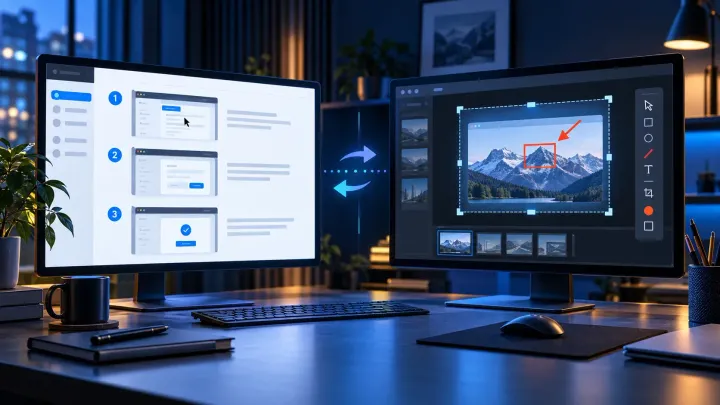
A current comparison of automatic step capture, visual editing, hosted SOPs, privacy, pricing, and the workflows where using both makes sense.
Fix Snagit Failed to Save Document safely. Preserve open captures, check Library and cloud paths, and isolate Windows security or Mac folder access issues.
Open SNAGX files in Snagit, export PNG, JPG, or PDF, and keep editable originals. Covers Windows, Mac, mobile viewing, batch conversion, and file errors.
Remove a background in Snagit with transparent Fill, Magic Wand or Selection. Fix a white canvas, protect your original and check the exported PNG.
Create and test Snagit presets, distinguish global and preset hotkeys, check PNG output on Windows and Mac, and move Windows presets safely.
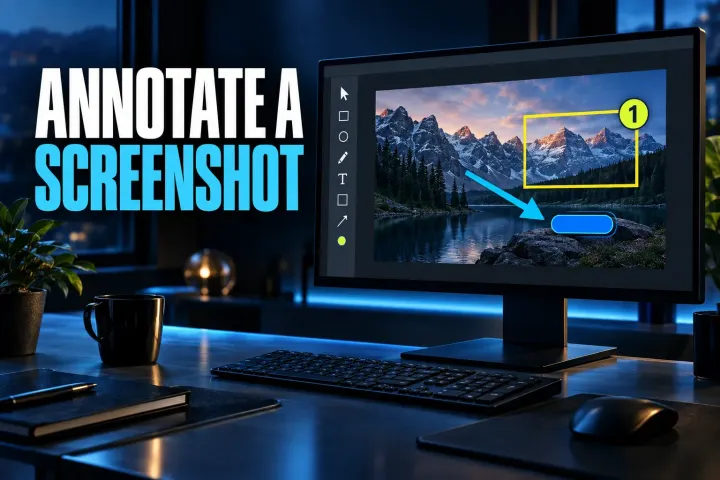
Annotate a screenshot in Snagit with the right arrow, box, callout, or numbered step, then verify the clean recipient copy.
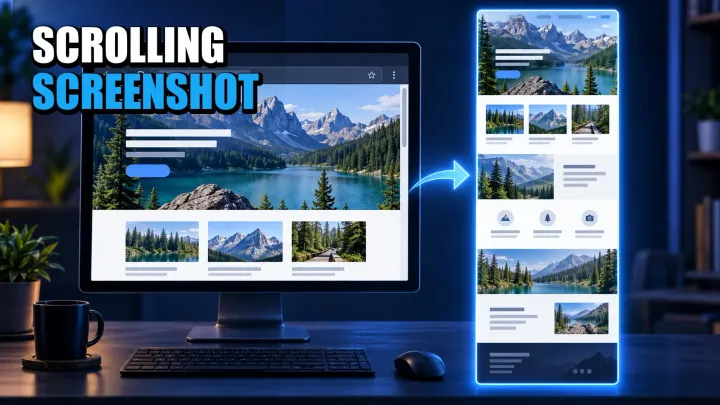
Choose the right full-page or scroll-and-stitch method for Windows, Mac, iPhone, Android, webpages, apps, and nested panels.
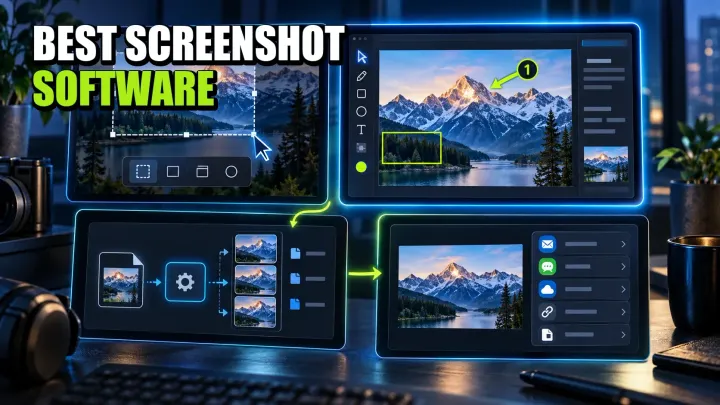
A workflow-led comparison of ten screenshot tools for Windows, Mac, Linux, and mixed teams, with current pricing, privacy limits, and a practical pilot.
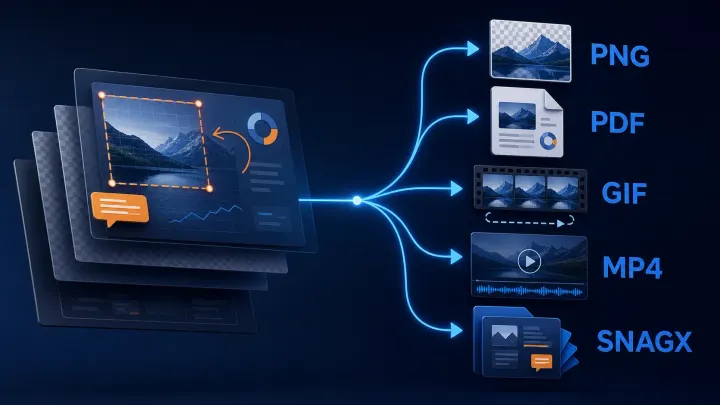
Choose the delivery format, keep an editable image master, and verify the exported file. Includes Windows automatic saving, Mac format checks and Library export.
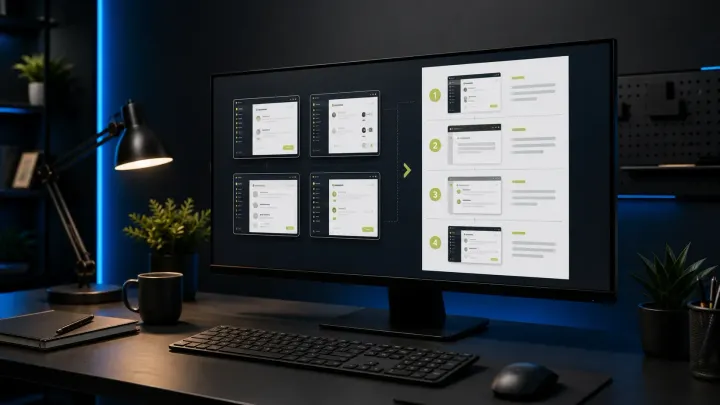
A current, task-first Snagit templates tutorial covering Combine, Apply, Fit, Fill, editable SNAGX masters, accessibility, and delivery checks.
Install or update Snagit on Windows and Mac. Choose the right license and installer, back up captures, fix common setup problems, and verify the new build.
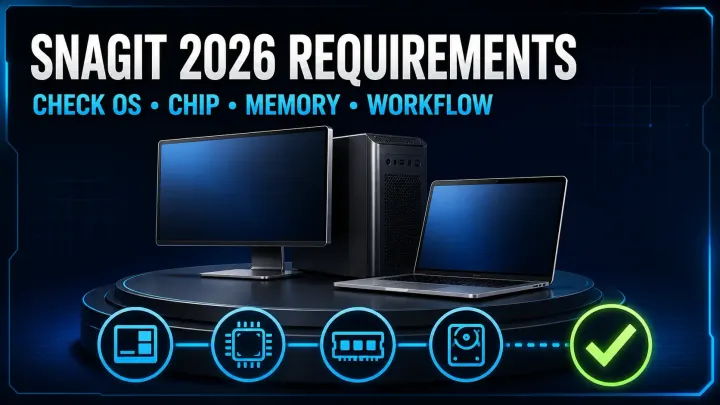
Check your OS, processor and capture workflow before installing Snagit 2026. Includes Windows ARM, Server 2022 and Mac compatibility limits.
Blur or redact a screenshot in Snagit. Use Smart Redact, cover private fields, protect editable sources, and verify the exact exported image before sharing.
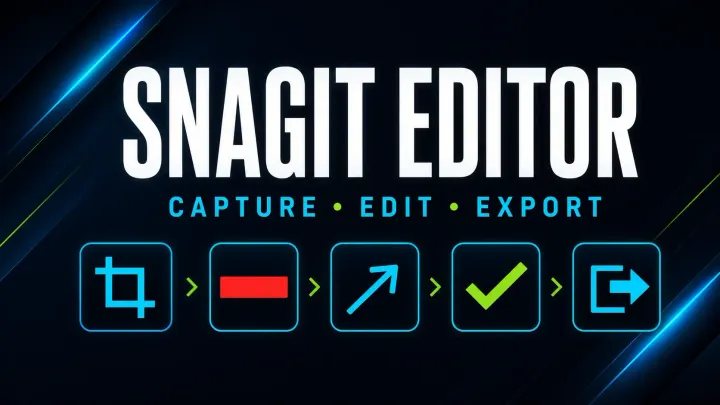
Open Snagit Editor on Windows or Mac, choose image and text tools, keep editable SNAGX files, trim video, and export safely. Includes current build checks.
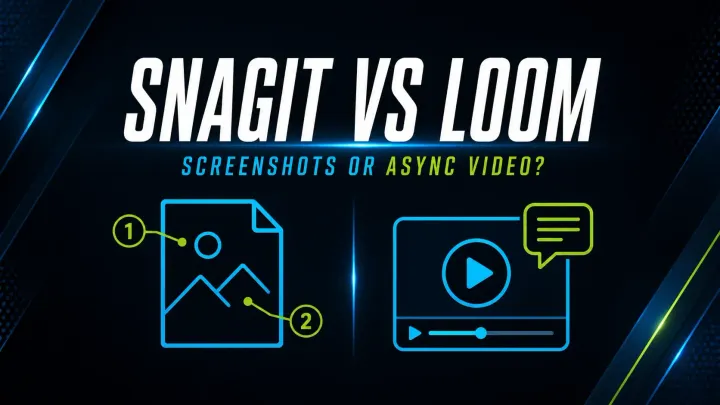
Compare Snagit and Loom for screenshots, video, SOPs, free-plan limits and exports. Check pricing, privacy and what happens when a team member leaves.
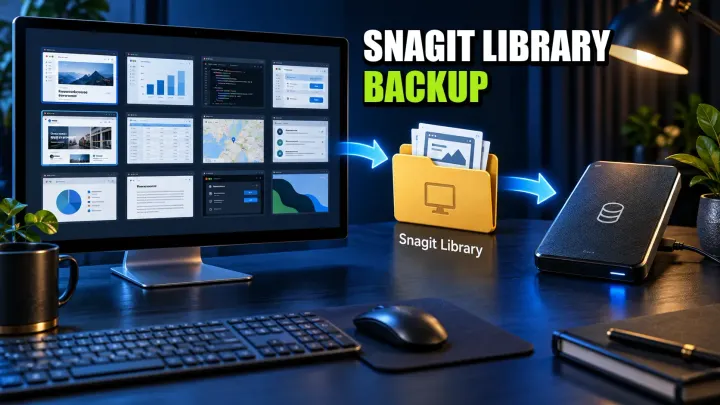
Find your Snagit Library on Windows or Mac, back up its files, and verify a restore. Avoid legacy Datastore overwrite errors and unsafe folder merges.
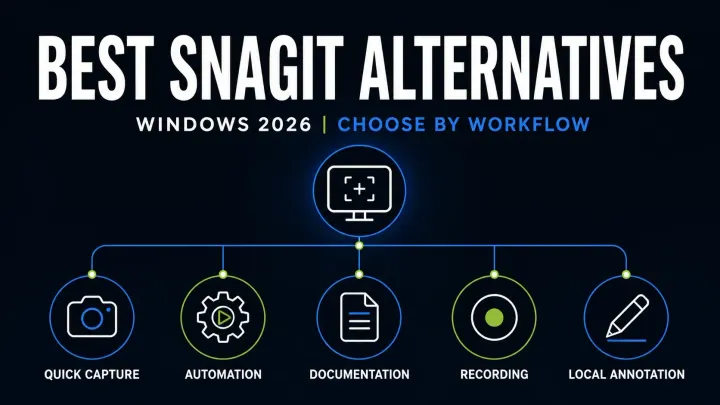
Compare eight Snagit alternatives for Windows by scrolling capture, OCR, video, editable files, privacy and business licensing before you switch apps.
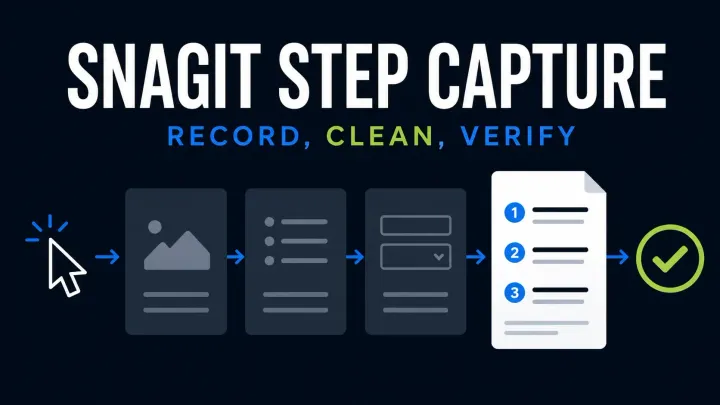
Start Snagit Step Capture, edit the numbered guide and choose Word, slides, Markdown or HTML. Check Windows and Mac limits and protect private data.