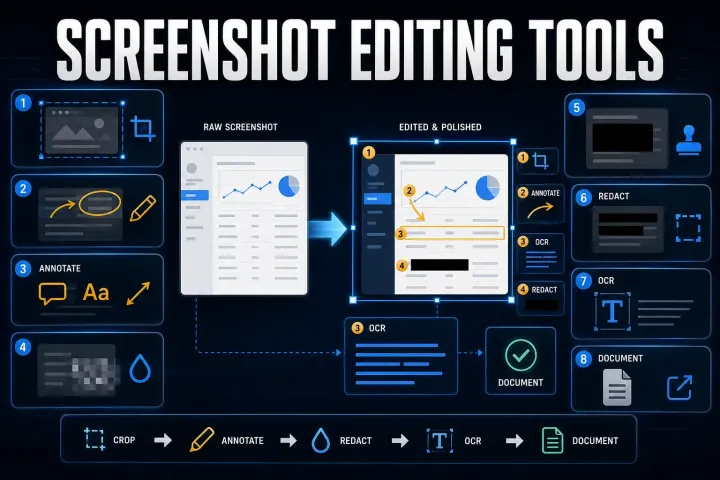
8 Screenshot Editing Tools: Free and Paid Options (2026)
Choose a screenshot editor for annotation, OCR, redaction or repeatable instructions. Compare file handling, editable projects and free versus paid licenses.
 SnagitPro

Author
Editorial byline for SnagitPro's guides to screenshots, screen recording, and documentation workflows.
Choose a screenshot editor for annotation, OCR, redaction or repeatable instructions. Compare file handling, editable projects and free versus paid licenses.
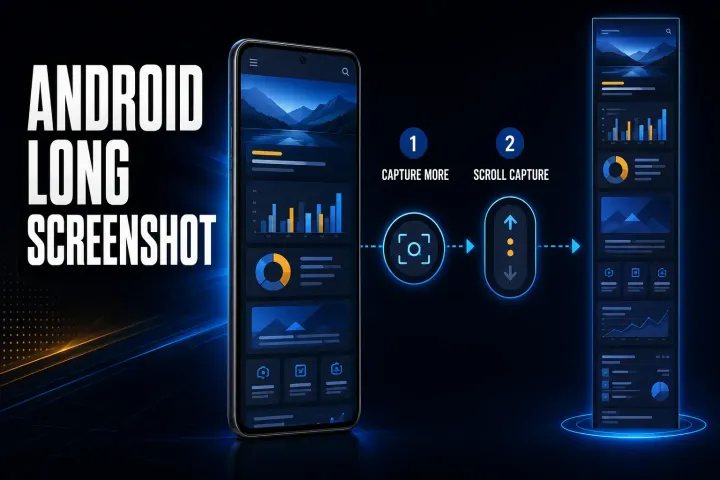
Find the right long-screenshot control for Pixel, Samsung and other Android phones. Fix missing options and verify the saved image before sharing.
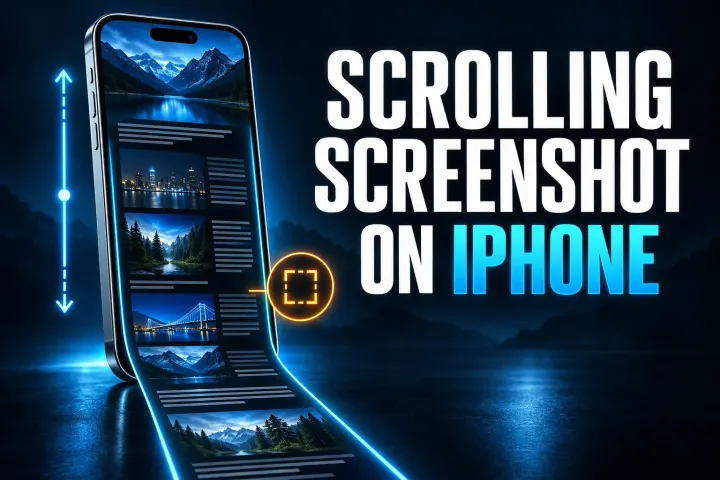
Choose Full Page, overlapping screenshots, recording or app export on iPhone. Follow current save controls and check every section before sharing.
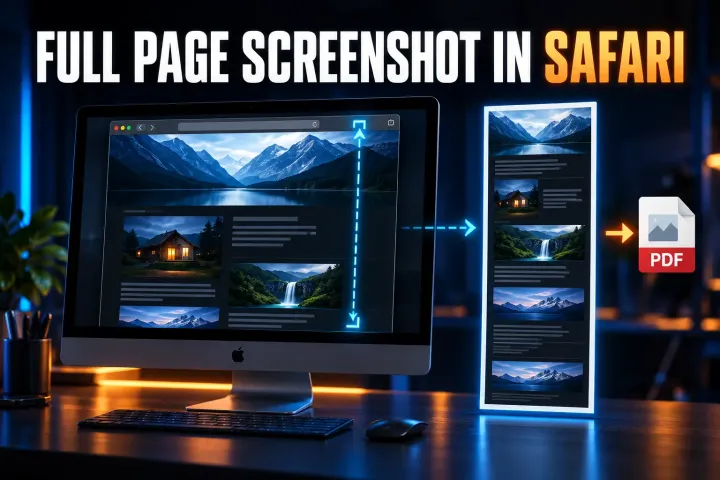
Safari full-page capture on iPhone and iPad, Web Inspector image capture on Mac, PDF saving, and checks for missing controls or incomplete output.
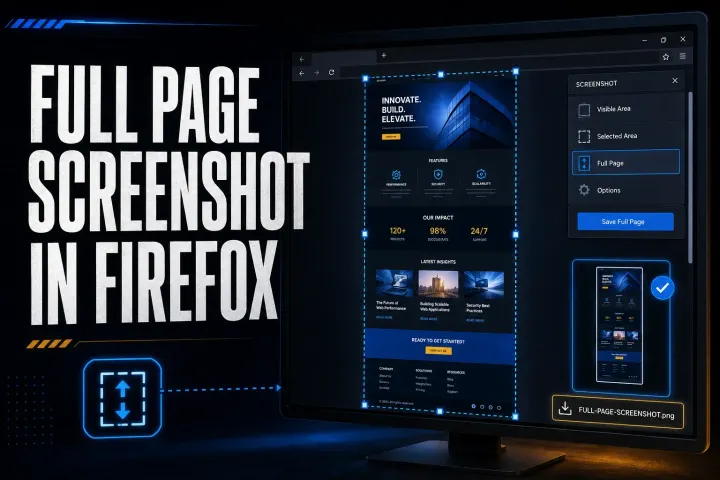
Firefox full-page capture, PNG and clipboard saving, practical DevTools commands, and fixes for missing options, incomplete images, and failed downloads.
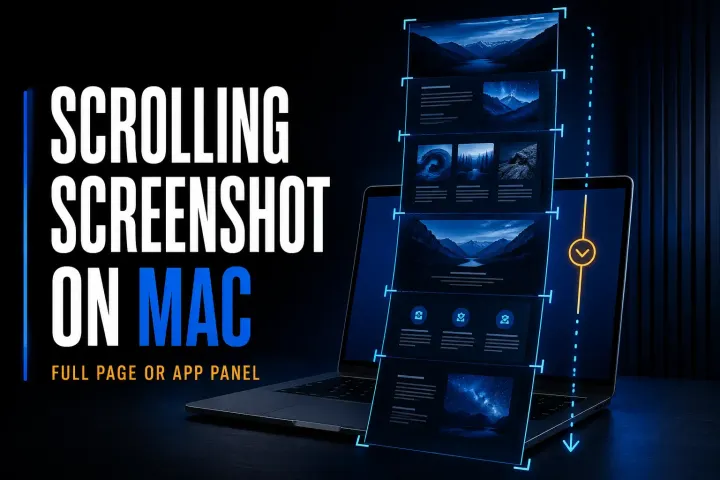
Mac full-page and scrolling capture methods for webpages and app panels, with local saving steps, permission checks, and fixes for missing or repeated content.
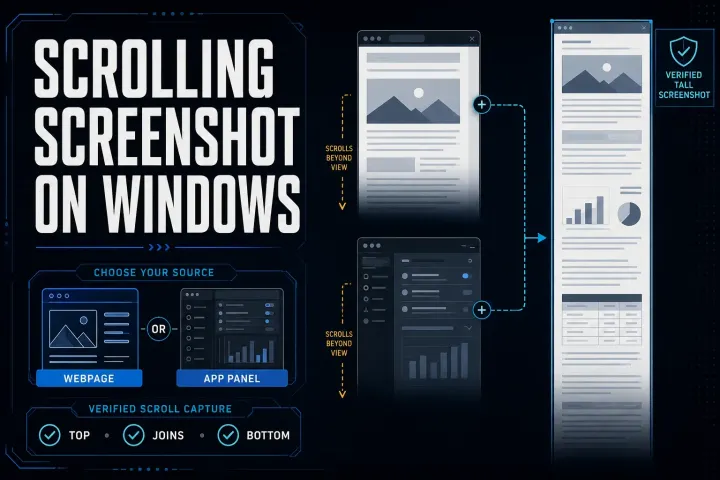
Five Windows scrolling screenshot methods for webpages and compatible app panels, with steps to save the result and check missing or repeated content.
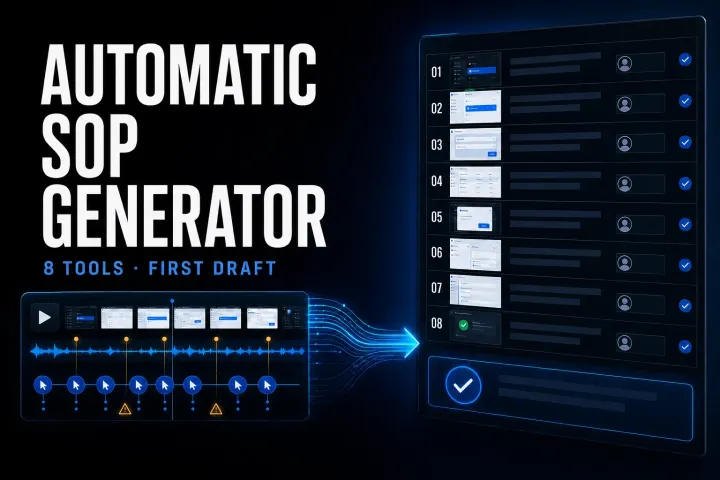
Compare eight automatic SOP tools by input, output, current limits, privacy, and the review work required before publication.
Compare ten SOP products by the job they perform, current pricing, role limits, governance, and a practical six-test pilot.
Find out whether the saved image is black, one app blocks capture, or your tool fails on ordinary content. Start with three fresh captures and a viewer check.
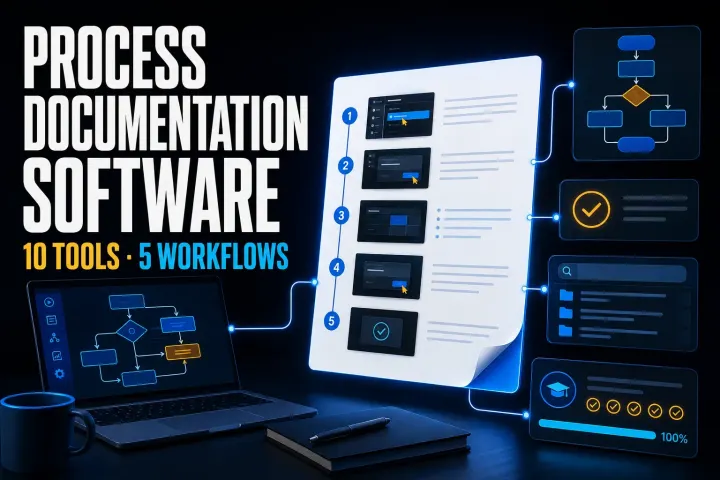
Choose tools for capture, approved procedures, recurring work or training. Compare ten options by plan limits and full-team cost, then run a three-process pilot.
Find out whether PrtScn reaches the right app, completes a capture or saves a file. Check Windows settings, laptop Fn keys and Logitech remapping.
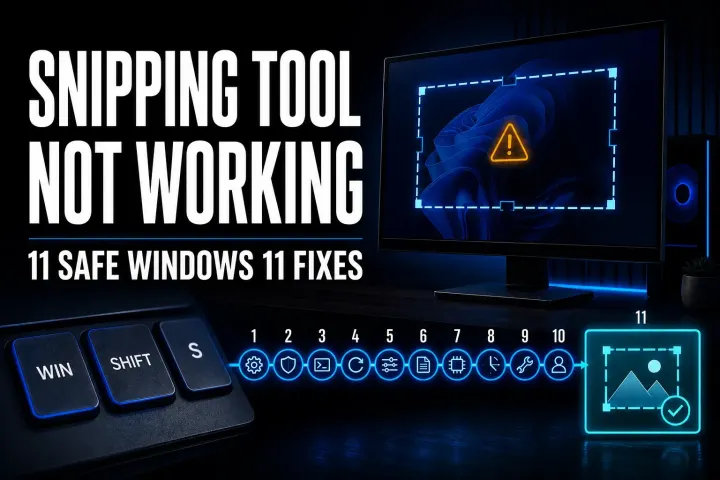
Find the failed capture step, then choose the matching Windows 11 fix for shortcuts, missing notifications, save settings or app errors.
Find whether the shortcut, capture tool, destination, protected content, or device policy stopped your screenshot, then follow the right platform fix.
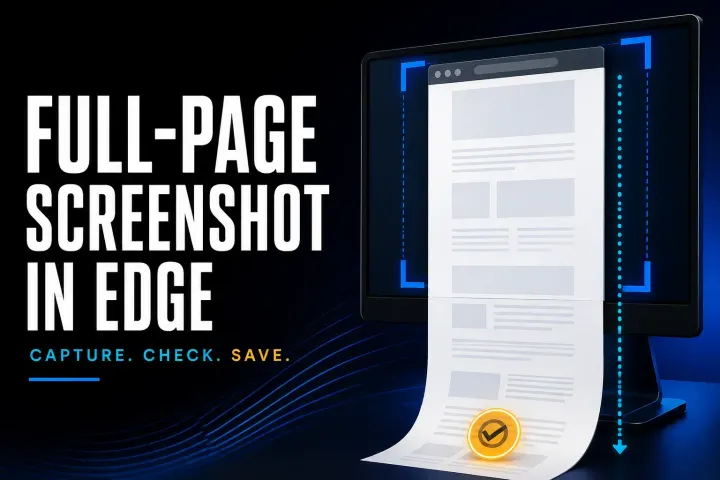
Capture a full webpage in desktop Edge. Includes the Windows shortcut, Mac menu route, DevTools, export-format checks, PDF limits and fixes for missing content.
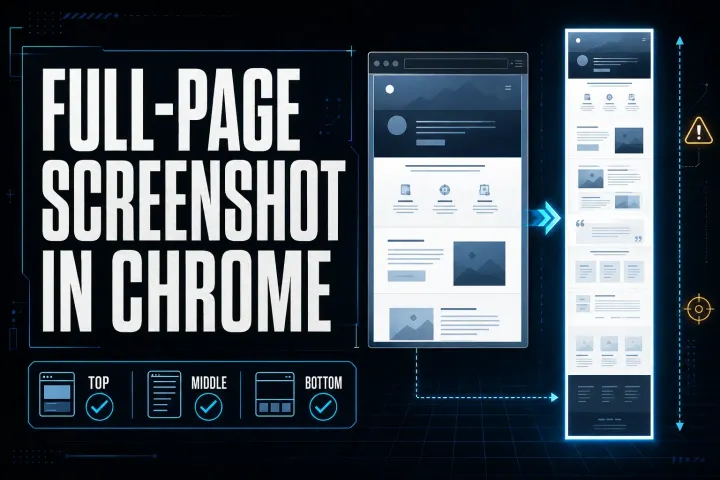
Save a full webpage as a PNG in desktop Chrome. Includes Mac and Windows shortcuts, responsive widths, missing-content fixes, PDF limits, and safer sharing.
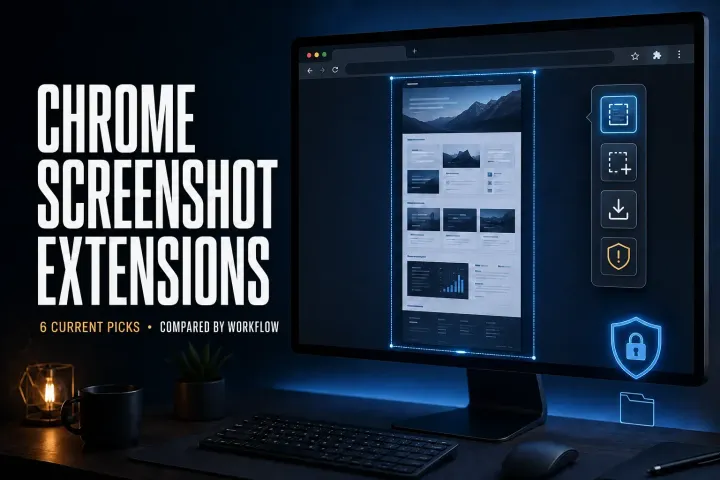
Choose a Chrome screenshot extension by capture mode, file output, editing, permissions, and sharing. Includes an installation check and GoFullPage update.
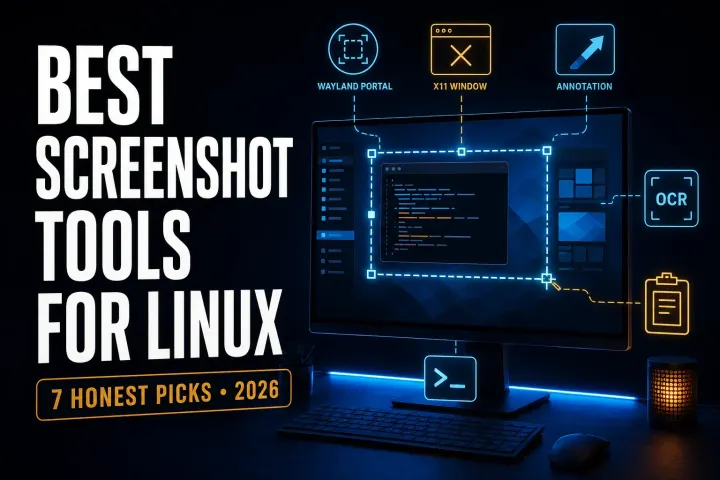
Choose a Linux screenshot tool for your desktop and display server. Compare native capture, annotation, OCR, and a configurable Wayland command.
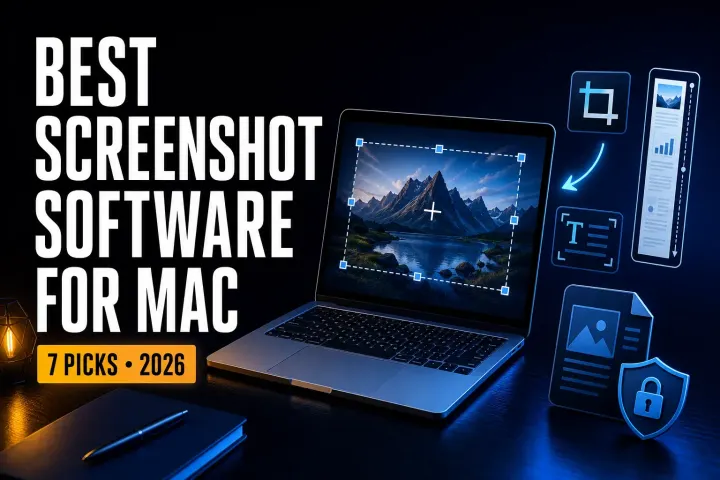
Compare seven Mac screenshot tools by the file you need: a quick capture, an annotated image, a styled post, or documentation you can update later.
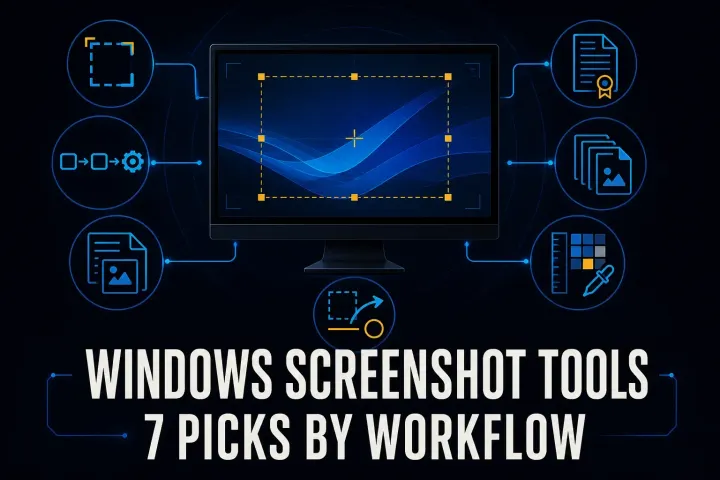
Compare seven Windows screenshot tools by capture, editing, license, and file output. Includes free options, one-time purchases, and ARM compatibility.
Six free screenshot options for Windows, Mac, Linux, and Chrome, with local saving, annotation, scrolling capture, and platform limits compared.
A current Snagit and Flameshot comparison for Linux support, still capture, CLI, documentation, privacy, and price.
A current comparison of Snagit, standalone Skitch, and Evernote annotation for Mac capture, markup, maintenance, and migration.
A current, source-led comparison of Snagit and PicPick for capture, editing, design utilities, recording, OCR, licensing, and reuse.
A current, source-led comparison of Snagit and Screenpresso for capture, editing, documentation, video, privacy, and licensing.