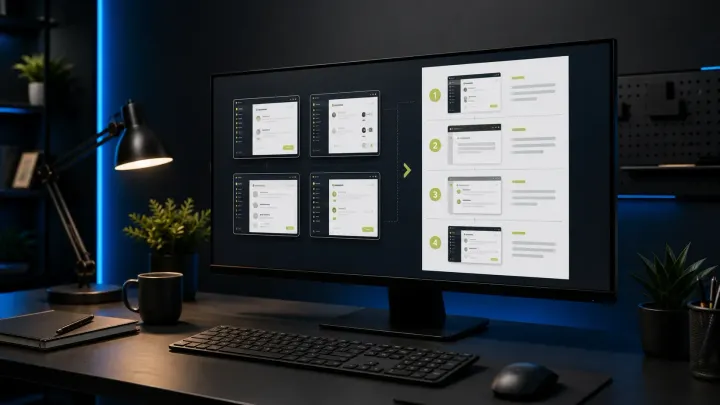
Snagit Templates Tutorial: Build a Visual Guide (2026)
A current, task-first Snagit templates tutorial covering Combine, Apply, Fit, Fill, editable SNAGX masters, accessibility, and delivery checks.
 Snagit Pro Guides
Topic
Snagit on macOS — platform differences, permissions, Apple Silicon, capture workflows, and Mac-native alternatives. Guides are checked against current TechSmith, Apple, and vendor documentation; hands-on testing is stated only where it was actually performed.
A current, task-first Snagit templates tutorial covering Combine, Apply, Fit, Fill, editable SNAGX masters, accessibility, and delivery checks.
Install or update Snagit on Windows and Mac. Choose the right license and installer, back up captures, fix common setup problems, and verify the new build.
Check your OS, processor and capture workflow before installing Snagit 2026. Includes Windows ARM, Server 2022 and Mac compatibility limits.
Blur or redact a screenshot in Snagit. Use Smart Redact, cover private fields, protect editable sources, and verify the exact exported image before sharing.
Open Snagit Editor on Windows or Mac, choose image and text tools, keep editable SNAGX files, trim video, and export safely. Includes current build checks.
Compare Snagit and Loom for screenshots, video, SOPs, free-plan limits and exports. Check pricing, privacy and what happens when a team member leaves.
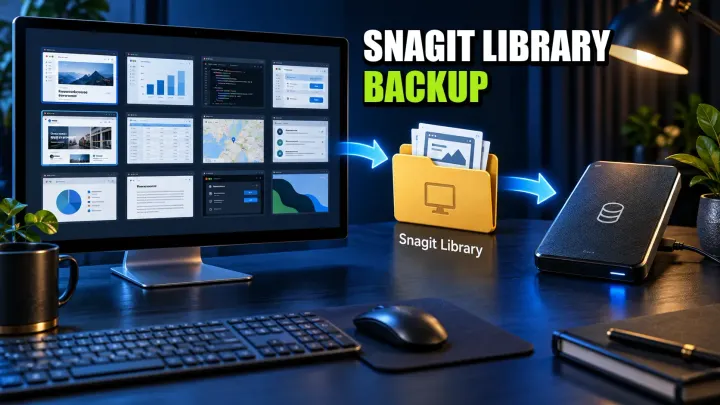
Find your Snagit Library on Windows or Mac, back up its files, and verify a restore. Avoid legacy Datastore overwrite errors and unsafe folder merges.
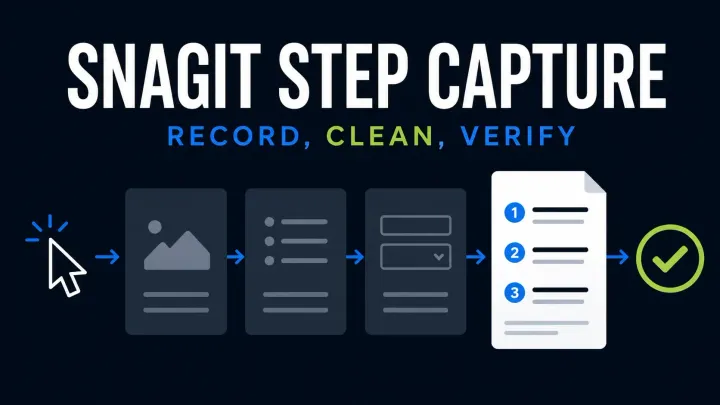
Start Snagit Step Capture, edit the numbered guide and choose Word, slides, Markdown or HTML. Check Windows and Mac limits and protect private data.
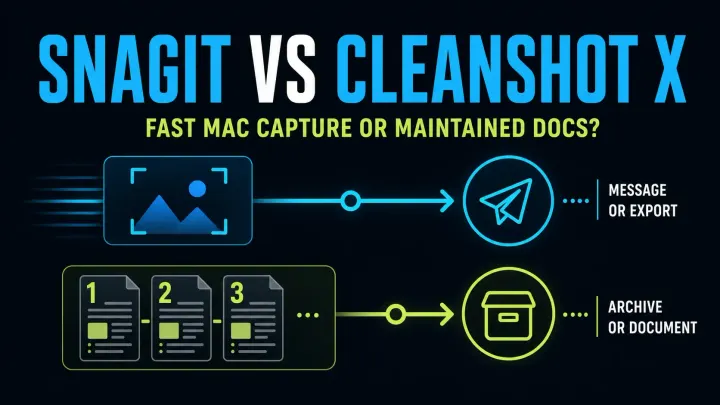
Compare Snagit and CleanShot X 5.0 for Mac screenshots, Studio Mode video, editable files and team guides. Check current prices, updates and OS support.
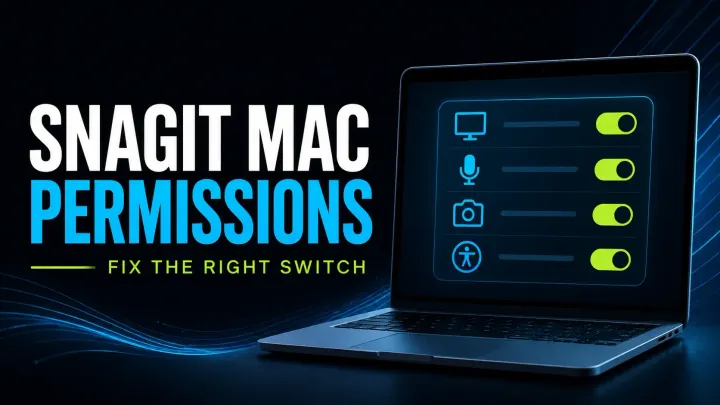
Check Snagit Mac permissions for screen capture, audio, microphone, camera and scrolling. Follow scoped fixes, version checks and safe reset guidance.
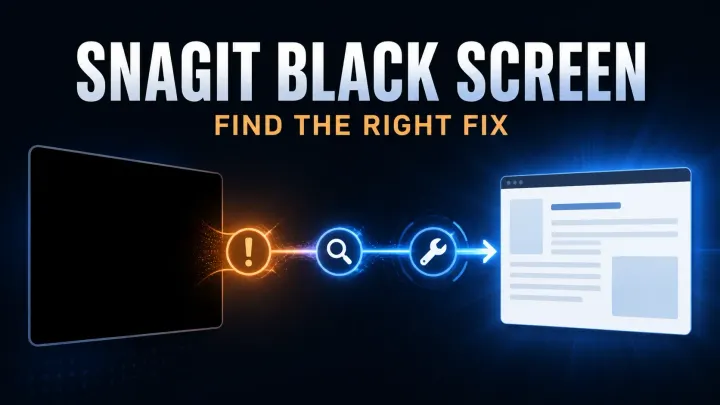
Troubleshoot black Snagit screenshots and blank video. Check capture versus playback, Mac permissions, Windows settings, and protected-content limits.
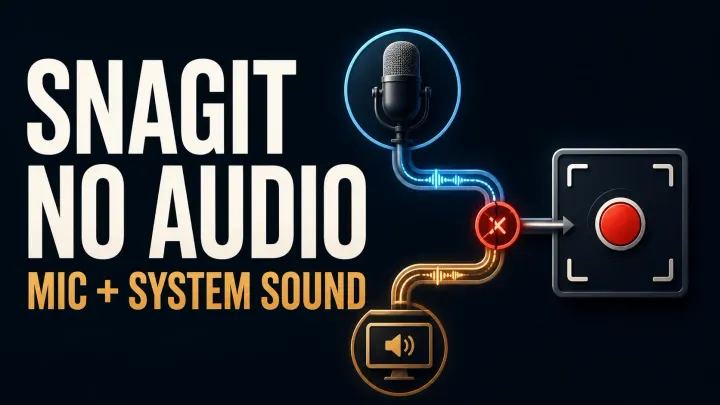
Fix missing Snagit microphone or system audio on Windows and Mac. Check devices, permissions, startup errors and silent MP4 files before reinstalling.
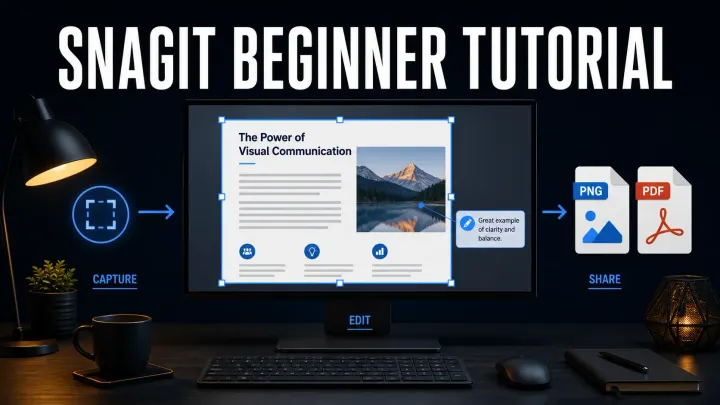
A current beginner path for taking a clean Snagit screenshot, editing it with restraint, preserving the source, and sharing a checked copy.
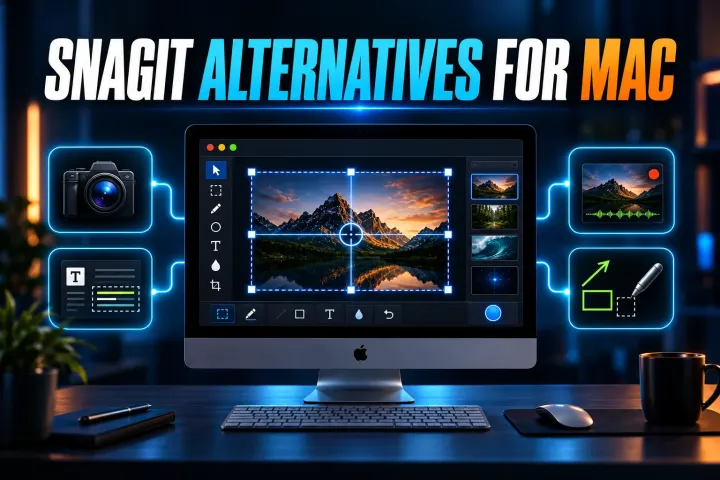
Six current Mac alternatives compared by capture workflow, OCR, recording, license, privacy and the Snagit features you may lose after switching.
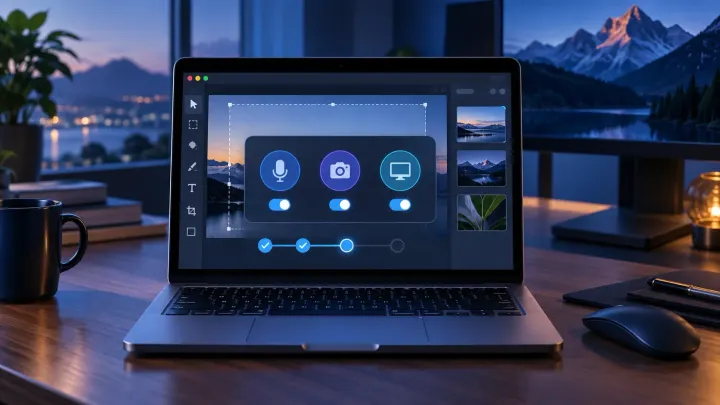
Choose the right Snagit branch for your Mac, install it safely, set the required permissions, and understand current Mac and Windows differences.