Snagit vs Flameshot: Free Capture or Full Workflow?
A current Snagit and Flameshot comparison for Linux support, still capture, CLI, documentation, privacy, and price.
 SnagitPro
Snagit on Windows
On Windows, Snagit shares the keyboard with Snipping Tool, so most setup questions are about which app owns Print Screen and where each one saves files. The quick reference below answers those first, then points to the full guide.
Windows articles are researched from current Microsoft and TechSmith documentation. Settings labels differ between Windows 10, Windows 11 and recent Windows 11 updates, so each guide names the layout it describes.

| Task | What to do | Full guide |
|---|---|---|
| Take a quick screenshot | Win+Shift+S opens the Snipping Tool overlay for an image and Win+Shift+R for a video clip, as Microsoft's Snipping Tool guide lists. | Snipping Tool shortcuts |
| Find a saved screenshot | Windows 11 Snipping Tool saves to the Screenshots folder, usually Pictures\Screenshots, which may sit inside OneDrive. Check See more > Settings for the auto-save switch. |
Screenshots not saving |
| Make Print Screen open Snagit | Turn off the Windows setting that lets Print Screen open screen snipping, then assign Print Screen in Snagit Capture's hotkey field. | Print Screen as Snagit default |
| Print Screen or Snipping Tool does nothing | Check which app owns the key, try Fn on laptop keyboards, and confirm the Snipping Tool app itself opens. | Print Screen not working |
| Capture a whole webpage | In Edge, press Ctrl+Shift+S and choose Capture full page. Snipping Tool has no documented scrolling mode. | Scrolling screenshots on Windows |
| Check compatibility | TechSmith's system requirements list 64-bit Windows 11, Windows 10 20H2 or later and Windows 11 on ARM 23H2 or later. On ARM, Snagit runs through x64 emulation and the Snagit Printer is unavailable. | System requirements |
A current Snagit and Flameshot comparison for Linux support, still capture, CLI, documentation, privacy, and price.
Protect your captures, identify the legacy Snagit version, rebuild a personal DataStore safely, or route a managed path and MST failure to IT.
Fix a Snagit capture that will not start by separating hotkey, permission, crosshair, black-screen, video, and mode-specific failures.
Stop Snagit Editor opening after screenshots or recordings by fixing image preview, video Open In, presets, OneClick, and system-tool imports.
A current comparison of automatic step capture, visual editing, hosted SOPs, privacy, pricing, and the workflows where using both makes sense.
Fix Snagit Failed to Save Document safely. Preserve open captures, check Library and cloud paths, and isolate Windows security or Mac folder access issues.
Open SNAGX files in Snagit, export PNG, JPG, or PDF, and keep editable originals. Covers Windows, Mac, mobile viewing, batch conversion, and file errors.
Remove a background in Snagit with transparent Fill, Magic Wand or Selection. Fix a white canvas, protect your original and check the exported PNG.
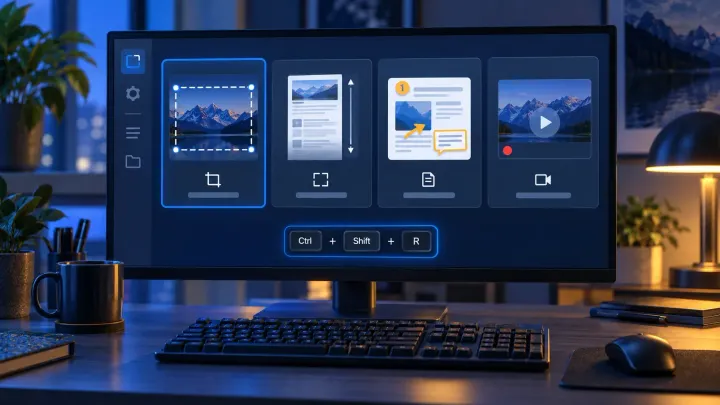
Create and test Snagit presets, distinguish global and preset hotkeys, check PNG output on Windows and Mac, and move Windows presets safely.
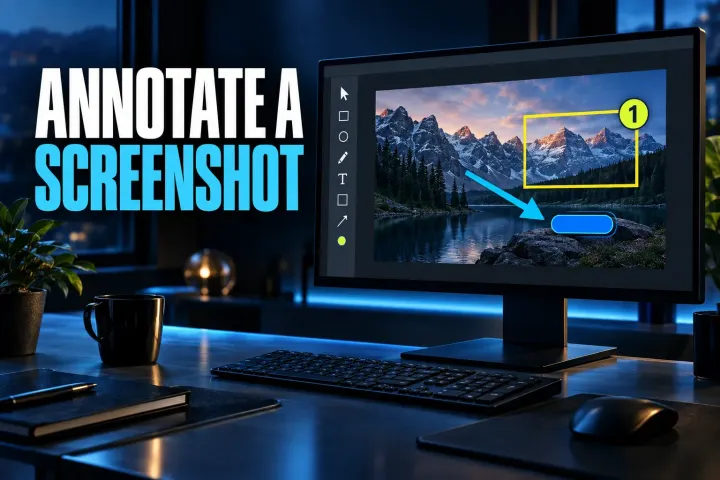
Annotate a screenshot in Snagit with the right arrow, box, callout, or numbered step, then verify the clean recipient copy.
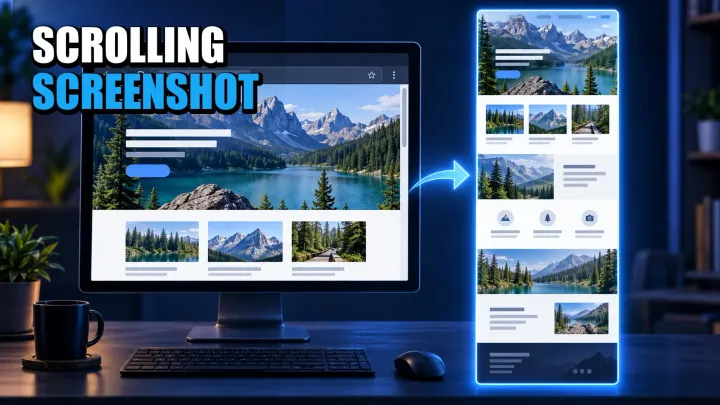
Choose the right full-page or scroll-and-stitch method for Windows, Mac, iPhone, Android, webpages, apps, and nested panels.
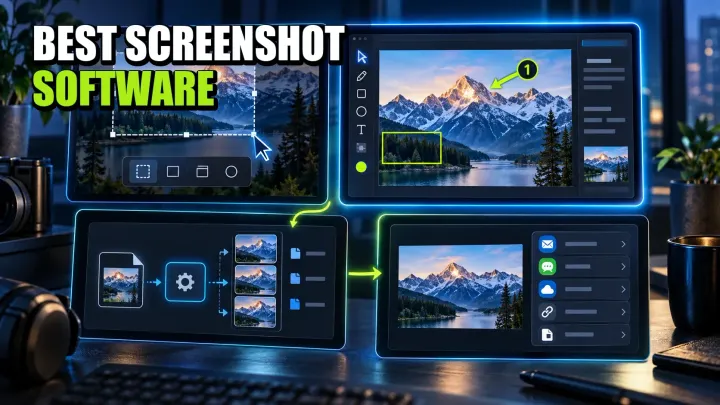
A workflow-led comparison of ten screenshot tools for Windows, Mac, Linux, and mixed teams, with current pricing, privacy limits, and a practical pilot.
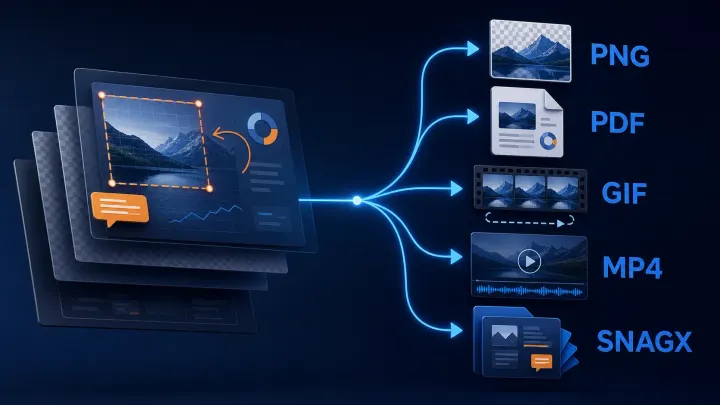
Choose the delivery format, keep an editable image master, and verify the exported file. Includes Windows automatic saving, Mac format checks and Library export.
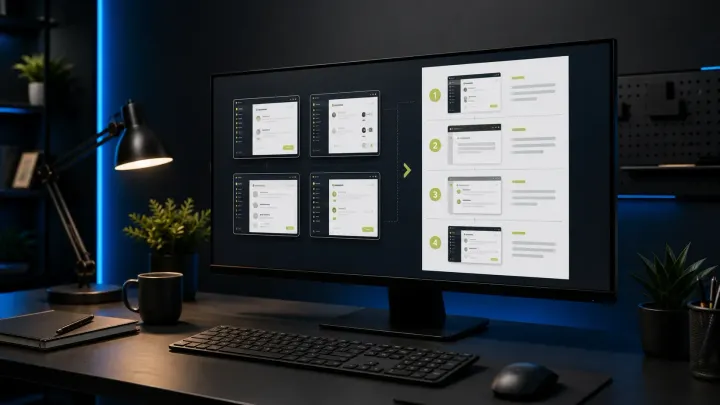
A current, task-first Snagit templates tutorial covering Combine, Apply, Fit, Fill, editable SNAGX masters, accessibility, and delivery checks.
Install or update Snagit on Windows and Mac. Choose the right license and installer, back up captures, fix common setup problems, and verify the new build.
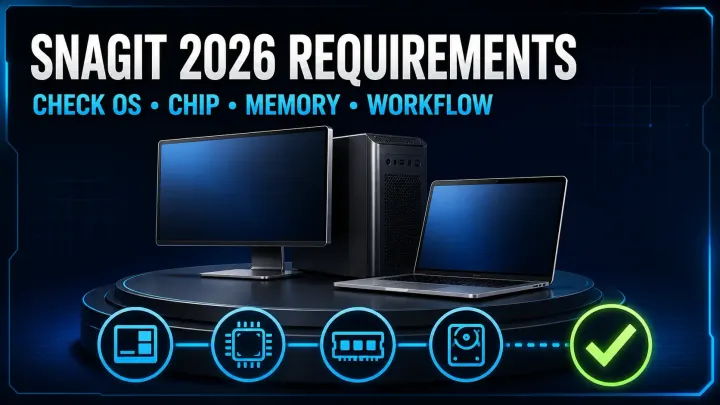
Check your OS, processor and capture workflow before installing Snagit 2026. Includes Windows ARM, Server 2022 and Mac compatibility limits.
Blur or redact a screenshot in Snagit. Use Smart Redact, cover private fields, protect editable sources, and verify the exact exported image before sharing.
Open Snagit Editor on Windows or Mac, choose image and text tools, keep editable SNAGX files, trim video, and export safely. Includes current build checks.
Compare Snagit and Loom for screenshots, video, SOPs, free-plan limits and exports. Check pricing, privacy and what happens when a team member leaves.
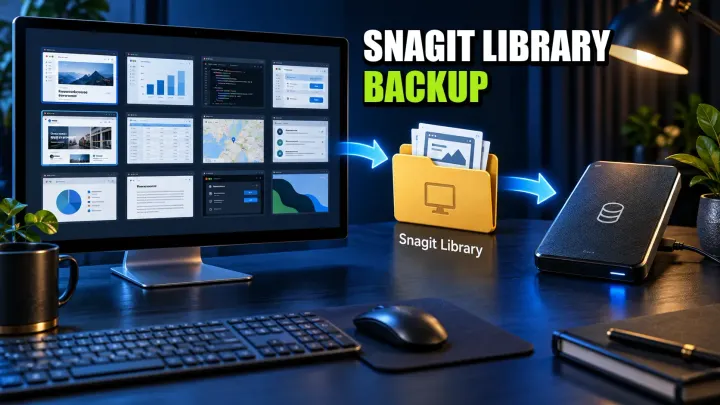
Find your Snagit Library on Windows or Mac, back up its files, and verify a restore. Avoid legacy Datastore overwrite errors and unsafe folder merges.
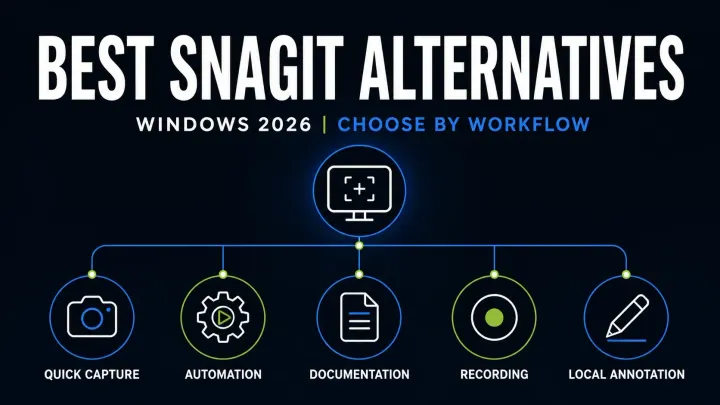
Compare eight Snagit alternatives for Windows by scrolling capture, OCR, video, editable files, privacy and business licensing before you switch apps.
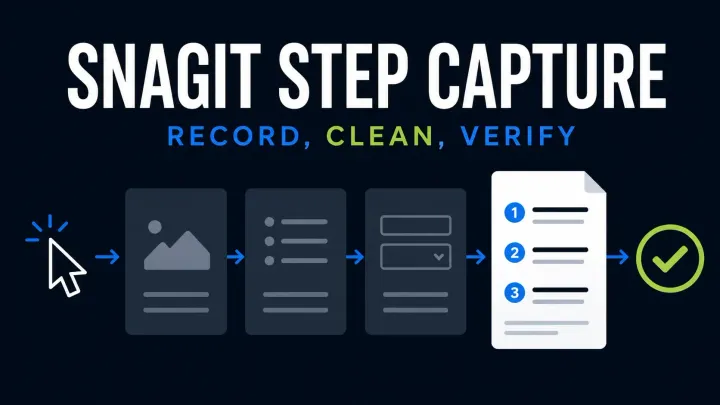
Start Snagit Step Capture, edit the numbered guide and choose Word, slides, Markdown or HTML. Check Windows and Mac limits and protect private data.
Compare Snagit and Greenshot for screenshots, editable files, OCR, scrolling and video. Check Windows features, the older Mac app and subscription costs.
Troubleshoot black Snagit screenshots and blank video. Check capture versus playback, Mac permissions, Windows settings, and protected-content limits.
Fix missing Snagit microphone or system audio on Windows and Mac. Check devices, permissions, startup errors and silent MP4 files before reinstalling.
Turn off the Windows setting that lets Print Screen open screen snipping, then assign Print Screen as the global capture hotkey in Snagit Capture. Print Screen is Snagit's default capture hotkey on Windows, so the conflict is usually the Windows setting. The Print Screen guide shows both Settings layouts.
On Windows 11, Snipping Tool can save snips automatically to the Screenshots folder, usually under Pictures, which may be local or inside OneDrive. The destination and the auto-save switch are in Snipping Tool under See more > Settings.
Snagit 2026 supports Windows 11 on ARM version 23H2 or later. It runs through x64 emulation rather than as a native ARM build, and the Snagit Printer is not available on ARM.
For quick area captures, short clips and basic markup, Snipping Tool may be enough. Snagit adds scrolling capture, templates, a capture library and a fuller editor, which matter more when screenshots are part of documentation or training work. The Snagit vs Snipping Tool comparison goes through the differences.